

What is content repurposing?
Content repurposing means taking an existing piece of content and adapting it into different formats so it can reach new audiences across multiple channels.
That’s the technical definition. But in practice, most people misunderstand it.
When I first started, I thought repurposing content meant copying parts of a comprehensive blog post into a few social posts or turning a YouTube video into a short caption. It felt efficient, but it rarely worked. Though I had high-quality content, it didn’t match the platform, and engagement stayed low.
What I’ve seen work instead is treating repurposing as content transformation, not duplication.
Here are some examples of what a content repurposing workflow looks like in real life:
- Split a long blog post into a LinkedIn carousel
- Cut long videos into short-form videos with the best moments
- Turn podcast episodes into articles or social media quotes
- Turn research reports into simple graphics or slides
The goal is to adapt content so it feels native to each platform.
This matters because every platform has its own rules. What works as long-form content won’t work the same way as video content on social media. Even within social media platforms, a LinkedIn post requires a completely different approach than an Instagram post.
Why most content repurposing strategies fail in practice
There are four clear reasons I see repurposing strategies fail:
- The content doesn’t match the platform. A long-form blog post is built for search engines and depth. Social media posts need to grab attention fast. When you push the same content into different formats without adapting it, it feels out of place and gets ignored.
- The content doesn’t match the target audience. Different audiences will consume content differently. Someone scrolling LinkedIn expects quick insights. Someone reading long-form articles is looking for depth. If you don’t adjust the message, not just the format, the content loses relevance.
- The core idea gets diluted. When you split one existing piece into too many fragments, you often end up with weak, disconnected content. Each piece should deliver a clear takeaway on its own. If it doesn’t, it won’t perform.
- There’s no system behind it. Most teams treat repurposing as a one-off task instead of part of a content creation process. There’s no structured content library, no clear plan for sharing the posts across multiple channels, and no consistency because you didn’t align team members. Content gets published once and disappears.
Understand the difference between repurposing, resharing, and cross-posting
These three approaches solve different problems. When you treat them as interchangeable, you either waste effort or limit your results.
Repurposing content
Repurposing means taking an existing post and turning it into a new format for a specific goal or situation.
For example, taking an existing long-form piece and turning it into a structured LinkedIn post with a strong hook and a single takeaway, or picking a certain insight from a long video from your YouTube channel and turning it into short-form content with captions and context for YouTube Shorts, TikTok, and other platforms.
The important part is that the end result actually feels different from the original. It’s not just a shorter version, but a completely new piece built from the same idea.
This takes more work because you’re changing the structure, format, and how the content is delivered. But it pays off, since each version is built for the way people actually consume it.
Resharing content
Resharing means reusing the exact same content on the same platform at a different time.
For example, publishing the same social media post again a few weeks later, or bringing back a high-performing post when the topic becomes relevant again.
Nothing changes structurally. You’re simply increasing the chances that more people see it.
The effort is minimal, and the return depends on the original performance and timing. This works best for evergreen content that remains useful over time.
Cross-posting content
Cross-posting means sharing the exact same content on different platforms without changing anything.
For example, posting the same caption and visual across LinkedIn, Facebook, and other social media platforms, or uploading the same YouTube video file to multiple channels as-is.
This approach is all about speed. You can get your content out on multiple platforms fast, but it’s not tailored to how each one works.
Because of that, it usually performs worse since the content doesn’t match what people expect on each platform.
When to use repurposing, resharing, and cross-posting
- Use repurposing when you want to expand one idea into multiple text or visual assets.
- Use resharing when you want to maximize visibility of relevant content that already exists.
- Use cross-posting when you need fast content distribution across multiple channels without additional production time.
How to repurpose different content formats
A strong content repurposing strategy starts with understanding that not all content should be treated the same way. One blog post, a podcast episode, and a research report each have different structures, so the way you adapt them needs to reflect that.
Here’s how I approach each format in practice.
1. How to repurpose blog posts
Blog posts are one of the easiest places to start since they’re already organized and written in a clear way.
When I repurpose blog content, I don’t try to summarize the entire article. Instead, I take one idea and turn it into its own piece of content.
For example, a long-form blog post can become:
- A series of LinkedIn posts, each focused on one key takeaway
- Short social posts built around a single insight or stat
- An Instagram post paired with engaging graphics that highlight a core idea
- A short video explaining one section in a more conversational way
The goal is to break the article into pieces that deliver value on their own, not fragments. Each piece should make sense without needing the full blog.
2. How to repurpose podcasts, webinars & workshops
Audio and live content formats are full of good ideas, but they’re not built for how people actually consume content.
No one’s watching a full webinar again. No one’s re-listening to a 45-minute podcast to find one useful point.
What I do instead is go hunting for key moments that stand on their own.
There’s usually a point where the speaker explains something clearly, answers a specific question, or says something that makes you stop and think. That’s the part worth extracting.
From there, I turn those moments into short videos with captions, pull out strong lines for social posts, or rewrite parts into something more structured and easier to read. Sometimes I’ll take a single answer from a Q&A and turn it into its own piece of content.
SocialBee has a lot of great webinars turned into Reels and TikToks:
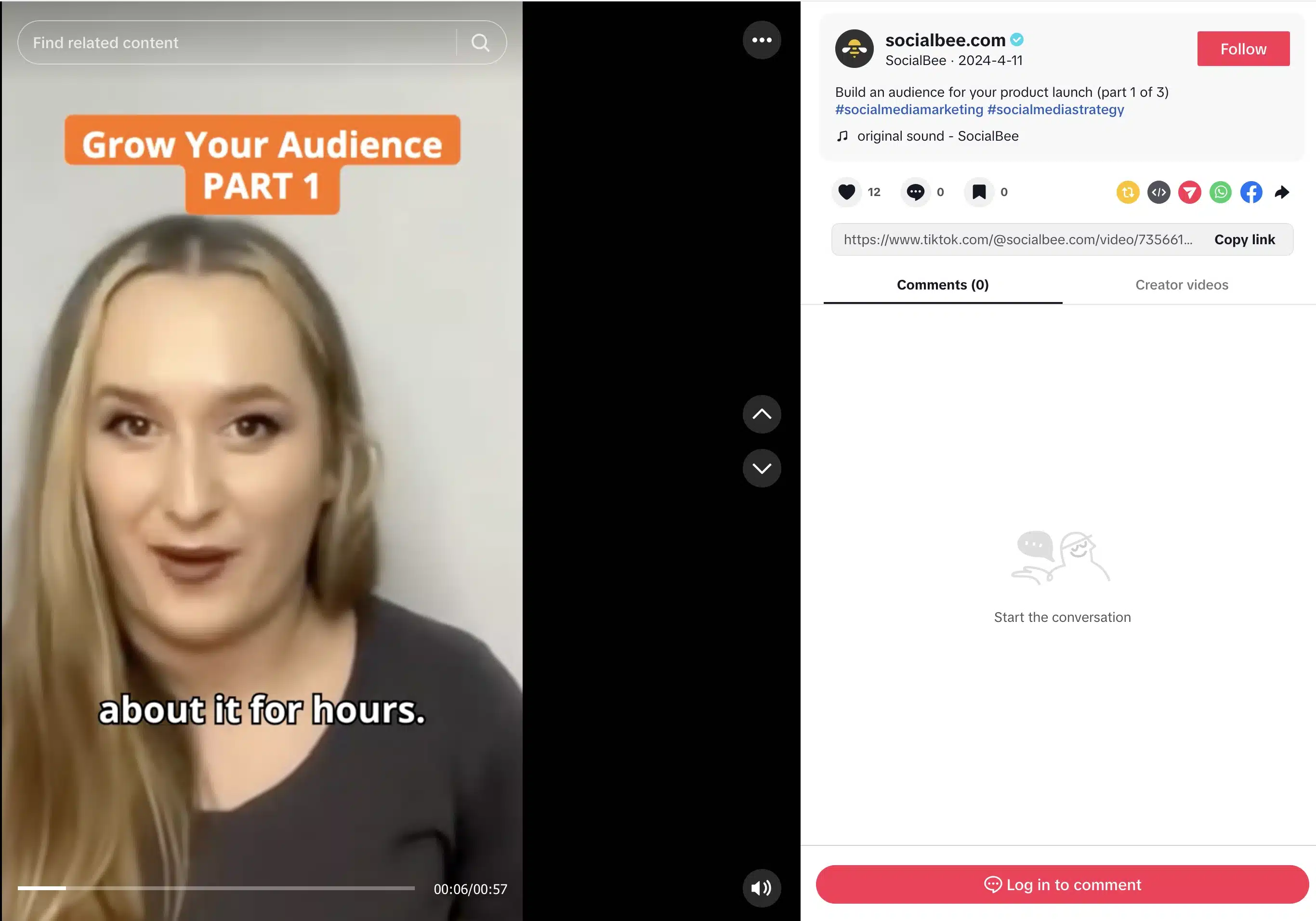
The mistake I used to make was keeping things too long. Now I only keep what’s complete and useful on its own.
3. How to repurpose long-form guides
With long-form guides, you’ve already structured the ideas, broken things down, and explained them clearly. Repurposing here is just about pulling those pieces out and giving them their own space.
I usually go section by section. One section becomes a LinkedIn post. Another becomes a short video. If the guide has a clear framework, I’ll turn that into a visual or a simple slide deck.
Sometimes I’ll take the whole guide and reshape it into something like a Slideshare presentation, especially if the goal is reach rather than depth.
What matters is not trying to shrink the whole guide into one post. That never works. It’s much more effective to let each idea stand on its own.
4. How to repurpose email newsletters
Newsletters are where I test ideas without overthinking them.
If something gets replies, clicks, or just feels like it lands, I know it’s worth using again.
I usually also repurpose newsletters based on the topic and how people naturally consume it.
If it’s a clear opinion or perspective (for example, ‘why people struggle to focus’), it works best as a social post because it’s a single idea people can quickly react to.
If it explains a process or system (for example, ‘how habits are formed’), it works better as a blog post because it needs space and structure to be properly understood.
If it’s a simple, practical tip (for example, ‘how to start your day better’), it works well as a short video or visual because it’s quick to understand and easy to remember.
5. How to repurpose case studies & testimonials
Case studies and testimonials are some of the most valuable content you have, but they’re often underused.
Instead of leaving them as static pages, I turn them into actual content people will see:
- I pull out one clear result and turn it into a social post with visually appealing graphics
- I take the story behind it and explain it in a TikTok, Reel, or Short
- I turn key numbers into simple visual content that is easy to understand
- I extract strong lines and reuse them as quotes across different posts
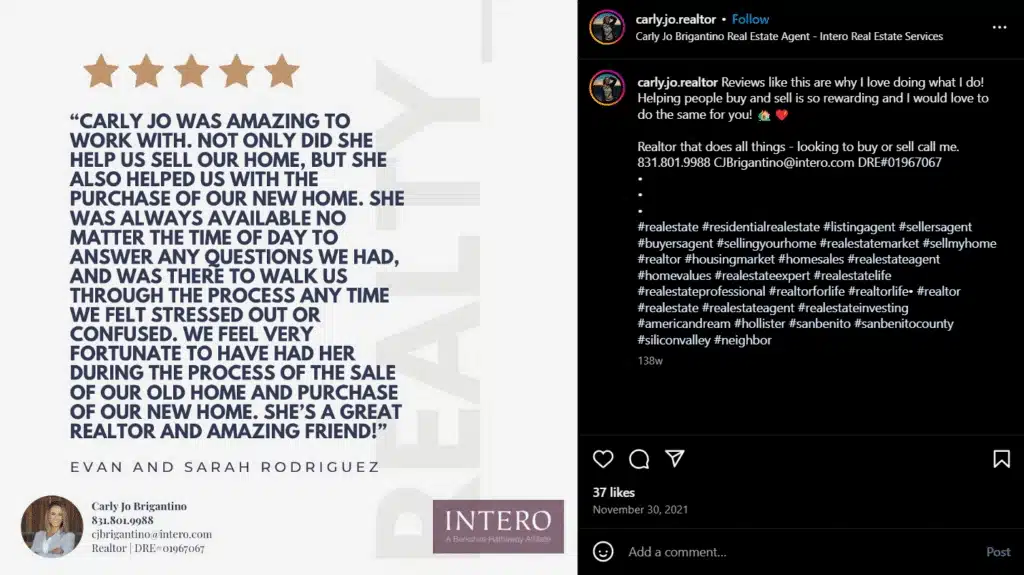
The key is to focus on specific proof points. Numbers, outcomes, and clear before-and-after scenarios perform much better than general praise.
6. How to repurpose research & data
Research and data-heavy content have a lot of value, but most people won’t sit down and read a full report.
What they will do is engage with something simple, clear, and easy to understand.
So instead of trying to push the entire report, I break it down into key insights. One strong stat can become a social post. A few audience data points that go together can turn into a visual that’s easy to scan. If something needs more context, I’ll explain it in a short video or expand on it in a blog post.
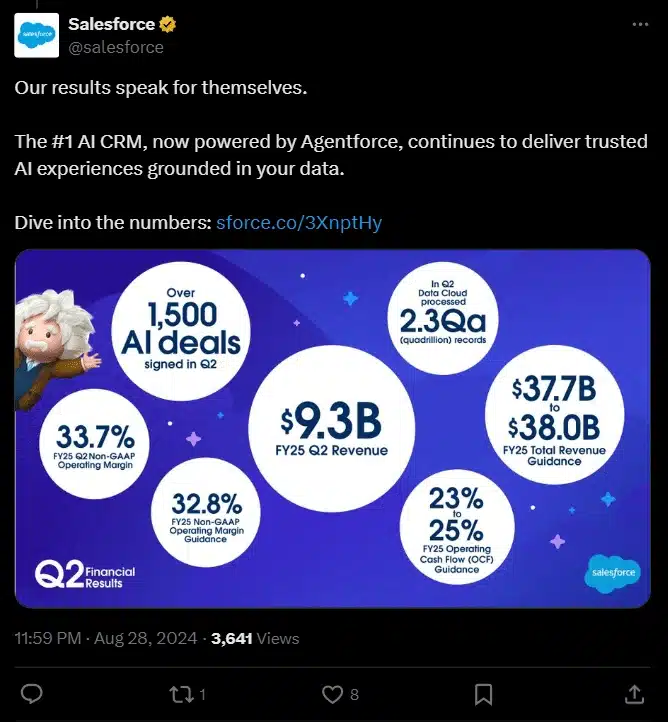
The goal is to highlight what actually matters and explain why it matters. Once you do that, the same research becomes much easier to share across different channels.
7. How to repurpose community content (comments, questions, forums)
Some of the most useful content I’ve created came from paying attention.
Comments, questions, and discussions tell you exactly what your audience is struggling with. That’s already validated demand, which means you don’t have to guess what to create next.
If I notice the same question coming up more than once, I turn it into a post. If a topic keeps showing up in conversations, that’s usually a sign it’s worth expanding into something bigger, like a blog post. And when people push back or question something, I turn that into content too.
For example, on TikTok, you can reply to a comment with a video. I’ll take a real comment, respond to it directly, and turn it into a short explanation or breakdown.
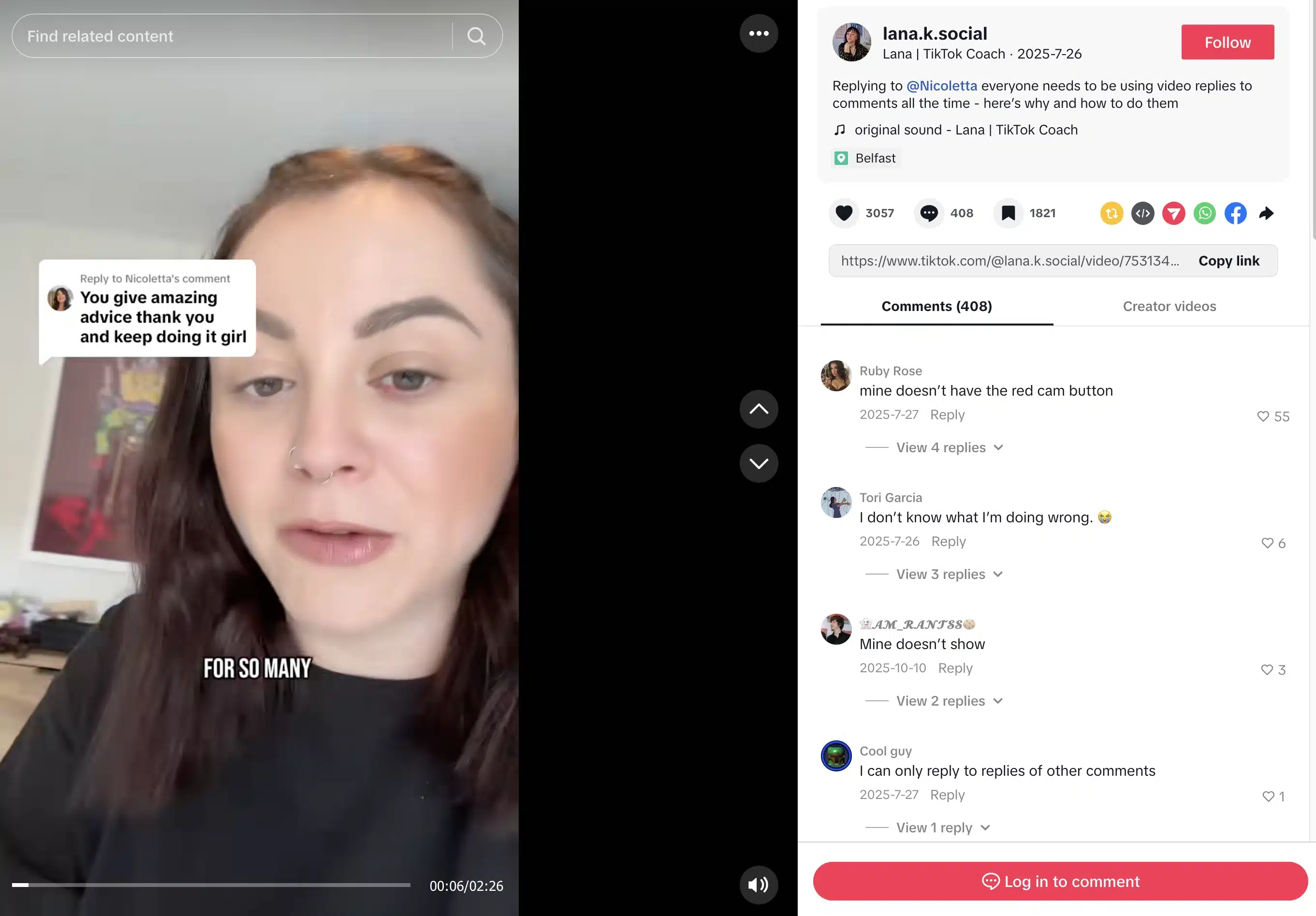
What makes this work is that the content starts from a real need. You’re not trying to come up with something clever, but rather answering what people are already asking.
8. How to repurpose tutorials & documentation
Tutorials and documentation are some of the most practical content you have, but they’re usually buried in help centers where only a small part of your audience sees them.
I treat them as a starting point for more accessible content.
If there’s a process that people need to follow, I’ll turn it into a simple step-by-step post. If something is easier to show than explain, I’ll record a short video walking through it. For more complex processes, breaking things down into quick tips or visual guides makes a big difference.

This type of content works because it’s immediately useful. People actually use the information provided, and that makes it much easier to build engagement around it.
Step-by-step guide to repurposing content for social media
If your repurposing process feels inconsistent, it’s usually because there’s no clear system behind it.
What changed things for me was treating repurposing as part of my content creation process, not something I do after publishing. Once I started following a repeatable process, it became much easier to turn one piece of content into multiple formats without adding extra manual effort.
Here’s the exact process I use:
- Collect all your content in one place
- Figure out what’s worth repurposing
- Break content into bite-sized pieces
- Organize and plan your repurposing
- Edit and adapt for each format
- Schedule posts smartly
- Balance repurposed and new content
- Watch, analyze, and improve
1. Collect all your content in one place
Before you repurpose anything, you need a clear view of what already exists.
In most cases, content is spread across different tools and formats. Blog posts live in one place, social media posts in another, webinars and podcasts somewhere else. That makes it hard to see opportunities or reuse anything efficiently.
I start by gathering everything into a single, accessible space. That includes blog content, newsletters, long-form videos and guides, webinars, podcast episodes, case studies, tutorials, research, and even internal FAQs.
Once everything is in one place, I organize it so it’s easy to work with. I usually group content by format, topic, and relevance. This makes it much easier to spot what can be adapted into new formats later.
This step sets the foundation for everything else. Without it, repurposing stays random. With it, you’re working from a structured content library instead of starting from scratch every time.
2. Figure out what’s worth repurposing
Not everything is worth turning into more content. This is where most people waste time. To avoid that, make sure you establish clear quality guidelines.
What I look for first is content that has already proven it has value. That usually falls into three categories:
- Evergreen content that stays relevant
- High-value pieces that go deep on a topic
- Anything that already performed well.
Once I have that, I group content by theme. For example, I might have a cluster around productivity, another around marketing content, and another around tutorials. This makes it easier to build consistent messaging across different channels instead of jumping between unrelated ideas.
Then I go one level deeper and start spotting what I can actually reuse. Stats, stories, quotes, frameworks, and audience questions are usually the strongest building blocks. Those are the parts people remember, and they tend to work well on their own.
At this point, I also decide what’s worth using now and what can wait. Some content fits what I’m currently posting. Some is better saved for a different campaign or audience segment. That small decision makes the whole process feel more intentional.
3. Break content into bite-sized pieces
Once I know what I’m working with, I stop looking at the content as one piece.
Instead, I break it down into smaller units that can stand on their own.
A long-form blog or guide isn’t one asset; it’s dozens. Each paragraph, example, or idea can become its own piece of content if it’s clear enough. The same goes for video content. I’ll go through long videos or podcast episodes and pull out short video clips, usually around 30 to 90 seconds, where the message is complete without extra context.
I also look for anything visual or structured. Frameworks, steps, or key visuals from guides and case studies are easy to turn into standalone posts when you create content. Even something simple like a strong line from a newsletter can work as a social post if it’s clear and direct.
Instead of trying to reuse the whole piece, I extract the parts that already carry value on their own.
4. Organize and plan your repurposing
Once you’ve broken content into smaller pieces, the next step is making sure your social media strategy has a clear structure.
I use content pillars for this. If you’re not familiar, they’re basically the main themes you consistently create social media posts around. I organize everything around 5 broad pillars, and I include repurposed content inside them instead of treating it separately. This keeps everything focused and accurate to the brand identity, while still giving me flexibility to stay creative and try new ideas without it drifting away from the overall content strategy.
Since I use SocialBee to schedule my content, it has a feature that makes this easier.
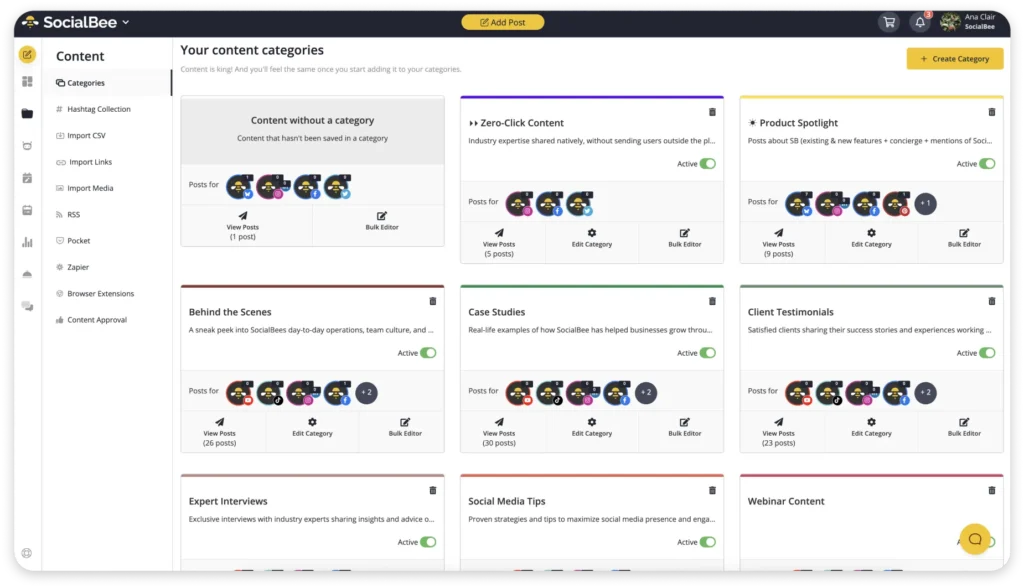
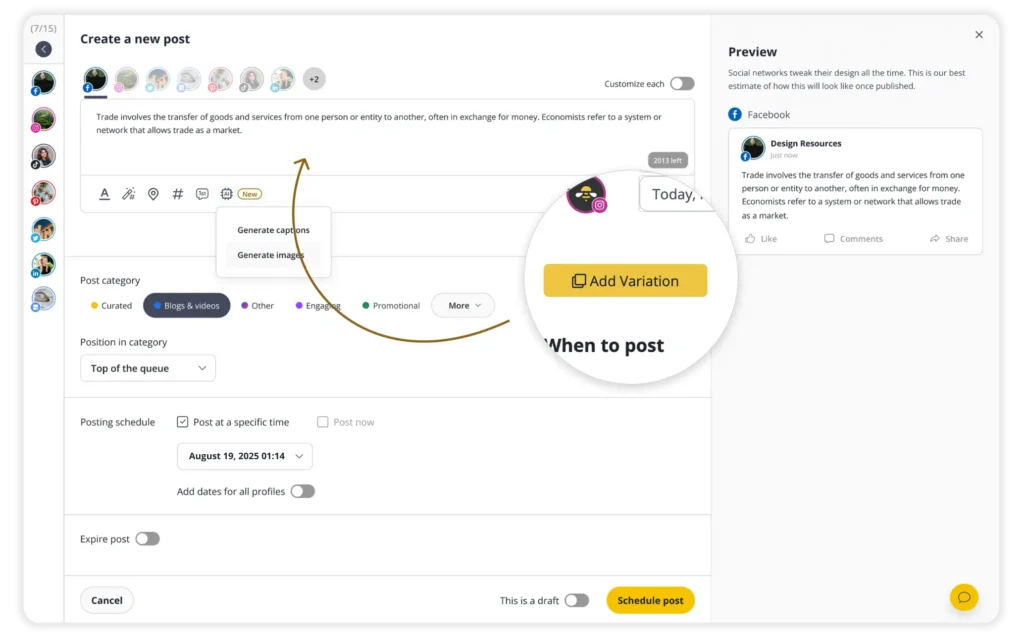
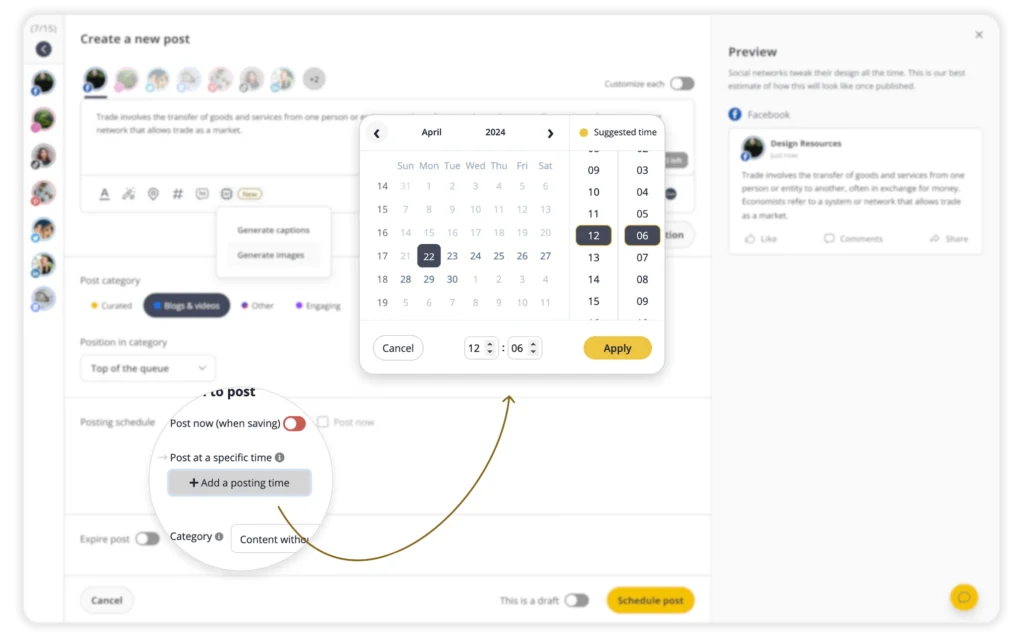
Each pillar becomes a category in SocialBee, like tips, tutorials, insights, proof, or promotional content. Every post gets assigned to one of these categories, so it has a clear role in the overall marketing strategy. Each content pillar also has its own weekly posting schedule.