Bluesky scheduler built for social media managers
Save time on Bluesky with our Bluesky scheduler. Automate your posting, manage every account and stay consistent from one simple dashboard.
Schedule every Bluesky post type
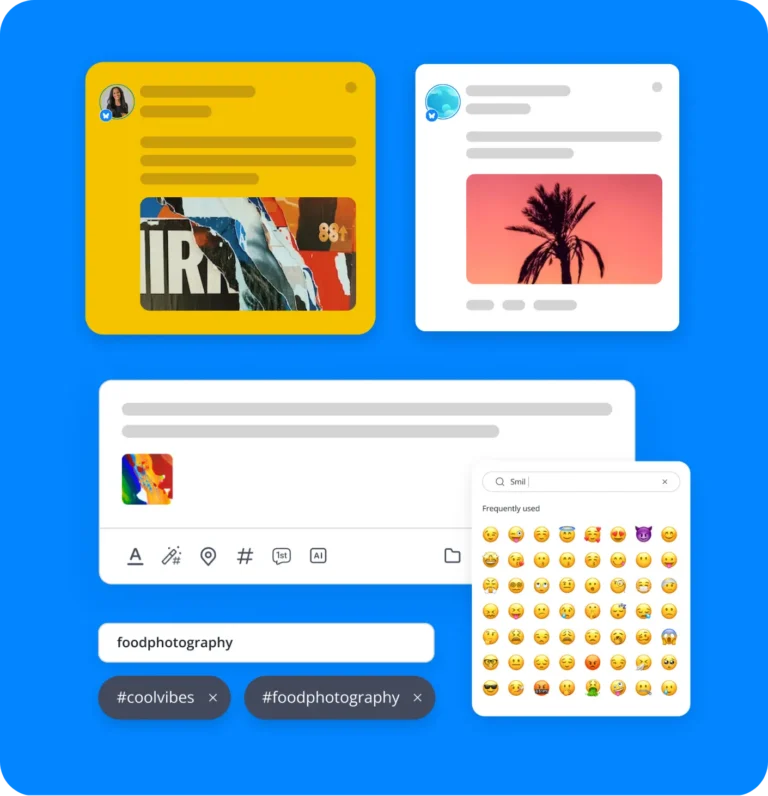
Text
Spark conversations with your Bluesky followers using sharp, snappy copy.
Images
Grab more attention on Bluesky by adding up to four images to a single post.
Schedule, queue & auto-post to Bluesky - all from one dashboard
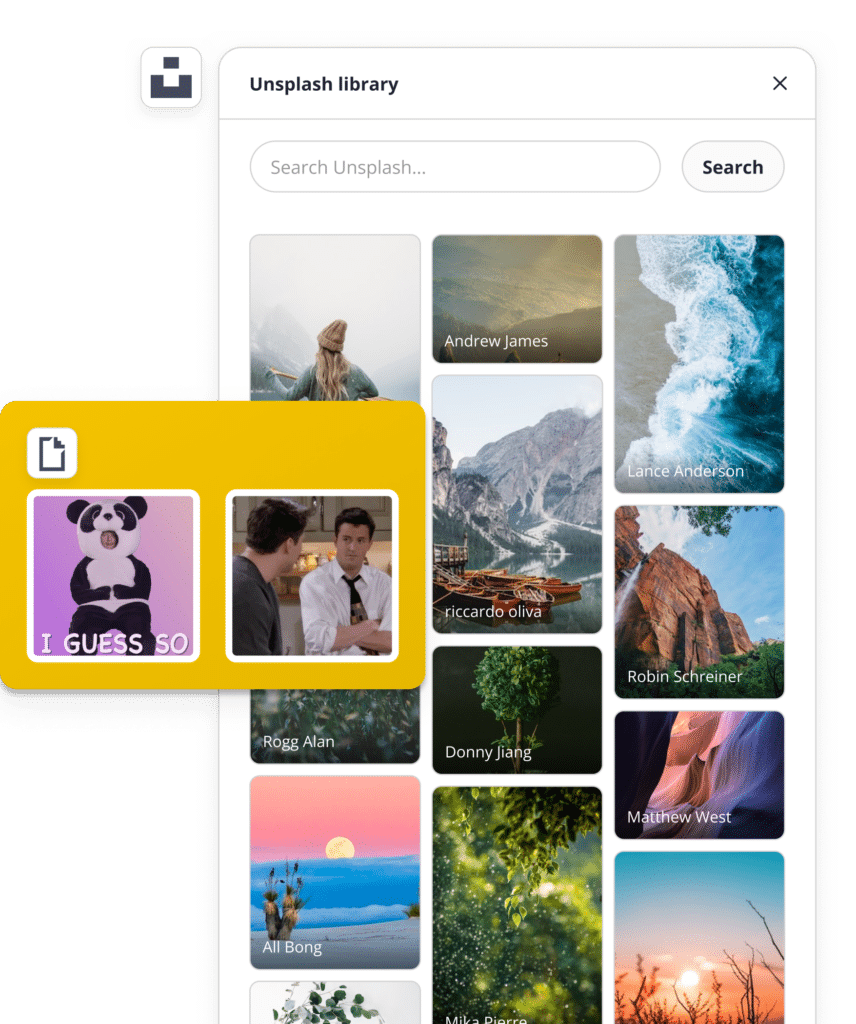
AI content creation
Quickly create custom images and Bluesky posts with AI, so you can share eye-catching visuals and engaging content without extra design work.
User mentions
Grow your content’s reach effortlessly with mentions, connect, give shout-outs, and stay engaged with your community.
Alternative text
Make your content accessible to everyone by adding alt text to your Bluesky images, so no one misses out.
Post previews
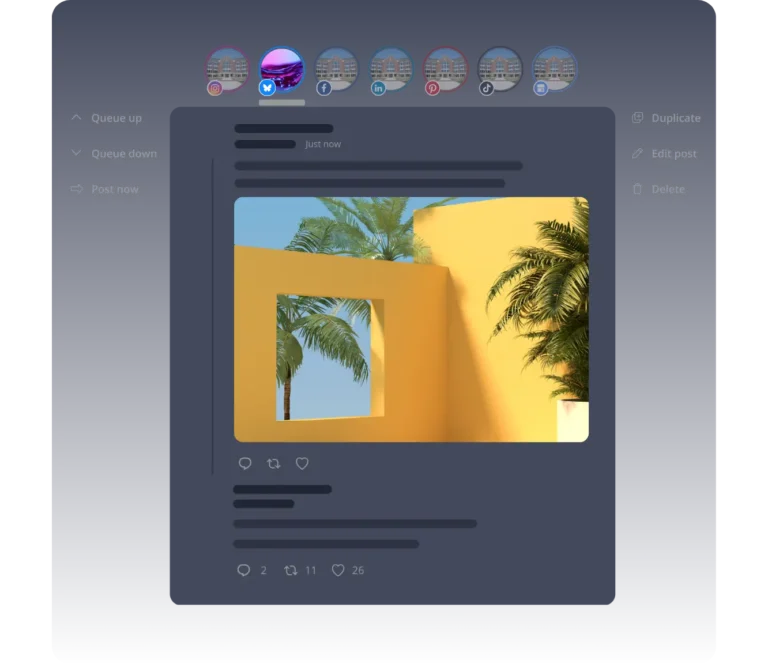
See exactly how your Bluesky post will look before it goes live. Adjust your content until it’s just right.
Hashtag generator & collections
Let our Bluesky scheduling tool suggest relevant hashtags based on your content. Save favorites in collections for quick reuse later.
Emoji keyboard
Give your posts more personality with emojis. Use them to express your message more vividly, with fewer words.
Evergreen Bluesky scheduling
Keep your best content visible by reposting it periodically with our Bluesky post scheduler. Your top posts deserve more than one moment.
Best posting time suggestions
Not sure when to post? Pick your own time or let SocialBee recommend one based on your past top-performing content.
Post history
Browse and reshare content from your post history in seconds. Bring your favorites back with a single click.
Bulk post editor
Manage all your content from one place, approve, dismiss, delete, or shuffle posts between channels with ease.
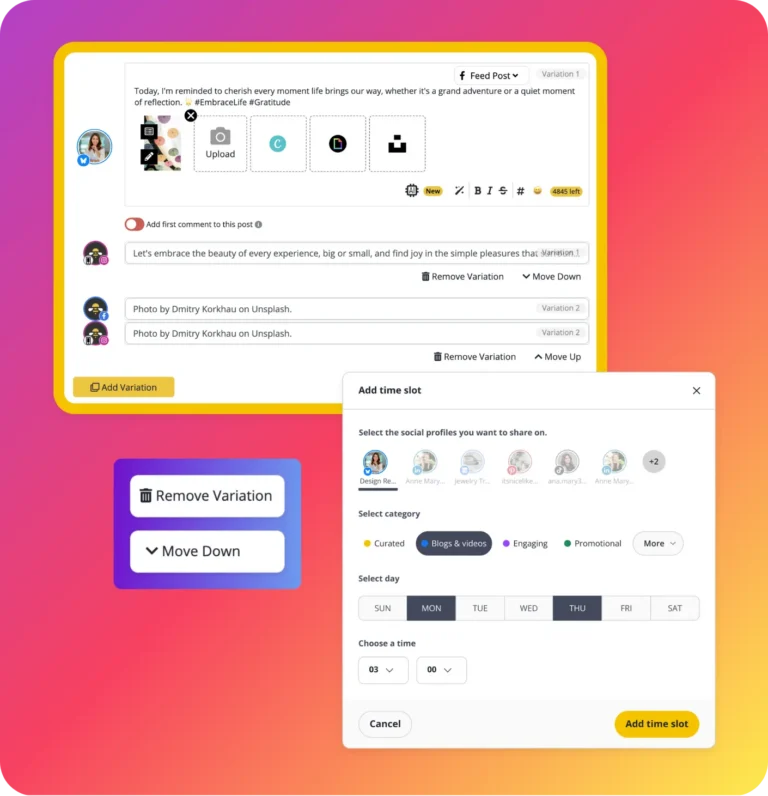
Post customization
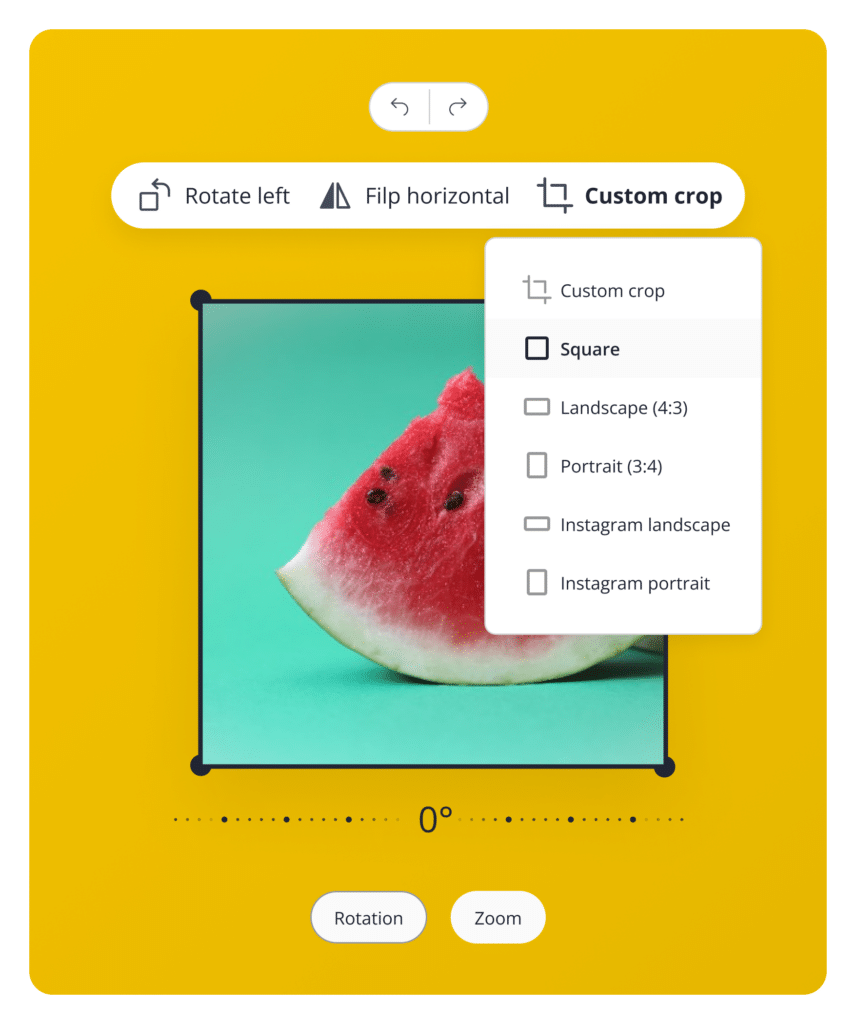
Adapt content for each platform by adjusting hashtags, character count and image sizes. Create custom variations instantly with AI.
Content categories
Stay organized by grouping posts into folders, setting schedules for each category and keeping your feed fresh and varied.
Collaborate, approve & publish Bluesky content as a team
Use SocialBee's collaboration features to plan, review, and publish Bluesky content together, built for marketing teams, agencies and brand managers.
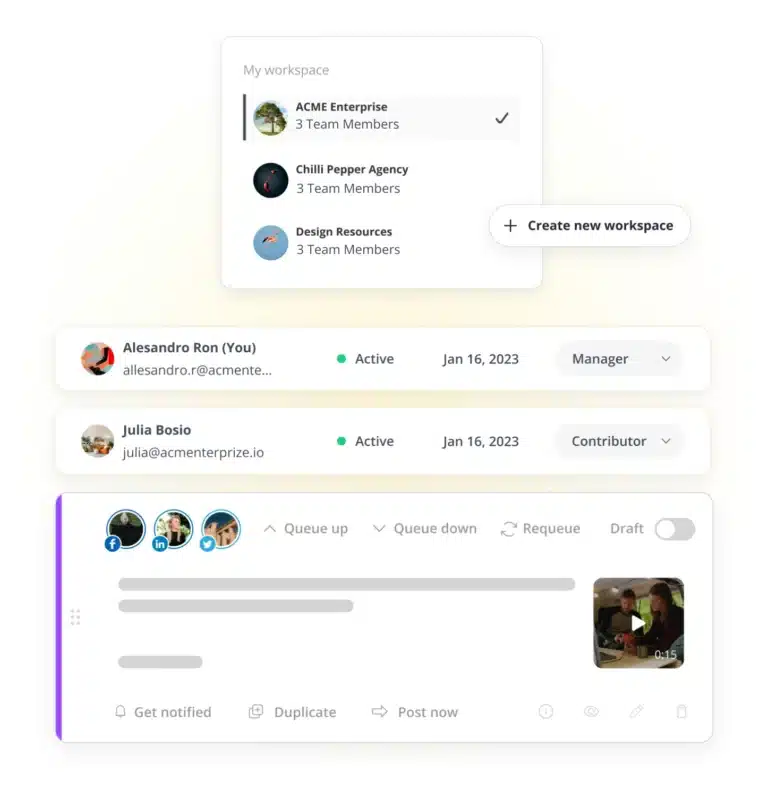
Workspaces & users
Create a dedicated workspace for each account you manage. Assign roles to team members so review and content planning stay smooth, even at scale.
Content approval
Save posts as drafts for your team to review before they go live. Tag teammates directly to flag feedback and keep everyone in sync.
New to Bluesky? Here's how to get started in minutes
No experience needed. Just follow these simple steps, and you'll be posting in no time.
Step 1: Connect your Bluesky account
Link your Bluesky profile to SocialBee in just a few clicks. No technical setup required.
Step 2: Create and schedule your first post
Write your post, add an image if you’d like and set it to go live whenever works best for you.
Step 3: Grow with consistent publishing
Keep showing up with regular posts and let SocialBee handle the scheduling while you focus on building your audience.
Want a hand getting familiar with Bluesky itself? Check out our Bluesky content guidelines to get up to speed quickly.
Trusted by marketers - see why they choose SocialBee
SocialBee helps get our church in front of our congregation and community on a consistent basis.
Senior Pastor at Douglasville First United Methodist Church
We feel much more productive with SocialBee, which creates momentum in our team. Our collaboration led to better focus.
CEO at Conscious Trader Heavenly Himalayan
For the first time, I’m proud of my social media accounts. My social feed is razor sharp, finally.
CEO at The Teen
Life Coach
No way I would consider using other social media scheduling apps, because SocialBee provides everything I need.
Managing Director at The Buddy Effect
Social media management is made simple with SocialBee — I save time, and do it all efficiently and consistently!
Communications Manager at Jam Coding
I would panic if SocialBee ever went out of business. It’s by far the most versatile social media management platform.
Founder, Sketchbook
Skool
What is there not to like about SocialBee?! I haven’t even tipped the iceberg of what it can do for my social media networks.
Owner of Amazing Lifetime Memorable Travel Needs
SocialBee allows me to plan my social media marketing campaigns without worrying about deadlines being missed.
CEO of Freedom Through Faith Radio Network
With SocialBee, I am able to manage about two weeks of content in about four hours across four social media apps.
Founder of
Peppercorn
The customer support and people at SocialBee are great, feels like a family. Try it, you will be impressed.
Web Developer at John Kyle Consulting
Doing my own social media strategy with SocialBee is saving me $600 per month. It even doesn’t take that long!
Operations at About Your Home Inspection
We came from Hootsuite, and we love this new way of publishing and the more reasonable price.
Senior Vice President at Cahill Strategies
Before SocialBee, we were losing track of what we were posting and didn’t review our social media results.
Office Manager at First Choice Business Brokers
I no longer have to be glued to my screen to manage social media accounts, so I am certainly recommending SocialBee!
Holistic Therapist at Coach at Your Awakening Path
SocialBee is a lifesaver, a sanity saver, and the #1 life hack for more efficient social media management.
Social Media Manager at Martal Group
My social media presence and engagement have improved, now that I’m creating an ongoing dialogue with my audience.
Owner of KAPOW! Your Super Business Coach
I’m happy that I no longer have to worry about logging into a bunch of different social media platforms to post.
Owner at
MasterYourMix
SocialBee is an all-in-one tool for managing my social media posts. It outshines other social media management apps I’ve tried!
Book Coach at It's Your Book Coaching Services
SocialBee is a social media management software that’s easy to pick up. Moreover, customer support has been helpful.
Owner at
Madeit
We use SocialBee to manage multiple accounts, and it is super easy to switch between social channels while working.
CTO and Director of SEO Operations, Hum JAM
SocialBee has all the tools I’m looking for: workspaces, categories, scheduling, integrations, link shorteners, and AI.
CEO & president at
5000fish, Inc.
I switched from other tools like Canva and Buffer to SocialBee. It helps people post consistently in a balanced way.
Owner, Skyline
Insurance Agency
Grow Faster on Bluesky: Free Guides, Tips & Strategy Resources
Discover the latest Bluesky tips and strategies to gain new followers, boost engagement, and create content that stands out.
Bluesky content guidelines: media sizes, limits & more
How is Bluesky different from Twitter (now X)?
Bluesky settings & features you should know about
Frequently asked questions
Do you have questions left unanswered?
Yes. SocialBee works as a full Bluesky scheduler. You can create, schedule, and publish posts straight to your Bluesky account. You can also add images, mentions, hashtags, and alt text, all from the same dashboard you use for your other social platforms.
Yes. You can set up separate workspaces for each Bluesky account you manage, whether it’s your own brand or a client’s. Every workspace keeps its content, schedule and team roles organized separately, making our Bluesky post scheduler a solid fit for agencies and teams handling several accounts at once.
Yes. SocialBee gives you a 14-day free trial, no credit card needed. You can fully try out Bluesky scheduling, AI content tools, and team features before you pay for a plan. Setup only takes a few minutes and you can cancel anytime during the trial.
Simply connect your Bluesky account, create your post, and choose when you want it published. Our Bluesky scheduling tool takes care of the rest, publishing automatically at your chosen time. You can also reuse evergreen content, get posting time suggestions, and preview posts before they go live.
SocialBee currently supports text posts and image posts on Bluesky, with up to four images allowed per post. You can add alt text for accessibility, include mentions to boost visibility and use AI to generate captions or custom visuals, so your posts are ready to share in minutes.
Beyond scheduling, SocialBee adds AI content creation, hashtag suggestions, evergreen post recycling and team collaboration tools like content approval and internal notes. Instead of just queuing posts, you get a complete workflow for creating, organizing and publishing content, all built to work across Bluesky and your other social accounts.
Yes. You can reshare your best Bluesky posts again and again over time, so good content doesn’t just disappear after one post. This keeps your top posts in front of more people, without you having to repost them by hand each time.


Yes. SocialBee recommends posting times based on your past top-performing content or you can set your own custom schedule if you prefer full control. This takes the guesswork out of timing, helping you reach more of your audience when they’re actually active and online.
Yes. Separate workspaces keep content organized by account, with roles assigned to each team member. Posts can be saved as drafts until reviewed and teammates can be tagged directly to leave feedback, making it easy for teams and agencies to collaborate without switching to a separate tool.
Start scheduling Bluesky posts free, no credit card required
SocialBee makes it simple to manage your Bluesky account and every other social platform you use, all in one place.
14-day free trial, no credit card required