All-in-one Facebook post scheduler
Keep posting across Facebook Pages, Groups, and Profiles, even while you’re away, with an easy-to-use Facebook scheduler.


Supported Facebook post types
Text
Get straight to the point with news, updates, and questions.
Images & GIFs
Give your posts more visual impact with images and GIFs.
Videos
Share videos that keep your audience watching.
Facebook Reels
Reach new audiences with engaging short-form Reels.
Facebook Stories
Schedule quick Facebook Stories without crowding your feed.
Create Facebook content faster
AI post generation
Post customization
RSS import
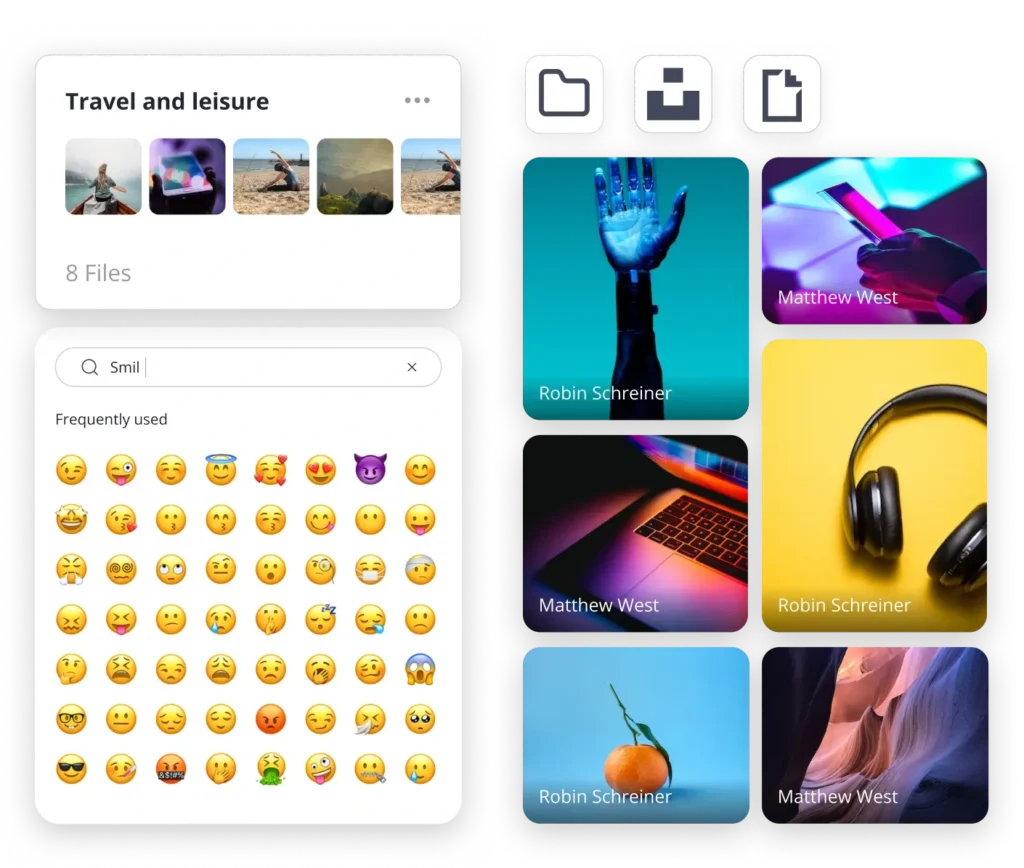
Built-in access to Unsplash and GIPHY
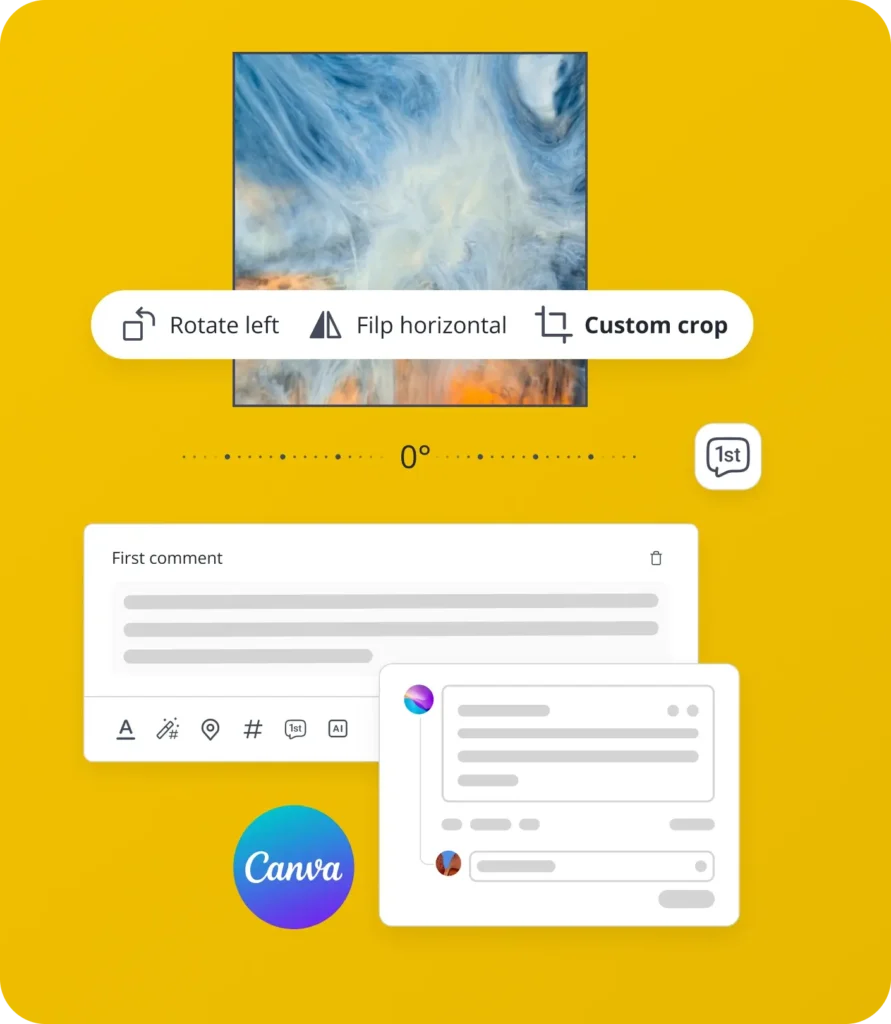
Canva integration
Integrated media editor
Customized video thumbnails
Emoji board
Facebook first comment

A top-rated social media tool on G2!
“I struggled to find a social media auto-posting tool that could handle all my Facebook groups and 14+ pages. SocialBee is the best. It saves you hundreds of hours, so you can be more productive.”
Blogger
Schedule, publish, and reshare Facebook posts automatically
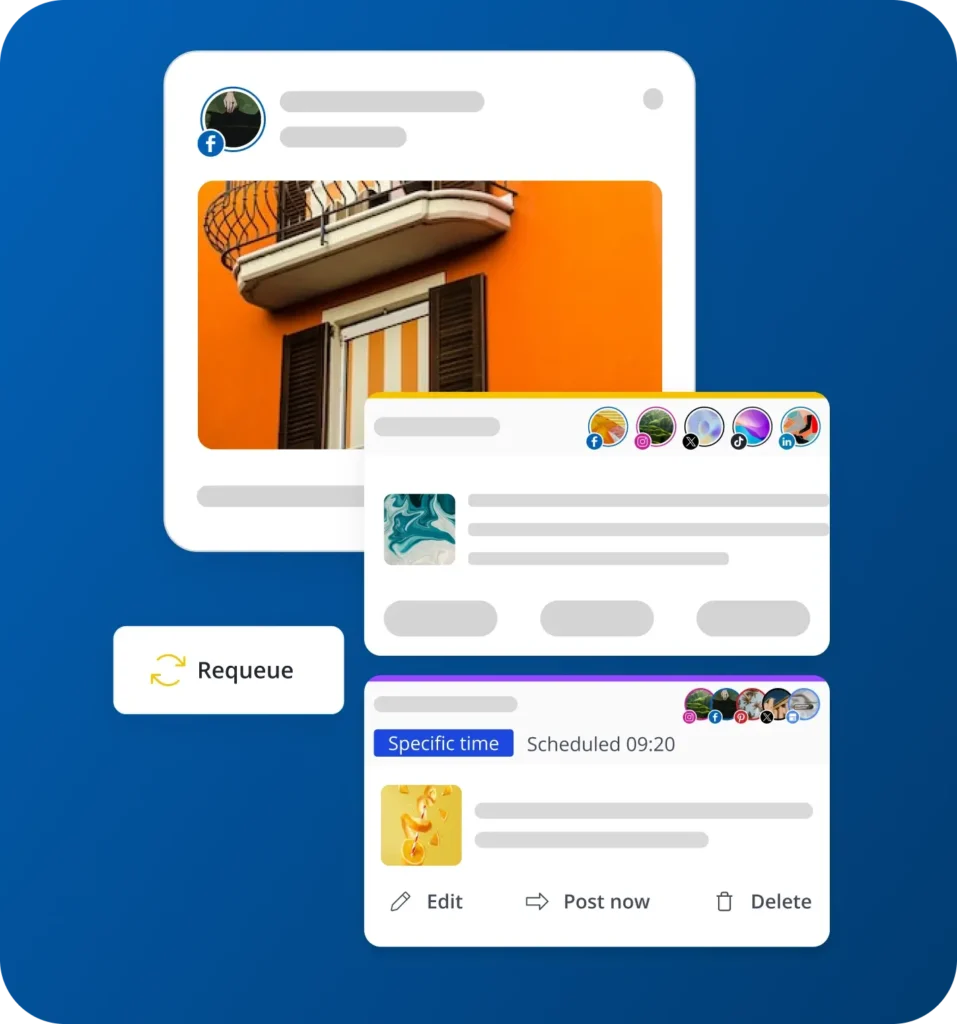
Specific posting for time-sensitive posts
Evergreen content cycle
Best posting time suggestions
Boost Facebook engagement
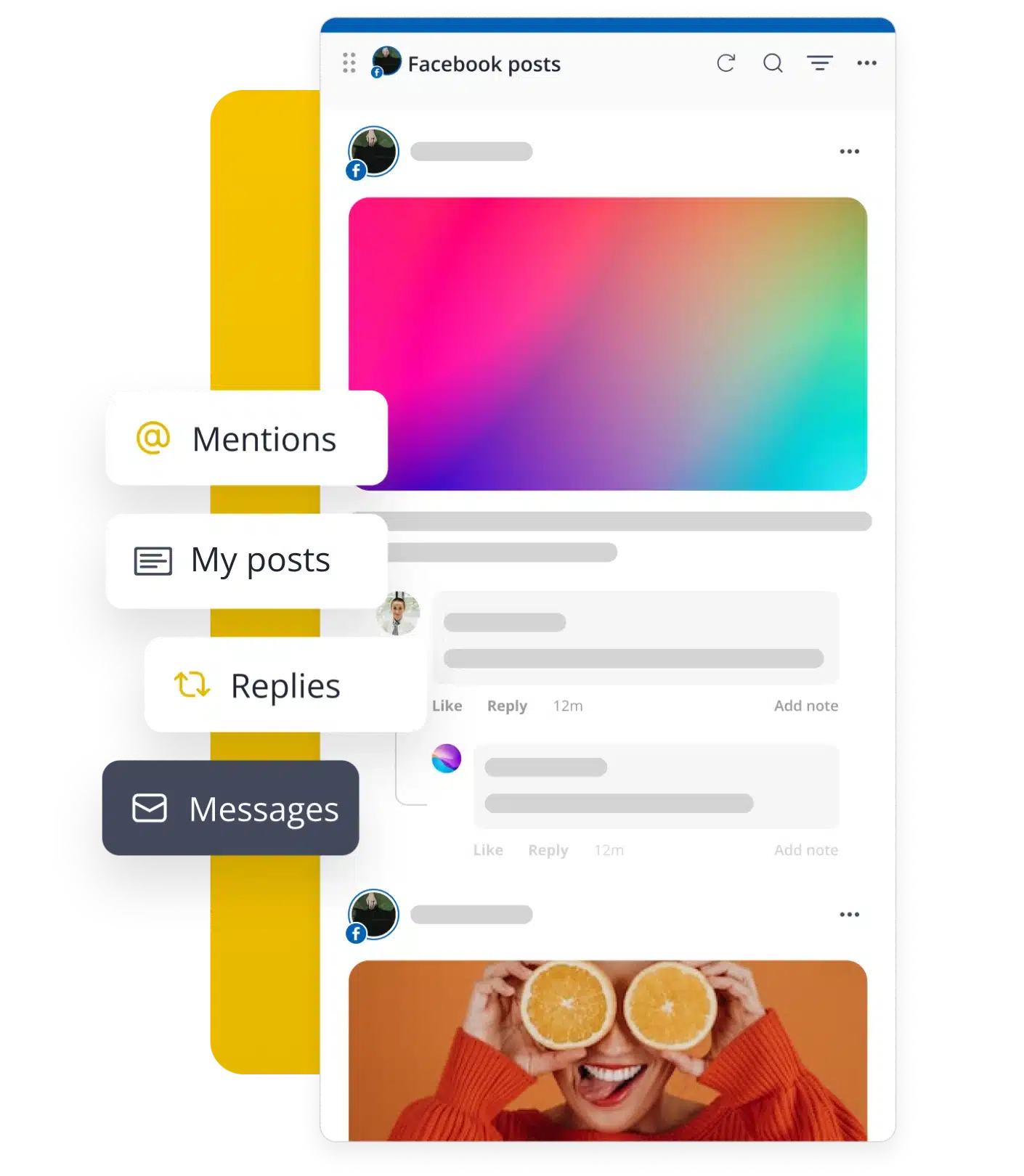
Direct messages
Mentions
Comments
Effective team collaboration
Managing multiple clients is easier when everyone works in one Facebook management tool.
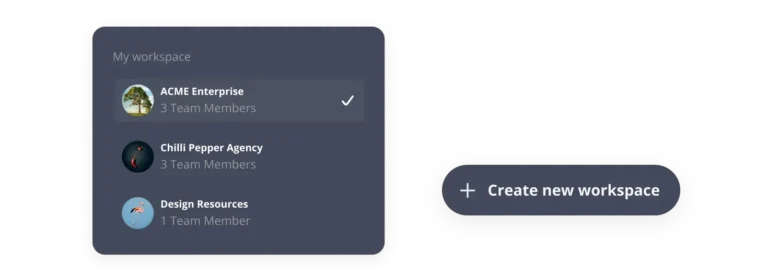
Workspaces & users
Manage multiple clients without the mix-ups. Keep each business in its own workspace, invite users, and assign roles so everyone has the right access.
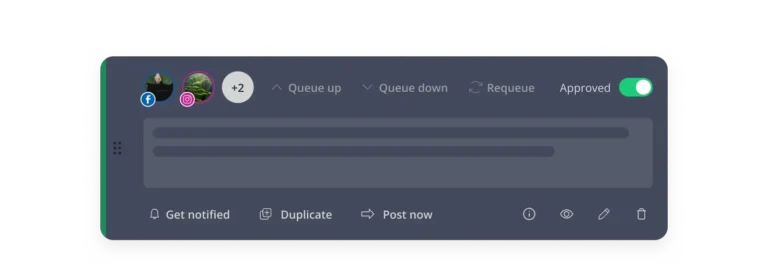
Content approvals
Catch mistakes and get approvals before publishing. Save drafts, tag the right people, and leave feedback on the post so nothing gets lost in email threads.
Track performance with a powerful Facebook analytics tool
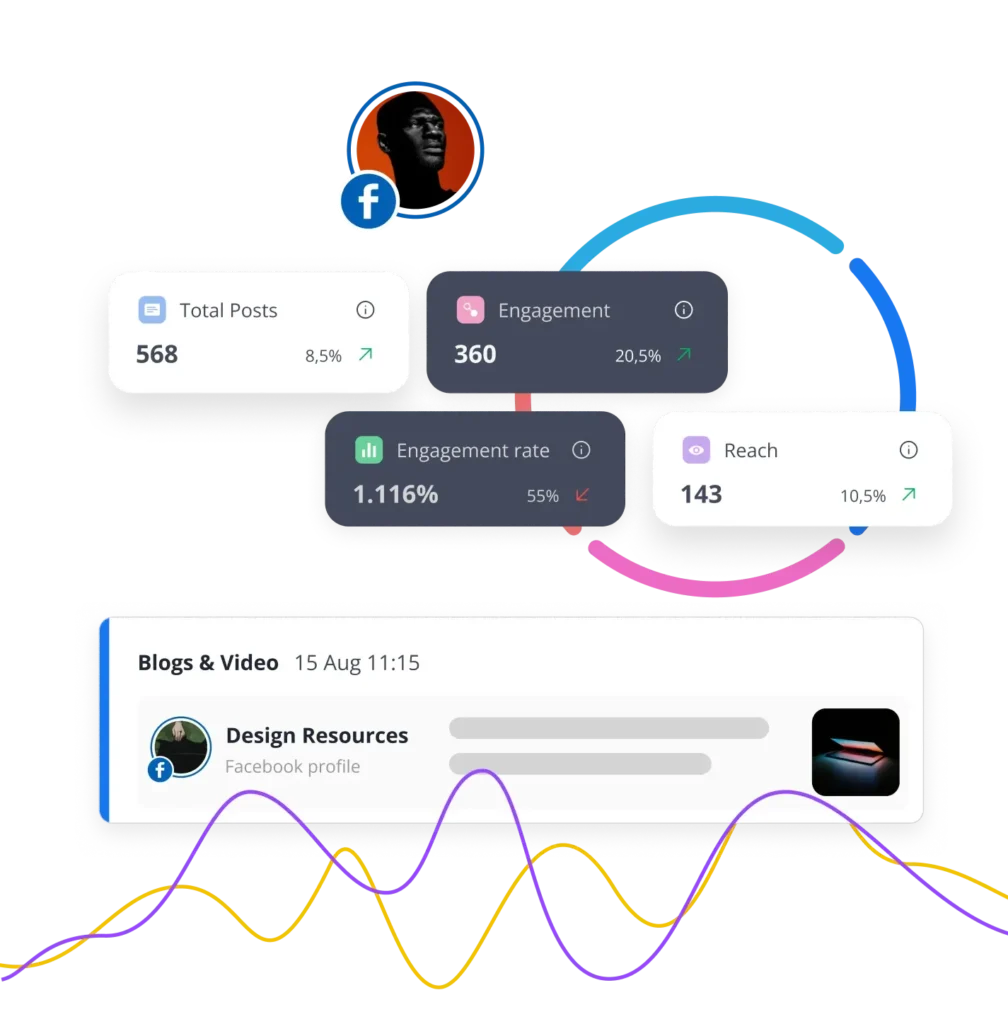
Numbers alone don’t tell you what to do next. Our Facebook analytics tool shows you exactly what’s working, so you can make smarter content decisions.
Page analytics
Post analytics
Competitor analysis
PDF reports
Learn how to grow on Facebook
Discover the latest Facebook tips and strategies to gain new followers, boost engagement, and create content that stands out.
The latest Meta & Facebook news (updated weekly)
The Facebook algorithm explained: 2026 insights
Facebook post examples that actually get results
See how SocialBee helps brands achieve social media success
SocialBee helps get our church in front of our congregation and community on a consistent basis.
Senior Pastor at Douglasville First United Methodist Church
We feel much more productive with SocialBee, which creates momentum in our team. Our collaboration led to better focus.
CEO at Conscious Trader Heavenly Himalayan
For the first time, I’m proud of my social media accounts. My social feed is razor sharp, finally.
CEO at The Teen
Life Coach
No way I would consider using other social media scheduling apps, because SocialBee provides everything I need.
Managing Director at The Buddy Effect
Social media management is made simple with SocialBee — I save time, and do it all efficiently and consistently!
Communications Manager at Jam Coding
I would panic if SocialBee ever went out of business. It’s by far the most versatile social media management platform.
Founder, Sketchbook
Skool
What is there not to like about SocialBee?! I haven’t even tipped the iceberg of what it can do for my social media networks.
Owner of Amazing Lifetime Memorable Travel Needs
SocialBee allows me to plan my social media marketing campaigns without worrying about deadlines being missed.
CEO of Freedom Through Faith Radio Network
With SocialBee, I am able to manage about two weeks of content in about four hours across four social media apps.
Founder of
Peppercorn
The customer support and people at SocialBee are great, feels like a family. Try it, you will be impressed.
Web Developer at John Kyle Consulting
Doing my own social media strategy with SocialBee is saving me $600 per month. It even doesn’t take that long!
Operations at About Your Home Inspection
We came from Hootsuite, and we love this new way of publishing and the more reasonable price.
Senior Vice President at Cahill Strategies
Before SocialBee, we were losing track of what we were posting and didn’t review our social media results.
Office Manager at First Choice Business Brokers
I no longer have to be glued to my screen to manage social media accounts, so I am certainly recommending SocialBee!
Holistic Therapist at Coach at Your Awakening Path
SocialBee is a lifesaver, a sanity saver, and the #1 life hack for more efficient social media management.
Social Media Manager at Martal Group
My social media presence and engagement have improved, now that I’m creating an ongoing dialogue with my audience.
Owner of KAPOW! Your Super Business Coach
I’m happy that I no longer have to worry about logging into a bunch of different social media platforms to post.
Owner at
MasterYourMix
SocialBee is an all-in-one tool for managing my social media posts. It outshines other social media management apps I’ve tried!
Book Coach at It's Your Book Coaching Services
SocialBee is a social media management software that’s easy to pick up. Moreover, customer support has been helpful.
Owner at
Madeit
We use SocialBee to manage multiple accounts, and it is super easy to switch between social channels while working.
CTO and Director of SEO Operations, Hum JAM
SocialBee has all the tools I’m looking for: workspaces, categories, scheduling, integrations, link shorteners, and AI.
CEO & president at
5000fish, Inc.
I switched from other tools like Canva and Buffer to SocialBee. It helps people post consistently in a balanced way.
Owner, Skyline
Insurance Agency
FAQ
Do you have questions left unanswered? Contact us or schedule a call.
SocialBee is an all-in-one social media management tool that helps businesses, entrepreneurs, agencies, and social media managers handle their social media in one place.
You can create and schedule posts for Facebook, Instagram, X (Twitter), LinkedIn, Pinterest, TikTok, YouTube, Bluesky, Threads, and Google Business Profile. You can also use AI to create content, plan your posts in a visual calendar, and work on content with your team.
Once your posts are live, you can see how they’re performing and use those insights to improve what you post next. SocialBee also brings your comments, mentions, and messages into its Social Inbox, so it’s easier to keep up with conversations across your accounts.
Yes, SocialBee is a Facebook post scheduler that lets you create, schedule, and publish content to Facebook Pages, Profiles, and Groups. You can plan posts in advance, organize them in a visual content calendar, and manage multiple Facebook accounts from the same dashboard.
SocialBee also goes beyond scheduling. You can generate captions and images with AI, customize posts for Facebook, collaborate with your team, track post performance, and manage Facebook comments, messages, and mentions from the Social Inbox.
Yes. SocialBee is a Facebook content planner that gives you many of the post creation options you’d normally find directly on Facebook, while also helping you plan and schedule content ahead of time.
When creating a post, you can write and customize your caption for Facebook, tag accounts, add alt text, schedule a first comment, and crop, flip, or rotate images. You can also import visuals directly from Canva, Unsplash, and GIPHY, or use AI to generate captions and images.
Once your posts are ready, you can organize them into content categories and see your upcoming content in different calendar views. SocialBee can also suggest the best times to post based on how your past content has performed.
If you’re working with others, you can leave feedback directly on posts and approve content before it’s published.
After publishing, you can use the social inbox to manage Facebook comments and messages and check analytics to see how your posts and Page are performing.
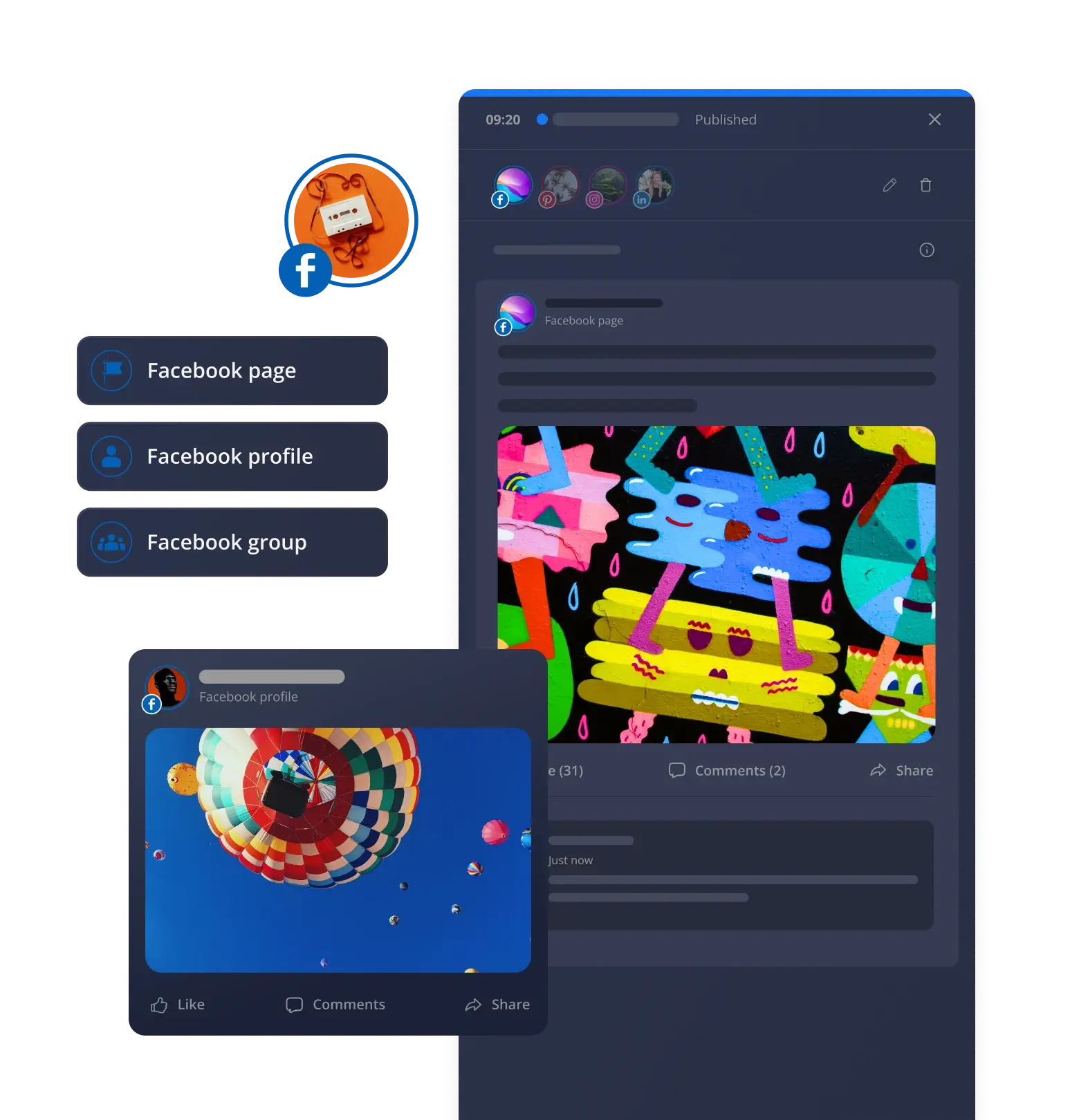
Yes, SocialBee supports Facebook automation, so you can prepare content in advance and have it published automatically. You can plan individual posts for specific times, create a recurring posting schedule, or upload multiple posts in bulk.
SocialBee supports Facebook Pages, Personal Profiles, and Groups, but publishing works differently for each:
You can publish posts directly to Facebook Pages.
For Personal Profiles, SocialBee sends a mobile reminder when it’s time to post, and you finish publishing through the Facebook app.
For Facebook Groups, you can schedule and share content using SocialBee’s Universal Posting feature.
Yes, SocialBee includes Facebook engagement tools that help you view and reply to comments, mentions, and messages without having to check Facebook separately.
This is especially useful if you manage multiple accounts, since you can keep track of interactions and respond to your audience from one place.
SocialBee provides Facebook Page and post analytics to help you understand how your account and content are performing. You can track page growth, follower count, views, engagement, likes, comments, shares, and the number of posts published.


For your content, you can see metrics such as average reach per post, including organic and paid reach, and identify your best-performing post type. SocialBee also shows how different content categories and post types perform based on likes, comments, shares, clicks, views, and the best times to post.
You can also compare your Page’s followers with competitor Facebook Pages. On Pro plans and higher, you can export selected analytics as a PDF report.
SocialBee offers customer support through live chat and email at hello@socialbee.com, and you can book calls with SocialBee specialists if you need more hands-on help.
You’ll also find a detailed Help Center with step-by-step guides and answers to common questions. If you prefer video, SocialBee has YouTube tutorials that show you how to use different features. You can also register for live webinars to learn how to use SocialBee and ask questions along the way.
SocialBee has six plans, so you can pick the one that matches the number of social media accounts, brands, and team members you manage.
No matter which plan you choose, you’ll be able to schedule and publish content to Facebook, Instagram, X (Twitter), LinkedIn, Pinterest, TikTok, YouTube, Threads, Bluesky, and Google Business Profile. Every plan also includes AI-powered content creation, a social inbox, analytics, content organization tools, and collaboration features.
- Bootstrap ($29/month): A great starting point for solopreneurs and small businesses. Connect up to 5 social profiles and get access to all the essentials for planning, creating, and publishing content. Analytics data is available for up to 3 months. Features like CSV imports, the hashtag organizer, bulk editing, post approvals, internal notes, and branded report exports are not included.
- Accelerate ($49/month): A good fit for growing businesses that need more advanced tools. Connect up to 10 social profiles and get access to advanced analytics, CSV imports, bulk editing, the hashtag organizer, and post approvals. Analytics data is available for up to 2 years. Internal notes and branded report exports are not included.
- Pro ($99/month): Built for social media managers, teams, and agencies. Manage up to 25 social profiles, work across 5 workspaces, invite up to 3 users, and access every SocialBee feature, including branded report exports and internal notes.
- Pro50 ($179/month): Designed for agencies and teams managing more clients. Includes all features, plus support for up to 50 social profiles, 10 workspaces, and 5 users.
- Pro100 ($329/month): Ideal for larger teams managing multiple brands. Includes all features, up to 100 social profiles, 20 workspaces, and 5 users.
- Pro150 ($449/month): Made for agencies and organizations managing social media at a larger scale. Includes all features, up to 150 social profiles, 30 workspaces, and 5 users.
Start scheduling Facebook posts with SocialBee
Create, schedule, publish, and monitor your Facebook content performance from SocialBee while staying on top of multiple social media accounts with ease.
14-day free trial, no credit card required