
Instagram Stories are one of the fastest ways to grab attention, but posting them manually can be frustrating. You have to stop what you’re doing, upload content in real time, and hope you don’t miss the window when your audience is most active. For businesses and creators managing multiple accounts, that approach just isn’t sustainable.
In fact, 71.9% of brand content on Instagram now appears in Stories, which shows just how central they’ve become for brand visibility
The good news is that you can now schedule Instagram Stories ahead of time. Whether you want to plan a week’s worth of content, line up Stories for a product launch, or simply stay consistent without the daily rush, scheduling makes it possible.
In this guide, you’ll learn exactly how to schedule Instagram Stories with Meta Business Suite and with SocialBee, see the key differences between the two tools, and discover best practices for making your scheduled Stories more engaging. By the end, you’ll know how to save time, stay consistent, and get more from every Story you publish.
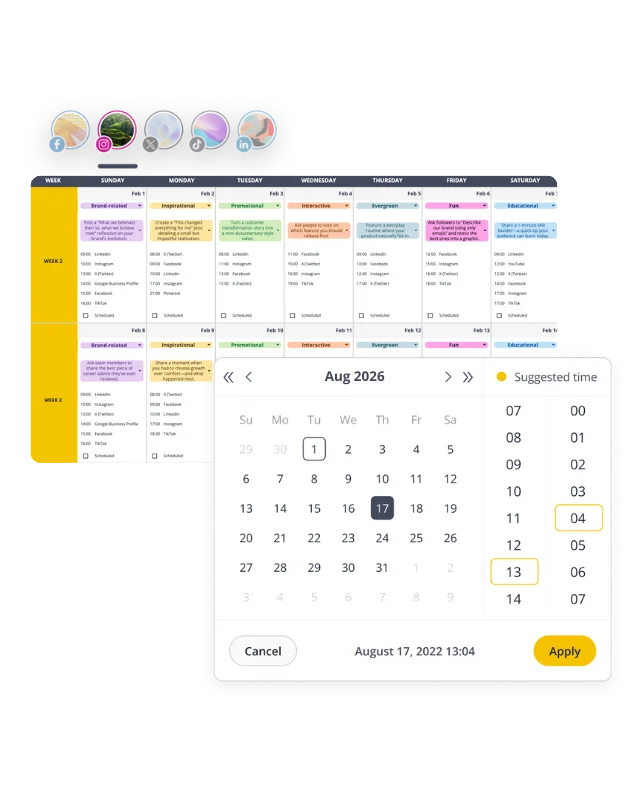
Can you schedule Instagram Stories in advance?
Yes, you can schedule Instagram Stories in advance, but not directly inside the Instagram app. You can either use Meta Business Suite or choose a third-party Instagram scheduling tool like SocialBee.
Why schedule Instagram Stories?
The main reason to schedule Instagram Stories is to stay consistent without adding more work to your day. Posting manually often means dropping what you’re doing, rushing to upload content, and risking mistakes. Scheduling lets you stay present on Instagram while focusing on your actual work.
Here’s why it matters:
- Time management: Instead of scrambling daily, you can batch-create Stories and line them up for the week or month.
- Consistency: Regular posting helps your brand stay visible in the algorithm and in front of your audience.
- Strategic planning: Stories can be aligned with campaigns, product launches, or seasonal events well in advance.
- Team collaboration: If you work with clients or colleagues, scheduling creates room for approvals and feedback before the Story goes live.
How to schedule Instagram Stories using Meta Business Suite
You can easily schedule Instagram Stories on Meta Business Suite (formerly Facebook Business Suite) by creating your Story, selecting the Instagram account, and choosing a future date and time for it to publish.
Steps to schedule Instagram Stories in Meta Business Suite (Desktop)
- Open Meta Business Suite: Go to business.facebook.com on your desktop and log in.
- Go to Planner: In the left-hand menu, select Planner to view your content calendar.
- Create a Story: Click Create and choose the Create Story button from the drop-down menu.
- Select your account: Pick the Instagram account (and Facebook Page, if desired) where the Story should be published.
- Upload media: Add photos or videos, with the option to select multiple images simultaneously. You can crop, add text, or use limited editing features.
- Set a date and time: Choose the Schedule button instead of Publish now and select when you want the Story to auto-post.
- Preview and confirm: Review how the Story will appear, then select Schedule to finalize.
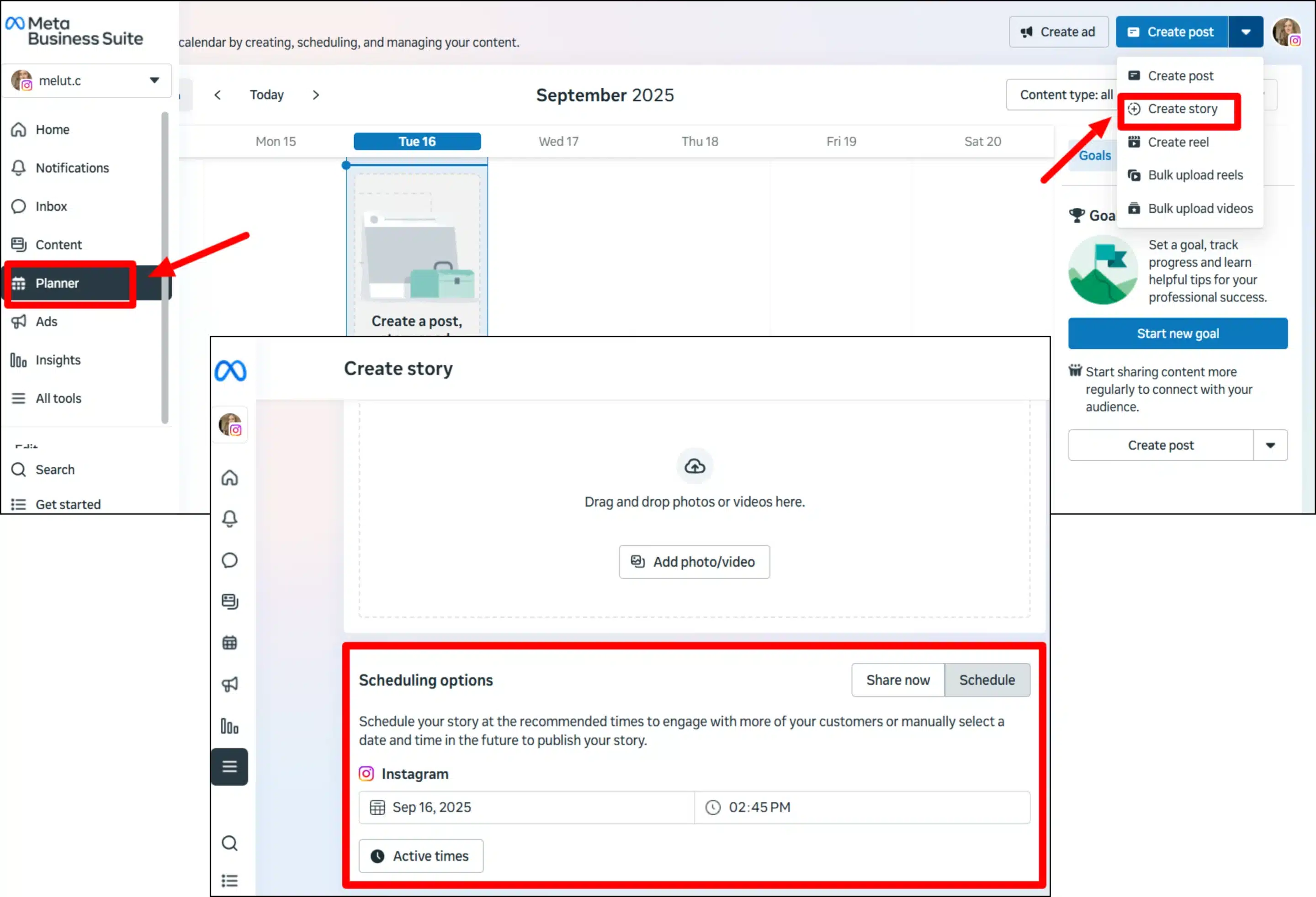
You can always view and change your upcoming Stories from the Scheduled tab under Content.
How to schedule Instagram Stories with SocialBee
You can schedule Instagram Stories posts with SocialBee directly if you have a Business or Creator profile. For Personal profiles, SocialBee sends a reminder to finish publishing through the Instagram app.
How to schedule Stories for a business or creator account (direct publishing)
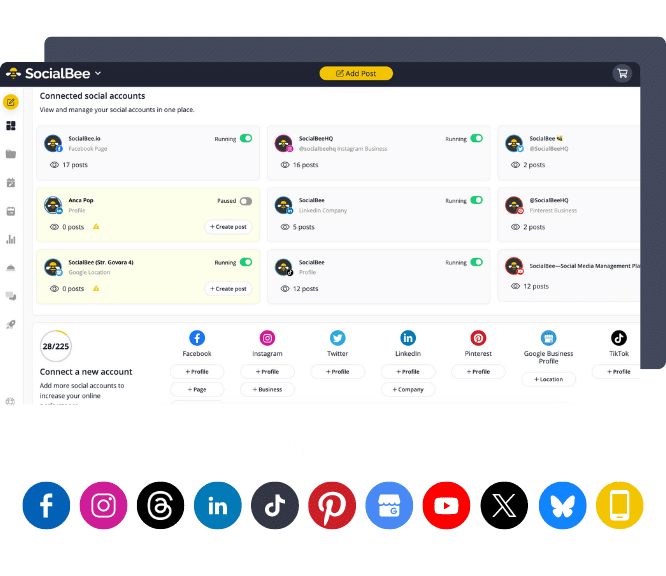
- Connect your Instagram account: Link your Instagram Business or Creator profile in SocialBee.
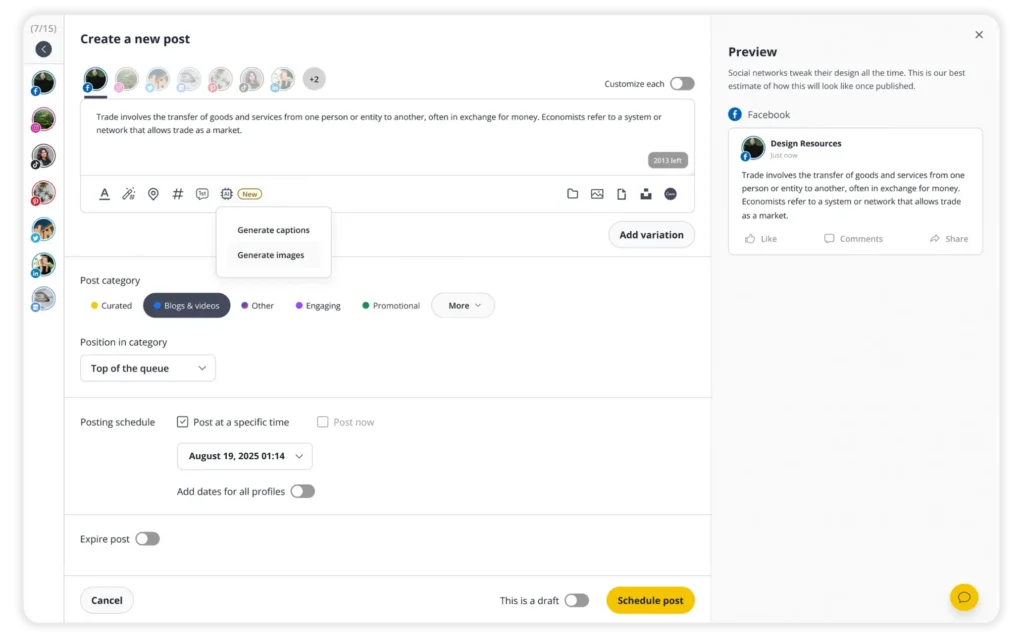
- Open the Post Editor: Select the Instagram profile and choose Story from the drop-down menu.
- Upload your content: Add vertical images (1080 x 1920 px) or a video file under 60 seconds.
- Set your schedule: Pick a date and time or place it in a posting category.
- Approve and publish: Mark your Story as “Approved” for automatic posting at the scheduled time.
Best practices for scheduling Instagram Stories
When creating and scheduling Stories, remember that authenticity matters more than perfection, and that Instagram Stories are one of the best ways to humanize your brand. Yes, being strategic and planning ahead is important, but don’t lose sight of simply being human.
Content strategist Jade Beason, who has eight years of marketing experience, explains it perfectly in this video:
“Your Instagram Stories are not supposed to be used the same way as any other feature on Instagram. The type of content that you post on your feed, the type of content you produce for your Reels, should be different to the type of content you produce for your Stories. The main purpose of your Stories is to humanize your brand; it’s to bring people behind the scenes so people can get to know you or your brand or your business on a deeper level. That is the beautiful thing about Instagram Stories: they do not need to be anywhere near as polished as your other content needs to be. This is a place for you to be yourself, to show who you truly are, and to bring people behind the scenes so that they can get to know you on a deeper level.”
Now, let’s get into the 5 tips you should follow when scheduling Instagram Stories:
- Build anticipation with Instagram Story teasers
- Treat Instagram Stories as a series
- Post at the best times
- Share Instagram feed posts and Reels to Stories
- Design Stories for quick viewing
1. Build anticipation with Instagram Story teasers
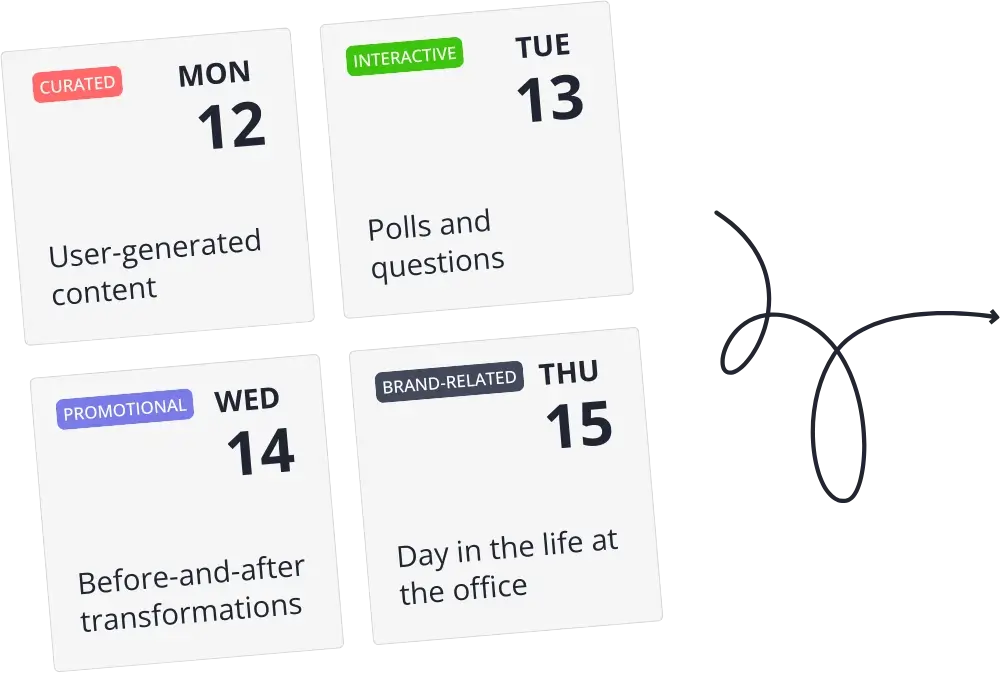
Instead of publishing isolated updates, schedule Stories as part of a sequence that builds toward something bigger to keep your audience interested. For example, you might post a teaser in the morning, a behind-the-scenes clip in the afternoon, and the reveal in the evening. By spacing content throughout the day, you create a narrative that keeps viewers checking back for the next chapter.
2. Treat Instagram Stories as a series
Instead of posting whatever you have on hand, plan your Stories around recurring themes. For example, every Tuesday you could share a quick tip, and every Friday spotlight a customer. When these patterns repeat, your audience begins to expect the same Story but with a fresh twist. That sense of routine builds trust and helps you stay organized because you’re not starting from scratch each week.

At the end of the day, Stories are primarily viewed by your existing followers. They won’t help you reach new audiences, so it’s important to focus on keeping your current audience engaged with recurring posts.
As Adam Mosseri, CEO of Instagram, explained: “Stories are an important way of engaging accounts that already follow you. They’re not going to help you get new followers, they’re not going to help you reach accounts that don’t follow you yet, but they do deepen your connection with people who have already decided to follow your account. And we see this in the data. Creators who post Stories often see fewer unfollows than creators who don’t.”
3. Post at the best times
Instagram Stories only last 24 hours, so timing is important. Post too early in the morning, and your audience may scroll past before work. Post too late, and your Instagram Story content may disappear before most people check in. The right timing gives your content a full day of exposure and maximizes reach, and this applies to all social media sites that have a Story format.
In my experience, the easiest way to approach this is to think of your Stories in three windows: morning (before work or school), mid-day (lunchtime), and evening (after 6 p.m.). Each audience behaves differently, so I recommend testing these time blocks for a few weeks and then reviewing Story analytics to see which window drives the most views and interactions based on each Story’s performance.
Instead of manually testing time slots, you can schedule your Instagram Stories in advance and let the data tell you what works. SocialBee looks at your past content performance and recommends the best posting times based on your actual audience. This way, every Story has a better chance to be seen before the clock runs out, and you stay relevant to your audience.
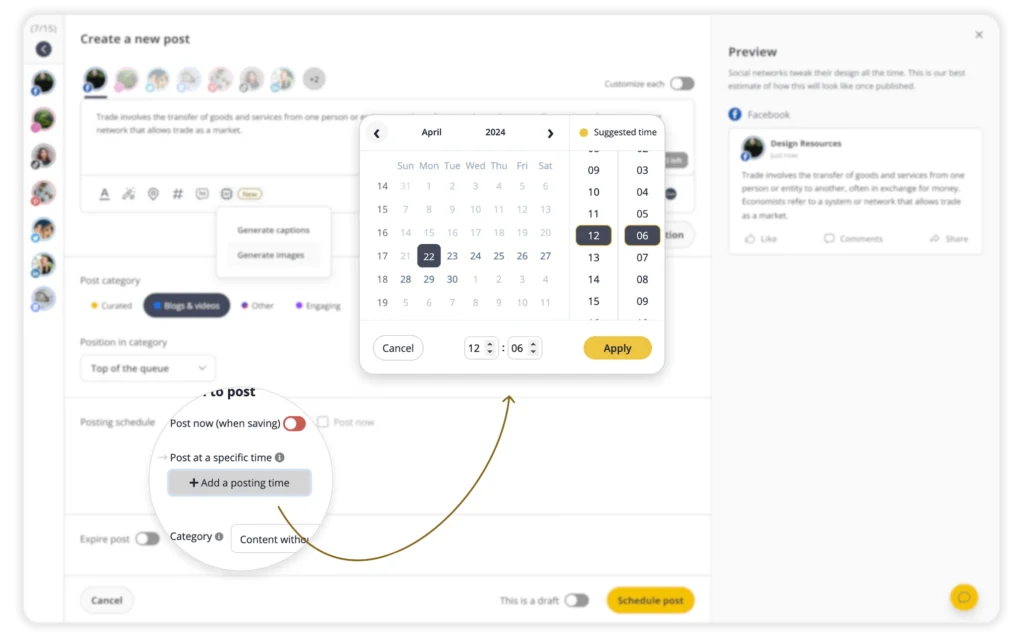
Maximize views on your Instagram Stories with SocialBee’s best posting time recommendations.
Start your 14-day free trial now!
4. Share Instagram feed posts and Reels to Stories
One of the simplest ways to boost visibility is to share your Instagram feed posts or Reels directly to your Stories. Stories sit at the very top of the app, which means they often get seen before someone scrolls their feed.

I use this approach whenever I publish something important, like a new product announcement or a Reel that took extra effort to create. By resharing it to Stories, I give it a second chance to be noticed.
You can learn how to share posts to your Instagram Story in this article.
5. Design Stories for quick viewing
Stories only hold attention for a few seconds, so design needs to be simple and focused. A good rule of thumb is one idea per frame. For example, show a single product photo with a short headline, then use the next frame for the call-to-action. Trying to cram everything into one slide usually leads to clutter.

Brand authenticity should guide your design choices. Stick to the same fonts, color palette, and layout across Stories so they’re instantly recognizable, even if someone taps through quickly. Over time, these visual cues build familiarity and trust.
Frequently asked questions