Why use a Twitter hashtag generator?
You should use a Twitter hashtag generator because it helps you find hashtags that boost the visibility of your tweets. Numbers back this up: posts with hashtags on X receive about twice as much engagement as those without.
Hashtags work on X, but only when you use them with intent. X (formerly Twitter) was the birthplace of the hashtag, and it remains the platform where hashtags fuel real-time conversations. When a story breaks, there’s almost always a hashtag people use, many of which end up in the Trending section of the app.

Using the right hashtags can connect your content to these conversations and help your posts reach people outside of your current followers.
How the Twitter hashtag generator works
Is our AI Twitter hashtag generator free to use? Yes!
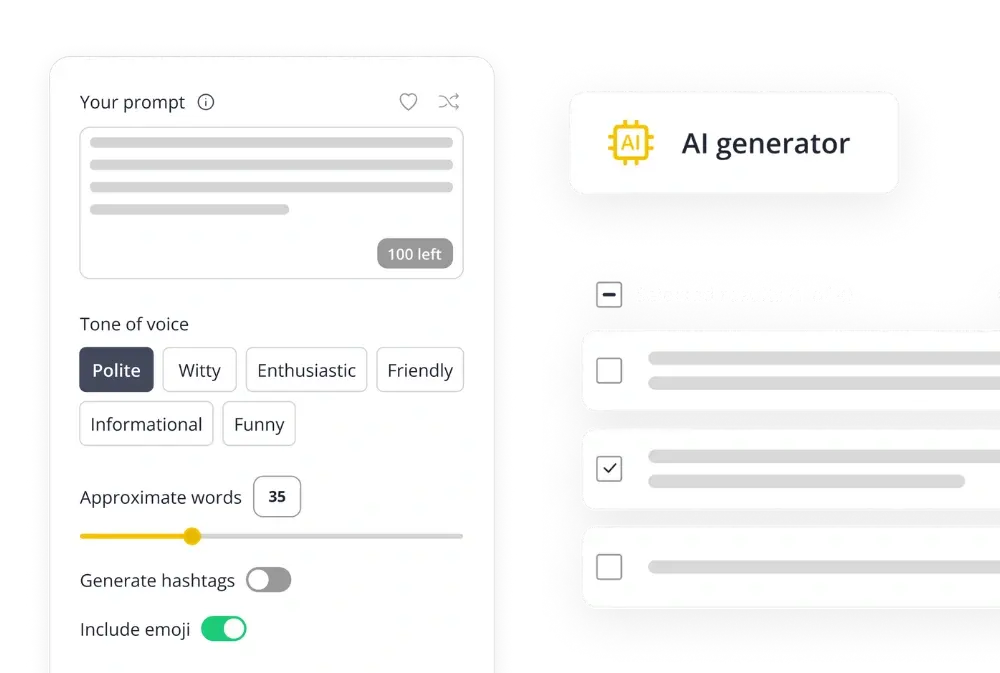
Start by entering a few keywords or short phrases that describe your tweet. The generator analyzes your input and suggests hashtags that are commonly used in similar conversations on X.
The more specific you are, the better the suggestions. For example, typing “remote team productivity” will generate targeted hashtags like #RemoteWorkTips or #WorkFromHome, instead of overly broad ones like #business.
How many hashtags should you use on Twitter?
X recommends using no more than two hashtags per post. Adding too many not only looks cluttered but can also reduce engagement because it makes tweets harder to read, look spammy, and distract from your main message.
From hashtags to full Twitter management
Hashtags can help your tweets reach new audiences, but they are only one part of building a consistent presence on X. To stay visible, you also need to plan content ahead of time, publish at the right moments, engage with replies, and track what is working.
With SocialBee, hashtags fit into a complete workflow for managing your Twitter presence and all your other social accounts:
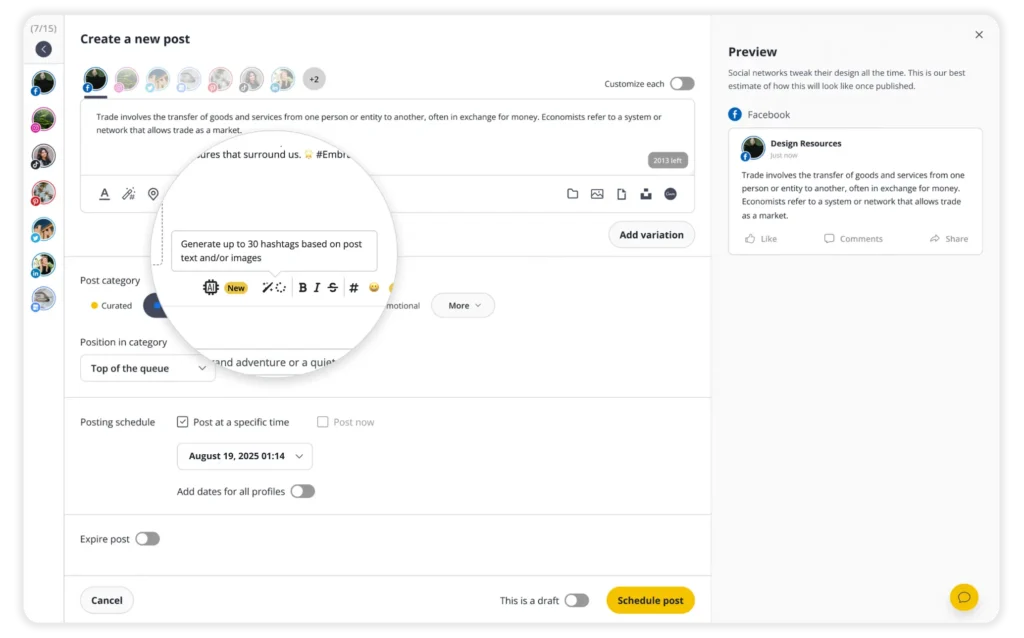
SocialBee helps you to:
- Schedule and publish social media posts on X, Facebook, Instagram, LinkedIn, Pinterest, TikTok, YouTube, Threads, Bluesky, and Google Business Profile.
- Generate hashtags, captions, and images with AI to save time when you are short on ideas.
- Customize tweets with one-click AI or manual edits to fit the 280-character limit, tag users, swap hashtags or images, and more.
- Save and reuse hashtag collections so you do not have to start from scratch every time.
- Design visuals in-platform with Canva, Unsplash, and GIPHY integrations.
- Collaborate with teammates or clients by leaving notes, approving content, and managing shared workspaces.
- Reply to mentions and comments from one social inbox so you can engage without switching tabs.
- Track performance and export PDF reports to see which tweets drive results.
Start your 14-day free trial today and simplify the way you manage X with SocialBee.
How to improve your hashtag strategy on X
Hashtags on X work best when they are intentional. Limiting yourself to one or two hashtags keeps tweets readable and helps you join conversations your audience is already paying attention to.
Keep these guidelines in mind:
- Use no more than two hashtags. X recommends this, and it makes sense given the 280-character limit. Too many hashtags take space away from your message.
- Prioritize relevance. Choose hashtags that clearly connect to your topic, industry, or audience. With only one or two slots, each one needs to count.
- Make them easy to read. Capitalize the first letter of each word (#SocialMediaTips instead of #socialmediatips) so hashtags are scannable at a glance.
- Blend them into your text. Instead of stacking hashtags at the end, add them naturally where they fit: “Here are my top #RemoteWork tips for staying productive.”

- Check before you post. Search the hashtag feed to confirm it’s active and relevant, and to avoid attaching your tweet to spam or unrelated conversations.
- Use campaign and branded hashtags. Create unique hashtags for events, promotions, or community building (for example, #SocialBeeLaunch or #SocialBeeTips) so you can track engagement over time.
- Leverage trending hashtags. When a trending tag aligns with your content, joining the conversation can boost visibility and help you reach new audiences quickly.

Frequently asked questions