Content Writer at SocialBee
A LinkedIn post scheduler can make your social media management workflow far more organized and predictable, especially if you’re managing a LinkedIn company page or multiple client accounts. In my experience, the teams that grow a strong LinkedIn presence are the ones that plan content in advance, schedule LinkedIn posts consistently, and track what actually performs.
LinkedIn is one of the most reliable platforms for reaching B2B audiences, building trust, and driving qualified traffic back to your website. When you schedule LinkedIn posts rather than publishing on the fly, you stay consistent and avoid missing opportunities to engage the people already following your page.
To do that well, you’ll need a LinkedIn scheduling tool that helps you create posts, preview media, manage multiple images or videos, monitor post performance, and keep your content calendar on track. I’ll walk you through how scheduling works, what to look for in a tool, and the 11 best options on the market right now.
We’re SocialBee LABS SRL, part of WebPros. We use the information you provide to share relevant content and product updates, as outlined in our Privacy Policy. You can opt out anytime.
Short summary
- Scheduling LinkedIn posts helps you stay consistent, plan ahead, and keep your LinkedIn presence active even on busy weeks.
- The best LinkedIn schedulers offer fast editors, clear calendars, post previews, and analytics that help you choose the right posting times.
- Look for tools that support multiple platforms, especially if you manage a LinkedIn company page alongside Twitter, Instagram, TikTok, or GBP.
- A good scheduler should simplify your workflow: create posts, schedule in advance, track LinkedIn performance, and manage comments from one place.
- SocialBee stands out for its AI tools, category-based scheduling, multi-account support, and unified inbox, making it a strong option for teams and agencies.
What to look for in a LinkedIn scheduling tool
1. Choose an interface you can move fast in
If the platform feels slow or confusing during a free trial, it will feel even worse on a busy Monday morning.
When I test a new tool for LinkedIn scheduling, I look for an interface that helps me create posts, upload multiple images or videos, preview content, and adjust posting times without friction. A good interface makes it easy to manage several LinkedIn accounts and keep page posts on brand.
My personal checks include:
- How fast the post editor loads when I click Create
- Whether the calendar view is clear enough to plan LinkedIn posts weeks in advance
- How easy it is to reorder, edit, or delete scheduled posts
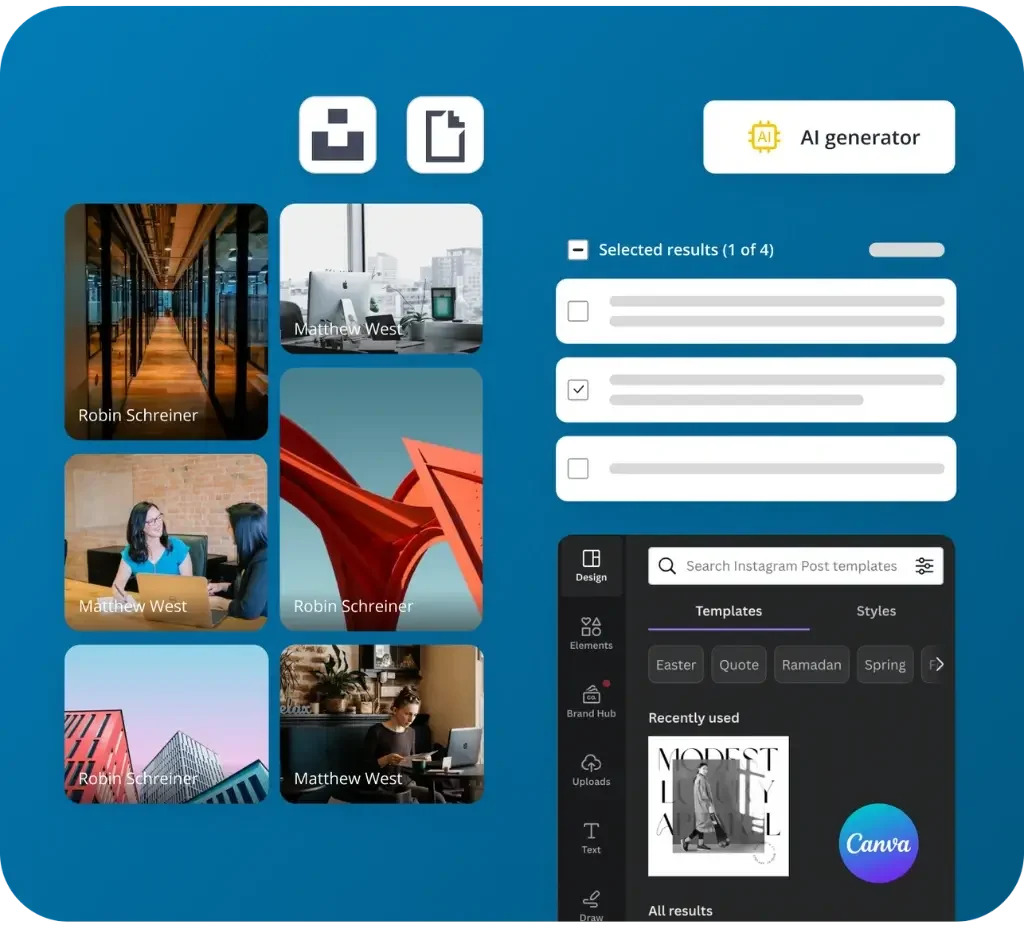
- Whether I can quickly access media tools like Canva or a built-in image library
- How simple it is to organize content using categories so my LinkedIn page stays balanced
2. Prioritize the features you will use every week
The best LinkedIn scheduler is the one that supports your real workflow, not a list of features you will never touch.
When I create LinkedIn posts for clients or my own page, these are the core features that matter most for day-to-day social strategy.
What I always look for:
- Post creation tools that make it easy to add captions, videos, photos, links, or multiple images
- Reliable scheduling that lets me plan posts across multiple LinkedIn pages or a full LinkedIn company page
- Automated publishing so posts go live at the right time without manual posting
- Post analytics that show audience demographics, engagement, impressions, and top-performing content
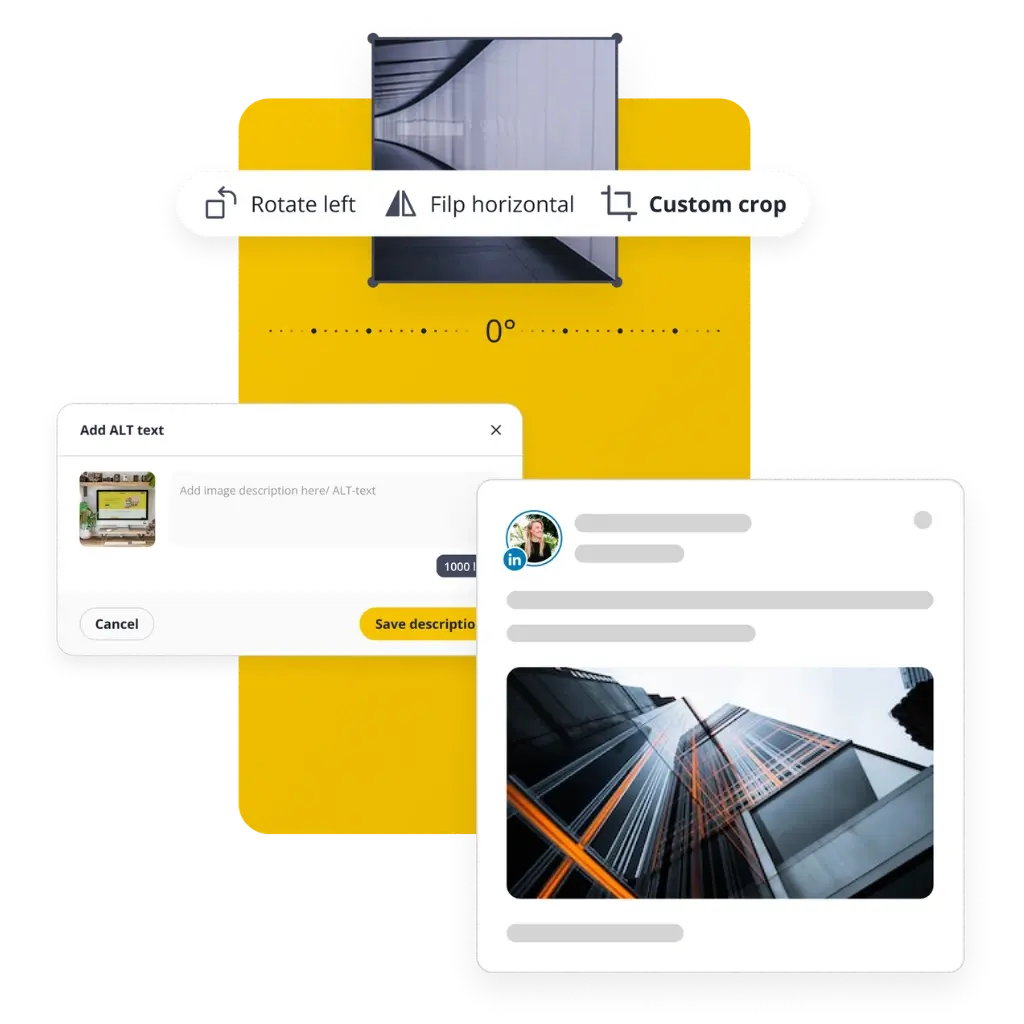
- Preview options so I know exactly how posts will appear in the feed before publishing
In my experience, tools that surface insights like audience activity, content trends, and best posting times make it easier to refine your LinkedIn content and keep your followers engaged.
3. Confirm the networks you need, both now and next quarter
Choose a scheduler that supports more than LinkedIn, so you are not migrating tools as your strategy expands.
If you are managing multiple platforms such as Twitter, TikTok, Instagram, Facebook, or a Google Business Profile, look for a tool that handles everything from one dashboard. Most marketers do not want to juggle several apps just to publish content consistently.
A strong scheduler should let you:
- Manage all your social accounts in one place
- Preview and schedule content for multiple platforms
- Keep your posting workflow unified to avoid repetitive tasks
- Maintain consistency across your brand channels
SocialBee supports LinkedIn, Threads, TikTok, Bluesky, Pinterest, Instagram, GBP, and more. This helps you avoid future migrations as your content strategy grows.
4. Compare total cost, not just the sticker price
Price only matters when you understand what you are getting and what errors or inefficiencies it prevents.
When comparing LinkedIn scheduling tools, I always look at long-term value rather than the cheapest tier. A low-priced tool is not cost-effective if it lacks analytics, team collaboration features, or a unified inbox for managing comments and messages.
Here is what I evaluate:
- How many users and LinkedIn accounts are included
- Whether analytics, PDF reports, or advanced scheduling features are add-ons
- If the tool includes a social inbox for managing messages, comments, and mentions
- Whether it supports AI-powered creation tools that save time on LinkedIn content
- How well the tool handles team workflows, post approvals, and content review
A good quality-to-price ratio means the platform reduces errors, saves hours each week, and gives you the features you need to stay consistent and maximize performance on LinkedIn.
What are the benefits of scheduling posts on LinkedIn?
Scheduling your LinkedIn posts helps you stay consistent, publish content at the right time, and manage your LinkedIn presence without rushing to post manually. Here are the core benefits, based on what I see most often in social media workflows:
- Save time and work efficiently. Planning posts in advance keeps your LinkedIn page active even when you are busy, and it helps your social media team stay organized.
- Share content at the right time. You can schedule LinkedIn posts at optimal times when the right audience is most active, using insights from your top-performing posts.
- Manage multiple accounts from one place. A good LinkedIn post scheduler lets you plan content for several LinkedIn personal profiles or company pages from a single dashboard.
- Stay consistent with your LinkedIn strategy. You maintain a predictable posting rhythm, avoid missed posts, and keep your content calendar aligned with your business goals.
Top 11 LinkedIn scheduling tools
Now that you know why it helps to schedule LinkedIn posts instead of publishing on the fly, let’s look at the marketing tools that can actually do the work. I have either used or closely reviewed each of these platforms in real social media management workflows, especially for managing a LinkedIn company page or multiple client accounts.
1. SocialBee
Best for: Social media managers and agencies that want a single tool to create, schedule, publish, and analyze LinkedIn posts across many accounts.
I use SocialBee every day to plan campaigns, keep my content calendar on track, and manage multiple LinkedIn pages without getting lost in spreadsheets. The visual calendar makes it easy to see exactly what will publish on each LinkedIn profile, and the post editor lets me adjust captions, links, and media for every platform in one place.

What I like most is how SocialBee takes you from idea to approved, scheduled post in one workflow. I can brainstorm, write, design, get feedback from the team, and then schedule LinkedIn posts at the best times, all inside the same app. The AI tools are genuinely useful on busy days when I need help with captions, relevant hashtags, or content ideas.
What I like about SocialBee:
- Clear content calendar that shows scheduled posts for any social network you post on
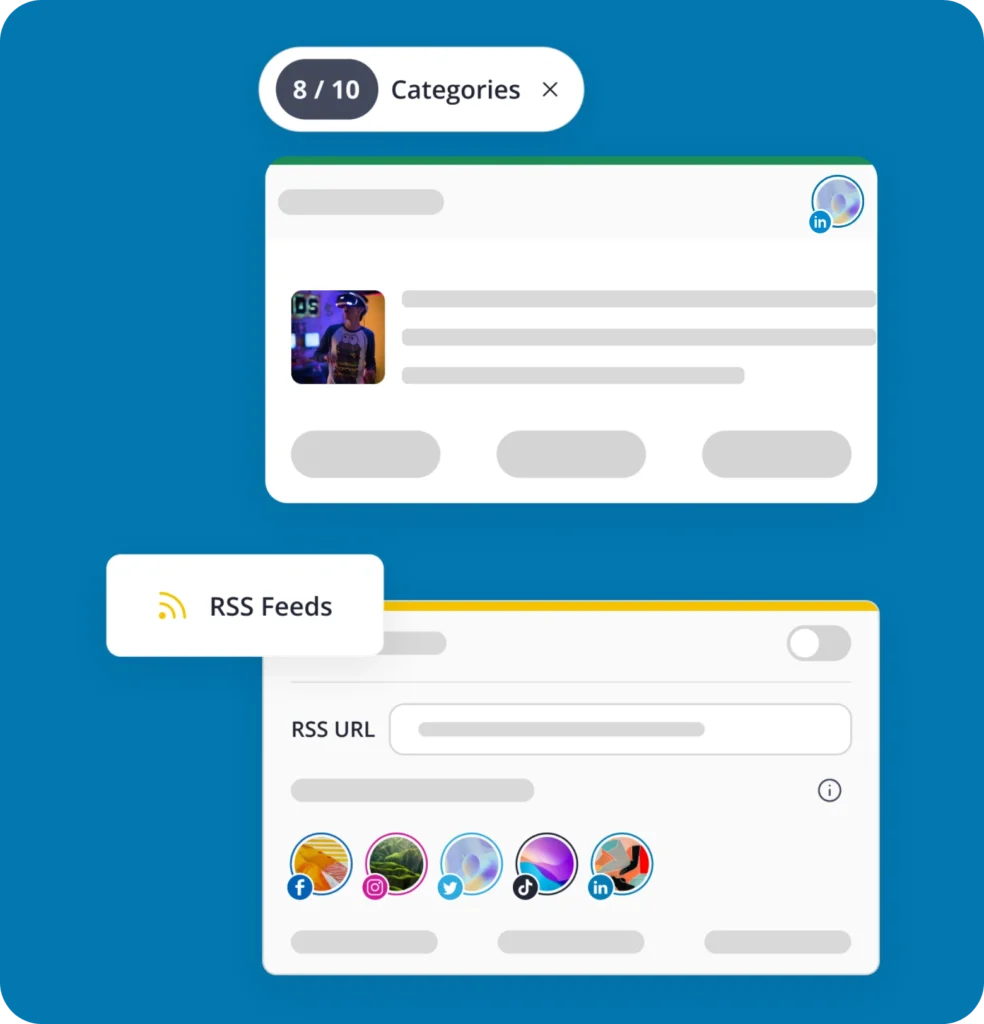
- Category-based scheduling that keeps LinkedIn content varied and on brand
- AI post generator for captions, hashtags, and even images
- Best time to post suggestions based on past performance and real engagement data
- Direct scheduling to LinkedIn plus over ten other platforms, including TikTok, Pinterest, Bluesky, and Google Business Profile
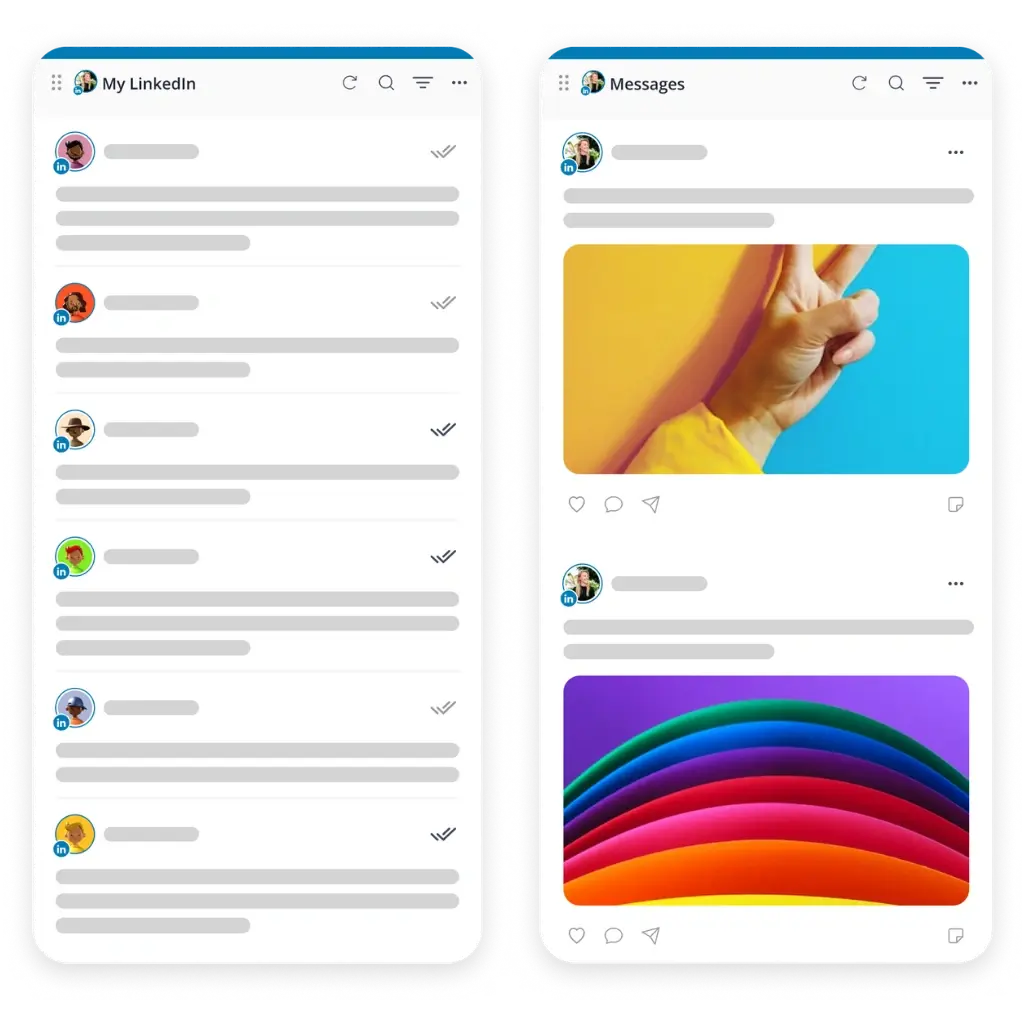
- Engage tab to reply to comments, messages, and brand mentions from a unified inbox, and encourage new ones
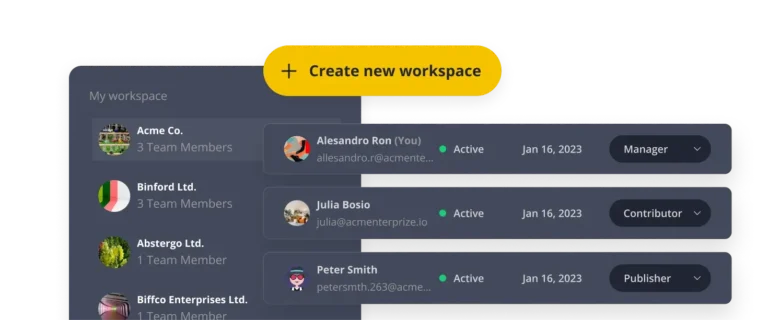
- Separate workspaces that keep client accounts and company pages organized
- PDF reports for post performance, follower and page growth, and audience demographics
What could be better about SocialBee:
- The first setup takes a bit of time, especially if you create many categories and schedules
- The number of options can feel overwhelming until you settle into a routine
SocialBee pricing:
- Free trial: 14 days
- Paid plans: Start at $29/month
2. Social Champ
Best for: Small teams that want an affordable social media management tool with strong LinkedIn scheduling and detailed analytics.
When I tested Social Champ, I liked how straightforward it felt to schedule LinkedIn posts and cross-post to other social media platforms from the same dashboard. The interface is clean, which helps marketing professionals who are juggling a lot of page posts and do not want to dig through menus just to queue content.
The AI Suite is handy for basic LinkedIn content creation and sentiment checks, and the advanced analytics go deeper than many tools at a similar price.
What I like about Social Champ:
- Good balance of LinkedIn scheduling, queue management, and reporting
- AI tools that help with post ideas, images, and basic sentiment analysis
- Clear analytics on impressions, audience growth, and engagement
- Support for a wide list of platforms, including LinkedIn, TikTok, Pinterest, and Google Business Profiles
What could be better about Social Champ:
- Some key features behave differently across platforms because of API limits
- The interface is clean, but the number of options can take a little time to learn
Social Champ pricing:
- Free trial: 7 days
- Paid plans: Start at $5/social account/month
3. Loomly
Best for: Teams that care about content approvals, a visual calendar, and steady LinkedIn scheduling in a structured workflow.
Loomly feels like a classic content calendar with extra help baked in. When I set it up for LinkedIn content, I liked how each post moves through clear stages, from draft to approved to scheduled. The platform also suggests post ideas and tips while you write, which can help when you are planning content for a busy LinkedIn page.
What I like about Loomly:
- Clean, organized calendar that shows the scheduled date for each post and what needs review
- Built-in post ideas and optimization tips that appear while you create posts
- Approval workflows that work well for teams and client work
- Solid analytics for LinkedIn and other platforms
What could be better about Loomly:
- Manual publishing for some platforms can interrupt an otherwise smooth process
- Pricing grows quickly when you add more social accounts or users
Loomly pricing:
- Free trial: 15 days
- Paid plans: Start at $65/month
4. Sprout Social
Best for: Larger organizations that need advanced reporting, social listening, and enterprise level social media management.
Sprout Social is one of the most robust tools on this list. When I tried it for LinkedIn scheduling, the standout elements were the analytics and reporting. You can dive into social ROI, audience demographics, and detailed post engagement metrics that help refine your LinkedIn content and overall social strategy.
What I like about Sprout Social:
- Strong analytics and dashboards that go far beyond basic post performance
- Shared content calendar that works well for bigger teams and multiple brands
- Optimization features that help pick posting times and improve reach
- Solid support for LinkedIn, Facebook, Instagram, TikTok, and more
What could be better about Sprout Social:
- Pricing is high for smaller businesses or solo marketers
- Customer support can sometimes feel slower than expected for the cost
Sprout Social pricing:
- Free trial: 30 days
- Paid plans: Start at $79 per seat/month
5. MeetEdgar
Best for: Solopreneurs and small businesses that want to keep a library of content and let the tool recycle posts automatically.
MeetEdgar (often called Edgar) focuses on keeping your queues filled so your LinkedIn presence stays active even when you are not creating new content every week. I like its category-based system, which lets you group content and have it reused over time. It is a simple way to keep a LinkedIn page or profile from going quiet.
What I like about MeetEdgar:
- Simple interface that works well for solo users
- Category-based scheduling that reuses saved content to keep feeds active
- RSS and import options that help pull in new posts from your site
- Calendar view that shows what is lined up for LinkedIn and other channels
What could be better about MeetEdgar:
- Limited social monitoring features compared to full social media management tools
- Pricing can feel high if you only schedule posts to a few accounts
MeetEdgar pricing:
- Free trial: 30 days
- Paid plans: Start at $29.99/month
6. Buffer
Best for: Small teams and creators that want a simple way to plan, schedule, and review LinkedIn posts along with other platforms.
Buffer has been a go-to scheduling tool for years, and it is still a solid choice if you want a clean interface and basic analytics. When I used it to schedule LinkedIn posts, I appreciated how easy it was to queue content, adjust posting times, and review performance from a single dashboard.
What I like about Buffer:
- Straightforward calendar and queue for LinkedIn and other platforms
- Post tailoring options that let you adjust content per channel
- Built-in landing page creator that helps connect social posts to campaigns
- Key metrics for accounts, posts, and audience analytics
What could be better about Buffer:
- Occasional system errors reported by users, especially during peak times
- Costs add up as you add more channels and team members
Buffer pricing:
- Free trial: 14 days
- Paid plans: Start at $6/month/channel
7. Hootsuite
Best for: Brands that need a mature tool for managing many accounts, paid campaigns, and a wide mix of social media channels.
Hootsuite has been around long enough that most social media managers have tried it at least once. When I used it for LinkedIn scheduling, I liked the combination of social calendar views, content libraries, and social listening. It works well if you manage many accounts and need to keep a close eye on engagement and analytics.
What I like about Hootsuite:
- Strong analytics with insights into engagement, reach, and post performance
- Large app ecosystem with many integrations
- Solid post scheduler and calendar view for planning LinkedIn content
- Good fit for teams that also run paid social campaigns
What could be better about Hootsuite:
- Pricing is relatively high, especially on larger plans, and there is no free plan
- Customer support can feel slow for the price point
Hootsuite pricing:
- Free trial: 30 days
- Paid plans: Start at $149/month
8. Sendible
Best for: Agencies that manage multiple client accounts and need approvals, bulk scheduling, and reporting from one place.
Sendible feels designed with agencies in mind. When I tested it, I liked how the calendar, bulk scheduling, and approval workflows worked together. It is a good fit if you schedule LinkedIn posts for several clients and need a clear overview of what is going out and when.
What I like about Sendible:
- Calendar view that makes it easy to plan content in advance
- Bulk scheduling that saves time when you map out LinkedIn campaigns
- Approval workflow and notes that help with client sign off
- Integrations with Canva, Google Drive, Dropbox, and Google Analytics
What could be better about Sendible:
- There is a learning curve at the beginning, especially for new team members
- LinkedIn requires reauthentication every few months, which can interrupt content scheduling if you forget
Sendible pricing:
- Free trial: 14 days
- Paid plans: Start at $29/month
9. NapoleonCat
Best for: Teams that care about automation, moderation, and managing comments and messages alongside LinkedIn scheduling.
When I tried NapoleonCat, I found the automation and moderation features helpful for managing busy comment sections and inboxes. If you want a mix of scheduling, social inbox, and reporting, it is worth a look.
What I like about NapoleonCat:
- Social inbox that pulls in comments and messages from multiple platforms
- Automation options for moderation and simple responses
- Calendar-based scheduler for LinkedIn and other platforms
- Detailed analytics that highlight most engaging post types and follower trends
What could be better about NapoleonCat:
- The interface has a learning curve, especially around automation rules
- Some features may feel more complex than smaller teams need
NapoleonCat pricing:
- Free trial: 14 days
- Paid plans: Start at $89/month
10. CoSchedule
Best for: Content marketing teams that want to combine campaign planning, blogging, and social scheduling.
CoSchedule is built around marketing calendars and projects, so it is a strong choice if you manage blog content and social media in one place. When I used it, I liked how social messages, articles, and campaigns all showed up on the same schedule. It is helpful if you want LinkedIn posts to line up with bigger launches and content initiatives.



What I like about CoSchedule:
- Unified marketing calendar that includes blogs, campaigns, and social media
- Social scheduling that ties directly into content projects
- Work management tools for assigning tasks and tracking progress
- Features like ReQueue that help keep evergreen content in rotation
What could be better about CoSchedule:
- The interface can feel complex if you only need a simple LinkedIn scheduler
- Pricing can be high for small teams that do not use all the advanced features
CoSchedule pricing:
- Free marketing calendar available
- Paid plans: Start at $29/month
11. Supergrow
Best for: Creators, consultants, and teams focused solely on LinkedIn who want streamlined tools for personal branding and profile growth.
Supergrow is a LinkedIn-only scheduling tool built for creators, consultants, and teams focused on personal branding. When I tried it, I liked how simple it was to plan posts, build carousels, and repurpose content using its AI assistant.
The visual planner keeps things organized, and the multiple workspace setup works well for ghostwriters or agencies handling several LinkedIn profiles. It also offers basic analytics for tracking engagement and profile growth, but it does not support any platforms outside LinkedIn, so it is best suited for users who focus their social media marketing efforts exclusively there.
What I like about Supergrow:
- Built specifically for LinkedIn posting and personal branding
- Easy to create carousels using simple, branded templates
- AI tools that repurpose long-form content into LinkedIn posts
- Helpful for agencies managing several LinkedIn profiles
- Clean, focused interface that supports content planning
What could be better about Supergrow:
- No support for other platforms beyond LinkedIn
- Analytics are fairly basic compared to broader social media tools
Supergrow pricing:
- Free trial: 7 days
- Paid plans: Start at $19/month
Frequently asked questions
1. What is bulk scheduling?
Bulk scheduling lets you upload and plan multiple LinkedIn posts at once, so you do not have to schedule each post manually. It is commonly used when planning weekly or monthly content in advance and helps keep your posting schedule consistent.
2. Can you schedule posts on a LinkedIn company page?
Yes, you can schedule posts directly on a LinkedIn company page through LinkedIn’s built-in scheduler or by using third-party social media scheduling tools. Scheduling helps admins plan content ahead of time and maintain a steady publishing rhythm. With third-party tools like SocialBee, you can also tag LinkedIn company pages in your scheduled posts.
3. What is the best time to schedule posts on LinkedIn?
The best time to schedule LinkedIn posts depends on when your audience is most active, often during weekday mornings or early afternoons. Most users notice that by posting Tuesday through Thursday, you maximize engagement, but checking your own analytics provides the most accurate timing.
4. How often should you post on LinkedIn?
Most brands post on LinkedIn between two and five times per week to stay visible without overwhelming followers. Posting more frequently is possible, but quality and relevance matter more than volume.
5. Does LinkedIn have a scheduling tool?
Yes. LinkedIn includes a built-in scheduling tool that allows you to choose a date and time for your post to publish (text-only, image, video, carousel posts, or any other type). All you have to do is tap schedule (the clock icon) when you write posts and choose the date and time. You can also schedule multiple posts using third-party tools if you need more features or manage multiple accounts where you want to publish automatically.
Schedule LinkedIn posts like a pro
If you post regularly on LinkedIn, using a social media scheduler is one of the simplest ways to stay consistent without adding more work to your week. In my experience, the right tool gives you clarity, structure, and enough breathing room to focus on the content itself, not the logistics behind it.
I usually suggest testing two tools side by side for a week before choosing the right LinkedIn scheduling tool. Pay attention to which one makes it easier to plan, preview, and adjust your posts without slowing you down. The tool that feels effortless during a busy week is the one you will stick with long term.
If you want AI assistance, a clean LinkedIn content calendar, and an inbox for managing comments and messages in one place, try SocialBee’s 14-day free trial and see if it fits your workflow. I’ve found it makes LinkedIn scheduling feel a lot more manageable, especially when you are planning ahead for several accounts.