What is a Facebook post mockup generator?
A Facebook post mockup generator lets you create a realistic preview of a Facebook post without publishing anything. A fake Facebook post recreates the look and feel of an actual post so you can test ideas, share concepts with clients, or plan content visually before it ever hits your page.
Why use a Facebook post mockup generator?
A Facebook post mockup helps you see your idea before it goes public. It’s an easy way to check if your image, copy, and layout actually work together.
It’s also great for sharing concepts with teammates or clients without posting anything by accident. When you can spot problems early, you save time, avoid awkward edits later.
How to use the Facebook post generator
Follow these simple steps to create your Facebook mockup:
- Add your page or profile name.
- Upload your profile photo.
- Switch between light and dark mode
- Mark your profile as verified, if needed.
- Write your caption.
- Import your post image.
- Turn comments on or off for your fake social media posts.
Tips for creating awesome Facebook posts
1. Start with a hook that stops the scroll
The first line of your Facebook post is the only part guaranteed to be seen, so it has to earn attention fast. Most people scroll quickly, and a flat opening (“We have an update” or “New blog post”) disappears instantly. A strong hook makes users pause long enough to read more, which increases both engagement and reach.
The simplest way to create a hook is to start with something that sparks curiosity:
- A question people can’t help but answer
- A surprising or counterintuitive fact
- A bold statement that challenges assumptions
For example, instead of “We’re launching a new feature,” try:
“Ever wonder why your social media posts stop getting reach after 2 p.m.?”
This shifts the focus from you to the reader, and readers pay attention to content that reflects their own problems, habits, or goals.
2. Use numbers to make your posts clearer and more clickable
Numbers stand out in a busy feed because they promise something specific. They signal that your content is organized, quick to understand, and worth pausing for. Odd numbers (like 3, 5, or 7) often perform better because they feel more natural and less “packaged.”
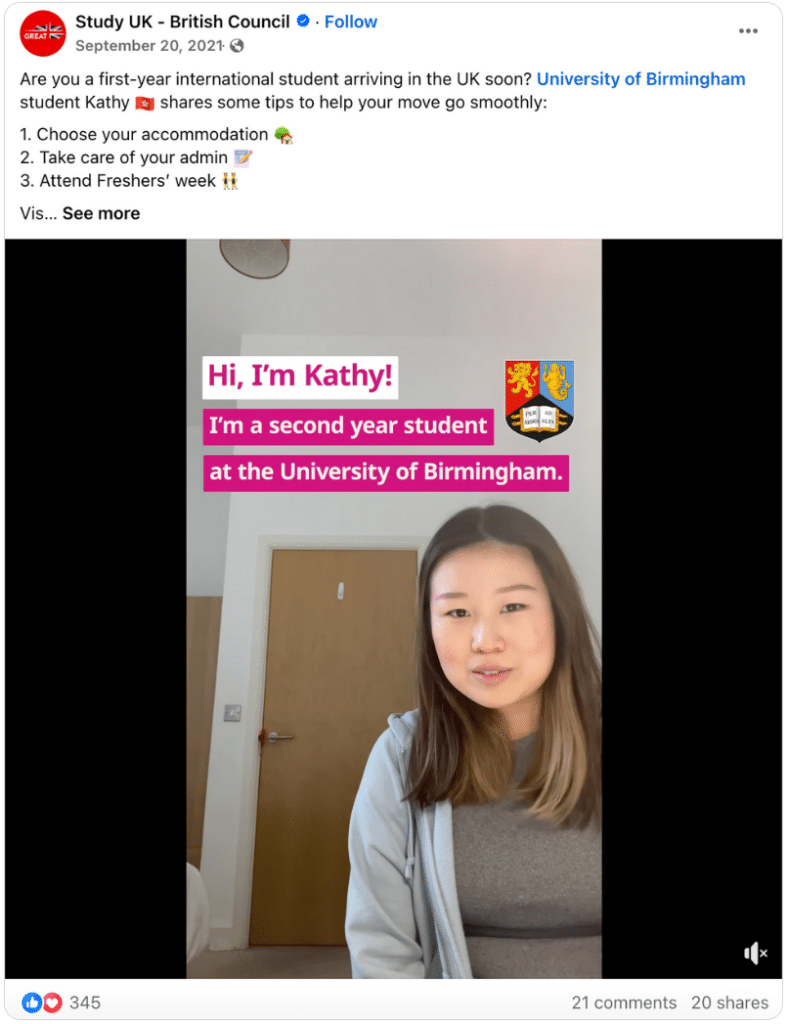
Short lists work especially well on Facebook; think “3 quick ideas,” “5 simple steps,” or “7 things to try.” They set expectations and make the post easier to skim. Larger numbers also help when you’re sharing data or research, like “82% of people prefer…” or “10 best tools that actually save time.” These add credibility and make your message feel concrete.
3. Use the comment section to extend your post
Your comment section can act as a second part of your post. Instead of putting every detail in the main caption, you can share extra tips, links, or clarifications in the comments.
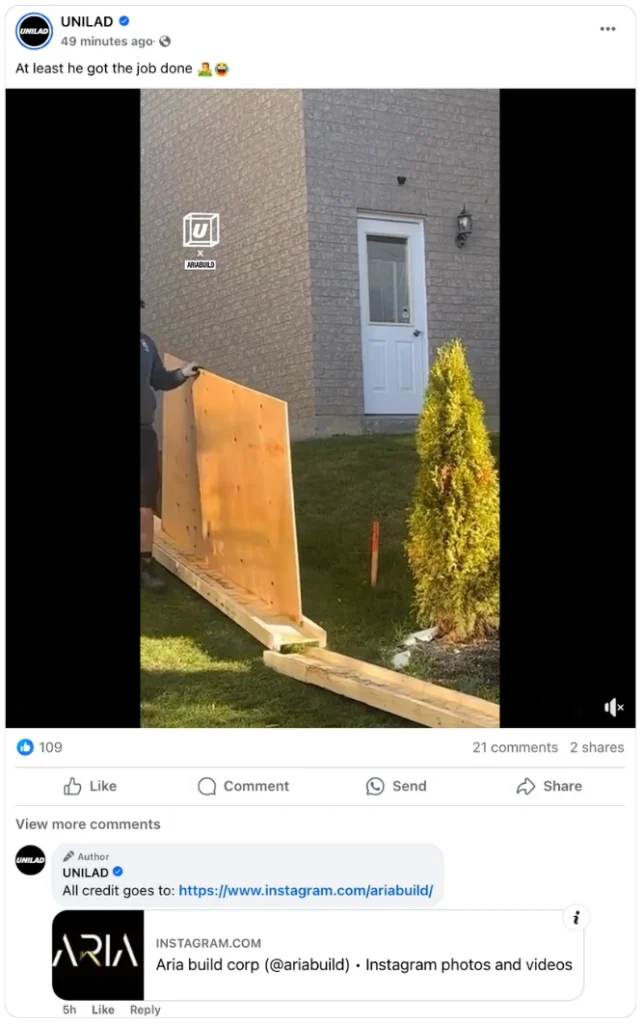
It’s also a smart way to avoid reach drops that sometimes happen when external links appear in the main post. Adding them to the comments keeps the caption link-free and may help more people see it.
You can also spark more replies by asking follow-up questions in the comments.
4. Use visuals that spark a question the caption answers
Your visual should make people pause long enough to want the context in your caption. The easiest way to do this is to create a small amount of curiosity in the image and resolve it in the text.
For example, show a problem, such as an inbox with thousands of unread emails, and share the fix in the caption. Simple phrases like “Stop doing this” or a slightly blurred screenshot work well because they hint at something useful without revealing it.
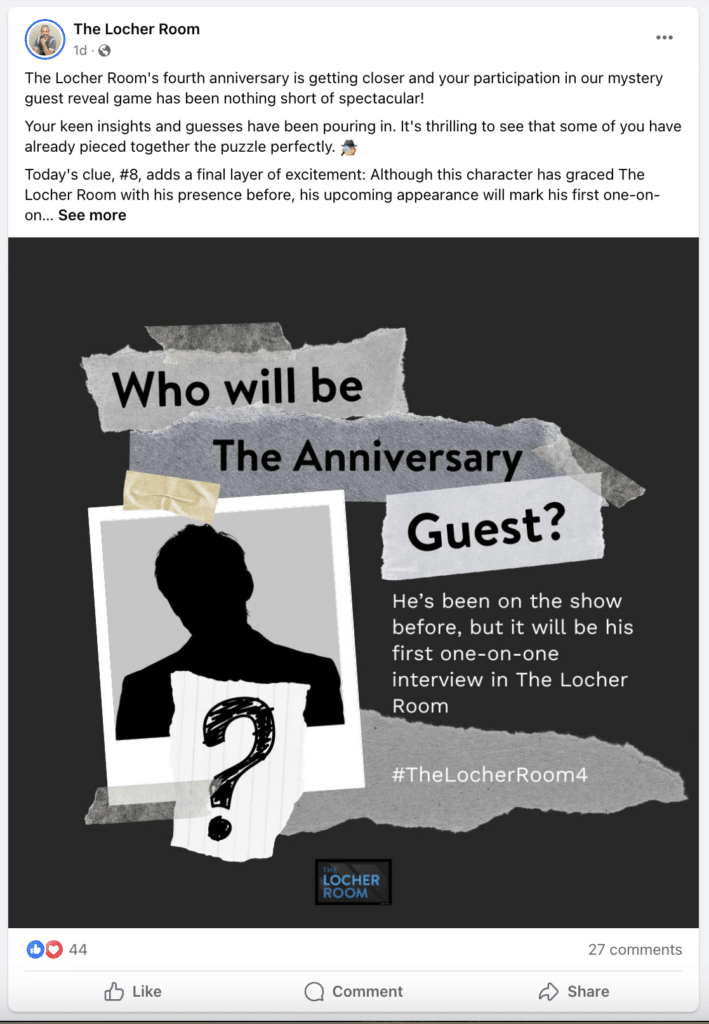
When the image raises a question, and the caption provides the answer, your post feels more intentional, and people are more likely to stop scrolling and read.
5. Schedule your Facebook post at the best time
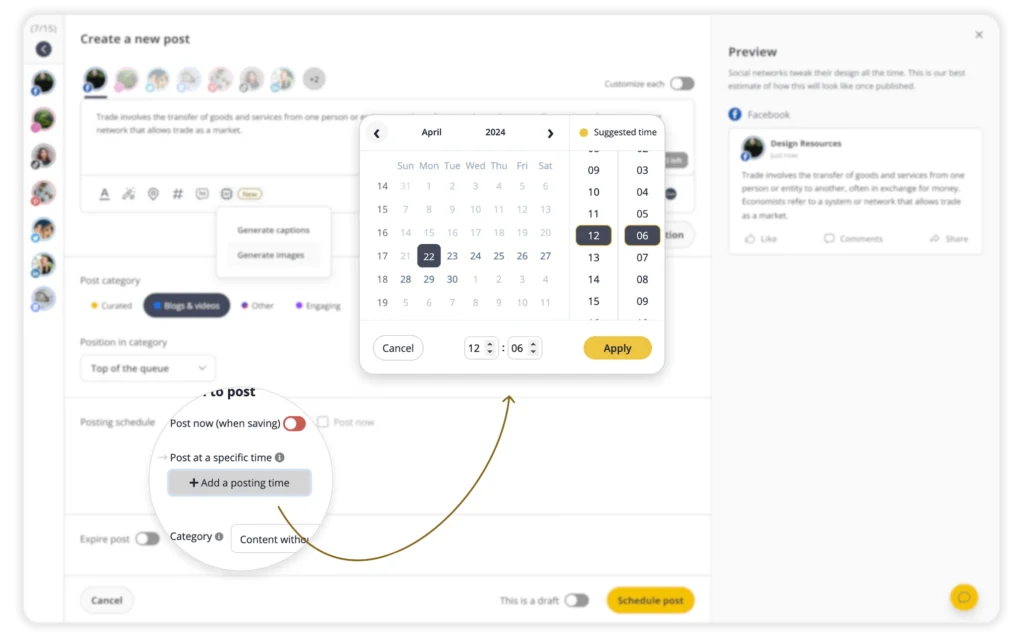
Most Facebook pages struggle with timing, consistency, and the day-to-day work of planning content across multiple accounts.
SocialBee studies how your past Facebook posts have performed and identifies when your target audience is most active. Instead of guessing the right time to publish, you get posting windows based on real behavior.