


















FREE social media engagement rate calculator
Enter your followers, likes, comments, shares, and saves to get an instant engagement rate you can use to track growth, compare performance, and report results.
How we calculate your social media engagement rate
Your engagement rate shows how actively your audience interacts with your content compared to your total following. Our calculator uses this engagement rate formula:
Engagement rate = (Likes + Comments + Shares + Saves) ÷ Followers × 100
To calculate it, enter your total followers along with the likes, comments, shares, and saves your post received. Our free engagement rate calculator instantly gives you a percentage you can use to compare engagement metrics across platforms, campaigns, or competitor accounts.
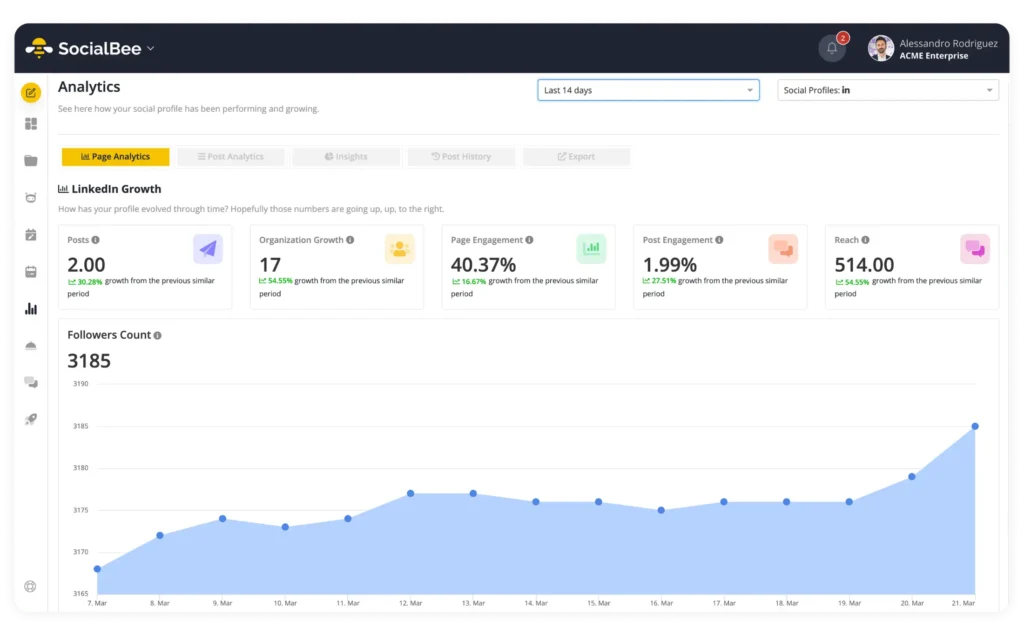
If you use SocialBee, you do not have to calculate it manually. From your analytics dashboard, you can see the engagement rate for each individual post or the average engagement rate for your entire account.
SocialBee also gives you insights into reach, impressions, audience growth, and posting performance, so you always know which content is working best.
What’s a good engagement rate on social media?
Engagement rates vary depending on the platform, your audience demographics, and the type of content you share. As a general rule, a good social media engagement rate usually falls between 1% and 5%, but the benchmarks shift across networks.
Here are average engagement rate benchmarks by platform:
- Instagram: 1-3% is average, 3–6% is considered a high Instagram engagement rate
- TikTok: 4-7% is strong, with smaller accounts often reaching double digits
- Facebook: 1-2% is common, 2–3% is above average
- YouTube: 3-7% is a good range for most creators
- LinkedIn: 1-2% is average, with 2–4% considered strong for company pages
- Twitter (X): 0.5-1% is typical; anything above 1% is solid
Smaller accounts tend to see higher engagement because their communities are more closely connected, while larger accounts usually trend lower as their reach grows.
If you are running influencer marketing campaigns, focus on the influencer’s engagement rate more than their follower count. A content creator with 20,000 followers and a 6% engagement rate may drive better results than one with 200,000 followers but only 1%. The influencer engagement rate is something you want to calculate before starting a collaboration.
How to increase your social media engagement rate
To boost audience engagement, post when your followers are most active, turn smart comments into content, and use hashtags and keywords that match what people search for. Mix in interactive formats like polls or “finish the sentence” prompts, and take advantage of trending TikTok and Instagram Reels to reach new viewers.
1. Post when your audience is active
Even the best content underperforms if it goes live when your audience is offline. Every platform has different activity peaks, so use your analytics to see when your followers are most engaged.
On Instagram, that might be weekday mornings, while on LinkedIn, it could be midweek afternoons. Once you know the pattern, schedule posts to match those windows. Consistently posting at the right time gives your content a better chance to earn early likes and comments, which helps it spread further.
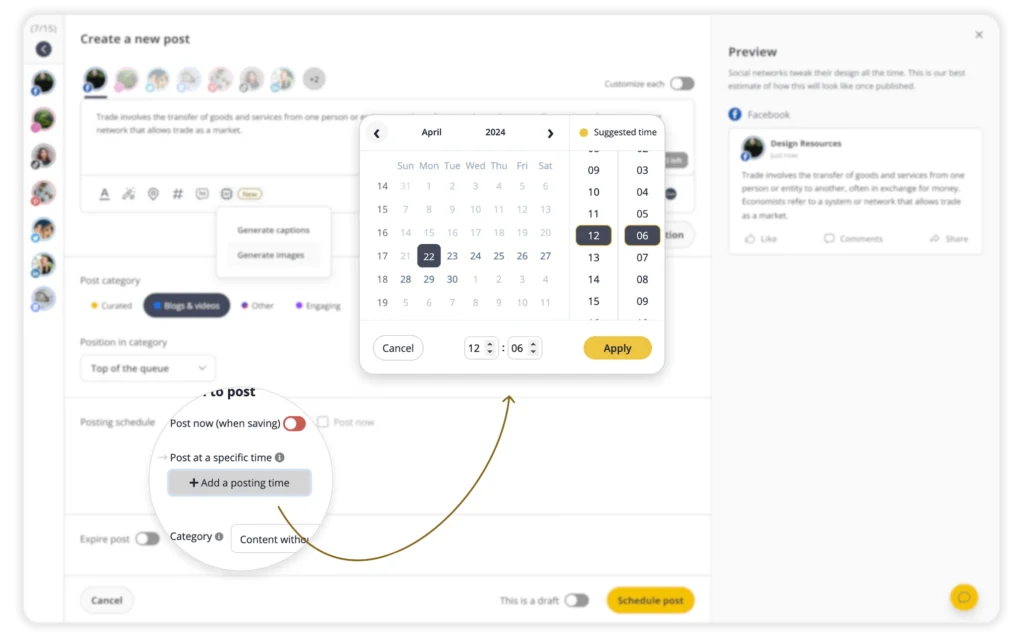
SocialBee makes this easier by analyzing how your past posts performed and recommending the best times to publish on each platform. You can schedule content across all your channels in advance, so your posts go live when your audience is most likely to respond.
2. Turn comments into posts
Sometimes your best content idea comes straight from your audience. If someone leaves a smart question or a funny take, use it as the spark for your next post. TikTok makes this especially easy; you can record a video reply, and the original comment shows up on screen.
It feels like a direct conversation, and people love seeing their comment featured. Once you do it a few times, your followers will start leaving more thoughtful comments because they know you’re paying attention.
3. Leverage hashtags and keywords
On discovery-driven platforms like TikTok, Instagram, and YouTube, hashtags and keywords work like search terms. They help algorithms understand what your post is about and connect it with the right audience. The key is to keep them specific. A cooking video tagged with #EasyPastaRecipe will reach a more relevant audience than one tagged with a broad hashtag like #Food.
Keywords in captions and video descriptions matter too. If your audience is searching for “Instagram engagement hacks” or “YouTube SEO tips,” weaving those phrases naturally into your copy increases the chances of being discovered.
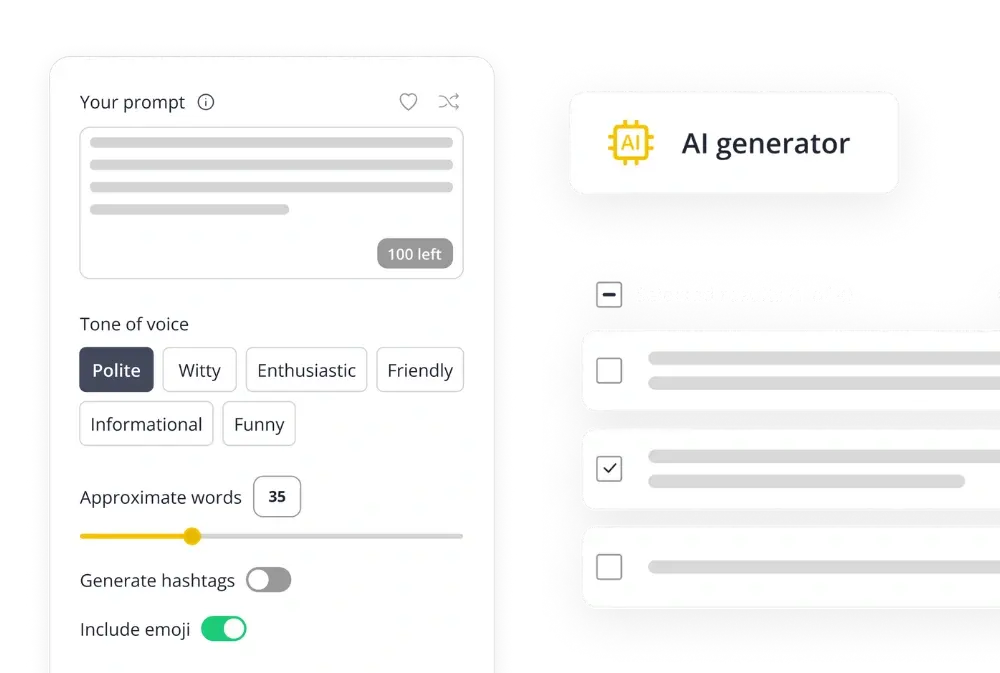
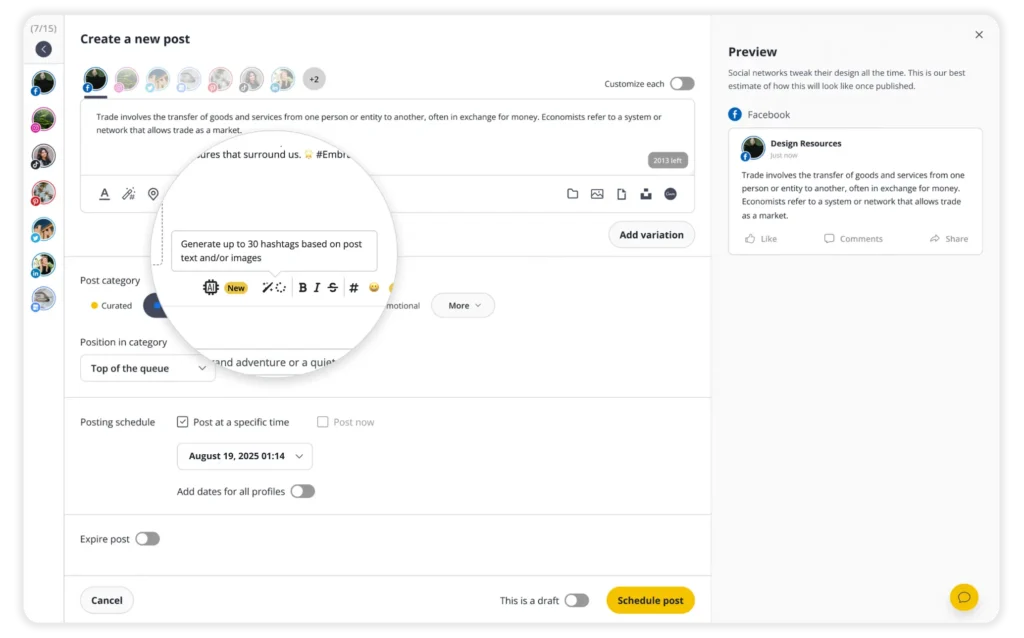
With SocialBee, you can generate hashtag suggestions with AI, save them into collections, and reuse them across posts. This makes it easier to stay consistent, avoid guesswork, and make sure your content is visible to the right people.
4. Use interactive post formats
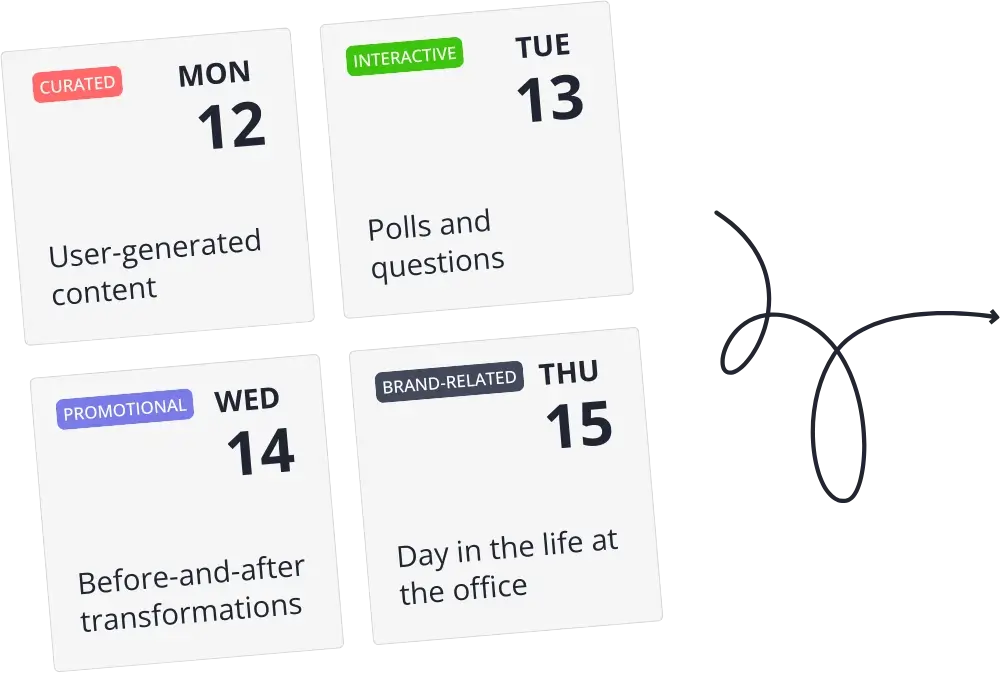
Some of the easiest ways to spark engagement are also the simplest. A poll about two product options, a “finish the sentence” caption, or a quick “agree or disagree?” post lowers the barrier for people to respond. These prompts work because they do not ask for a big time investment, just a tap or a short comment.
For example, a fitness brand could post “The workout I never skip is ___” and turn the replies into ideas for future content.
5. Join TikTok and Instagram Reel trends
One of the fastest ways to increase audience engagement is by participating in trending sounds, challenges, and formats. These trends already have built-in momentum, so posting while they are hot gives your content a better chance of reaching new viewers and sparking interaction.
That’s where our TikTok and Instagram Reels trend reports come in. Updated weekly, they give you the latest sounds, challenges, and formats so you can add them straight to your content calendar and keep your engagement growing.
Frequently asked questions
Why calculate your social media engagement rate?
Engagement rate is one of the clearest ways to see if your content is working. Follower count tells you how many people you could reach, but engagement shows how many actually react, comment, save, or share. Tracking it regularly helps you understand which posts spark conversations and which ones fall flat. It also gives you a reliable benchmark to use when reporting results or running influencer marketing campaigns.
How do you calculate engagement rate?
The formula is simple: (Likes + Comments + Shares + Saves) ÷ Followers × 100. This gives you the percentage of your audience that actively engages with a post.
Do views count as social media engagement?
No. A view means someone saw your post, but that alone does not count as engagement. Engagement is measured by actions that take effort, like commenting, sharing, or saving. These actions tell you that the content connected enough for your audience to participate, not just watch passively.
More free social media tools
Looking for an Instagram engagement rate calculator or a UTM link tool? Check out our free tools; they’ll make your job way easier.
Here's what our customers have to say about us
Improve your social media content strategy
SocialBee helps you plan posts in advance, engage with your audience, collaborate seamlessly with your team, and track performance with ease.
14-day free trial, no credit card required