What is a Pin mockup generator?
How to use our Pinterest post generator (free tool)
Using the Pinterest post generator takes just a few minutes. You fill in the same details you’d normally add on Pinterest, and the mockup template updates instantly.
Here’s how to create a Pin mockup:
- Choose the aspect ratio and pin format you want to use.
- Add a profile picture for the account.
- Upload the main image for your post.
- Enter the username you want displayed.
- Turn the verified badge on or off if needed.
- Add your post title and write your caption.
- Check the live preview and make any changes you need.
Tips for creating better Pinterest posts
You don’t need a complicated strategy to do well on Pinterest. You just need to understand what the platform responds to. A few small adjustments can make a big difference in how your pins perform.
To improve how your Pins perform, follow these best practices:
- Use the right keywords so your pins show up in search.
- Create pins people actually want to save.
- Organize your boards so your profile feels clear and focused.
- Show real results in your images instead of just talking about them.
- Give people a clear reason to click through to your site.
1. Target the right audience and optimize for how people search
Pinterest works like a search engine, and your pins can show up on Google too. That means the words you use matter a lot.
If your content doesn’t match what people are actually searching for, it won’t get seen, no matter how nice the design looks.
Start by typing your topic into Pinterest’s search bar and look at the suggested phrases that pop up. Then use SEO tools like Ahrefs to find keyword ideas, longer search phrases, and even related interests. For example, instead of only using “minimalist living room ideas,” you might also include “small minimalist living room decor” or “modern minimalist apartment living room.”
Add these naturally to your pin title, description, and board name.
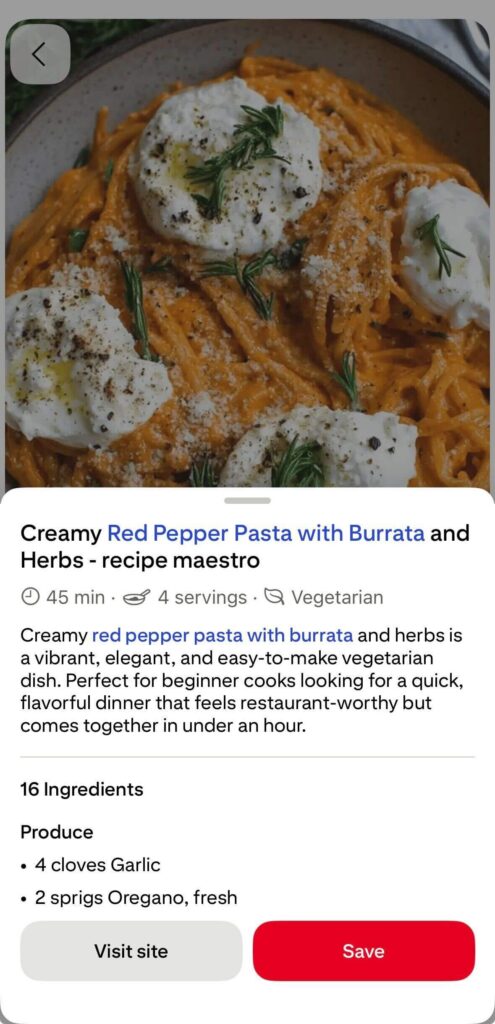
Don’t force them. When your wording matches real searches, Pinterest understands who to show your pin to, and you increase your chances of appearing in both Pinterest results and Google search.
2. Create Pins people want to save
On Pinterest, saves matter more than likes. When someone saves your pin, they’re telling the platform, “This is useful. Show me more like this.” That signal helps your content reach more people over time.
To increase saves, focus on practical value. Checklists, step-by-step guides, templates, “X ideas” lists, and before-and-after visuals perform well because they’re easy to revisit later.
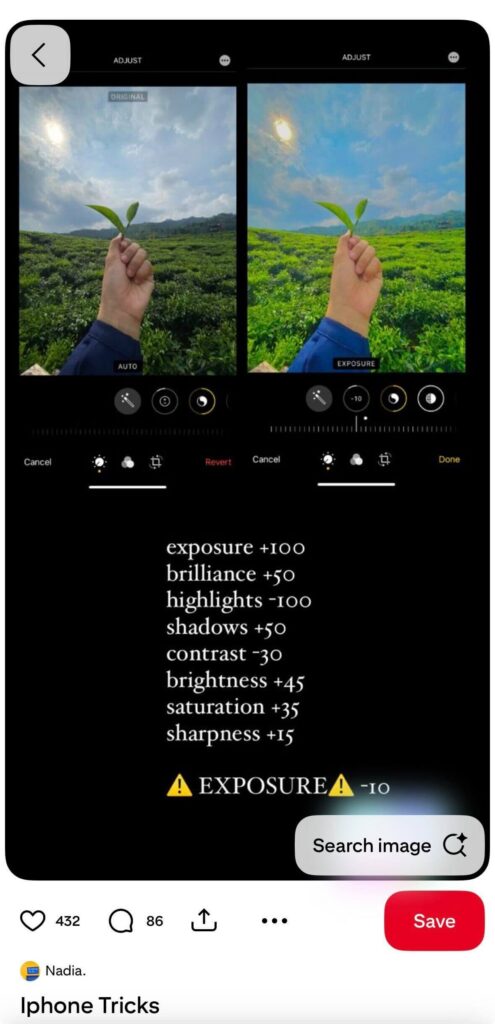
The more actionable and specific your content is, the more likely someone is to save it for future reference. Instead of vague inspiration, give people something they can use.
3. Organize your Pins into clear, focused boards
When someone lands on your profile and sees clear, specific board titles, they instantly know what you offer. Instead of vague names like “Inspiration” or “Ideas,” use titles people would actually search for, such as “Small Kitchen Storage Ideas” or “Pinterest Marketing Tips for Beginners.” Add a short description that explains what someone will find inside.
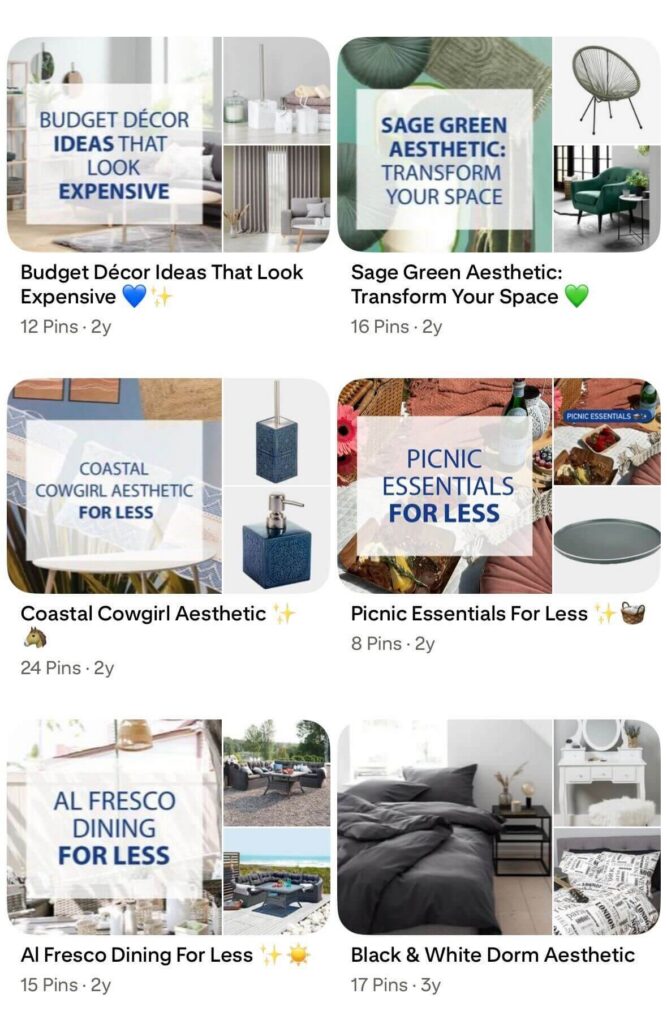
Keep each board focused on one main topic. Don’t mix unrelated content in the same place. When all the pins in a board are closely related, Pinterest gets a stronger signal about that subject. At the same time, visitors are more likely to click from one pin to another because everything feels organized and relevant.
4. Show the result instead of just talking about it
On Pinterest, people are looking for inspiration, clear examples, instructions, or actionable frameworks.
If your pin is about “small kitchen organization,” show an organized small kitchen. If it’s about “Instagram bio ideas,” show real bio examples. If it’s about “Pinterest marketing strategy,” show a visual framework or breakdown. Don’t rely on text alone to explain the value.
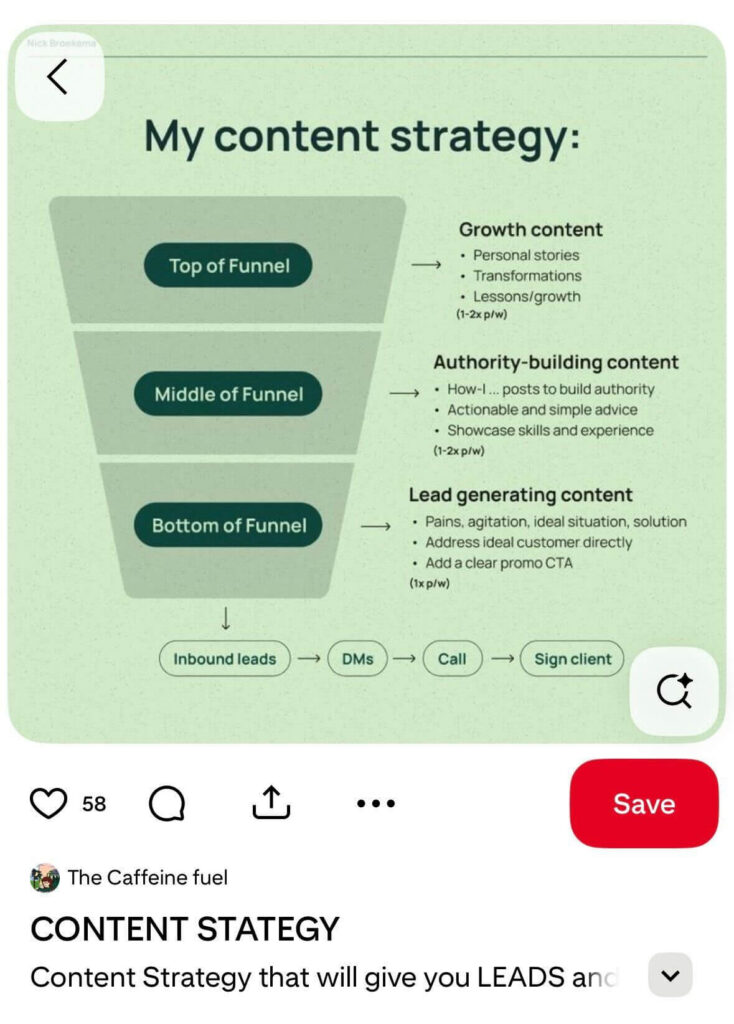
Pins that perform well usually make the outcome obvious without needing a long explanation. Before-and-after images, real screenshots, mockups, and clear examples work better than abstract graphics or generic stock photos.
5. Make it clear why someone should click through
Getting impressions and saves is great, but Pinterest becomes powerful when it drives traffic to your site. For that to happen, the pin has to create a clear reason to click.
People won’t leave Pinterest just because a topic sounds interesting. They click when they feel there’s more waiting for them. Your pin should hint at extra value that isn’t fully delivered in the image.
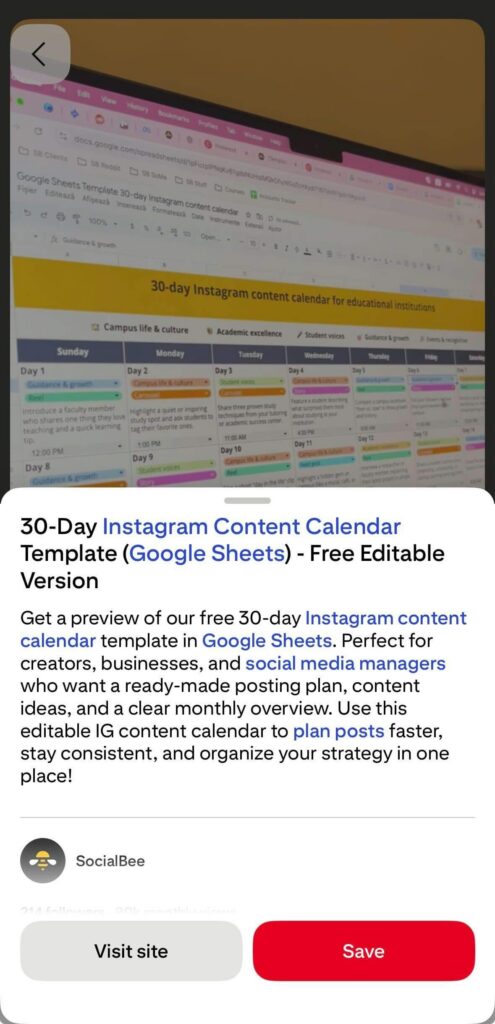
The key is alignment. The headline on your pin should match the headline or main promise on your landing page. If someone clicks on “10 Small Closet Organization Ideas,” they should land on a page that clearly delivers exactly that. When the message matches and the page loads quickly, trust increases, and bounce rates drop.
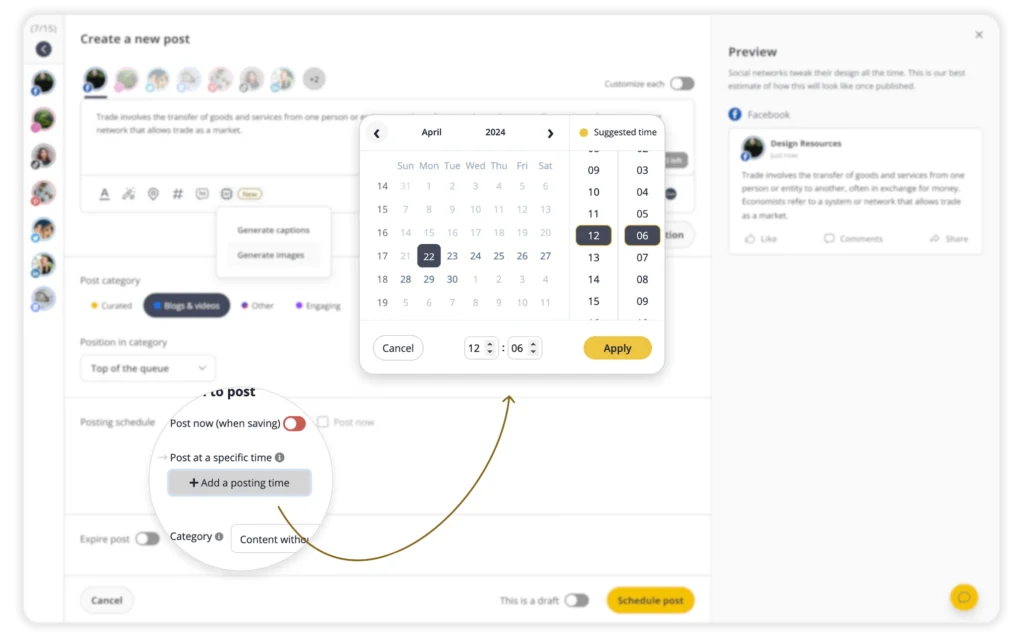
Plan your Pins and post consistently with SocialBee
Pinterest rewards accounts that post regularly. If you publish a few pins and then disappear for weeks, it’s hard to build momentum. Planning ahead helps you stay active without having to log in every day.
With SocialBee, you can schedule pins directly to both Pinterest business accounts and personal profiles. You can post image Pins, video Pins, or link Pins that send traffic straight to your website.