


















YouTube video scheduler for creators and teams
Schedule YouTube videos and Shorts with a YouTube video planner that saves time, boosts efficiency, and scales content.
Supported post types for SocialBee YouTube scheduler
Videos
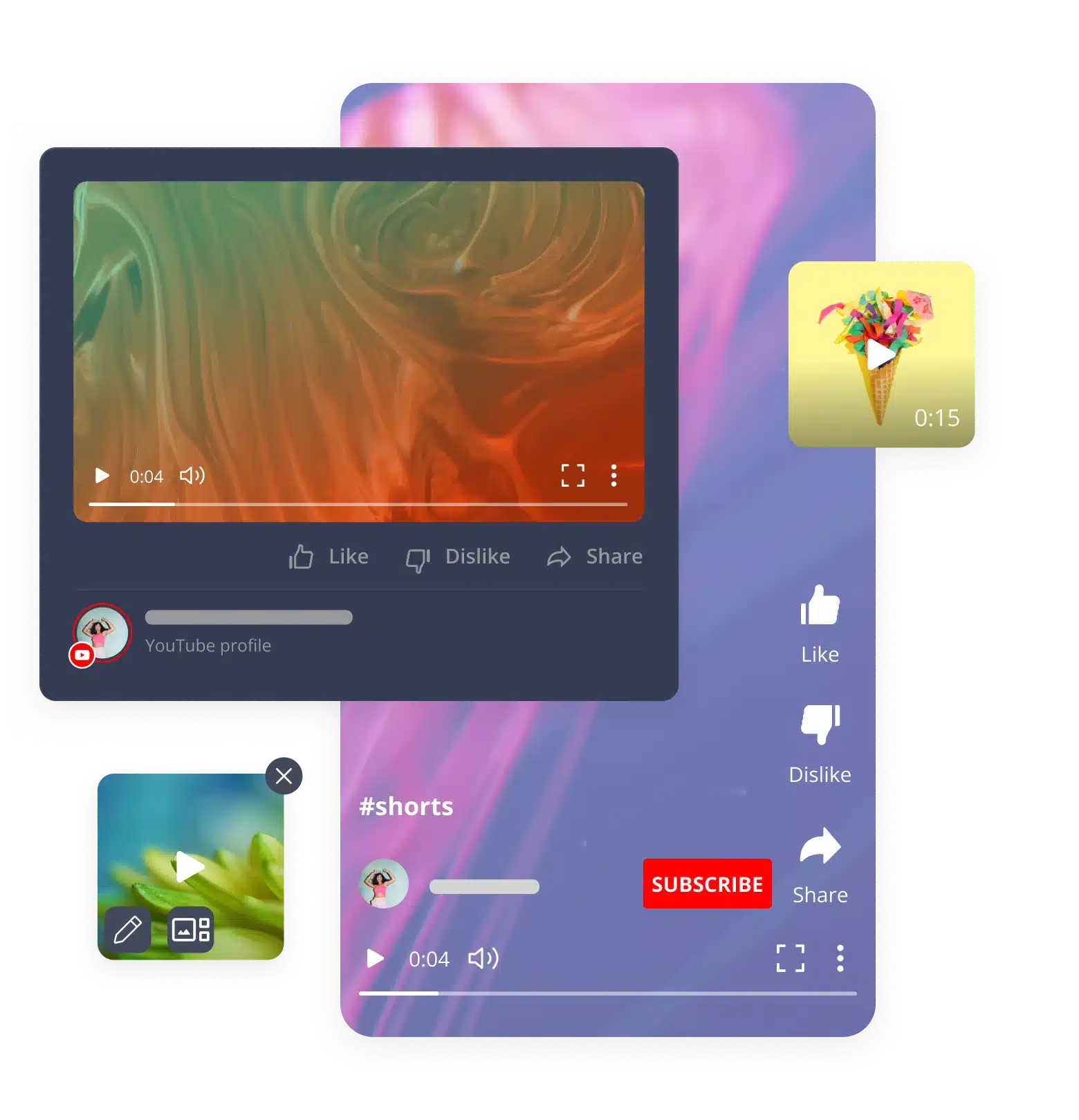
Plan and queue up your long-form videos. Any size, any format, up to 5GB.
Shorts
Schedule quick YouTube Shorts in seconds, sized at 1:1 or 9:16, up to 5GB.
Schedule YouTube videos and Shorts automatically from one dashboard
Creating and scheduling YouTube videos is easier when you bring your team to SocialBee.
Visual content calendar
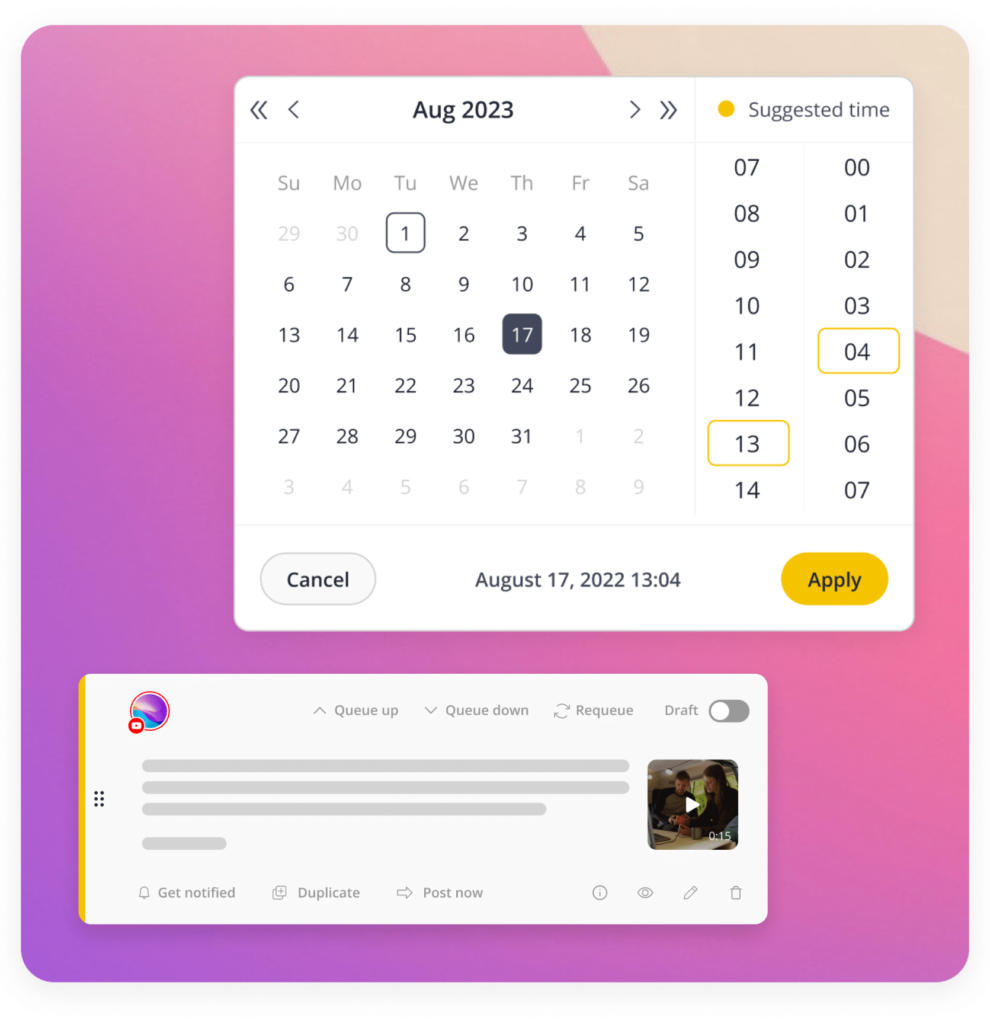
See your entire YouTube schedule at a glance. Drag, drop, and rearrange videos on a visual calendar to schedule YouTube videos exactly when you want them live.
Bulk uploads
Stop uploading one video at a time. Load your entire content library in one go and let SocialBee queue it all up for you automatically.
Scheduling queues
Set up posting queues once and every new video or short you add slots into the next open spot, keeping your channel active without daily manual work.
Best posting time recommendations
Get smart, data-backed posting ideas or lock in specific timings for launch and event videos so every upload arrives when your audience is viewing.
Playlist management
You can schedule your videos into playlists, which keeps related content in order and makes it easy for viewers to watch all at once, without having to do extra sorting after upload.
YouTube Shorts scheduling
Use a dedicated YouTube Shorts scheduler to bulk schedule YouTube Shorts alongside your long-form videos, so high-volume publishing never slows down your content strategy.
Comment scheduling
Spark engagement instantly by scheduling your first comment to publish the moment your video goes live, keeping the conversation going from the second one.
Titles and descriptions
Polish your titles and descriptions before you upload, adding emojis, CTAs and links so every video is primed to perform from the start.
AI-powered YouTube content planning that grows your channel while you sleep
SocialBee is a smart YouTube content planner that handles the busywork for you, from writing to scheduling, so your channel keeps growing even when you are offline.
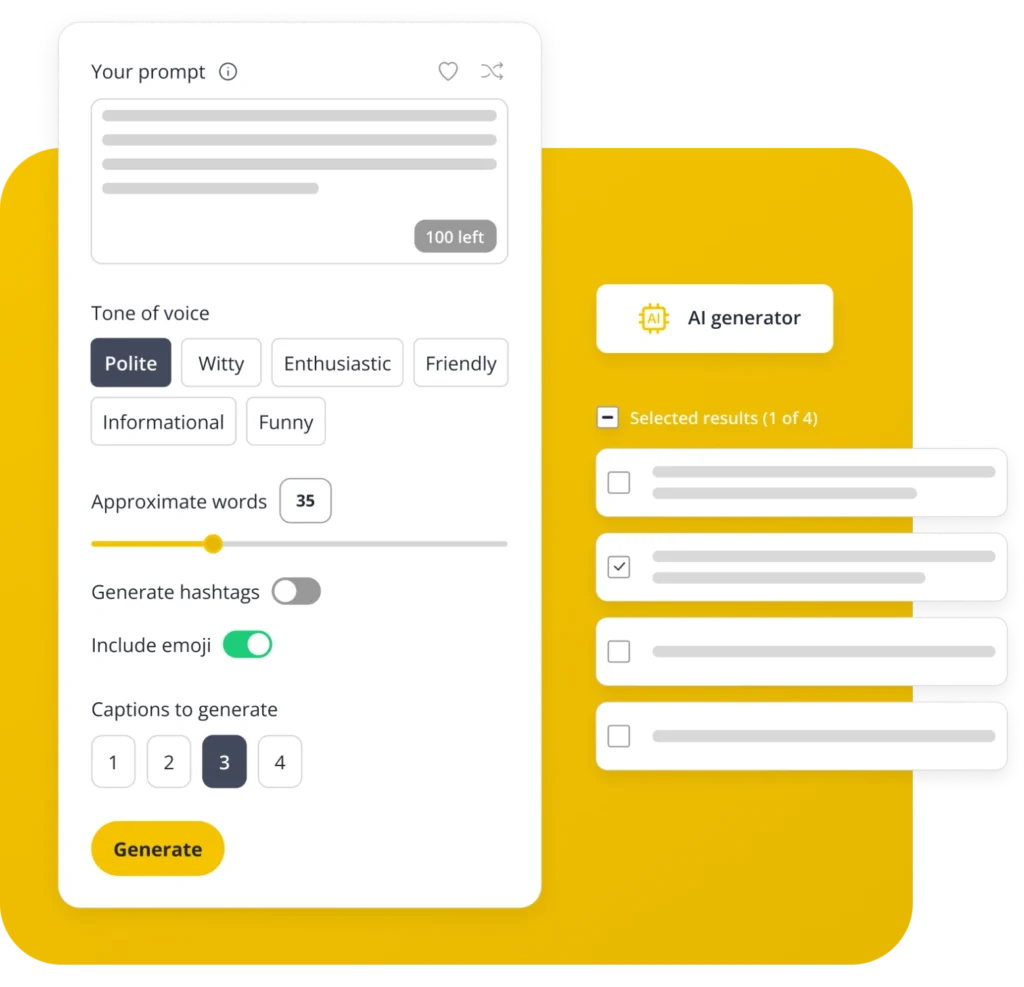
AI title generator
Generate scroll-stopping titles, descriptions, and hashtags in seconds. Pick a tone, set your word count, and let AI do the writing.
Smart scheduling
Your YouTube video planner suggests the best times to post based on past performance, so every upload reaches your audience when they’re active.
Evergreen queues
Keep your best-performing videos in rotation. Set up regular queues that will recycle the best content automatically, so you don’t have to do anything.
Shorts repurposing
Shorten long videos so they are ready to go, which helps you get more content out of each upload more quickly.
One tool for YouTube scheduling, analytics & team collaboration
See why creators and teams choose SocialBee as their all-in-one YouTube scheduling tool.
All-in-one value
Get a feature-rich YouTube video scheduler at a fair price and post across YouTube, Instagram, TikTok, LinkedIn and more, all in one place.
Always improving
SocialBee ships new features and fixes every month and you get a say in what’s next through our public roadmap. Vote for the features that matter to your workflow.
Support that has your back
Get up to speed fast with step-by-step tutorials and onboarding help, backed by a responsive support team ready to answer whenever you need them.
YouTube analytics & performance insights that actually drive strategy
Go beyond basic numbers and turn your YouTube data into a real growth strategy, right from your YouTube post scheduler.
Channel growth trends
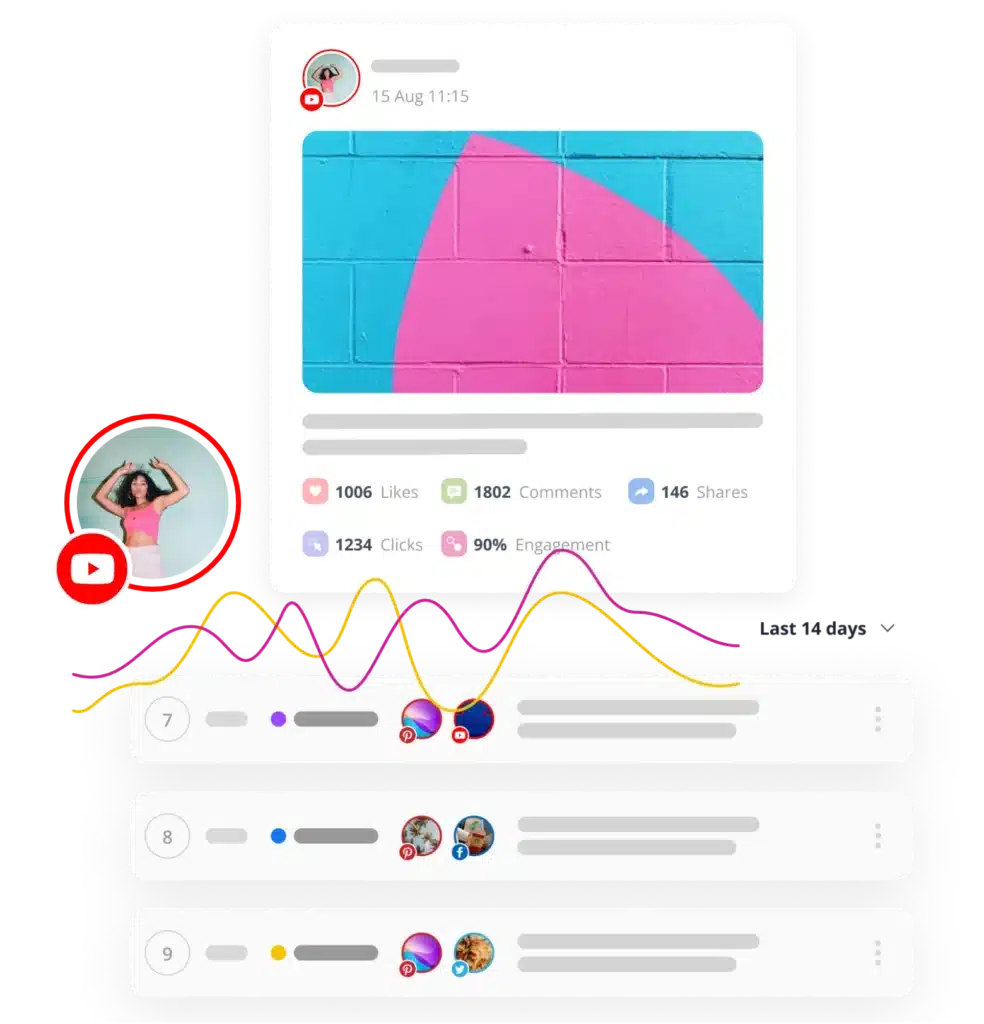
Track subscriber growth, watch time and profile views over any time frame to see exactly how your channel is trending.
Top-performing content
Spot your best videos by impressions, CTR, likes, comments, and shares, then double down on what actually works.
Audience & competitor benchmarking
Client-ready reports
Export polished, client-ready PDF reports in seconds and share your channel’s performance with your team or clients.
Trusted by thousands of YouTubers, agencies & content teams
Automating my social media posting has been a game-changer for my podcast. I can quickly upload items and see them scheduled right away.
Podcaster, Doing Business with a Servant's Heart
No other platform gives such powerful scheduling features. Organizing and storing content for social media across Facebook, Twitter(X), Instagram, LinkedIn, and YouTube has been amazing.
Career Transition Coach, Reinvention Group LLC
Working with SocialBee is indescribably faster than with other social schedulers. My team was literally up and running with SocialBee in 4 hours rather than 14 days, as with other services.
Content Creator, Present The Vision, Inc.
As a one-man podcast team, I do everything from booking guests to recording, producing, editing, and distributing the podcast. SocialBee saved me countless hours and stress.
Host, Beginner Photography Podcast
Now that I am using SocialBee, I am able to reach more and more people each time I post. A few months in, I can clearly see that growth is continuing, even when I sleep!
Producer, host & content consultant, HearShare Productions
How it works: From idea to published in 5 minutes
Get up and running in minutes, no learning curve, no guesswork.
Connect your channel
Link your YouTube channel to SocialBee in a few clicks and get straight to planning.
Plan or upload content
Use AI to generate post copy, or upload your videos and Shorts directly into your queue.
Schedule your queue
Set your posting order and schedule YouTube videos and Shorts with our YouTube scheduler, so everything goes live on autopilot.
Track and improve
Watch your analytics roll in, see what’s working, and fine-tune your content strategy over time.
Learn how to grow on YouTube
Discover the latest YouTube tips and strategies to gain new followers, boost engagement, and create content that stands out.
How to Start a YouTube Channel
YouTube SEO: How to Rank
How to Get Verified on YouTube
YouTube Scheduling FAQs
Do you have questions left unanswered?
Yes, through YouTube’s official API. SocialBee connects to your channel the approved way, so you’re never at risk of restrictions or policy trouble when you schedule videos and Shorts.
Yes. SocialBee works as a YouTube Shorts scheduler, so you can upload, queue and publish Shorts along with your regular videos. Set the timing once and your Shorts post automatically, no daily manual work needed.
SocialBee offers a free trial with no credit card required, so you can test the YouTube video scheduler before committing. You’ll get hands-on access to scheduling, AI content tools and analytics to see if it fits your workflow.
SocialBee’s AI generates post descriptions, captions and even hashtags in seconds. Just enter a prompt, pick a tone and let the AI handle the writing, so you can spend less time drafting and more time creating videos.
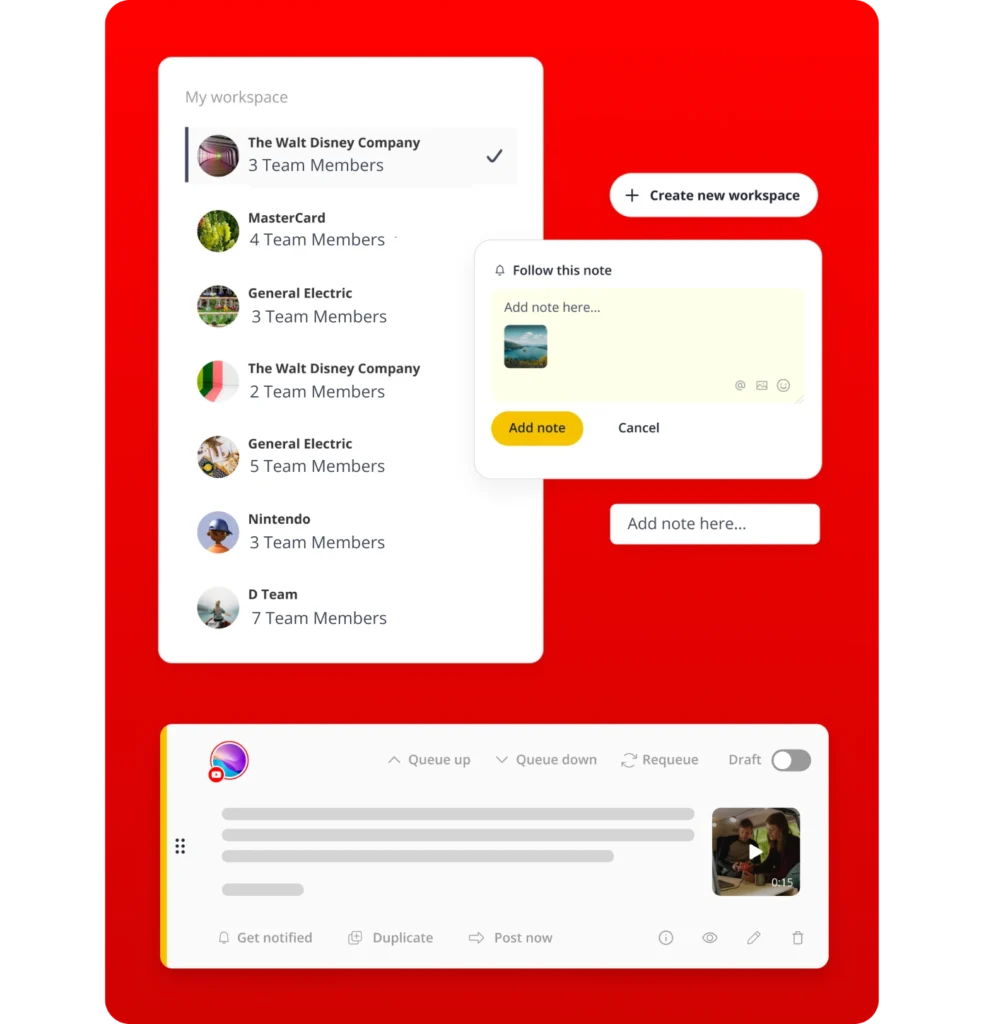
Yes, each channel can have its own workspace, with its own content, schedule and team access kept separate. Handy if you’re running things for more than one client or brand.
It depends on your audience, but SocialBee removes the guesswork by analyzing your past performance and suggesting optimal posting times. You can also lock in exact times for videos tied to launches, campaigns, or events.
YouTube Studio manages one channel at a time with limited planning tools. SocialBee lets you schedule YouTube Shorts and videos across multiple channels, collaborate with your team, use AI content tools and manage other platforms, all from one dashboard.
Yes. Add teammates, give them roles and set things up so videos get a check before they go out. Leave notes on drafts so nothing gets lost between you and your team.
No. SocialBee is built for creators and teams, not developers. The interface is straightforward and step-by-step tutorials and onboarding resources help you get set up and scheduling within minutes of signing up.
Improve your YouTube content planning strategy
Try the full YouTube scheduling tool risk-free, with every feature unlocked and human support ready when you need it.
14-day free trial, no credit card required