SocialBee vs Later

Are you looking for a Later alternative?

SocialBee gives you stronger AI tools, broader platform coverage, and fewer restrictions than Later for the same price.

Why SocialBee is the best Later alternative

Publish to social media channels Later doesn’t support

SocialBee covers more of the platforms brands, and creators use today, including X (Twitter), Bluesky, and Google Business Profile, which Later doesn’t currently support.

Schedule content to ANY platform

SocialBee’s Universal Posting lets you schedule content even for platforms without direct integrations, including Reddit, WhatsApp, Telegram, Quora, and Facebook Groups, so you’re not restricted to a fixed list of supported networks like you are with Later.

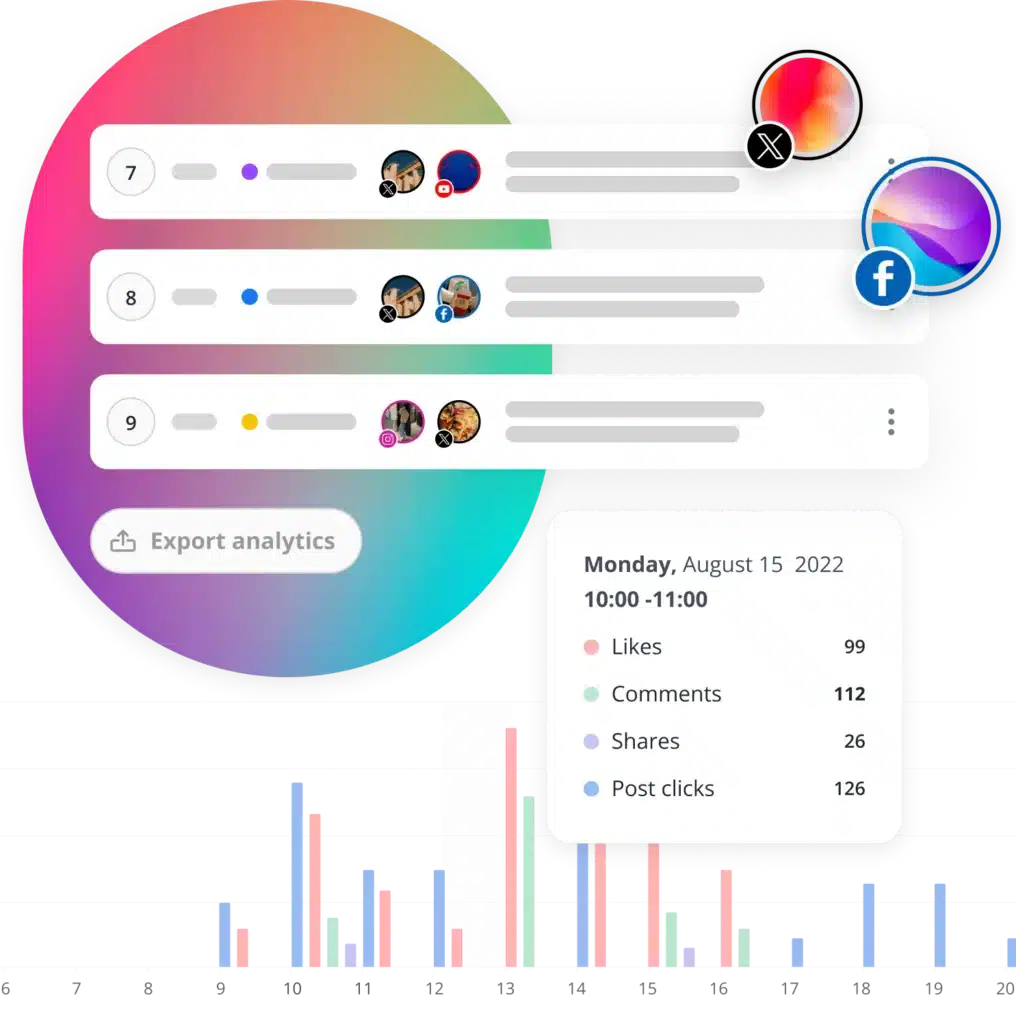
Track performance across more platforms

SocialBee helps you track performance across Facebook, Instagram, X (Twitter), LinkedIn, Pinterest, Google Business Profile, YouTube, TikTok, and Threads from one place. Later only supports analytics for Instagram, Pinterest, TikTok, Facebook, and Threads.

Share branded PDF reports

With SocialBee, you can export PDF reports and add your own logo, making it easier to share professional reports with clients, teammates, or stakeholders.

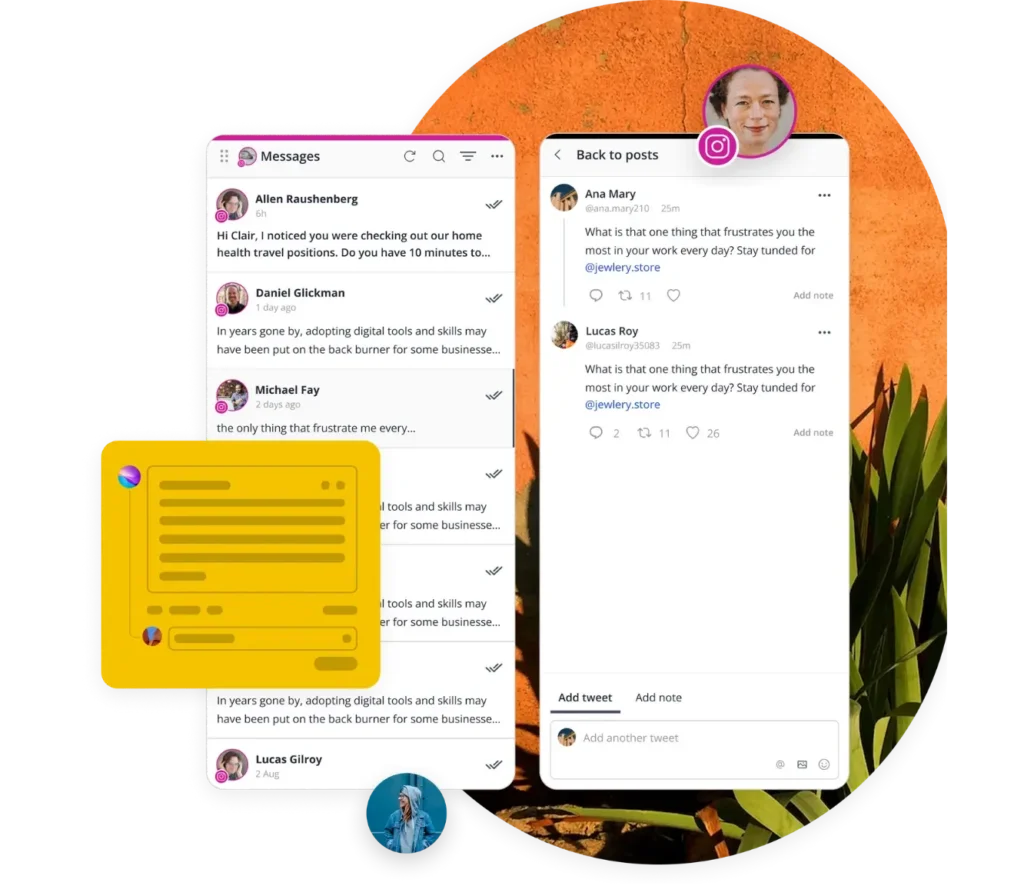
Manage conversations across additional platforms

SocialBee helps you keep up with relevant conversations from one place by supporting Facebook, Instagram, LinkedIn, X (Twitter), YouTube, and Threads. Later’s inbox only supports Facebook, Instagram, and TikTok.
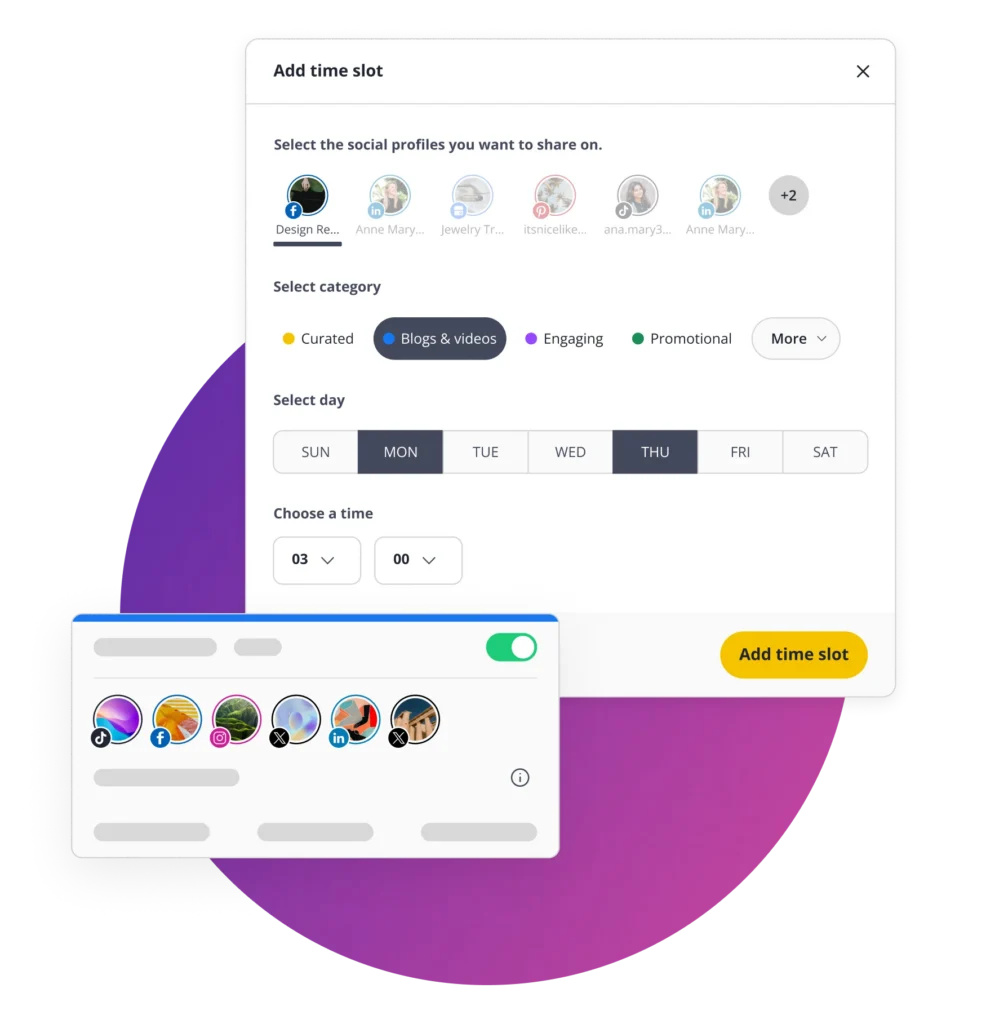
Keep inbox chaos under control

Instead of digging through long notification feeds, SocialBee lets you organize conversations into boards and streams by social profile or engagement type. This makes it much easier to stay organized as your social media accounts and audience grow.

More value for your money

Later’s Starter plan costs $25/month, but limits you to 30 social media posts per profile, 5 AI credits, and no social inbox or collaboration tools.

For $29/month, SocialBee is an affordable tool that gives you unlimited AI usage, AI image generation, and access to the social inbox without needing to upgrade. You can also manage up to 10 content categories with up to 1,000 posts in each category.

SocialBee social media inbox

SocialBee: Top-rated platform

Check out how independent sources compare and review SocialBee and Later.

Winter 2026 G2 badge displaying ‘Momentum Leader’ for social media management.
Winter 2026 G2 badge labeled ‘Leader’ for Small Business in social media management.
Winter 2026 G2 badge recognizing ‘High Performer’ in the Mid-Market category for social media management.
Winter 2026 G2 badge showing ‘Regional Leader’ for Small Business in Europe in social media management.

SocialBee vs Later: Feature comparison

Compare both tools, explore their features, and choose the best fit for your social media strategy.

FEATURES

SocialBee

Later

Content creation
AI strategy generation
green check icon
x icon
AI caption generation
green check icon
green check icon
AI image generation
green check icon
x icon
Manual post customization
green check icon
green check icon
Automatic AI post customization
green check icon
x icon
Instagram location tagging
green check icon
green check icon
Account tagging
green check icon
green check icon
Custom thumbnails
green check icon
green check icon
Alt text
green check icon
green check icon
Hashtag generator
green check icon
green check icon
Hashtag collections
green check icon
x icon
Image editor
green check icon
green check icon
Post variations
green check icon
x icon
Post drafts
green check icon
green check icon
Link shortening and tracking
green check icon
x icon
CSV upload
green check icon
x icon
RSS feeds
green check icon
x icon
Social media scheduling and publishing
Post on
Facebook, Instagram, X (Twitter), LinkedIn, Pinterest, TikTok, YouTube, Bluesky, Threads and Google Business Profile
Facebook, Instagram, LinkedIn, Pinterest, TikTok, YouTube, Threads, and Snapchat
Multi-account management
green check icon
green check icon
Social media scheduling
green check icon
green check icon
Social media publishing
green check icon
green check icon
Social media monitoring tools
green check icon
green check icon
Social listening
green check icon
x icon
Content categories
green check icon
x icon
Best posting time suggestions
green check icon
green check icon
Re-queue posts after posting
green check icon
x icon
Post expiration dates
green check icon
x icon
Bulk scheduling
green check icon
green check icon
First comment scheduling
green check icon
green check icon
Visual content calendar
green check icon
green check icon
Instagram visual grid planner
green check icon
green check icon
Universal posting
green check icon
x icon
Team collaboration tools
User roles & permissions
green check icon
green check icon
Approval workflows
green check icon
green check icon
Internal notes
green check icon
green check icon
Team member tagging
green check icon
x icon
Workspaces for different brands
green check icon
green check icon
Social media performance tracking & reporting tools
Export PDF reports
green check icon
x icon
Add logos to reports
green check icon
x icon
Account performance analytics
green check icon
green check icon
Post performance analytics
green check icon
green check icon
Top performing posts/post types
green check icon
green check icon
Category metrics
green check icon
x icon
Target a udience demographics
green check icon
green check icon
Unified social inbox & community management
Mentions
green check icon
green check icon
Comments
green check icon
green check icon
DMs
green check icon
green check icon
Boards
green check icon
x icon
Streams
green check icon
x icon
Integrations
Canva
green check icon
green check icon
Unsplash
green check icon
x icon
GIPHY
green check icon
x icon
Multiple shortlink tools
green check icon
x icon
QUUU content curation
green check icon
x icon
Zapier
green check icon
green check icon
Pabbly
green check icon
x icon
Make
green check icon
x icon
Customer support
Help documentation
green check icon
green check icon
Email support
green check icon
green check icon
Human chat support
green check icon
x icon
Support calls
green check icon
x icon
Additional tools
Mobile app
green check icon
green check icon
Migration / onboarding
green check icon
x icon
Plans & pricing
Starting price
$29/mo
$25/mo
Free trial
green check icon
green check icon
Free plan
x icon
x icon

We'll help you migrate to SocialBee

If you’re moving from Later, we’ll help you bring your social media marketing setup with you. Your posting schedule, RSS feeds, and shortlink settings can be moved over, so you don’t have to rebuild everything, especially if you manage multiple clients.

Once it’s done, you’ll get a quick summary of what was migrated, and you’re good to go.

Julia

See why our customers chose us over Later

When it buzzes down to one choice: solopreneurs, agencies, and small businesses pick SocialBee over Later.

I’ve used many social media management platforms, including Later before trying SocialBee. 

SocialBee has helped me create social media content in batches and not worry about sharing it manually. Now, I rest easy.

Picture of Stacey Lepitre
Stacey Lepitre

Director at Beautiful You Coaching

I tried social media tools such as Buffer, Hootsuite, and Later, but I found them quite confusing.

SocialBee is easy to understand and use! I like the interface, all the options, affordable plans, and great customer support!

Picture of Jade Madden
Jade Madden

Mystery Suspense Author

I’ve used many social media management platforms, including Later before trying SocialBee. 

SocialBee has helped me create social media content in batches and not worry about sharing it manually. Now, I rest easy.

Picture of Stacey Lepitre
Stacey Lepitre

Director at Beautiful You Coaching

I tried social media tools such as Buffer, Hootsuite, and Later, but I found them quite confusing.

SocialBee is easy to understand and use! I like the interface, all the options, affordable plans, and great customer support!

Picture of Jade Madden
Jade Madden

Mystery Suspense Author

Before SocialBee, I tried Later as my social media tool but I couldn’t figure out basic things. But with SocialBee, I can easily schedule my content across multiple platforms at once.

Plus, the SocialBee team is very friendly and easy to approach.

Picture of Bonnie R.
Bonnie R.

Fitness Professional

SocialBee has been reliable and user-friendly. I haven’t needed to look elsewhere since I found them.

SocialBee helps people post to various social platforms at once and enables us to create a schedule posts for ongoing posting in a loop.

Picture of Sali Green
Sali Green

Owner of Cheltenham Lifestyle

Frequently asked questions

Do you have questions left unanswered?

Contact us or schedule a call.

What is SocialBee?

SocialBee is an AI-powered social media management tool that helps you plan, create, and schedule content across all major social media platforms, including Facebook, Instagram, X (Twitter), LinkedIn, Pinterest, TikTok, YouTube, Threads, Bluesky, and Google Business Profile.

It also includes AI tools that help you figure out what to post, write captions, and create visuals when you need a hand. You stay in control, but you do not have to start from scratch every time.

If you work with a team, SocialBee makes it easy to review and approve posts before they go live. You can also see how your social media campaigns are performing through simple social media analytics and reply to comments, mentions, and messages from one place.

Which is better, Later or SocialBee?

Later is a good choice for creators, influencers, and small teams that mainly care about planning and scheduling visual content, especially for Instagram and TikTok. People like it because it’s clean, easy to use, and has useful tools like a visual calendar, Link in Bio, hashtag suggestions, media organization, and Instagram-focused features.

SocialBee is a better fit if you want more ways to manage content across more platforms. Unlike Later, it supports X (Twitter), Bluesky, and Google Business Profile. It also lets you schedule content for platforms like Reddit, Telegram, WhatsApp, Quora, and Facebook Groups, so you’re not limited to the platforms with direct integrations.

The biggest difference is in how the tools handle content over time. Later is mainly focused on planning upcoming posts. SocialBee also helps you reuse older content by keeping evergreen posts in rotation automatically, creating post variations, and stopping posts after a certain date or number of shares.

There’s also a big difference in AI features. Later includes AI captions and content ideas, but the Starter plan only comes with 5 AI credits. SocialBee includes unlimited AI tools, AI image generation, and AI Copilot, which can suggest content ideas, posting plans, captions, and even create batches of posts for your brand.

For businesses or agencies managing several accounts, SocialBee also includes more built-in tools for things like inbox management, branded PDF reports, RSS feeds, CSV imports, and analytics across more platforms.

So in simple terms:

  • Choose Later if you mainly want an easy visual scheduler for Instagram-heavy content.
  • Choose SocialBee if you want more platform support, more AI tools, easier content reuse, and more ways to manage content and conversations from one place.
How can I migrate from Later to SocialBee?

Fill in the form from this page. Our team will contact you within a few business days for a 15-minute call to start your migration and provide a custom pricing quote. We’ll transfer all your content, schedule, and settings for you.

How much does SocialBee cost, and what are the paid plans?

SocialBee offers six plans that vary in benefits. While some are designed for small businesses, some are addressed to larger agencies that need additional support.

Here are all the pricing plans available for SocialBee: 

  • Bootstrap: $29/month or 290/year
  • Accelerate: $49/month or 490/year
  • Pro: $99/month or 990/year
  • Pro50: $179/month or 1790/year
  • Pro100: $329/month or 3290/year
  • Pro150: $449/month or 4490/year

Note: SocialBee also offers a free trial for the Pro plan. Try SocialBee for free and test out the features without committing to a paid subscription.

What kind of support does SocialBee offer for users?

We offer comprehensive support for our users, including a chat accessible by clicking the icon in the bottom right corner of the screen, email support at hello@socialbee.com, demo and support calls, and a detailed knowledge base for our social media management software.

Love and trusted by businesses and companies of all sizes

SocialBee is a social media management platform built for entrepreneurs, freelancers, small business owners, marketing teams, social media managers, and agencies.

Pro

Authors, coaches, solopreneurs

Running a one-man show? Use SocialBee to make the most of your social media efforts, reach a wider audience, and achieve your goals.

briefcase icon

Small businesses

SocialBee is the top choice for small businesses due to its time-saving features, intuitive design, and affordable pricing plans.

User with tie icon

Social media agencies

Manage multiple brands at once, collaborate with ease, and generate PDF performance reports in seconds.


Beaufort hotel
Dublin Bus
Charles university
D-Link gray logo
Compass logo
Lehigh university
Slow cooker club
elle logo
mark cuban companies
esquire logo
Jobs in football
cosmopolitan logo
harper's bazaar logo
Expatica
Washington university

The all-in-one Later alternative

Switch to SocialBee for broader platform support, better inbox coverage, and deeper analytics that go beyond Later’s limits.

BIRTHDAY SALE – Get 50% off yearly plans or enjoy 3 months at half the price.