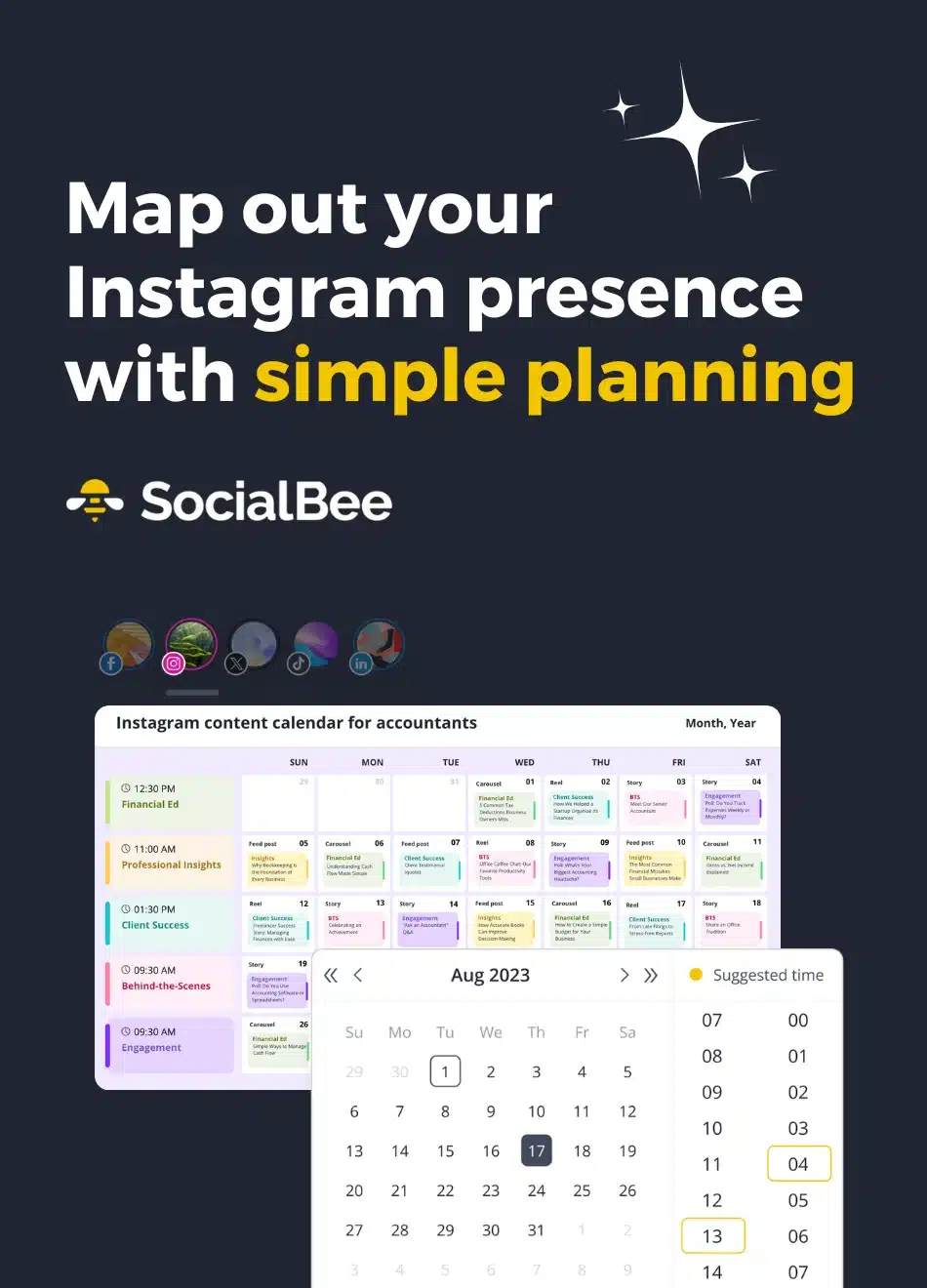
Schedule your Instagram Stories, Reels, and posts with SocialBee
Easily schedule and post content across multiple Personal, Business, and Creator Instagram accounts from a single dashboard.
Built for how you actually use Instagram
From auto-posting Instagram comments to grid previews and team approvals, SocialBee gives you the tools to plan, publish, and optimize Instagram content with ease.
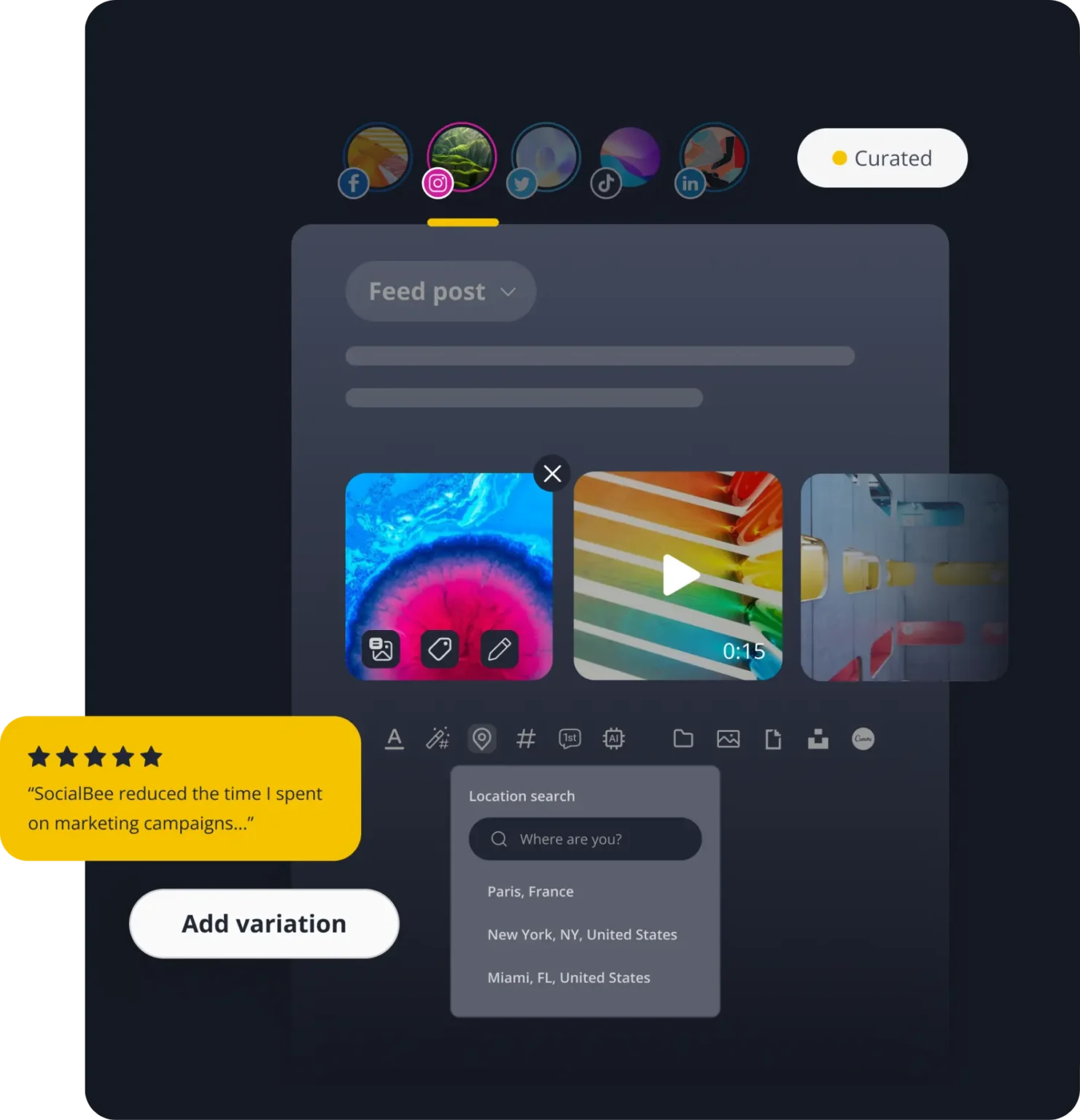
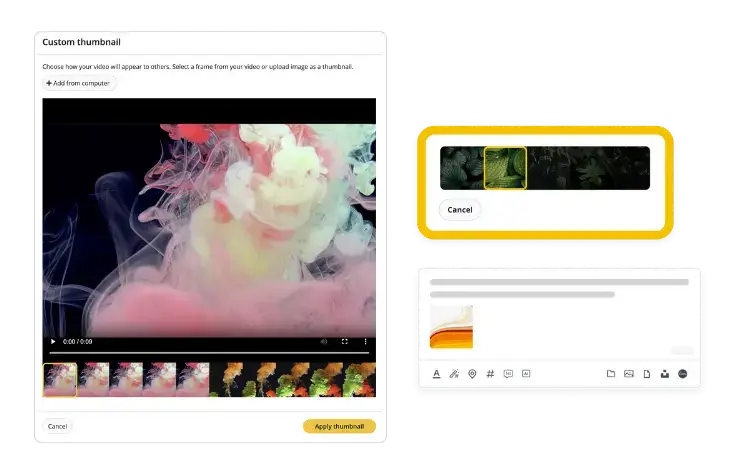
Custom thumbnails
Choose or upload captivating thumbnails for your Instagram videos to increase clicks and views.
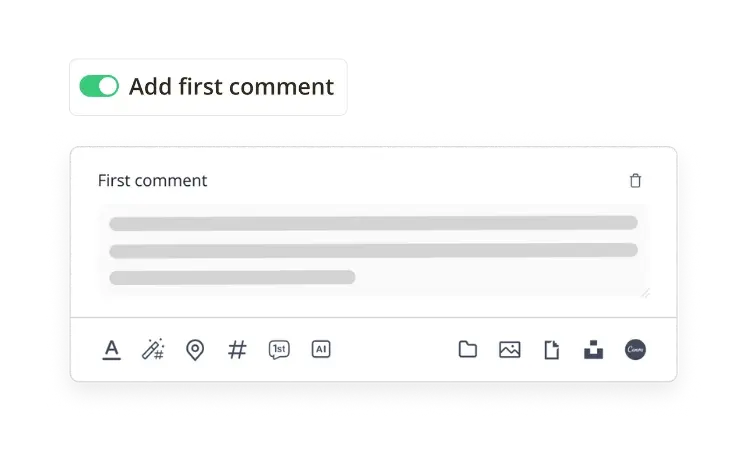
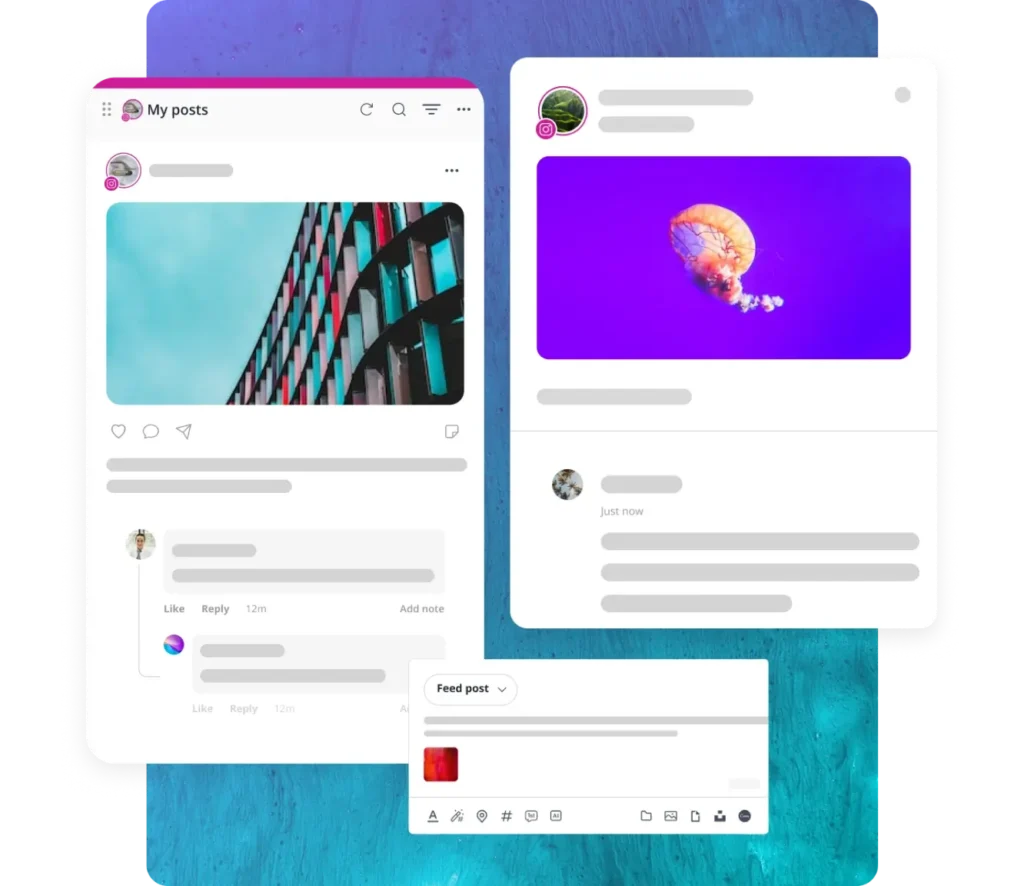
First comment scheduling
Automatically publish the first comment under your Instagram posts to include hashtags, credits, or extra context.
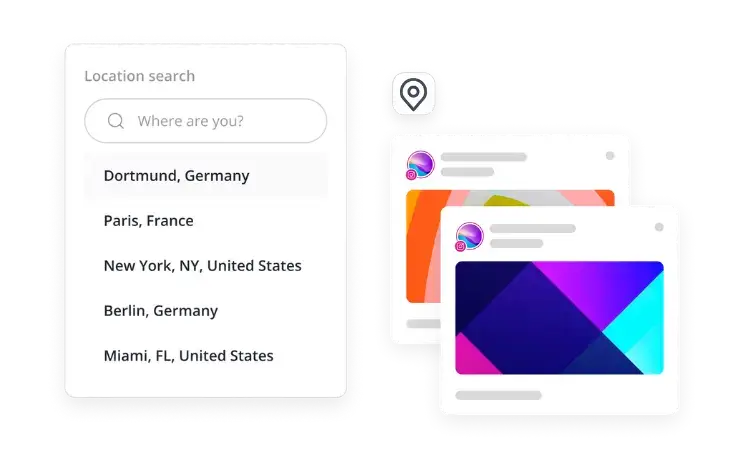
Location tags
Add location tags to your posts so they appear in more searches and connect with local audiences.

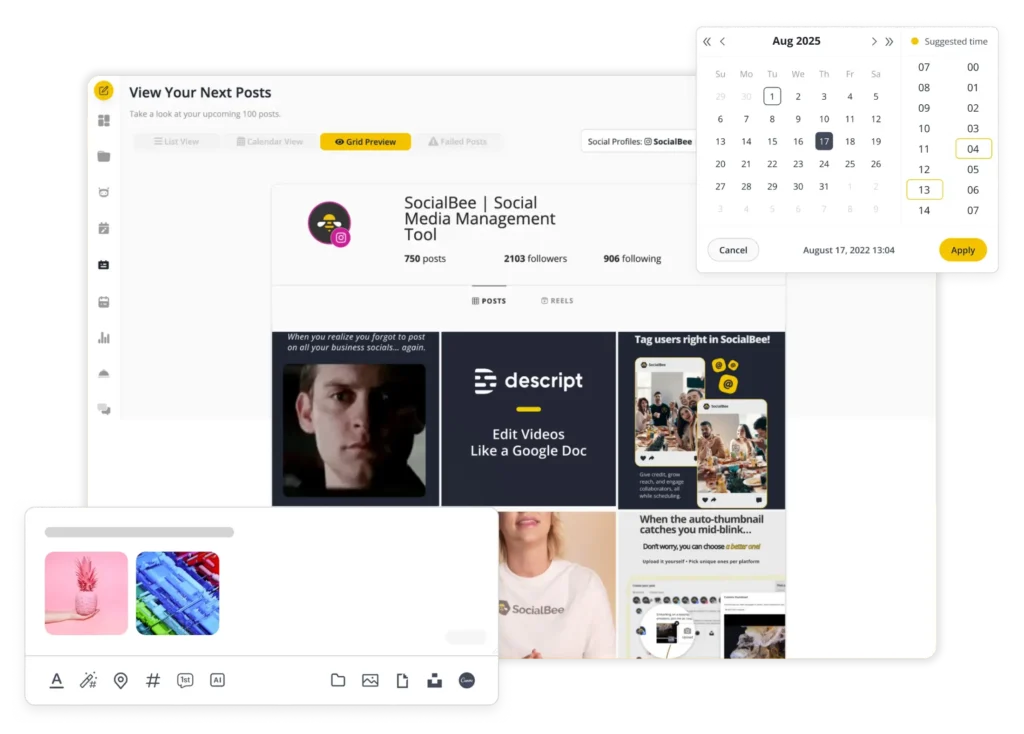
Instagram grid preview
Preview your upcoming posts in SocialBee’s grid view to check your aesthetic and layout before publishing.
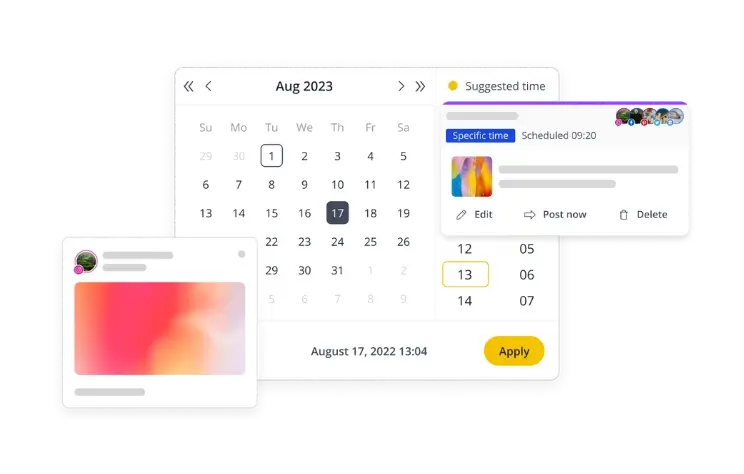
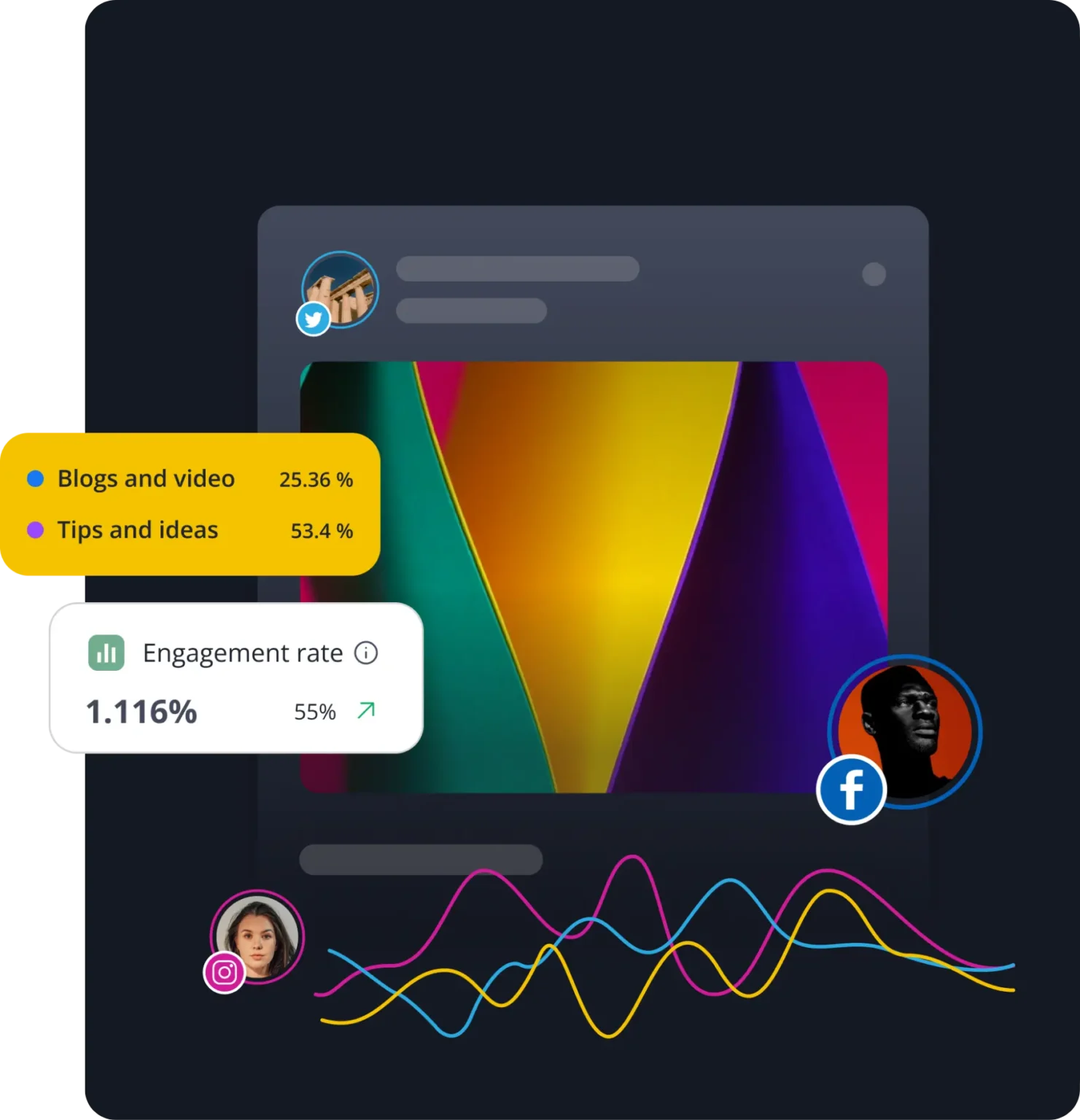
Best posting time recs
Get data-driven recommendations for the best posting times based on your past Instagram performance.
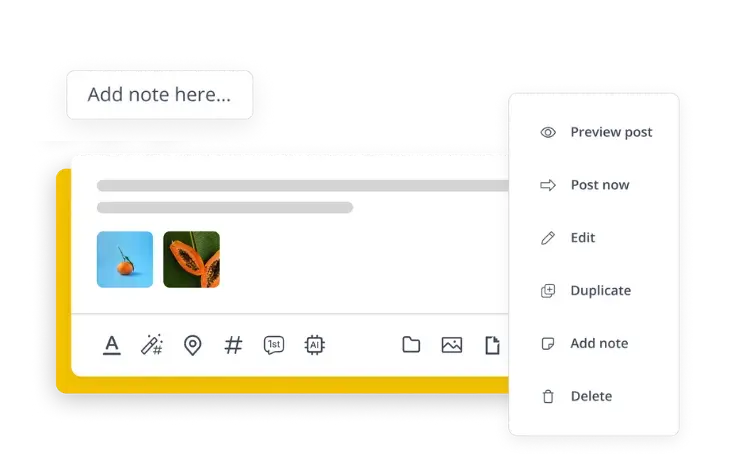
Drafts and approvals
Draft posts and send them for team approval before publishing. Your team can leave notes and tag you for quick feedback.
More Instagram features you'll love
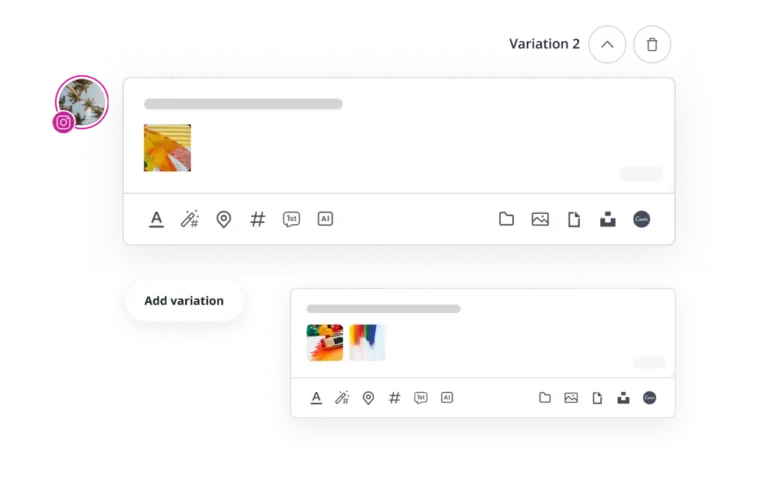
Post customization
When you need to cross-post content, adjust for Instagram: swap links for “link in bio,” add a few hashtags, and optimize social graphics for Instagram’s feed.
Content categories
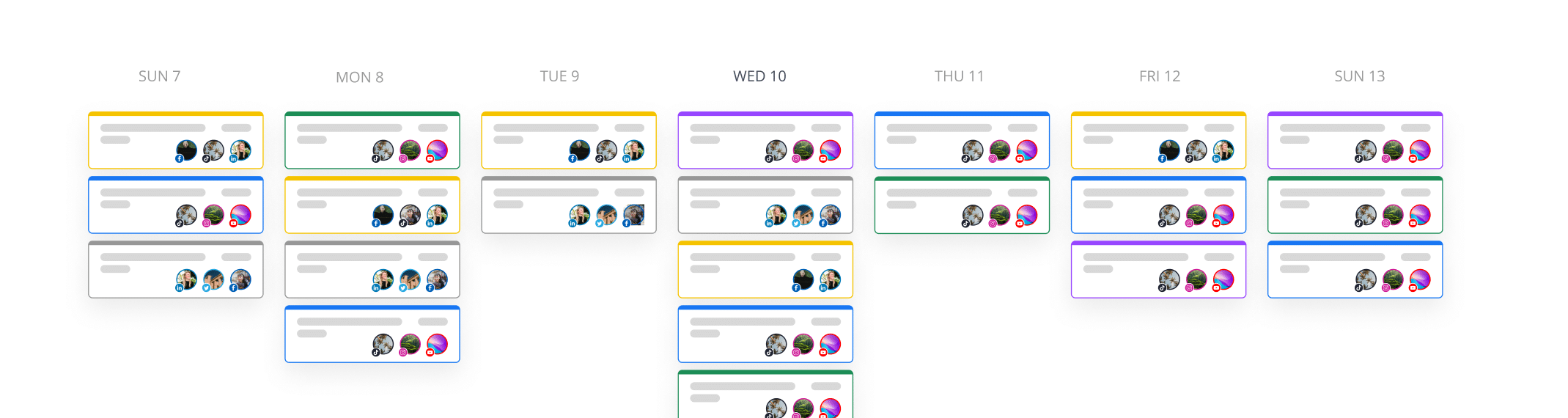
Group posts into folders based on topics (e.g., tips, promos, UGC) and set each folder to publish automatically on different days.
Bulk planner
Upload weeks’ worth of images, videos, or Instagram captions at once, organize them, and schedule posts in bulk to keep your feeds active.
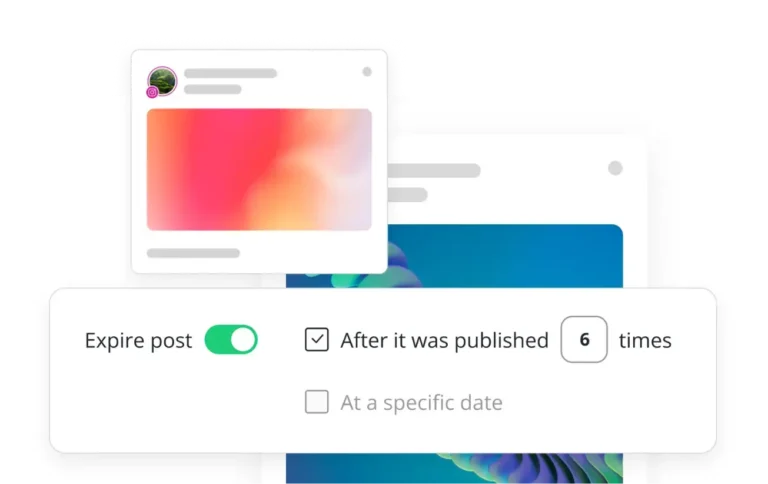
Post recycling
Set posts to publish a specific number of times or until an expiration date.
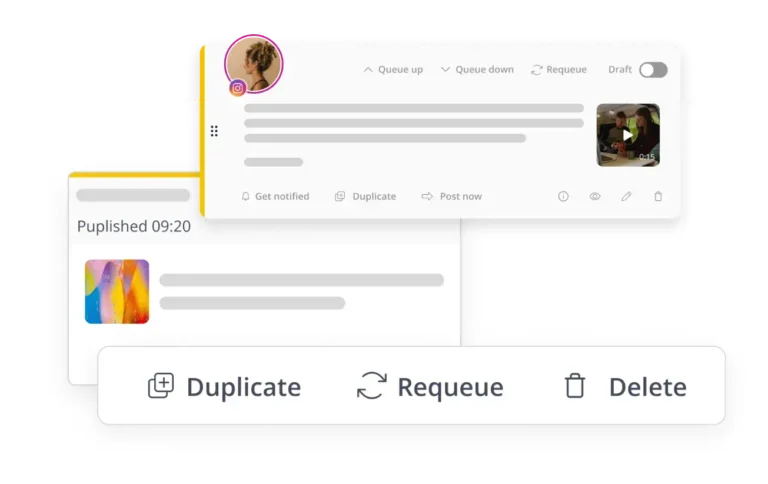
Automatic reposting
Automatically reshare high-performing posts so they keep reaching new audiences without extra work.
Types of Instagram posts you can schedule with SocialBee
From single images to Reels and collaborative posts, SocialBee covers every format so your content calendar is complete.
Single image posts
Schedule simple, scroll-stopping photo posts. Add captions, hashtags, and alt text to keep your visuals optimized for discovery.
Video social posts
Upload and schedule videos for your feed. Choose or upload custom thumbnails before publishing.
Carousel posts
Schedule carousels with multiple images and videos to showcase products, tutorials, or tell a story.
Instagram Stories
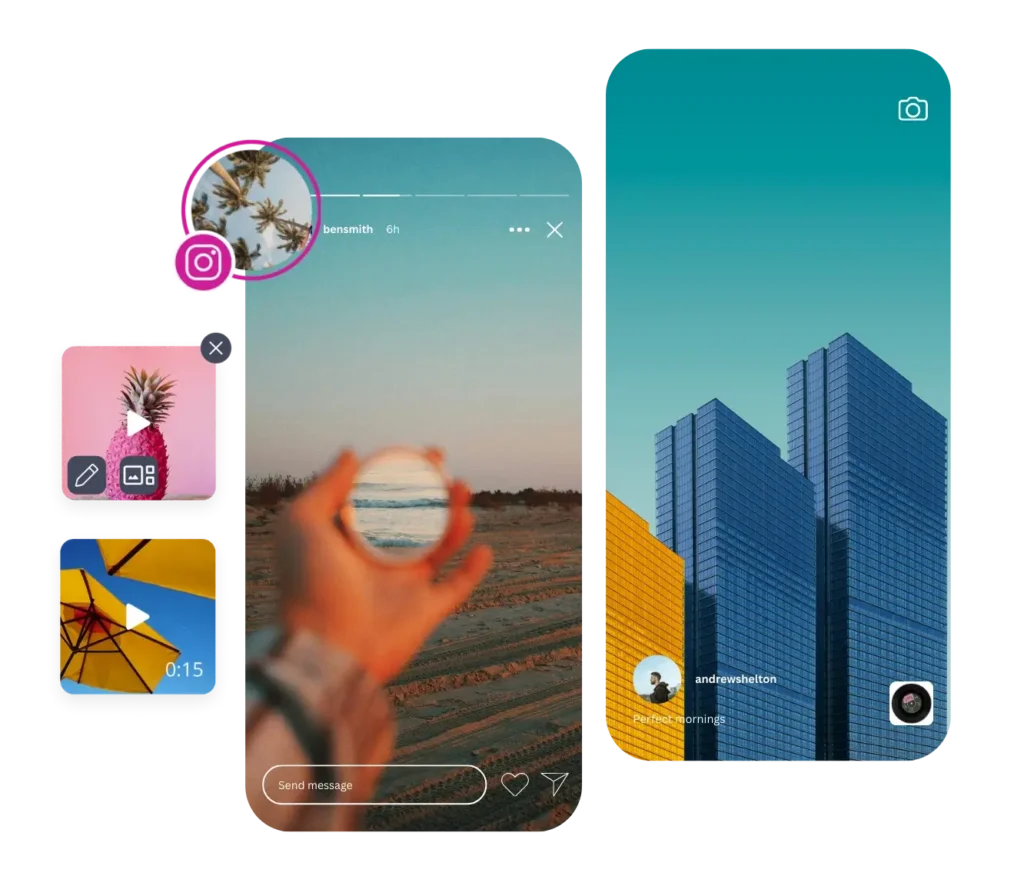
Schedule and post Instagram Stories directly from SocialBee. Upload images or short clips and keep your audience engaged with timely updates.
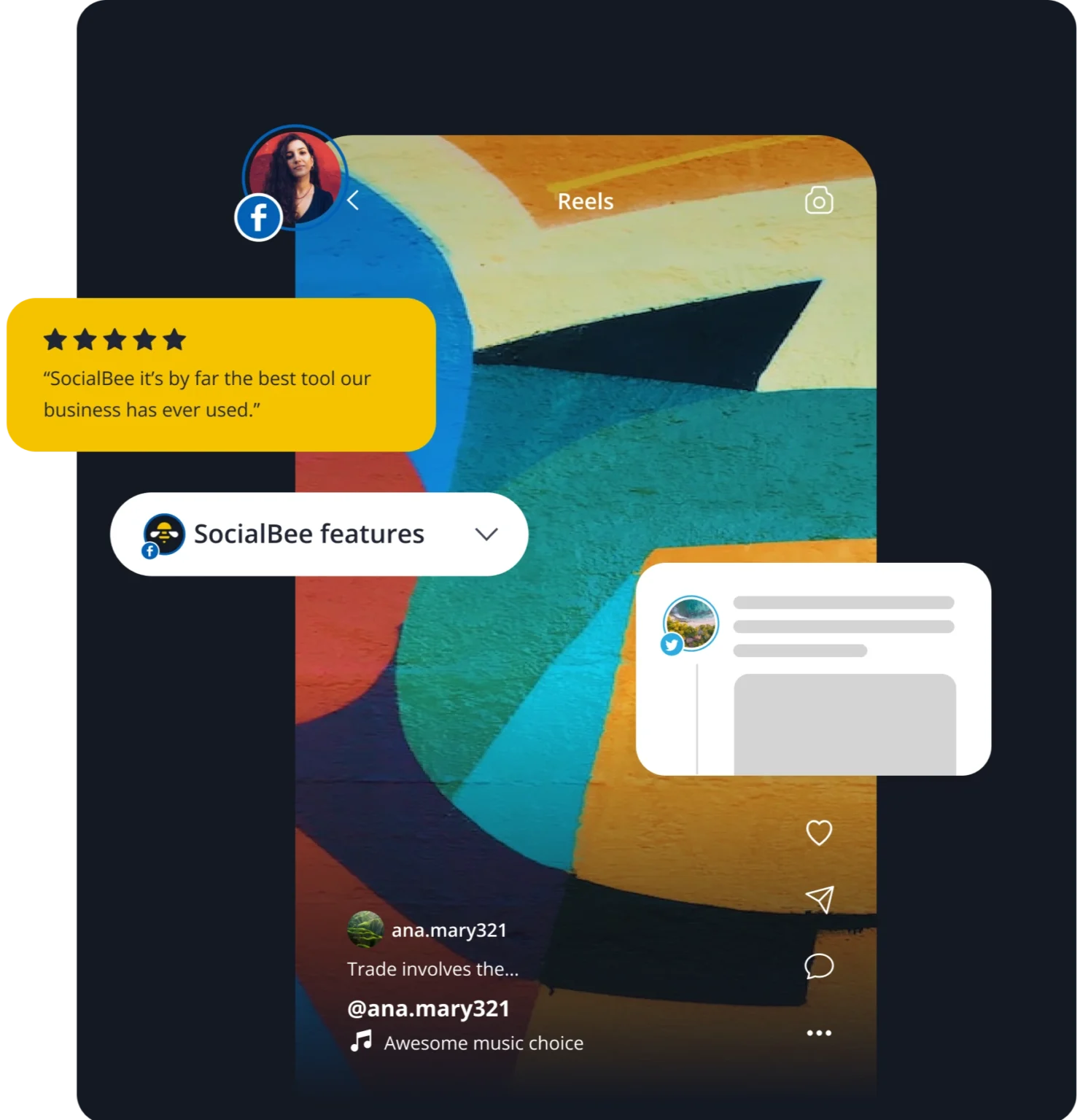
Instagram Reels
Tap into Instagram’s short-form video format to reach new audiences. Schedule Reels up to 15 minutes long, with captions, hashtags, and custom covers.
Collaborative posts
Schedule Instagram Collaborative posts by tagging co-authors so content appears on multiple social media accounts at once.
Frequently asked questions
Do you have questions left unanswered?
Instagram allows Business and Creator accounts to schedule Instagram posts like Reels, photos, and carousel posts. You can schedule up to 25 times per day and 75 days in advance through the app. You need a professional account, and you can manage scheduled content from your profile under Scheduled content.
For more flexibility, an Instagram scheduler like SocialBee lets you plan ahead for every Instagram format, including Collaborative posts, Reels, and Stories. You can also bulk upload content, preview your Instagram feed, auto-post the first comment, and get best-time-to-post suggestions. All of this is possible in just a few clicks.
To schedule posts directly within the Instagram app, you need a professional account, which can be either a Business account or a Creator account.
With SocialBee, you can schedule content on all three account types. Business and Creator posts publish automatically, while Personal accounts receive reminders with the media and caption ready to post.
The best Instagram scheduler depends on how much control you need. Instagram’s built-in scheduler is useful for publishing standard posts and Reels in advance, but it lacks advanced tools and does not support every format.
SocialBee offers more. It supports every Instagram format, including Stories and Collaborative posts, and adds features like bulk uploads, grid preview, auto first-comment posting, best-time-to-post recommendations, and more.
No. Instagram still supports scheduling for Business and Creator accounts. The built-in scheduler is limited because it only works with posts, carousels, and Reels, and you can schedule up to 25 posts per day and no more than 75 days in advance.
With an Instagram scheduler like SocialBee, you are not restricted by these limits. You can schedule every Instagram format, including Stories and Collaborative posts, and use advanced features like bulk uploads, grid preview, expiration dates, and first-comment posting.
Yes. Instagram includes a basic scheduler in the app and Meta Business Suite for Business and Creator accounts, but its Instagram scheduling options are limited.
Learn how to grow on Instagram
Explore our articles for post ideas, tips for better Instagram captions, and strategies to make your feed stand out. Perfect for any social media manager looking to manage multiple accounts and save time.
What’s the best time to post Reels on Instagram ?
Updated Instagram aspect ratio and image size
Instagram algorithm explained
Discover the best SocialBee features to master the social world
We help thousands of professionals succeed on social media
Mark Lavercombe
Founder, The Productive Physician
"SocialBee makes managing social media much easier."
Since working with SocialBee, I have reduced the time and headspace dedicated to managing social media.
SocialBee is a tool that is easy to learn, incredibly powerful, and incredibly configurable. A service that just works.

Bjorn Beheydt
Chief Technical Officer, BVBA Luna
"SocialBee will make your social profiles rock again."
It offers a great combination of curation tools, importing possibilities, evergreen posting, audience expansion tools, and reporting.
SocialBee offers everything you need to work on your social.

Kathleen Marrero
Founder, First Fig Marketing
“Since working with SocialBee, I have grown my audience and increased engagement."
SocialBee is, by far, the best social media platform I have worked with.
The content curation features and customer service are superior and have made the task of engaging with potential clients fun.

"SocialBee makes managing social media much easier."
Since working with SocialBee, I have reduced the time and headspace dedicated to managing social media.
SocialBee is a tool that is easy to learn, incredibly powerful, and incredibly configurable. A service that just works.
Mark Lavercombe
Founder, The Productive Physician
"SocialBee will make your social profiles rock again."
It offers a great combination of curation tools, importing possibilities, evergreen posting, audience expansion tools, and reporting.
SocialBee offers everything you need to work on your social.
Bjorn Beheydt
Chief Technical Officer, BVBA Luna
“Since working with SocialBee, I have grown my audience and increased engagement."
SocialBee is, by far, the best social media platform I have worked with.
The content curation features and customer service are superior and have made the task of engaging with potential clients fun.
Kathleen Marrero
Founder, First Fig Marketing