



















Stay active across all your social media channels
Schedule and publish your posts. Measure, engage, and collaborate as a team. AI-assisted throughout.
- No credit card required
- 30-day money-back guarantee
Stop juggling social media in five different tabs
Manage multiple social networks in less time, while keeping everything organized in one app.
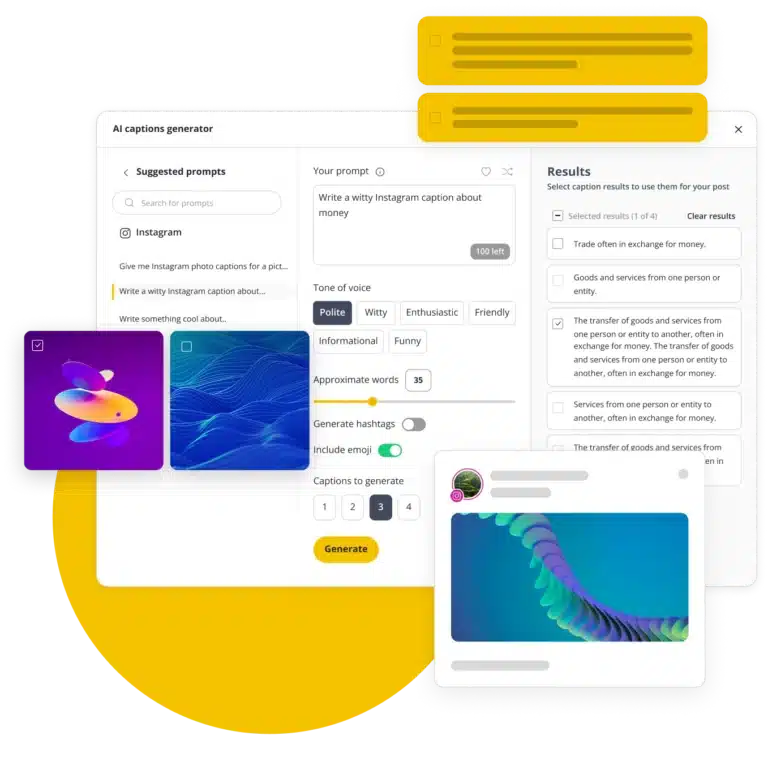
Create content instantly with AI
Choose from 1000+ prompts or describe what you need and get on-brand captions and visuals instantly. No more writer’s block.
Add scroll-stopping visuals
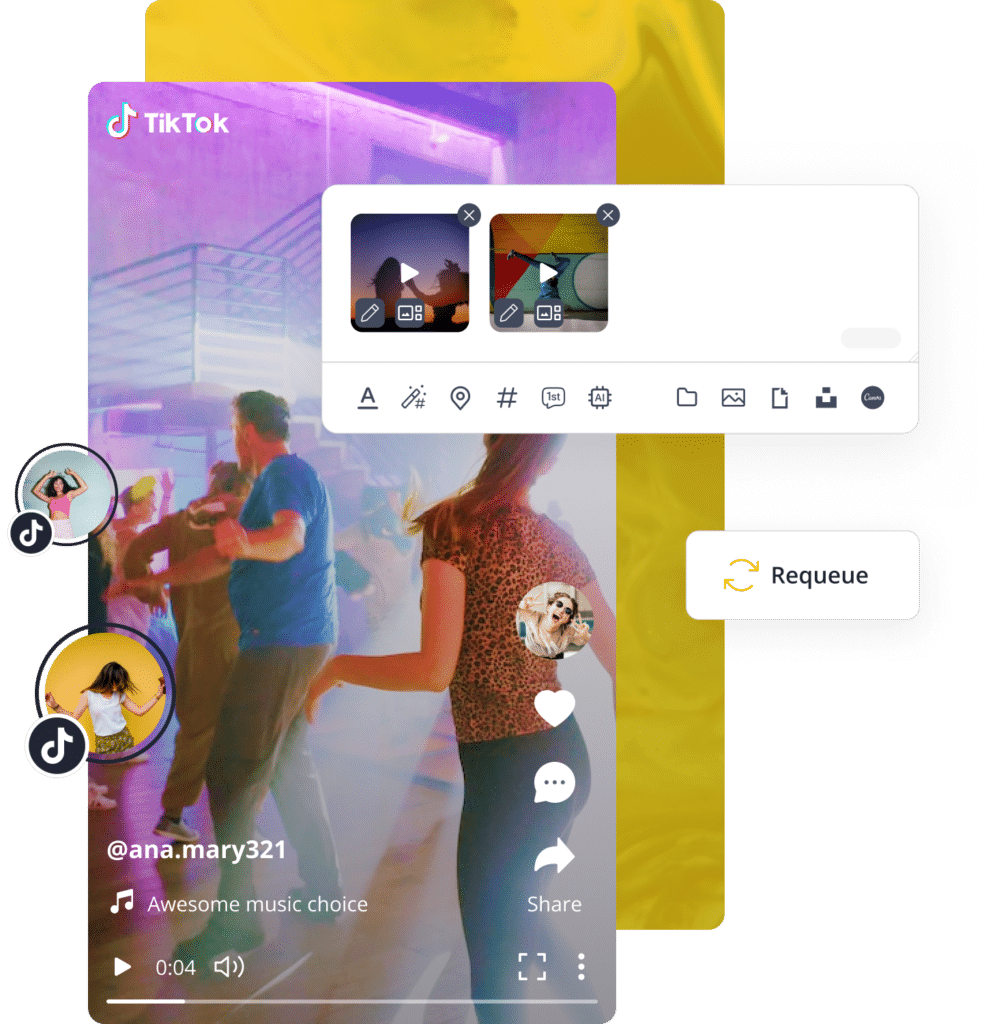
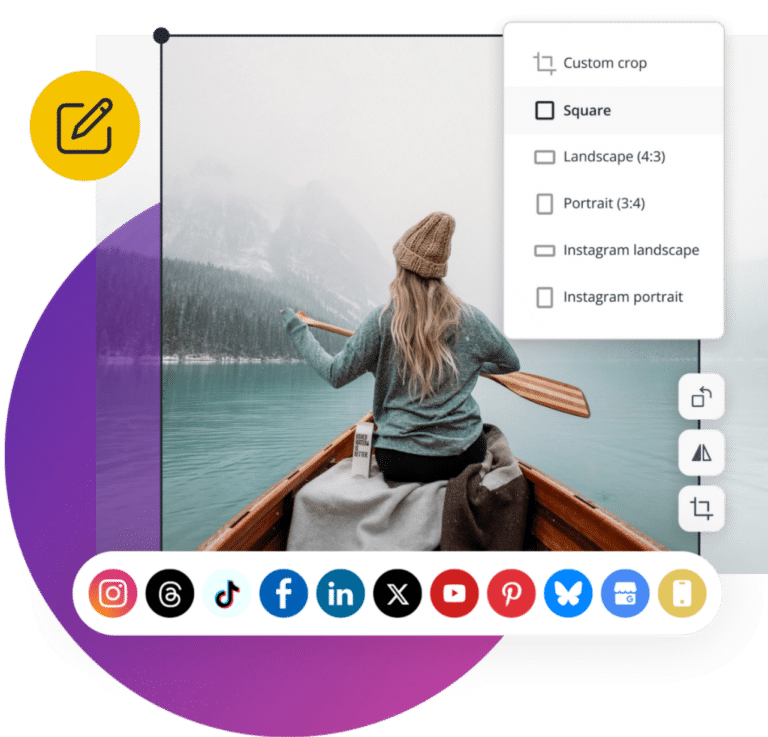
Pull in images from Canva, Unsplash, or GIPHY without switching between tools. Then crop, flip, and resize them until they’re perfect.
Optimize for each social channel
Create one post, then customize it for all social platforms. Adjust length, image size, hashtags, and more.
Stay consistent without the daily effort
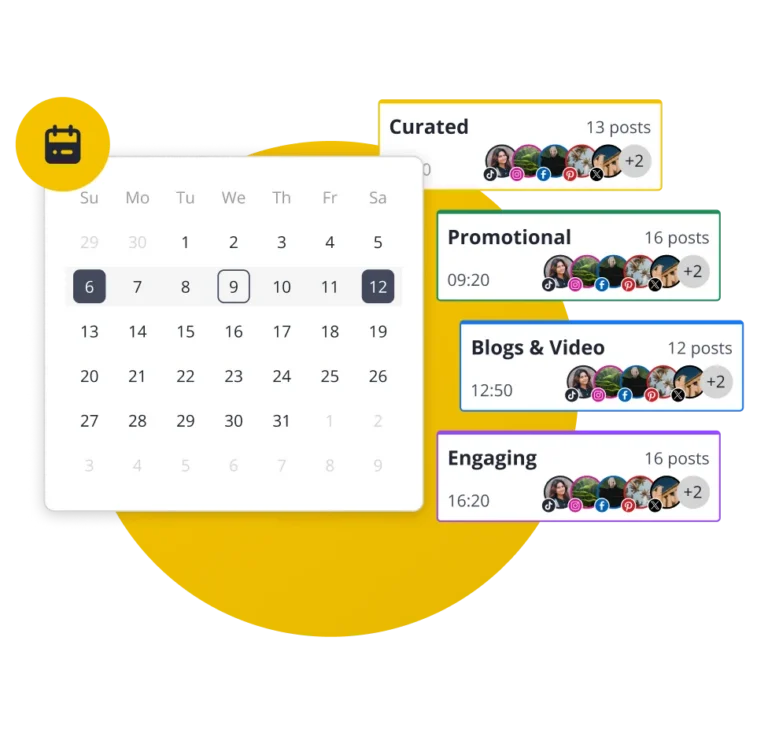
Create categories for each topic or content type, set a schedule for each one, then just add posts. They will post automatically in order.
Schedule content at the best time
Hit peak hours without thinking about it. SocialBee suggests the best posting times based on your past performance.
Get more from your best posts
Automatically reshare top-performing posts and set expiry dates for time-sensitive ones so your feed stays relevant and effective.
Get the full picture, at a glance
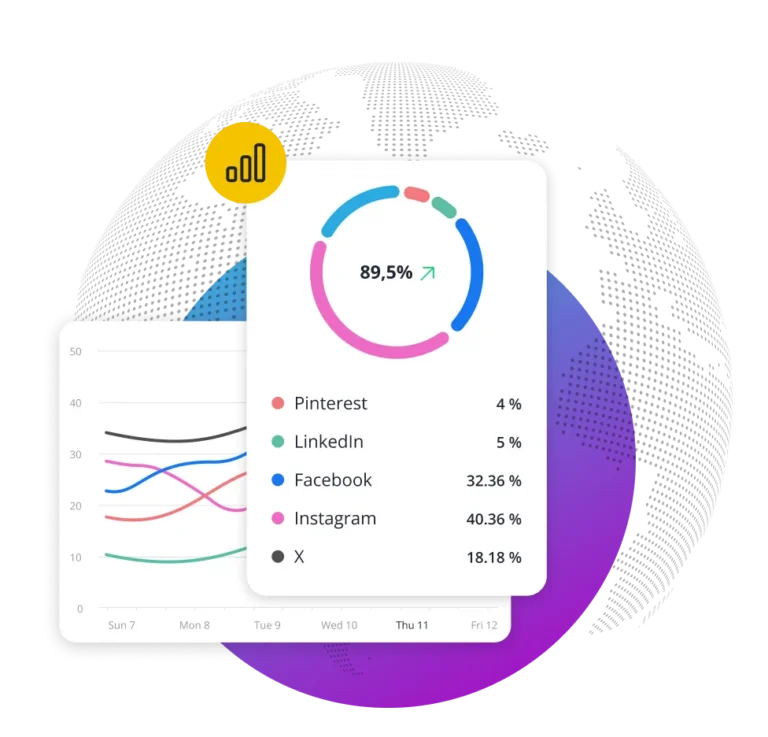
See how each social account is performing in one view, with clear social media analytics for reach, engagement, and growth.
Understand what content drives results
Go beyond basic analytics. Identify your best posts, content categories, and formats, so you know exactly what resonates.
Create ready-to-use reports in seconds
Generate branded PDF reports with your key social media metrics in seconds. Easily share results with your team or clients.
Manage replies across platforms
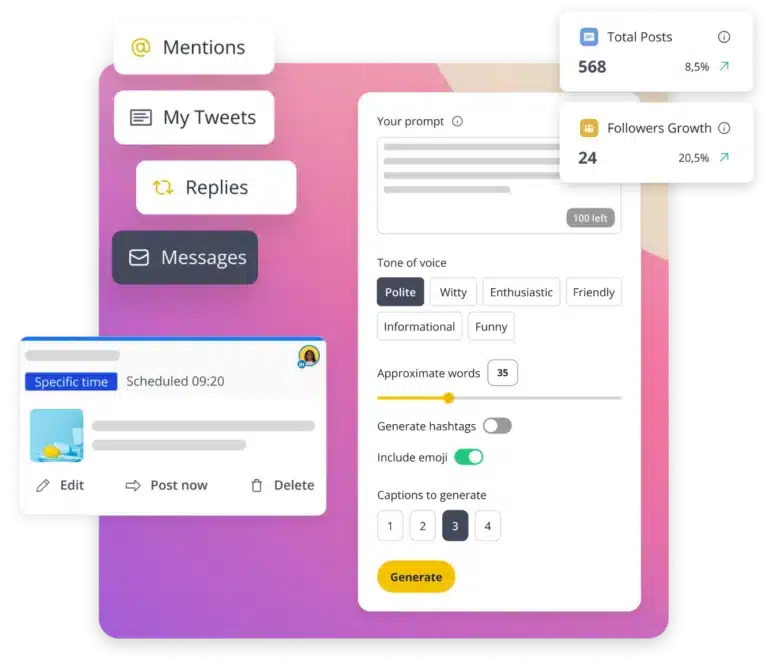
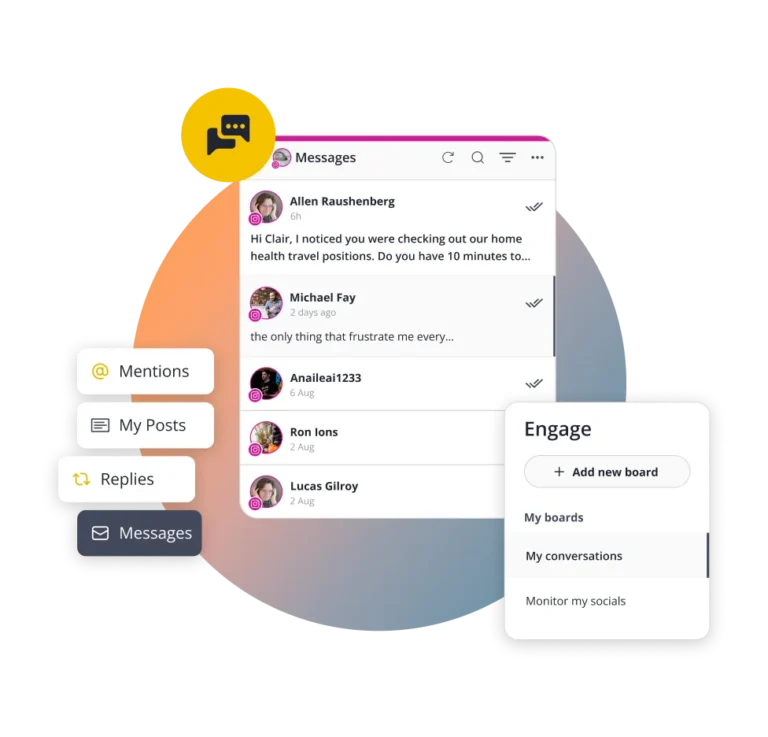
Receive notifications for comments, mentions, and DMs across Facebook, Instagram, LinkedIn, X, Threads, and YouTube in one inbox.
Stop losing messages in a messy inbox
Organize real-time conversations into boards and streams so your team has a clear view of all your social engagement.
Engage in social conversations and grow
Reply faster and stay consistent to build trust, strengthen relationships, and grow your audience over time.
Manage multiple clients without the chaos
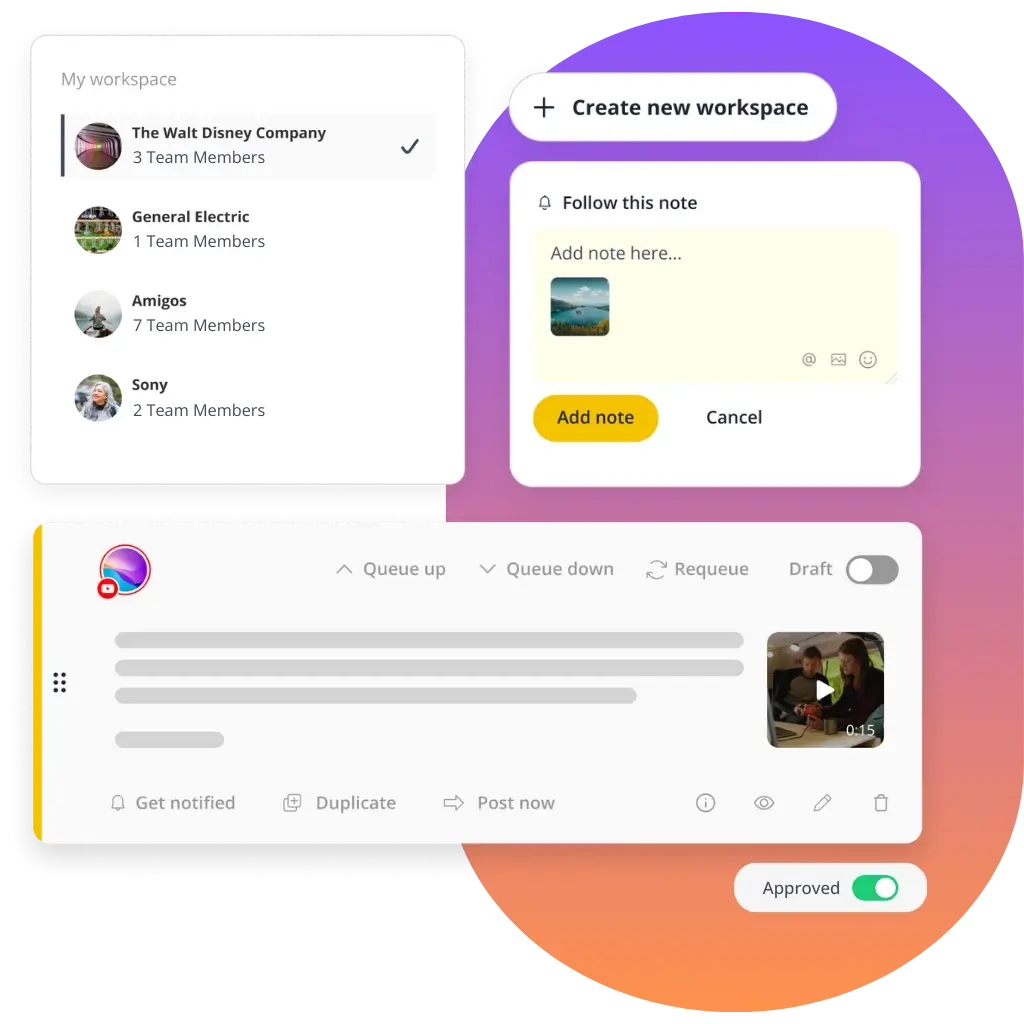
Give team members and collaborators the right access and keep client accounts in their own workspace so nothing overlaps.
Make feedback easy to see and act on
Comment under posts and tag the right people — everyone stays in the loop, nothing gets delayed.
Speed up approvals and team collaboration
Instead of scattered feedback and last-minute edits, review and approve content in one place before it goes live.
Leverage AI tools to create more content in less time
SocialBee is an AI-powered social media management tool designed to simplify content creation. Copilot, your AI assistant, learns your brand, builds a full social strategy, and helps you generate captions and visuals in seconds.
9M+
posts published in 2025
8 hours
saved every week
10 social
platforms supported
Flexible plans for teams of all sizes
Get all the features you need from a social media scheduling tool at a fair price. Start with a 14-day free trial today — no credit card required.
Birthday sale: 50% OFF all plans!

Get 50% off your first 3 months or save 50% on yearly plans with SBDAY2026. Offer ends June 10, so don’t miss out!
- Connect 5 social media channels
- 1 user/ workspace | 1 workspace
- 10 content categories
- 10 content sources
- Unlimited AI content generation
- Analytics | Up to 3 months of data
- Connect 10 social media channels
- 1 user/ workspace | 1 workspace
- 50 content categories
- 30 content sources
- Unlimited AI content generation
- Advanced analytics | Up to 2 years of data
- Hashtag organizer
- Bulk post editor
- CSV uploads
- Post approval system
- Connect 25 social media channels
- 3 user/ workspace | 5 workspaces
- Unlimited content categories
- Unlimited content sources
- Unlimited AI content generation
- Advanced analytics | Up to 2 years of data
- Hashtag organizer
- Bulk post editor
- CSV uploads
- Post approval system
- Export analytics reports
- Internal notes
Enjoy a 16% discount!


FAQ
Do you have questions left unanswered?
If you’re wondering what is SocialBee, it’s an all-in-one social media management tool that helps you create, schedule, publish, analyze, and handle your conversations from a single dashboard.
Whether you’re a creator, small business, marketer, or agency, the SocialBee tool helps you save time, stay consistent with your content, and cut repetitive manual tasks like logging in and switching between tabs.
If you’re looking for a SocialBee review, the best way to see if it’s the right fit for your needs is to start a free trial and explore the platform yourself.
SocialBee is a social media management tool used by all kinds of clients, from solo creators to agencies and larger organizations.
Social media management for business:
Our clients include freelancers, small businesses, and service providers like coaches, doctors, lawyers, realtors, restaurants, hotels, and creators. SocialBee helps by letting them plan posts in advance and schedule them, so they don’t have to publish manually every day or rely on last-minute posting.
Social media management for agencies:
Our agency clients and social media managers handle multiple brands at the same time, which can quickly become confusing when everything is managed manually.
SocialBee solves this by separating each client into its own workspace, so accounts, content, and planning stay clearly divided while still being managed from one dashboard.
Teams can approve content before it goes live, leave feedback directly on posts, and generate performance reports that can be exported as PDFs and shared with clients, making it easier to keep everyone aligned and informed.
Social media for organizations and institutions:
We also work with schools, universities, nonprofits, churches, government institutions, and similar organizations where several people are involved in content creation and approvals.
SocialBee helps keep everything moving by giving teams a shared place to plan and organize posts, so content doesn’t get stuck or delayed between steps.
Across all of these clients, SocialBee works as a social media management software that reduces the need to switch between tools and keeps everything in one place. That’s also why our users consider it the best social media management tool; it’s simple, affordable, structured, and easy to scale.
SocialBee has six plans, so you can pick the one that matches the number of social media accounts, brands, and team members you manage.
No matter which plan you choose, you’ll be able to schedule and publish content to Facebook, Instagram, X (Twitter), LinkedIn, Pinterest, TikTok, YouTube, Threads, Bluesky, and Google Business Profile. Every plan also includes AI-powered content creation, a social inbox, analytics, content organization tools, and collaboration features.
- Bootstrap ($29/month): A great starting point for solopreneurs and small businesses. Connect up to 5 social profiles and get access to all the essentials for planning, creating, and publishing content. Analytics data is available for up to 3 months. Features like CSV imports, the hashtag organizer, bulk editing, post approvals, internal notes, and branded report exports are not included.
- Accelerate ($49/month): A good fit for growing businesses that need more advanced tools. Connect up to 10 social profiles and get access to advanced analytics, CSV imports, bulk editing, the hashtag organizer, and post approvals. Analytics data is available for up to 2 years. Internal notes and branded report exports are not included.
- Pro ($99/month): Built for social media managers, teams, and agencies. Manage up to 25 social profiles, work across 5 workspaces, invite up to 3 users, and access every SocialBee feature, including branded report exports and internal notes.
- Pro50 ($179/month): Designed for agencies and teams managing more clients. Includes all features, plus support for up to 50 social profiles, 10 workspaces, and 5 users.
- Pro100 ($329/month): Ideal for larger teams managing multiple brands. Includes all features, up to 100 social profiles, 20 workspaces, and 5 users.
- Pro150 ($449/month): Made for agencies and organizations managing social media at a larger scale. Includes all features, up to 150 social profiles, 30 workspaces, and 5 users.
Yes, you can choose between monthly or annual billing on all SocialBee plans. If you go with annual billing, you save 16% compared to paying monthly.
Here’s how much you save by purchasing yearly SocialBee plans:
- Bootstrap ($29/month)
- Monthly: $29 × 12 = $348/year
- Annual (−16%): $292.32/year
- You save: $55.68
- Accelerate ($49/month)
- Monthly: $49 × 12 = $588/year
- Annual (−16%): $493.92/year
- You save: $94.08
- Pro ($99/month)
- Monthly: $99 × 12 = $1,188/year
- Annual (−16%): $997.92/year
- You save: $190.08
- Pro50 ($179/month)
- Monthly: $179 × 12 = $2,148/year
- Annual (−16%): $1,804.32/year
- You save: $343.68
- Pro100 ($329/month)
- Monthly: $329 × 12 = $3,948/year
- Annual (−16%): $3,316.32/year
- You save: $631.68
- Pro150 ($449/month)
- Monthly: $449 × 12 = $5,388/year
- Annual (−16%): $4,525.92/year
- You save: $862.08
So in short, annual billing means you pay for 10 months instead of 12, and get the same plan with a lower total cost.
Yes, SocialBee offers a few ways to explore the platform before or while you get started.
You can try a 14-day free trial of the Pro plan, which gives you access to most of SocialBee’s key features so you can see how everything works in practice.
If you prefer a guided experience, you can also book a live demo. This is a video call with our customer support team, where they walk you through SocialBee and answer your questions.
There’s also an interactive demo on our website, plus a recorded full walkthrough on YouTube, along with short tutorials that explain specific features step by step.
SocialBee integrates with Facebook, Instagram, X (Twitter), LinkedIn, Pinterest, TikTok, YouTube, Threads, Bluesky, and Google Business Profile, so you can manage multiple social media accounts from one place instead of jumping between platforms.
Once connected, SocialBee brings as much functionality as each platform’s API allows. This includes scheduling and publishing content, analytics, and engagement tools where supported. Because each social network has different API limitations, the exact features available vary from platform to platform.
Yes, SocialBee automatically publishes your content based on the schedule you set in advance.
Once you create a post and assign it a time slot (or a content category with a schedule), SocialBee will take care of posting it at the right time across your connected social media accounts. You don’t need to manually publish each post.
You can also review, edit, or remove scheduled content anytime before it goes live, so you stay in full control while still saving time on day-to-day posting.
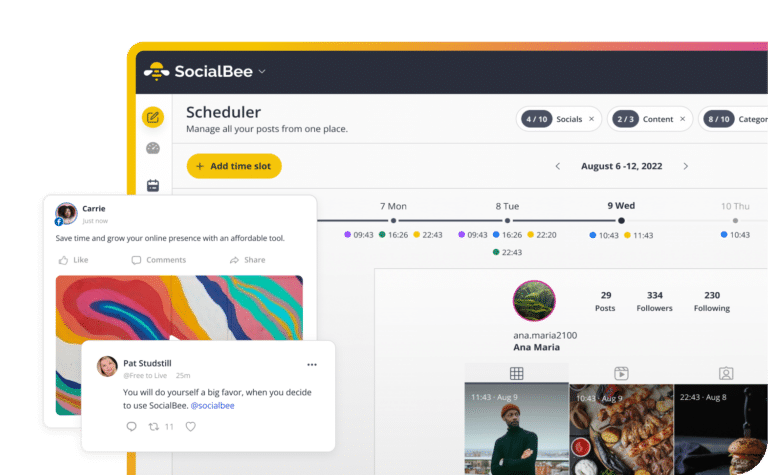
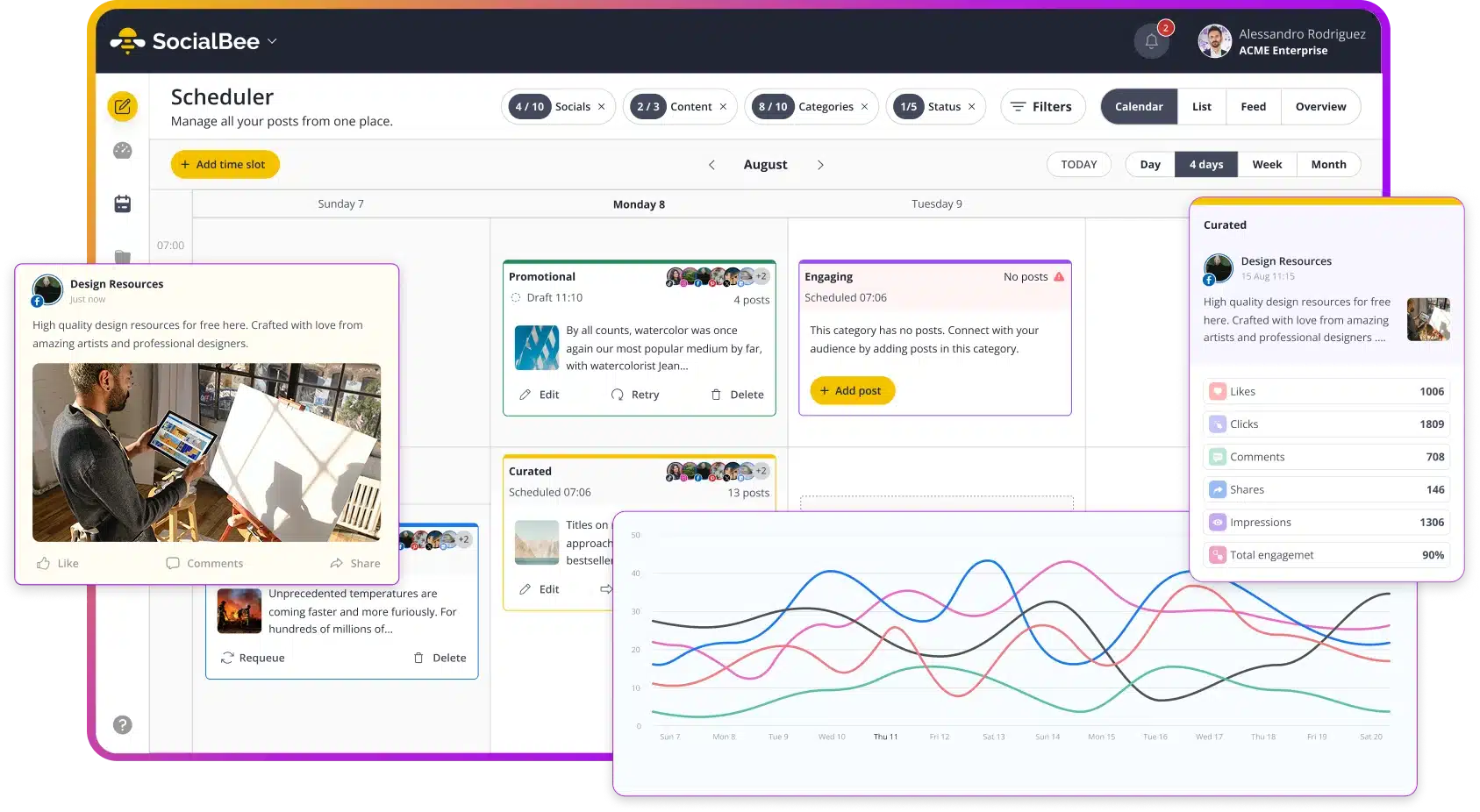
Yes, SocialBee includes a visual Scheduler that helps you plan and organize your social media content in one place.
You can switch between different views depending on how you like to work:
- Calendar view: See your scheduled posts by day, week, or month and get a clear overview of what’s coming up.
- List view: View upcoming posts in a simple list format for the next week.
- Grid view (Instagram only): Preview how your Instagram feed will look, including posts and Reels (up to 30 days ahead).
- Overview tab: Set up a recurring weekly posting schedule for your content categories.
You can also add specific time slots for posts or content categories, and easily adjust or remove them whenever your schedule changes. If something isn’t posted as expected, you can also check why directly inside the Scheduler using the failed posts and status views.
Overall, the Scheduler gives you a flexible way to plan, organize, and keep track of your content across all your social media profiles.
Yes, SocialBee offers multiple AI content creation features: the AI Post Generator and Copilot.
The AI Post Generator is built into the post editor and lets you create captions and visuals from a simple prompt. You describe what you want, and it generates captions, post variations, hashtag ideas, tone adjustments, and AI images. You can also customize content for different platforms and create multiple versions of the same post automatically with AI.
Copilot works more like an AI social media manager. You can add your website URL or answer a few questions, and it builds a content strategy based on that information, including what to post, how to structure your content, and ready-to-edit post ideas.
Together, these features make SocialBee an AI social media management tool that helps you go from idea to finished post, without starting from scratch each time.
Yes, SocialBee is built for managing multiple brands or clients from a single account.
You can use workspaces to keep each brand or client completely separate, including their connected social profiles, content, and scheduling.
Each workspace also keeps things separated for analytics and inbox activity, so you can track performance and manage conversations per brand or client without everything being merged together.
Depending on your plan, you can create multiple workspaces and assign team members to each one, making it especially useful for agencies and teams managing several clients at once.
Yes, SocialBee lets teams work together on content before anything gets published.
It’s built as a social media collaboration tool, so you can bring teammates or clients into the same workspace, work on posts together, and keep everything in one place instead of switching between emails or messages.
With SocialBee team collaboration, everyone involved can see what’s being worked on, add feedback, and make edits when needed, so it’s easier to stay aligned on content.
Before a post goes live, it can go through a simple social media approval workflow, where teammates or clients review it, suggest changes, and approve it directly in the platform, so nothing gets published without a final check.
SocialBee integrates with Facebook, Instagram, X (Twitter), LinkedIn, Pinterest, TikTok, YouTube, Threads, Bluesky, and Google Business Profile.
However, inbox and analytics features are not available in the same way for every platform. What you can access depends on what each social network supports.
Inbox (engagement):
- Facebook Pages: Comments, mentions, DMs
- Instagram Business: Comments, mentions, DMs
- Threads: Comments, mentions
- LinkedIn Company Pages: Comments, mentions
- YouTube: Comments
- X (Twitter): Comments, mentions
Analytics:
- Facebook: Page analytics, post analytics, category metrics, post type metrics, post history, daily engagement map, and competitor analysis.
- Instagram Business: Audience demographics, page analytics, post analytics, category metrics, post type metrics, post history, and daily engagement map.
- X (Twitter): Page analytics, post analytics, category metrics, post type metrics, and post history.
- LinkedIn Company: Audience country and industry, page analytics, post analytics, category metrics, post type metrics, post history, and daily engagement map.
- Pinterest: Page analytics, post analytics, category metrics, post type metrics, post history, and daily engagement map.
- Google Business Profile: Page analytics, post analytics, and account activity.
- YouTube: Demographic distribution by country, page analytics, post analytics, category metrics, post type metrics, post history, and daily engagement map.
- TikTok: Page analytics, post analytics, category metrics, post type metrics, post history, and daily engagement map.
- Threads: Page analytics, post analytics, category metrics, post type metrics, post history, and daily engagement map.
Not all platforms support both inbox and analytics features equally; functionality varies depending on the social network.
A “social profile” in SocialBee is each individual account you connect from a social network. For example, one Facebook Page, one Instagram account, one LinkedIn Page, or one TikTok account each count as a separate social profile.
Yes, you can mix and match networks freely. Your plan limits the total number of social profiles, but you can choose any combination of supported platforms, such as Facebook, Instagram, X (Twitter), LinkedIn, Pinterest, TikTok, YouTube, Threads, Bluesky, or Google Business Profile. You’re not locked into a specific network mix, so you can build your setup based on your actual needs.
See how SocialBee helps brands achieve social media success
SocialBee helps get our church in front of our congregation and community on a consistent basis.
Senior Pastor at Douglasville First United Methodist Church
We feel much more productive with SocialBee, which creates momentum in our team. Our collaboration led to better focus.
CEO at Conscious Trader Heavenly Himalayan
For the first time, I’m proud of my social media accounts. My social feed is razor sharp, finally.
CEO at The Teen
Life Coach
No way I would consider using other social media scheduling apps, because SocialBee provides everything I need.
Managing Director at The Buddy Effect
Social media management is made simple with SocialBee — I save time, and do it all efficiently and consistently!
Communications Manager at Jam Coding
I would panic if SocialBee ever went out of business. It’s by far the most versatile social media management platform.
Founder, Sketchbook
Skool
What is there not to like about SocialBee?! I haven’t even tipped the iceberg of what it can do for my social media networks.
Owner of Amazing Lifetime Memorable Travel Needs
SocialBee allows me to plan my social media marketing campaigns without worrying about deadlines being missed.
CEO of Freedom Through Faith Radio Network
With SocialBee, I am able to manage about two weeks of content in about four hours across four social media apps.
Founder of
Peppercorn
The customer support and people at SocialBee are great, feels like a family. Try it, you will be impressed.
Web Developer at John Kyle Consulting
Doing my own social media strategy with SocialBee is saving me $600 per month. It even doesn’t take that long!
Operations at About Your Home Inspection
We came from Hootsuite, and we love this new way of publishing and the more reasonable price.
Senior Vice President at Cahill Strategies
Before SocialBee, we were losing track of what we were posting and didn’t review our social media results.
Office Manager at First Choice Business Brokers
I no longer have to be glued to my screen to manage social media accounts, so I am certainly recommending SocialBee!
Holistic Therapist at Coach at Your Awakening Path
SocialBee is a lifesaver, a sanity saver, and the #1 life hack for more efficient social media management.
Social Media Manager at Martal Group
My social media presence and engagement have improved, now that I’m creating an ongoing dialogue with my audience.
Owner of KAPOW! Your Super Business Coach
I’m happy that I no longer have to worry about logging into a bunch of different social media platforms to post.
Owner at
MasterYourMix
SocialBee is an all-in-one tool for managing my social media posts. It outshines other social media management apps I’ve tried!
Book Coach at It's Your Book Coaching Services
SocialBee is a social media management software that’s easy to pick up. Moreover, customer support has been helpful.
Owner at
Madeit
We use SocialBee to manage multiple accounts, and it is super easy to switch between social channels while working.
CTO and Director of SEO Operations, Hum JAM
SocialBee has all the tools I’m looking for: workspaces, categories, scheduling, integrations, link shorteners, and AI.
CEO & president at
5000fish, Inc.
I switched from other tools like Canva and Buffer to SocialBee. It helps people post consistently in a balanced way.
Owner, Skyline
Insurance Agency
4x faster than posting manually on socials