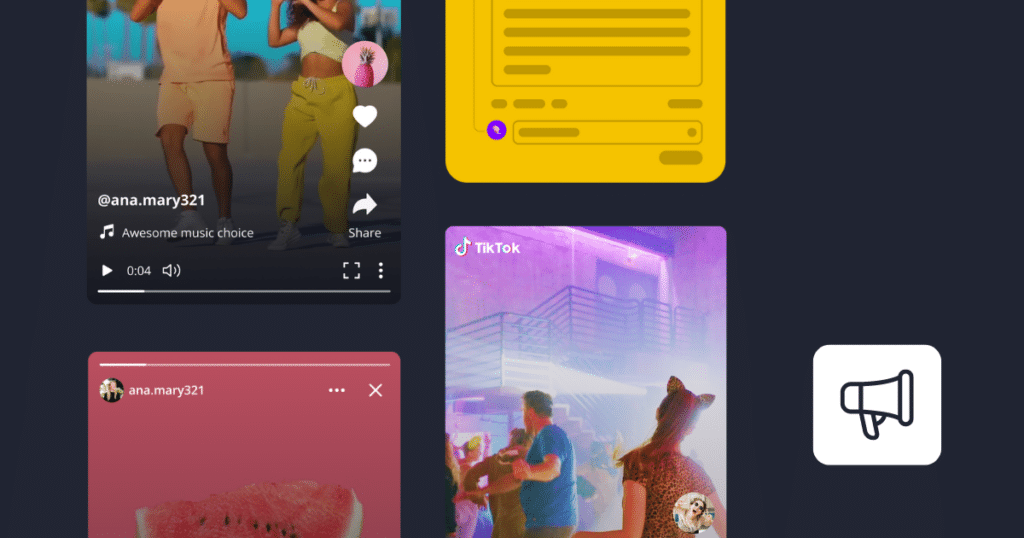


A strong government social media presence helps agencies share updates, answer questions, and stay connected with the communities they serve.
But managing official accounts across several platforms can take a lot of time. Social media management tools can make that easier by helping with content creation, scheduling, monitoring, and reporting.
In this article, we’ll look at what government teams should consider when choosing a social media tool and compare some of the main options available.


2. NapoleonCat
NapoleonCat is a social media management tool with a strong focus on team collaboration and audience moderation.
Government teams can assign tasks, review content, and use approval workflows before posts go live. This can be especially helpful when several people are responsible for the same social media accounts.
NapoleonCat also includes automated moderation. Teams can use it to manage repetitive comments, filter unwanted content, and keep conversations organized across different platforms.
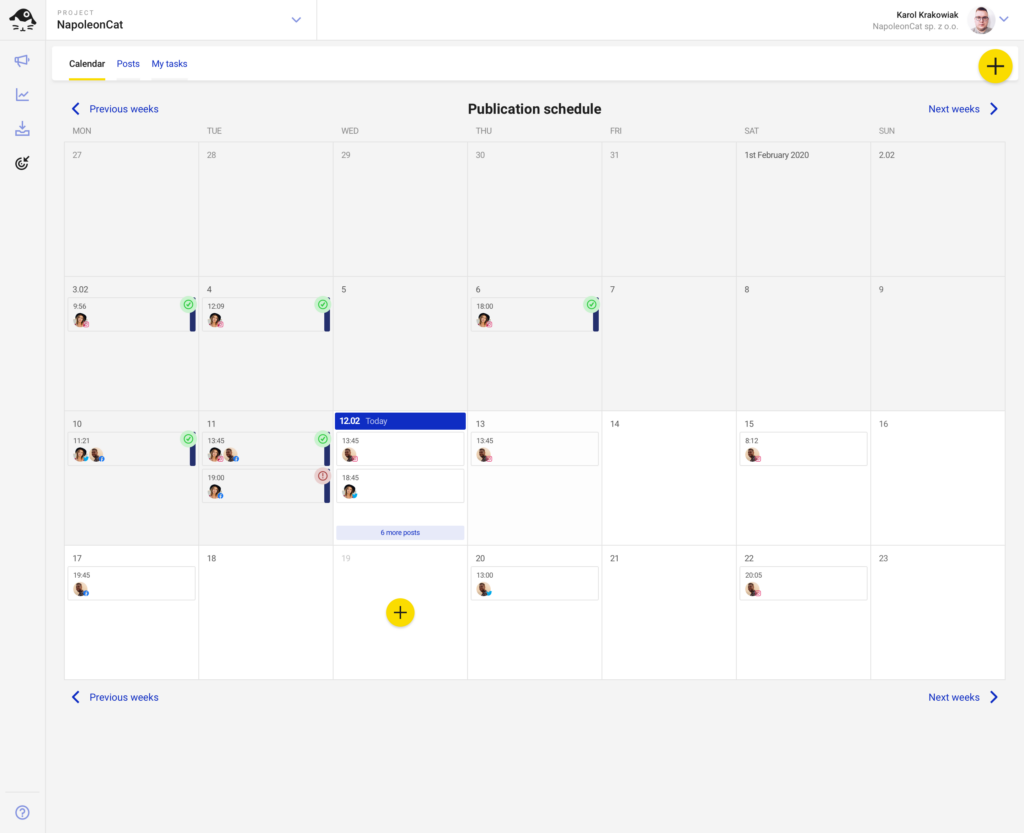
Here are some of NapoleonCat’s main features for government social media management:
- Publish content on Facebook, Instagram, TikTok, X, LinkedIn, and Google Business Profile
- Plan and schedule posts in advance
- Assign tasks and coordinate work between team members
- Review and approve content before publishing
- Manage comments and messages from one place
- Automate parts of the moderation process
- Monitor social media activity and conversations
- Track performance with built-in analytics
Pros
- Simple dashboard
- Strong collaboration and moderation features
- Supports major social media platforms
- Makes it easier to manage audience questions and comments
Cons
- Access to older social media data is limited
- Finding specific comments can sometimes be difficult
Pricing
- 14-day free trial
- Plans start at €32/month
- Higher-tier plan at €76/month
- Custom pricing is also available
3. Planoly
Planoly is best for teams that want to plan social media content visually.
Its calendar and grid preview make it easier to see how upcoming posts will look before they go live. Government teams can keep their content organized and make sure posts fit the overall look and message of each account.
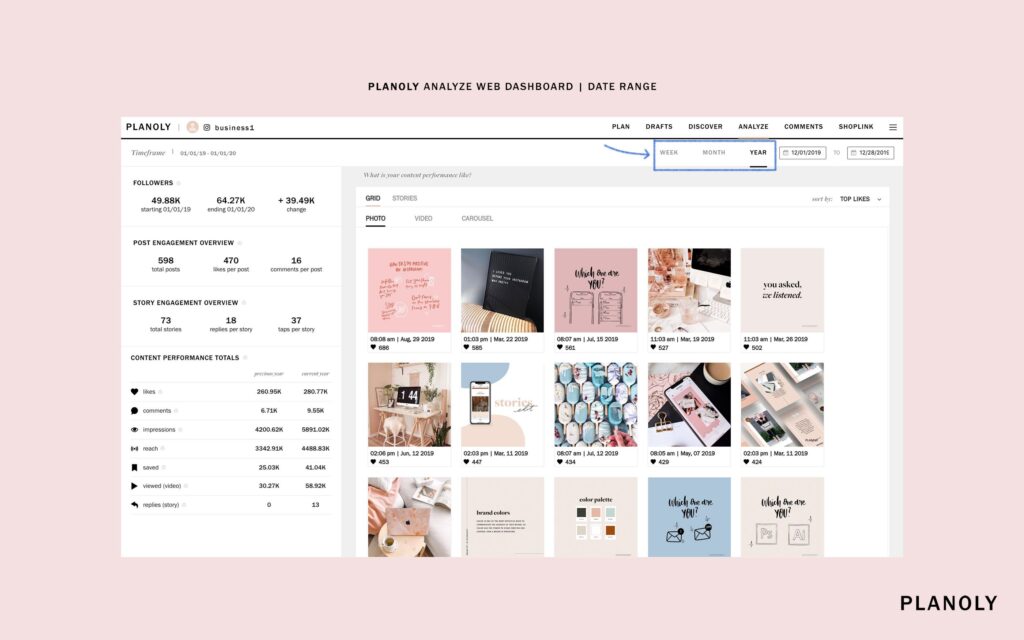
Here are some of Planoly’s main features for government social media management:
- Publish to TikTok, Instagram, YouTube, Facebook, X, LinkedIn, and Pinterest
- Preview posts before publishing
- Plan and schedule content in advance
- Use a grid view to organize visual content
- Store photos and videos in one media library
- Manage hashtags
- Respond to comments
- Collaborate with creators and team members
Pros
- Strong visual planning tools
- Easy-to-use interface
- Grid preview for Instagram content
- Includes hashtag and comment management
- Supports collaboration with creators and influencers
Cons
- Analytics are more limited than some competitors
- No social listening or media monitoring features
Pricing
- Starter: $16/month
- Growth: $28/month
- Professional: $43/month
4. Agorapulse
Agorapulse works well for government teams that need strong inbox management, audience tracking, and reporting.
Messages and comments from different platforms can be managed from one inbox, which makes it easier to stay on top of public questions and conversations.
The platform also keeps a record of audience interactions. That gives teams more context around the people they engage with regularly and can make follow-up easier.
For reporting, Agorapulse includes analytics that show how posts are performing and how people are responding to your content.
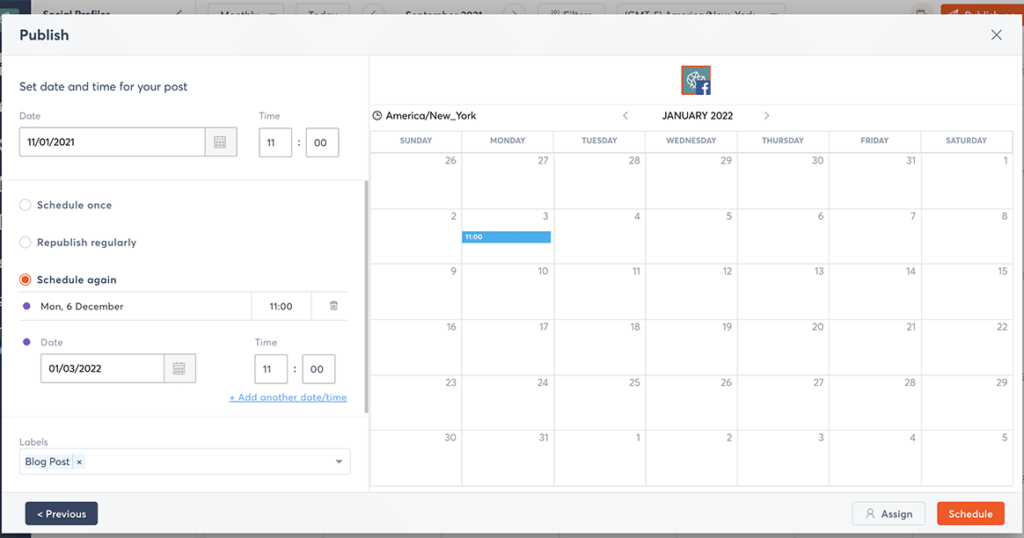
For government social media teams, useful Agorapulse features include:
- Publishing on Facebook, Instagram, TikTok, LinkedIn, and X
- A shared inbox for comments and messages
- A built-in content calendar
- Post scheduling
- Audience interaction history
- Engagement and content performance analytics
- Shareable reports
Pros
- Easy publishing and editing
- Unified social inbox
- Strong analytics and reporting
- Useful audience management features
Cons
- Some users report occasional speed and performance issues
- Reporting may feel limited for teams that need more advanced analysis
Pricing
- 30-day free trial
- Standard: €69/month
- Professional: €99/month
- Advanced: €149/month
- Custom pricing is also available
5. Buffer
For government teams that want a simple way to manage official social media accounts, Buffer keeps the focus on the basics.
You can schedule posts, review performance, and manage content across several platforms without a complicated setup. This makes it a good fit for smaller teams or agencies that do not need a long list of advanced features.
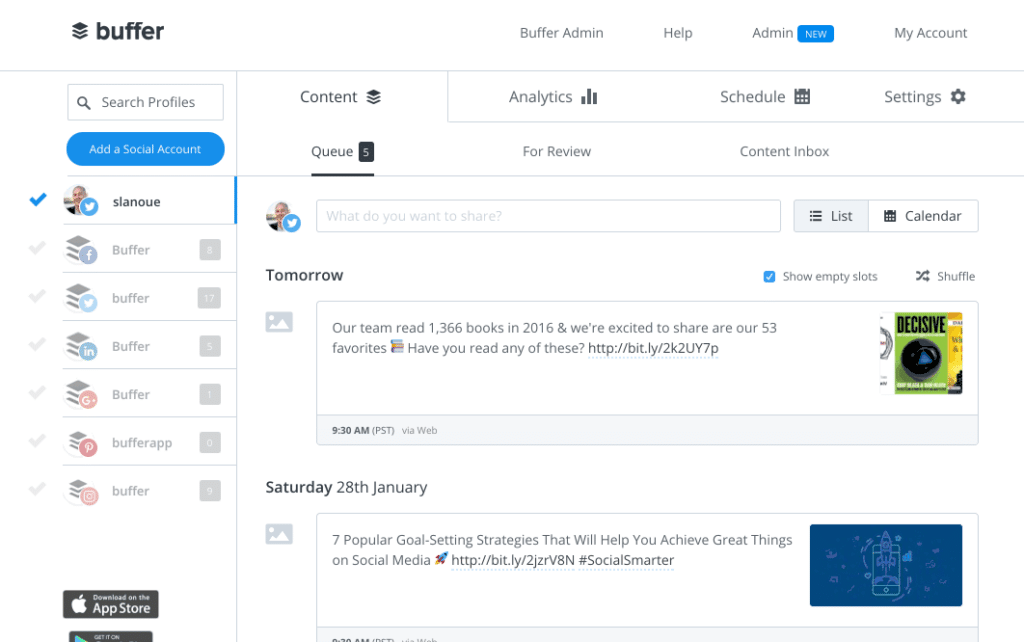
Buffer includes:
- Support for Facebook, Instagram, X, LinkedIn, TikTok, YouTube Shorts, and Pinterest
- Post scheduling across multiple channels
- A simple analytics dashboard for checking post performance
- Basic engagement and collaboration features
- A clean interface that is easy to learn
Pros
- Easy to use
- Simple scheduling and publishing
- Clear analytics for tracking performance
- Helpful customer support
Cons
- Content creation features are more limited than some alternatives
- Some users report occasional interface glitches
Pricing
- Free plan available
- Essentials: $6/month per channel or $60/year per channel
- Team: $12/month per channel or $120/year per channel
- Agency: $120/month for 10 channels or $1,200/year
6. MeetEdgar
MeetEdgar focuses on helping teams schedule, organize, and reuse social media content.
For government agencies that regularly share reminders, service information, or other evergreen updates, this can reduce the amount of content that needs to be created from scratch.
The platform also uses content categories to keep posts organized, while automated scheduling helps maintain a steady posting rhythm across different channels. This can support a more consistent digital marketing strategy.
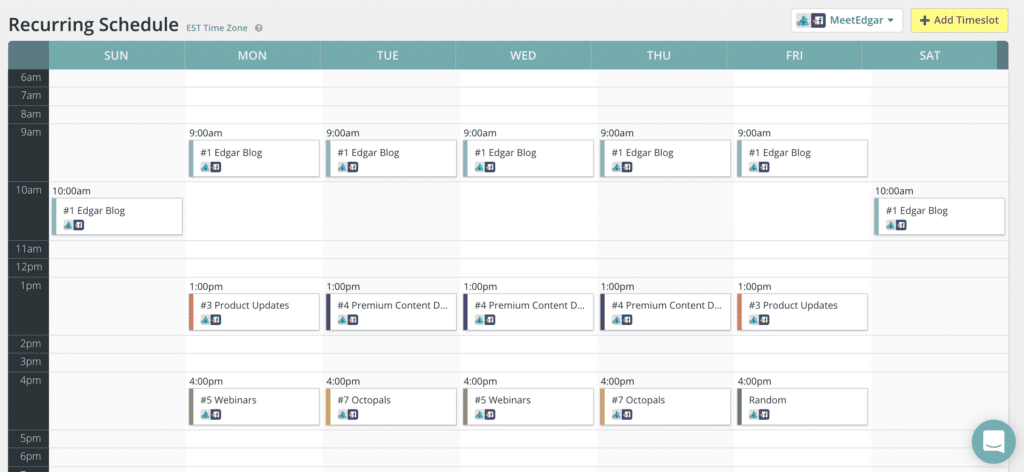
Some of MeetEdgar’s main features include:
- Support for Facebook, X, LinkedIn, Pinterest, Google Business Profile, Instagram, and TikTok
- Automated scheduling across multiple platforms
- Evergreen content recycling
- Content categories for organizing posts
- Analytics for reviewing content performance
- A scheduling system designed to reduce manual publishing
Pros
- Supports several major social media platforms
- Makes scheduling straightforward
- Useful content categorization features
- Strong support for evergreen content recycling
Cons
- Customer support may be limited
- Some users may need time to get used to the platform
Pricing
- Eddie: $29/month
- Edgar: $49/month
7. SocialPilot
If your team mainly needs scheduling, publishing, and reporting, SocialPilot keeps those tasks straightforward.
The platform focuses on the core features most teams use every day, without adding too many advanced extras. For government communications teams that want a simpler setup, it can be easier to manage.
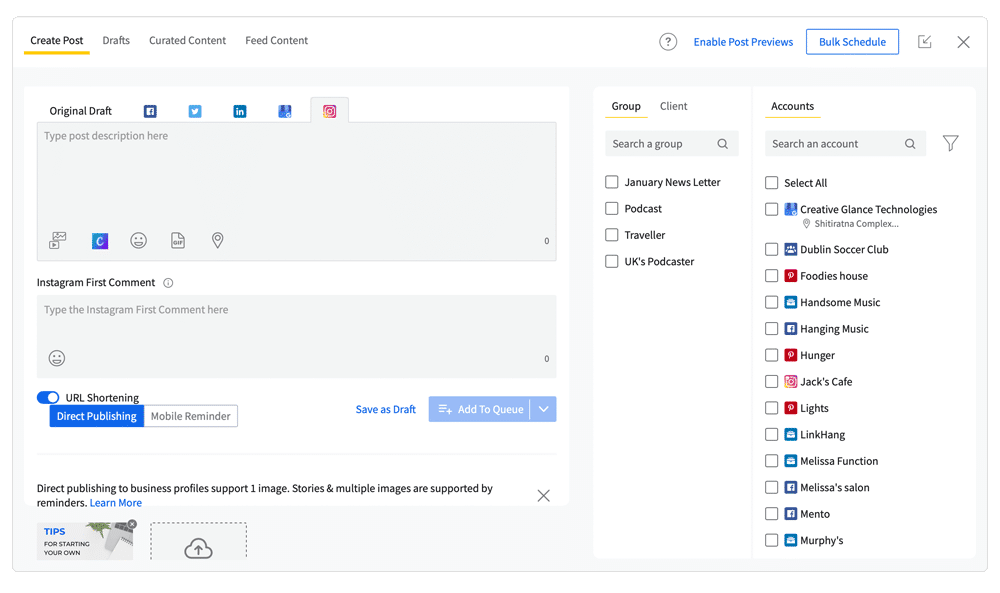
Among its main features are:
- Support for Facebook, X, LinkedIn, Google Business Profile, Instagram, and TikTok
- Post scheduling across multiple accounts
- Content planning tools
- Analytics and reporting
- A simple dashboard for day-to-day social media management
Pros
- Covers the main social media management tasks
- Straightforward scheduling
- More affordable than some larger platforms
Cons
- The dashboard may feel less polished than some alternatives
Pricing
- Professional: $30/month
- Small Team: $50/month
- Agency: $100/month
- Agency+: $200/month
8. Hootsuite
Hootsuite brings publishing, monitoring, engagement, and analytics into one platform.
One of its most useful features for government teams is the social inbox. Comments, mentions, and direct messages from different channels appear in one place, so teams spend less time checking accounts separately.
For agencies handling a high volume of public questions, that centralized view helps keep conversations organized and reduces the chance of missing a message.
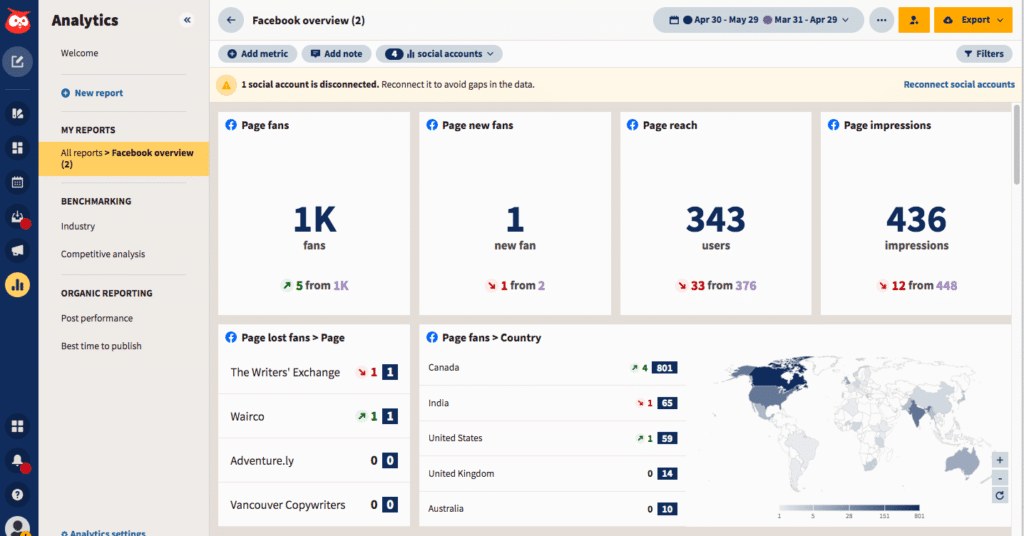
Hootsuite includes:
- Publishing on Facebook, Instagram, X, LinkedIn, TikTok, YouTube, and Pinterest
- A shared inbox for comments, mentions, and direct messages
- Scheduling and publishing tools
- Social media monitoring
- Analytics for tracking content performance
- Tools for organizing day-to-day social media tasks
Pros
- Centralized social inbox
- Easy access to analytics
- Social media monitoring features
- Supports several major platforms
Cons
- Higher pricing than many alternatives
- The interface may feel complex at first
- Customer support options may be limited
- URL shortening costs extra
Pricing
- Professional: $99/month
- Team: $249/month
- Business: $739/month
9. StoryChief
StoryChief goes beyond social media management by also supporting blog content and other publishing channels.
That broader focus is useful when social media is only one part of your content plan. You can create longer-form content, schedule social posts, and keep campaigns organized from the same platform.
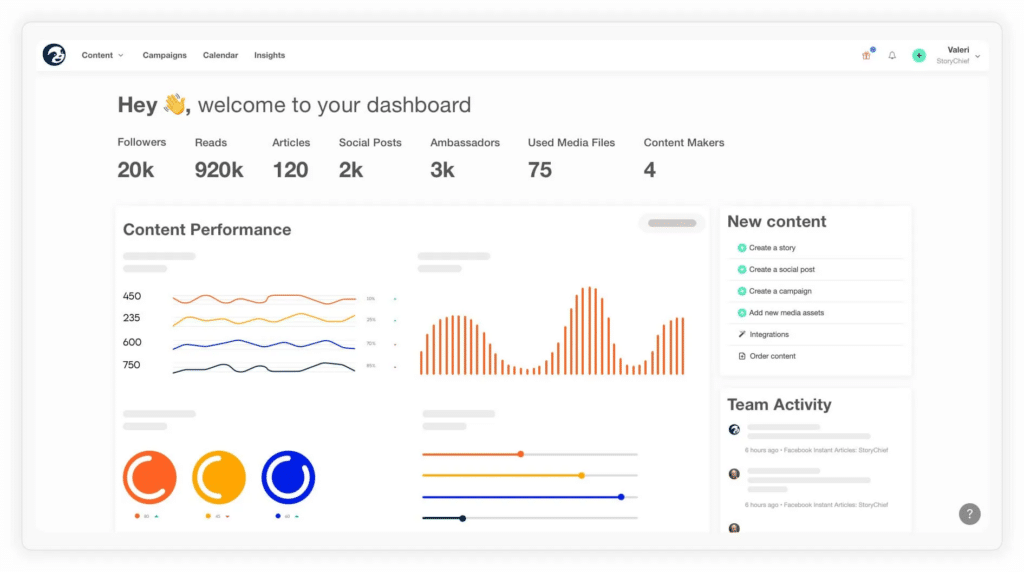
StoryChief includes:
- Publishing to Instagram, Facebook, TikTok, Pinterest, LinkedIn, Google Business Profile, and X
- A shared content calendar for planning posts and campaigns
- Tools for organizing content by topic or campaign
- AI support for drafting content
- Collaboration features for teams working on the same content
- Publishing tools for social media and other channels
- Built-in analytics for tracking performance
Pros
- Covers both social media and broader content publishing
- Easy-to-navigate interface
- Supports team collaboration
- Makes multi-channel publishing easier
Cons
- Document editing features may feel limited for larger teams
- Analytics are less advanced than some competitors
Pricing
- 7-day free trial
- Plans start at €30/month
- Higher-tier plan at €50/month
- Custom pricing is also available
10. Later
Later puts visual planning at the center of social media management.
The drag-and-drop calendar lets you see upcoming posts before they go live, while the media library keeps photos and videos organized in one place. It’s especially useful when your team works with a lot of visual content.
Later also includes a link-in-bio tool for Instagram and TikTok, plus features for captions, analytics, user-generated content, and team collaboration.
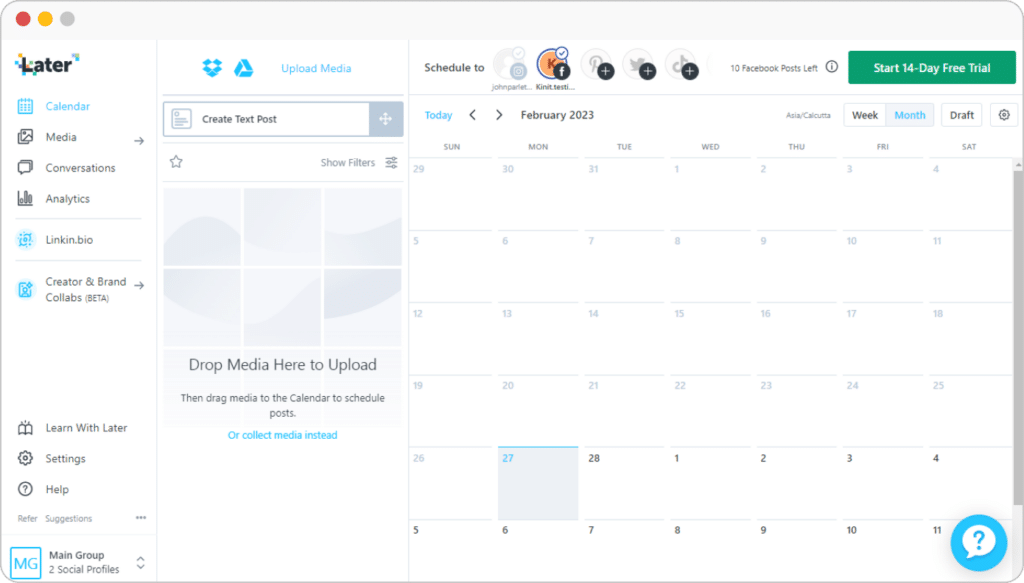
Some of Later’s main features include:
- Scheduling images, videos, and carousel posts
- A media library for organizing photos and videos
- Uploads from Dropbox and Google Drive
- Hashtag suggestions
- AI caption writing
- Saved captions for repeated use
- A link-in-bio landing page
- Tools for finding and sharing user-generated content
- Team collaboration features
- Analytics for likes, shares, reach, and clicks
- Access to influencer discovery tools
Pros
- Simple drag-and-drop calendar
- Strong visual content planning
- Mobile app for managing content on the go
- Useful tools for finding and sharing user-generated content
Cons
- No post preview before publishing
- Basic photo and video editing tools
- No Canva integration
- Social inbox support is limited to Instagram and TikTok comments
- Analytics only cover the previous three months
Pricing
- 14-day free trial
- Starter: $25/month
- Growth: $45/month
- Advanced: $80/month
Frequently Asked Questions
1. How Does the Government Use Social Media?
Governments use social media to share updates, explain policies, answer questions, and communicate during emergencies.
They also use it to gather feedback, educate the public, and keep people informed about services, programs, and important changes.
2. How Should You Manage Government Social Media Accounts?
Start with a clear plan based on what your audience needs to know and which platforms they use most.
From there, make sure your content is accurate, easy to understand, and accessible. It’s also important to follow legal and ethical requirements, respond to public questions, and keep an eye on feedback.
Finally, review your results regularly and adjust your approach based on what is working.
3. How Does Local Government Use Social Media?
Local governments use social media to keep residents informed and involved in what is happening in their community.
Common uses include:
- Sharing local events, services, and community updates
- Asking residents for feedback on projects and policies
- Posting emergency alerts and time-sensitive information
- Highlighting local businesses, community achievements, and tourism
- Answering questions and directing people to useful resources
Streamline Your Government Social Media Marketing Efforts with SocialBee
The right social media tool should help your team communicate clearly, stay organized, and respond to the public without adding more complexity.
As you compare your options, focus on the features that matter most to your agency, whether that’s scheduling, approvals, engagement, analytics, or managing several accounts in one place.
If you want a platform that brings those tasks together, SocialBee gives government teams tools for content creation, scheduling, collaboration, engagement, and reporting.
Start your 14-day SocialBee free trial and see how it fits your team’s day-to-day social media needs.