Supported post types of SocialBee Pinterest scheduler
Images
Schedule Pinterest posts with flashy visuals that engage your audience. Works with the standard Pin size, 1000 x 1500px (2:3 ratio).
Videos
Utilise video Pins that are up to 10 minutes in duration to maintain audience engagement. Submit your video directly or choose a personalized cover picture.
Carousels
Show up to 5 images in a single Pin with Pinterest Carousels. Perfect for quick tips or showing off products step by step.
Schedule pins automatically across all your boards
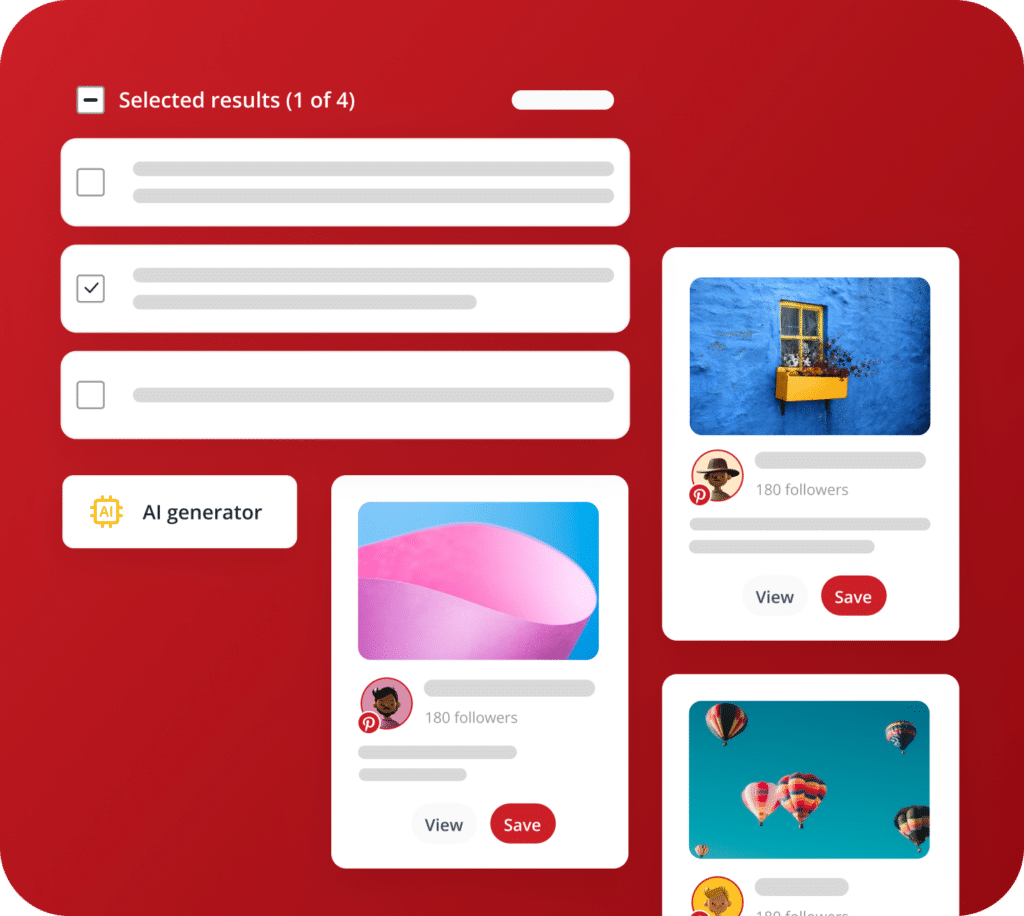
Generate pin descriptions with AI
SocialBee AI instantly writes Pinterest descriptions and creates matching images. It helps you schedule Pinterest posts and publish content without ever starting from a blank page.
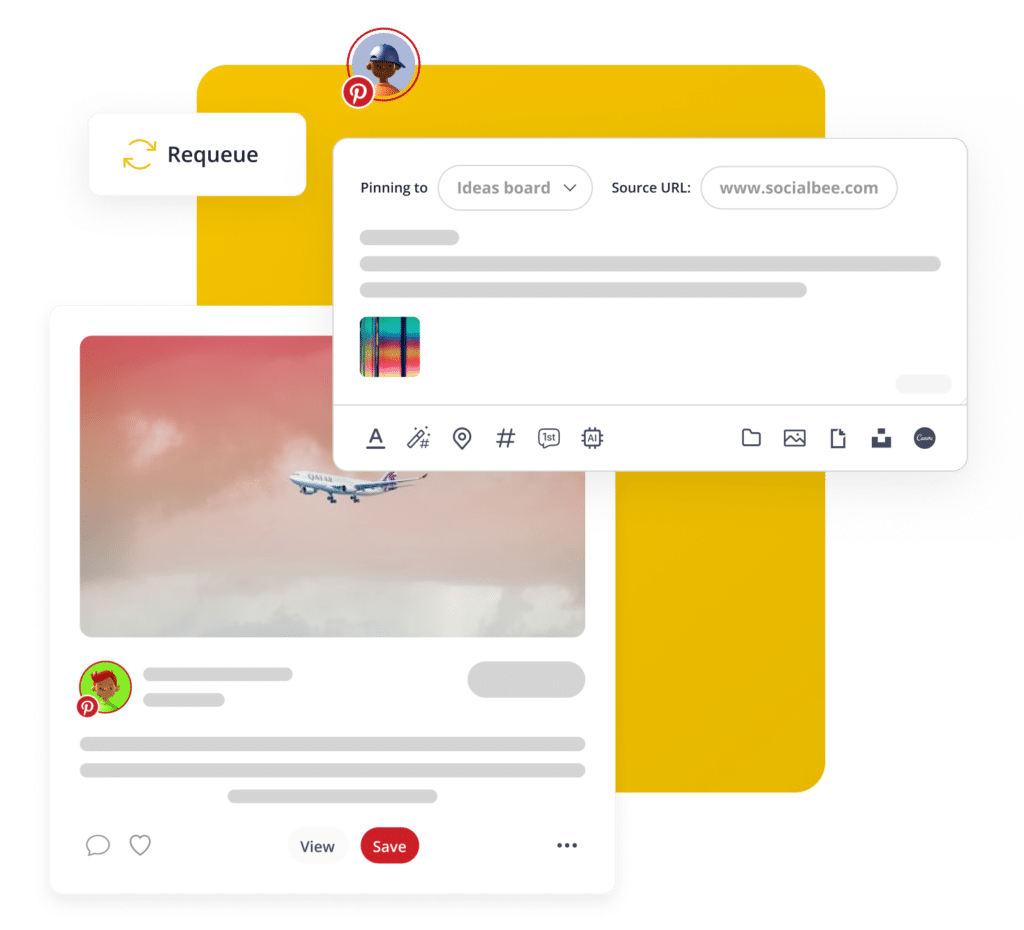
Pinterest boards, source, title, descriptions
Add your posts straight to a Pinterest Board right from SocialBee. Just include the pin’s link, title and description, and your Pinterest scheduling stays neat and simple every time.
Customize your posts
Let AI instantly customize your posts for each social platform, or fine-tune them yourself by adjusting image size or testing out a different call-to-action to boost engagement.
Mix up your posts with content categories
Sort your pins into content categories by topic, set a unique schedule for each one, and keep your Pinterest scheduling calendar varied and fresh.
Recycle evergreen posts
Great pins deserve more than one moment. Set your best content to repost automatically and get lasting value from every pin you schedule.
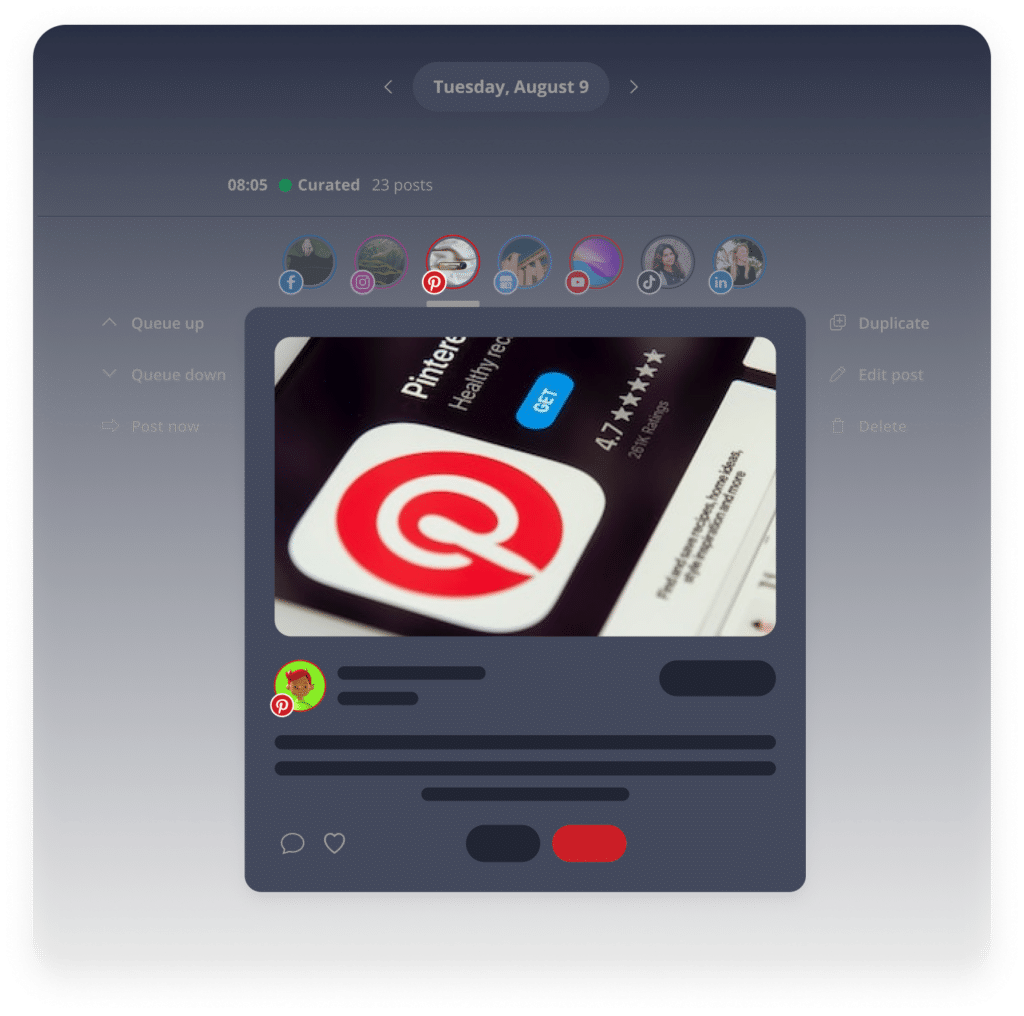
Preview your content
Wondering how your pin will actually look on Pinterest? SocialBee preview feature shows you exactly what to expect, so you get it right before you schedule Pinterest posts live.
Customize video covers
Boost your pin’s appeal and earn more saves and clicks by choosing a standout frame from your video, or uploading your own attention-grabbing cover.
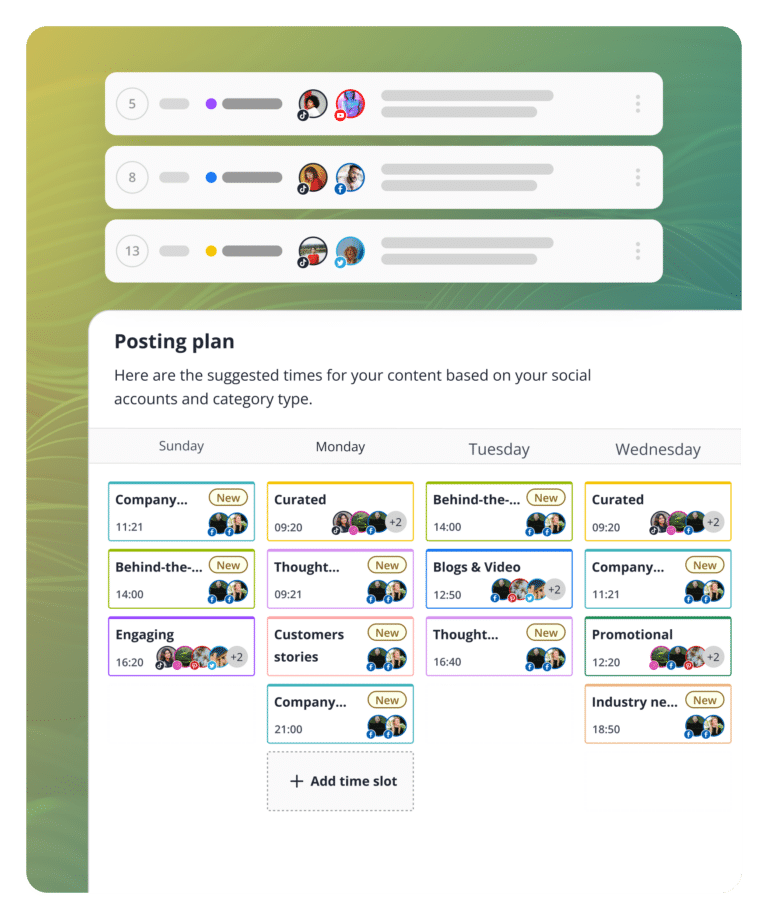
Best posting times suggestions
SocialBee, one of the best Pinterest scheduler tools, suggests optimal posting times based on your top-performing content.
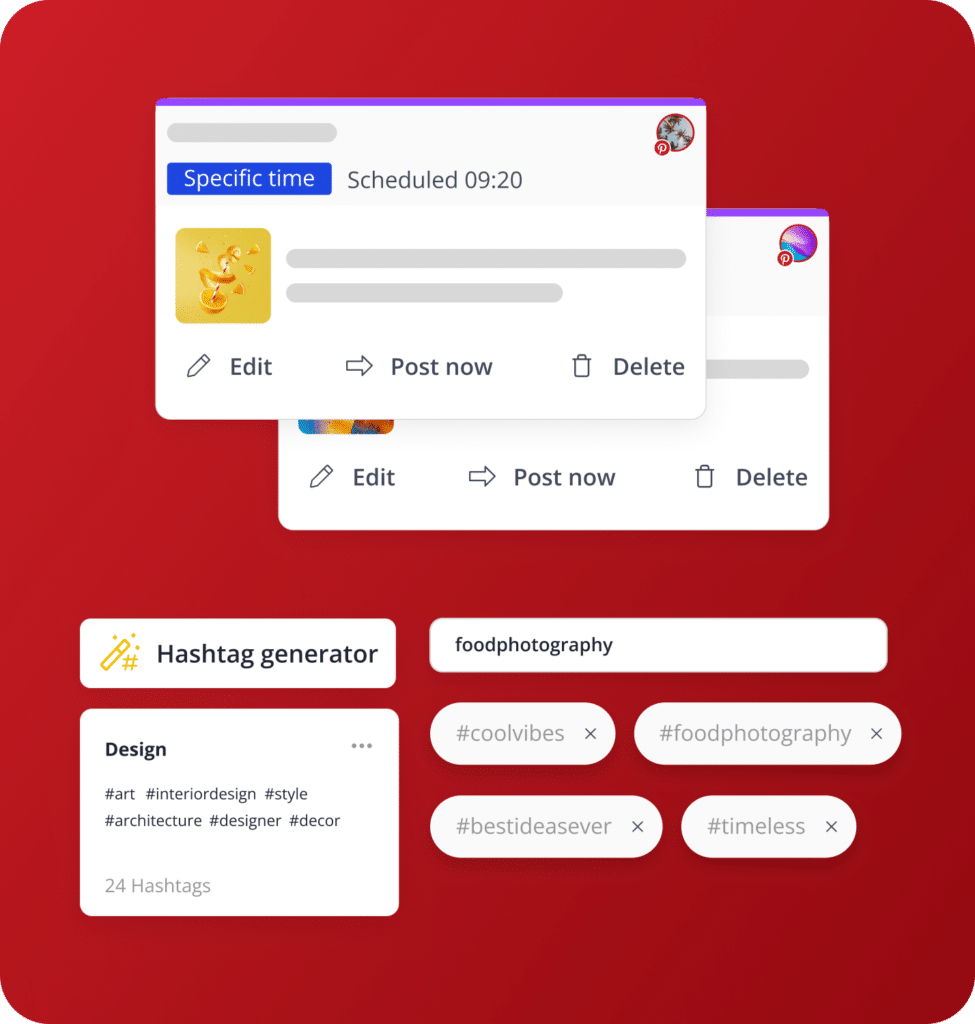
Specific posting times
Customize your posting schedule for every social channel to maximize reach and boost engagement.
Hashtag recommendations & collections
SocialBee suggests relevant hashtags based on your content and lets you save favorites in collections for quick reuse later.
Use font styling options
Give your Pinterest posts personality with font styles like bold, italic, and strikethrough.
Trusted by marketers, agencies & e-commerce brands
SocialBee helps get our church in front of our congregation and community on a consistent basis.
Roger Vest
Senior Pastor at Douglasville First United Methodist Church
We feel much more productive with SocialBee, which creates momentum in our team. Our collaboration led to better focus.
Ellie ter Haar
CEO at Conscious Trader Heavenly Himalayan
For the first time, I’m proud of my social media accounts. My social feed is razor sharp, finally.
Cyndy Etler
CEO at The Teen
Life Coach
No way I would consider using other social media scheduling apps, because SocialBee provides everything I need.
Reese Pratt
Managing Director at The Buddy Effect
Social media management is made simple with SocialBee — I save time, and do it all efficiently and consistently!
Noor Tomlinson
Communications Manager at Jam Coding
I would panic if SocialBee ever went out of business. It’s by far the most versatile social media management platform.
Natasha Laity Snyder
Founder, Sketchbook
Skool
What is there not to like about SocialBee?! I haven’t even tipped the iceberg of what it can do for my social media networks.
Richard McDonald
Owner of Amazing Lifetime Memorable Travel Needs
SocialBee allows me to plan my social media marketing campaigns without worrying about deadlines being missed.
Robert Thibodeau
CEO of Freedom Through Faith Radio Network
With SocialBee, I am able to manage about two weeks of content in about four hours across four social media apps.
Urvi Bhandari
Founder of
Peppercorn
The customer support and people at SocialBee are great, feels like a family. Try it, you will be impressed.
John Kyle
Web Developer at John Kyle Consulting
Doing my own social media strategy with SocialBee is saving me $600 per month. It even doesn’t take that long!
Julie Novalinski
Operations at About Your Home Inspection
We came from Hootsuite, and we love this new way of publishing and the more reasonable price.
Timothy Hurley
Senior Vice President at Cahill Strategies
Before SocialBee, we were losing track of what we were posting and didn’t review our social media results.
Miriam Ramirez
Office Manager at First Choice Business Brokers
I no longer have to be glued to my screen to manage social media accounts, so I am certainly recommending SocialBee!
Paola Bisicchia
Holistic Therapist at Coach at Your Awakening Path
SocialBee is a lifesaver, a sanity saver, and the #1 life hack for more efficient social media management.
Kayela Young
Social Media Manager at Martal Group
My social media presence and engagement have improved, now that I’m creating an ongoing dialogue with my audience.
Sheena Whyatt
Owner of KAPOW! Your Super Business Coach
I’m happy that I no longer have to worry about logging into a bunch of different social media platforms to post.
Mike Indovina
Owner at
MasterYourMix
SocialBee is an all-in-one tool for managing my social media posts. It outshines other social media management apps I’ve tried!
Elli Comeau
Book Coach at It's Your Book Coaching Services
SocialBee is a social media management software that’s easy to pick up. Moreover, customer support has been helpful.
Louise McCauley
Owner at
Madeit
We use SocialBee to manage multiple accounts, and it is super easy to switch between social channels while working.
Joseph S. Kahn
CTO and Director of SEO Operations, Hum JAM
SocialBee has all the tools I’m looking for: workspaces, categories, scheduling, integrations, link shorteners, and AI.
David Ferguson
CEO & president at
5000fish, Inc.
I switched from other tools like Canva and Buffer to SocialBee. It helps people post consistently in a balanced way.
Emma Madison
Owner, Skyline
Insurance Agency
How it works: From signup to scheduled in 5 minutes
1. Connect your Pinterest account
Sign up for free and link your Pinterest profile in just a few clicks. There is no need for complicated setup or long forms. All you need is a quick link to SocialBee to get your boards ready.
2. Create or AI-generate content
Write your own pins or let SocialBee’s AI generate captions and images for you. It’s one of the best Pinterest automation tool options for anyone who wants quality content without the busywork.
3. Schedule pins to your boards
Pick your boards, set your times, and schedule Pinterest posts in seconds. As a true Pinterest scheduling app, SocialBee queues everything automatically, so your content goes live exactly when it should.
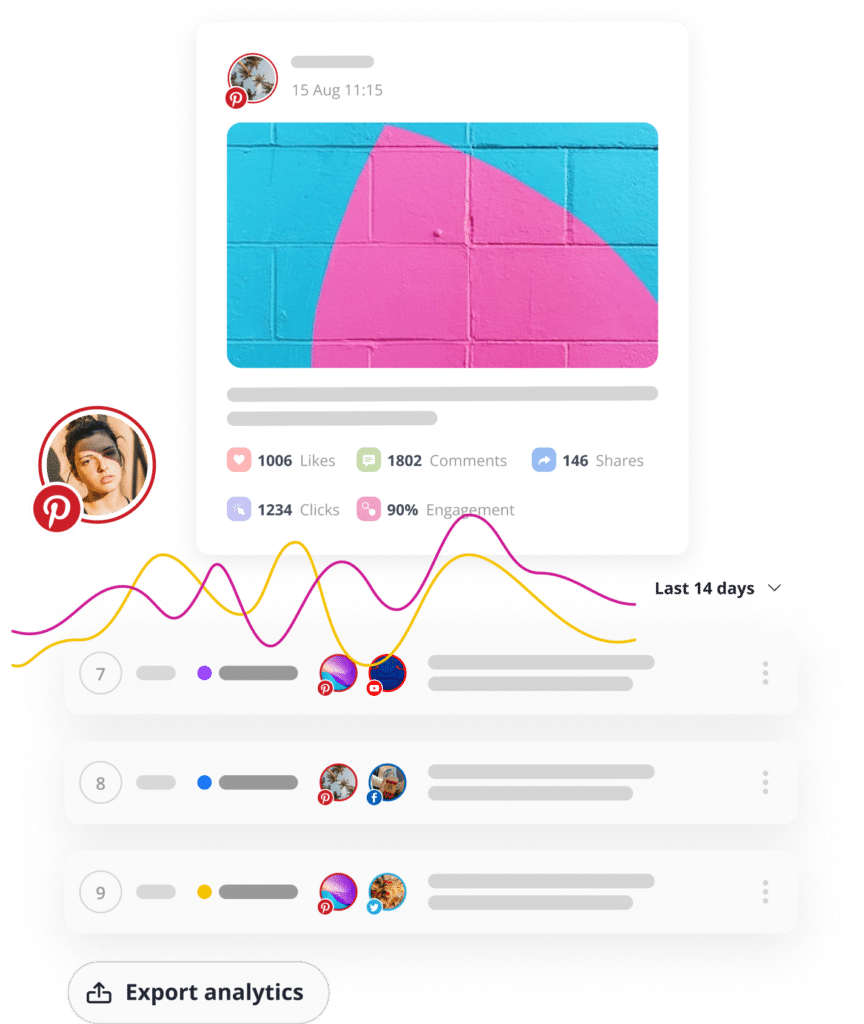
4. Track results and optimize
Check your analytics, see what’s working, and adjust your strategy. Like the best Pinterest scheduling tools, SocialBee turns performance data into your next move, so every pin gets a little smarter.
Yes. Pinterest allows scheduling through approved partner tools. A Pinterest scheduling app like SocialBee connects to your account and publishes pins automatically at the times you set.
Is there a free plan?
SocialBee doesn’t offer a permanent free plan, but you get a 14-day free trial with no credit card required, so you can test the Pinterest scheduler before committing.
How does SocialBee's AI work?
SocialBee’s AI writes pin captions, suggests hashtags, and generates images from a simple prompt, helping you schedule Pinterest posts faster without starting from a blank page every time.
Can I manage multiple Pinterest accounts?
Yes. SocialBee lets you connect multiple Pinterest boards and accounts in one workspace, so you can manage everything through a single dashboard instead of switching tools.
What's the best time to post on Pinterest?
There’s no single best time for everyone. That’s why Pinterest scheduling tools like SocialBee analyze your own content’s performance and suggest posting times based on your actual audience activity.
How is SocialBee different from Hootsuite or Buffer?
SocialBee combines scheduling, AI content creation, analytics, and team approvals in one flat-rate plan, making it a more complete Pinterest scheduling app without per-seat pricing surprises.
Start your free 14-day trial — No credit card required
Set up your Pinterest scheduling tool in under 2 minutes, get full access to every feature and cancel anytime with zero pressure. Real support from real people, whenever you need it.
Fill in the form and get our calendar delivered to your inbox
We’re SocialBee LABS SRL, part of WebPros. We use the information you provide to share relevant content and product updates, as outlined in our Privacy Policy. You can opt out anytime.
Grab our 2026 social media calendar and unlock 500+ content ideas and ready-to-use Canva templates!