

Instagram Story ideas can help you get more engagement from your followers and give people more reasons to interact with your business. Whether you’re answering questions or sharing a quick update, Stories make it easy to stay in touch with your audience.
The tricky part is knowing what to post. Sharing your latest Instagram feed post or promoting another product gets repetitive, and there’s plenty more you can do with Stories.
We’ve gathered 17 Instagram Story ideas from real brands to help you mix things up. You’ll find examples of behind-the-scenes content, interactive Stories, and creative ways to promote your products without making every Story feel like an ad.

What is an Instagram Story?
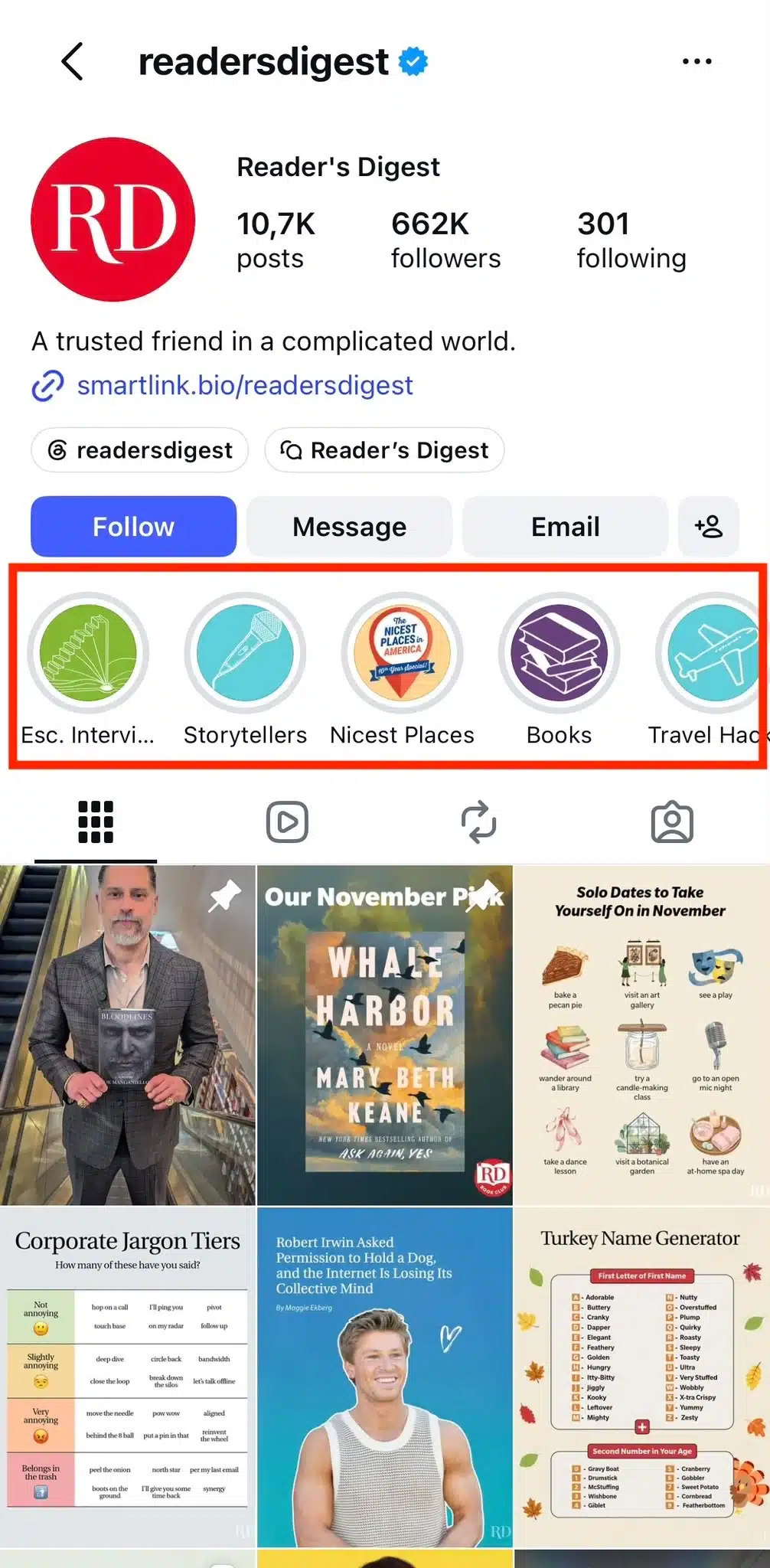
Instagram Stories, or IG Stories for short, are photos and videos that appear at the top of the Instagram app and disappear after 24 hours. You can also save past Stories to Instagram Story Highlights so people can view them on your profile whenever they want.
For businesses, Stories are a good place to share quick updates and more casual, behind-the-scenes content that might not make it onto your Instagram feed. You can also use them to interact directly with followers and get their opinions.
Each video Story can be up to 60 seconds long, and you can make your content more interesting with music, GIFs, filters, and stickers. Instagram also has interactive features like polls and question stickers, plus creative options such as Reveal, Frames, and Cutouts.
“If you do use Stories, think of them as a way to reach your most passionate audience with behind-the-scenes, timely content,” says Adam Mosseri, Head of Instagram.
Who can view my Instagram Stories?
Who can see your Instagram Stories depends on your account’s privacy settings and who you choose to share them with:
- Public account (including Instagram business accounts): Anyone can view your Stories, even if they don’t follow you, unless you’ve hidden your Stories from them.
- Private account: Only approved followers can see your Stories. You can also hide them from specific followers.
- Close Friends: You can share Stories with a smaller group of people you’ve added to your Close Friends list, rather than everyone who follows you.
What size should an Instagram Story be?
The recommended Instagram Story size is 1080 × 1920 pixels, with a 9:16 aspect ratio. This vertical format fills the screen and helps your photos and videos display properly without getting cropped.
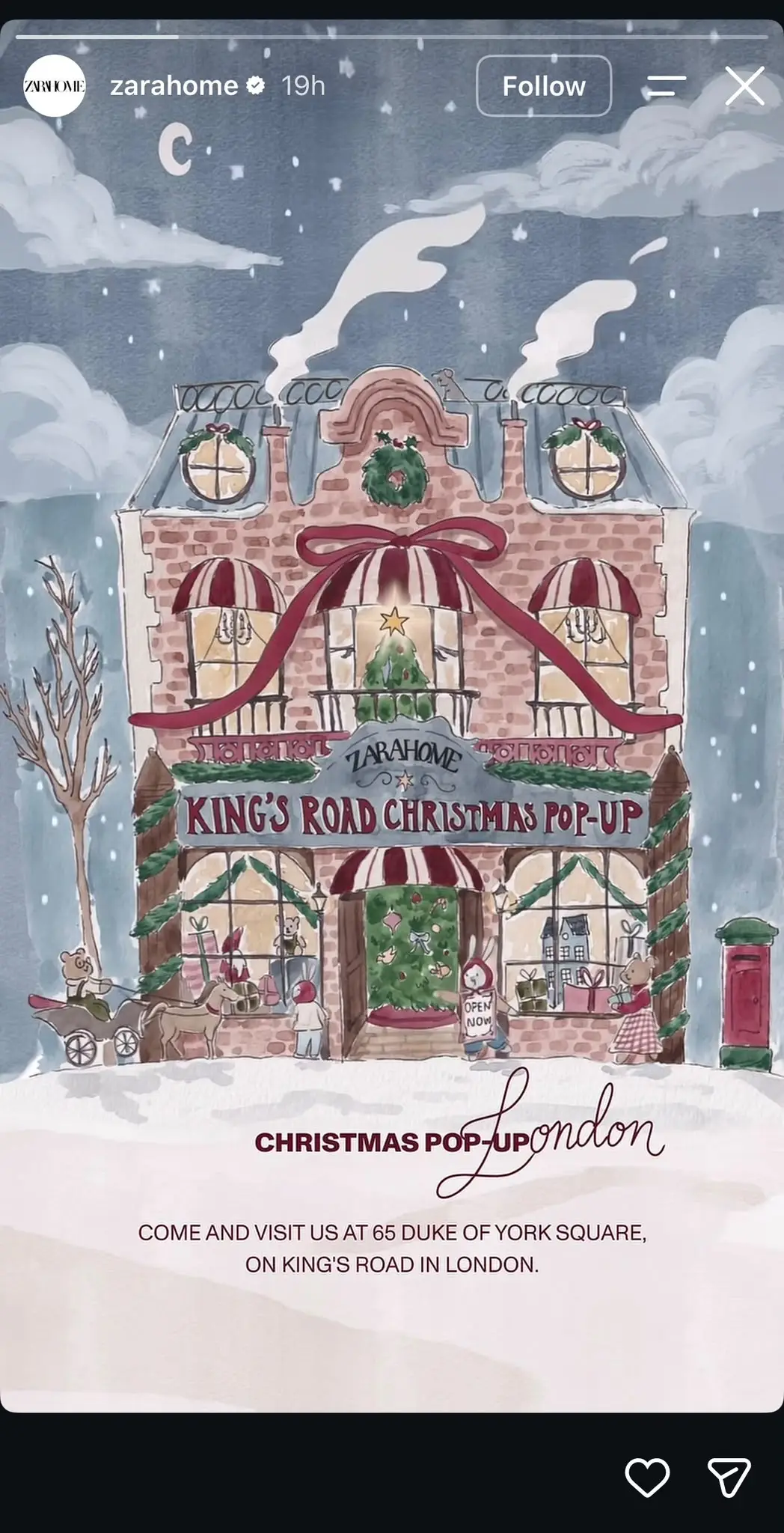
Keep important text, logos, and interactive stickers away from the top and bottom edges of your Story. Instagram displays your profile information at the top and reply options at the bottom, so anything placed too close to these areas might get covered.
For more details, check out our Instagram image sizes and aspect ratios guide.
17 Instagram Story ideas for businesses (with examples)
Need fresh Instagram Story ideas for your business? We’ve gathered 17 examples you can use to get people talking, show what goes on behind the scenes, and promote your products. Pick the ones that make sense for your audience and put your own spin on them.
Here are 17 Instagram Story more ideas to try:
- Showcase your team
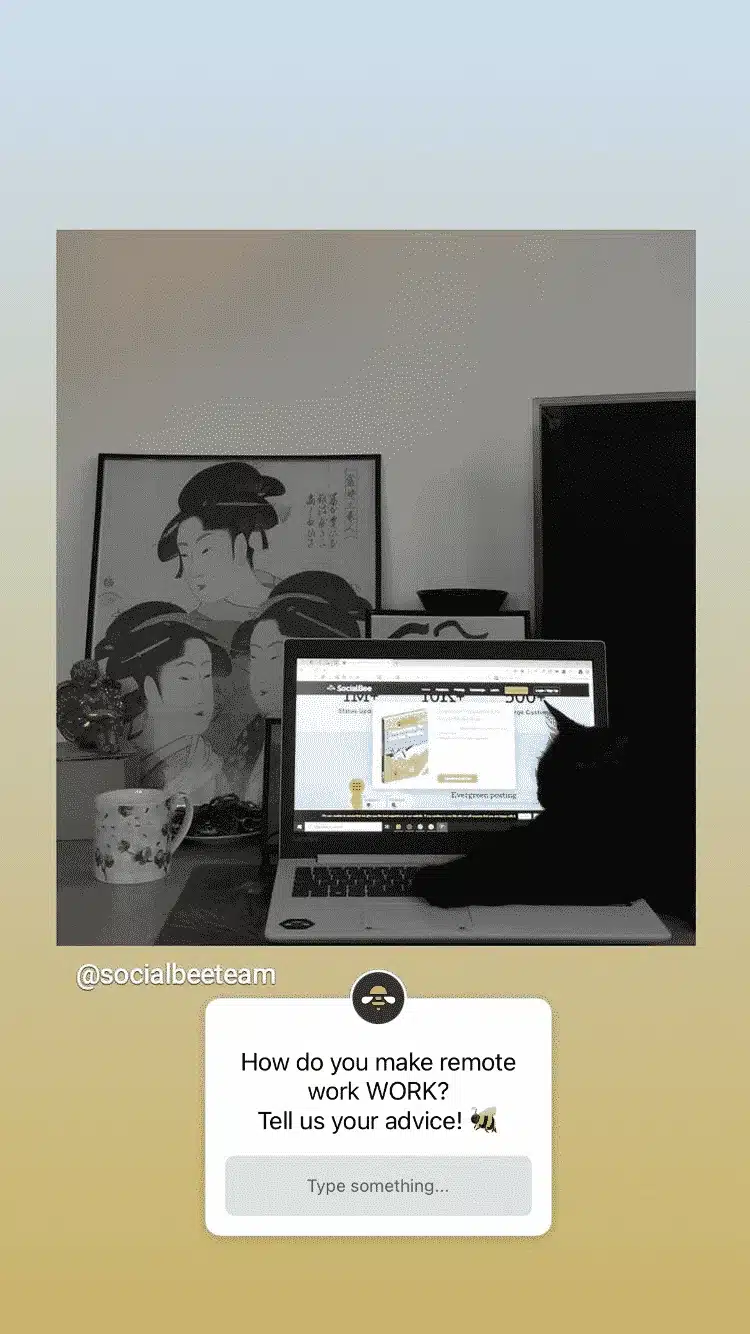
- Ask for recommendations
- Share motivational content
- Create a themed Story series
- Create Story collages
- Reshare your Reels and TikTok videos
- Post highlights from your webinars and podcasts
- Share user-generated content
- Promote your business
- Go behind the scenes
- Share content that mentions your brand
- Create a “This or That” Instagram Story
- Provide product teasers
- Share a how-to Story
- Host a Q&A discussion
- Create quizzes and polls
- Share funny content
Cute Instagram Story ideas
Give your followers a chance to see the people behind your business. A few personal touches can make your brand feel more approachable and get your audience involved.
1. Showcase your team
Your team has plenty of stories worth sharing. Use Instagram Stories to introduce the people your customers interact with and show what working at your business looks like.
Here are some ideas to try:
- Introduce new employees: Share their photo, role, and something they enjoy about their job.
- Celebrate milestones: Give someone a shoutout for their birthday, work anniversary, or recent achievement.
- Share personal stories: Ask team members what brought them to the company or what they’ve learned along the way.
- Show a typical workday: Let employees share short videos of what they’re working on.
- Host a Story takeover: Give a team member control of your own Instagram Stories for the day so followers can see the business from their perspective.
You can also turn a simple introduction into an interactive Story series.
For example, introduce a new employee with a photo and their role. In the next Story, let them share their favorite part of the job. Finish with a question sticker where followers can ask them something.
And if someone on your team has a particularly cute pet, that’s worth sharing too.

Just make sure your employees are comfortable being featured and give them a say in which photos or personal details you share.
These Stories can also work well as Instagram feed posts, especially when celebrating team achievements or introducing someone new. They’re a simple way to give your audience a better sense of your brand’s personality and the people behind it.
2. Ask for recommendations
People love sharing their opinions, so why not give your followers the chance to recommend something?
Use Instagram’s question sticker to ask for suggestions related to your business or your audience’s interests.
For example:
- Bookstore: “What’s one book you couldn’t put down?”
- Café: “What autumn flavor should we add to our menu?”
- Travel agency: “Where’s your favorite place for a weekend getaway?”
- Marketing agency: “Which productivity tool couldn’t you work without?”
The best part is that you can do something useful with the answers. Now your audience has helped you make a decision, and you’ve learned something about what your customers want.
You can also use the responses as inspiration for future posts or simply share a few interesting answers to keep the conversation going.
3. Share motivational content
A little encouragement can go a long way, especially when it comes from someone who understands what their audience is going through.
Instead of posting generic motivational quotes, share advice or personal experiences that relate to your business. The idea is to share something you’ve learned that your followers might find useful.
TED Talks is a good example of an account where inspirational content makes sense. Its audience already follows the brand for ideas and insights, so sharing a thought-provoking quote fits naturally with what people expect to see.
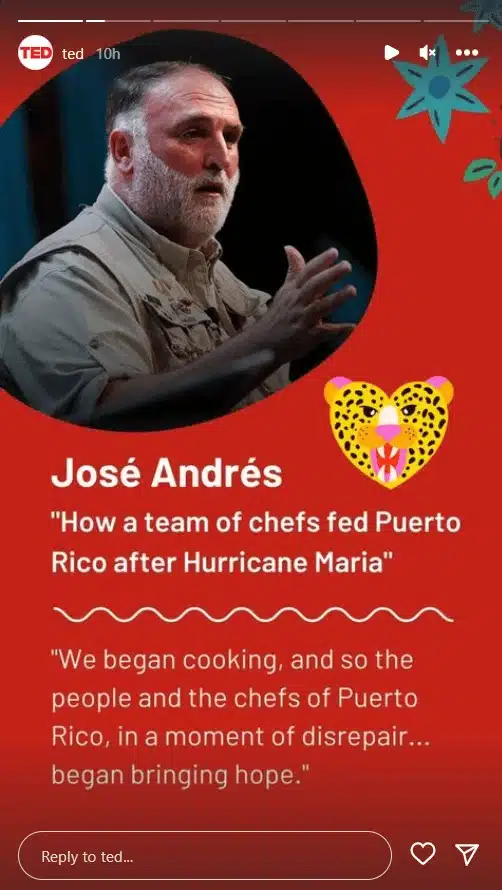
You can take a similar approach by turning a lesson from your own experience into a Story. Add a short explanation of why it matters to you, and use an emoji slider to see whether your followers relate.
This gives your audience something more personal than another quote they’ve probably seen a dozen times.
Aesthetic Instagram Story ideas
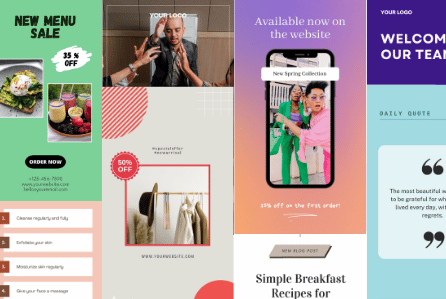
You don’t need to design every Instagram Story from scratch to give your account a recognizable look. Using the same aesthetic or Instagram Story templates across your content helps followers recognize your brand and saves you time when creating new posts.
4. Create a themed Story series
A recurring Story series gives your followers something familiar to look forward to and makes planning content easier for you.
Choose a topic that fits your business and that you can keep coming back to. For example:
- Monday tips: Start the week with a useful piece of advice related to your industry.
- Behind-the-scenes Friday: Give followers a look at what your team has been working on.
- Customer question of the week: Answer a question you regularly receive from customers.
- Product spotlight: Feature a different product each week and explain what makes it worth trying.
- Community spotlight: Introduce local businesses or organizations your brand supports.
You can also build a series around causes that matter to your business. Skincare brand Cocokind, for example, has used Instagram Stories to highlight other organizations and encourage its community to support them.

Once you’ve chosen your theme, give the series a consistent title and visual style. Reusing the same layout makes each installment easier to create, while familiar colors help followers recognize it.
According to Socialinsider’s 2025 Instagram Stories benchmarks, the first Story in a sequence has an average exit rate of 23.8%. That’s why your opening Story needs to give followers a reason to keep watching, whether it’s an interesting question, a product teaser, or a useful tip.
The important part is choosing a topic you can maintain. A weekly series that lasts several months is more useful than an elaborate idea you abandon after two posts.
5. Create Instagram Story collages
Have several photos you want to share together? An Instagram Story collage lets you combine them into one visual instead of posting each separately.
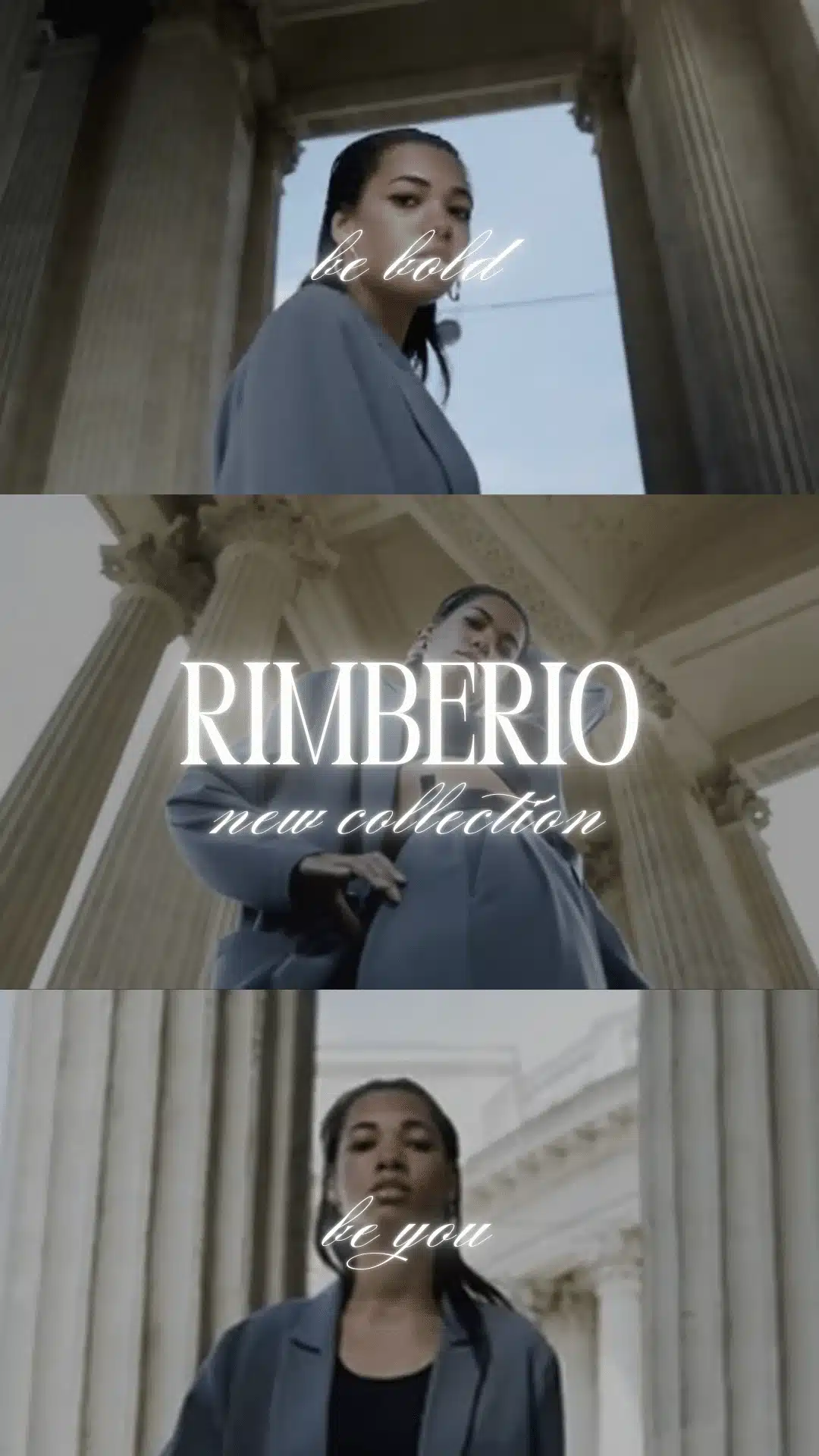
You can create collages using Instagram’s Layout feature or design your own with an external tool. If you’d rather start with a ready-made layout, SocialBee’s free Instagram collage maker lets you combine multiple photos into a single visual for your Story.
Try using the same collage templates for recurring content, such as monthly recaps or new product collections. You can change the photos while keeping the overall design familiar.
Just be careful not to squeeze too much into one Story. If the photos become too small or the text is difficult to read on a phone, split the content across multiple Stories instead.
Instagram Story ideas for repurposed content
Your existing content can give you plenty of material for Instagram Stories. A Reel you’ve already published or an interesting moment from a recent webinar can become a new Story with a few small edits.
6. Reshare your Reels and TikTok videos
Published a Reel you want more people to see? Share it to your Instagram Story so followers who missed it have another chance to watch.
You can share Reels directly to your Stories using Instagram’s sharing options. When you repost content, give people a reason to tap on it.
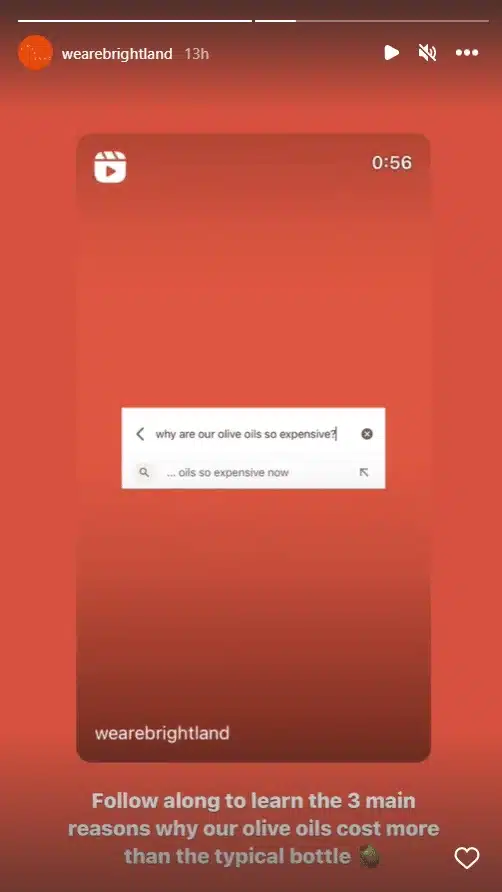
If you’re repurposing TikTok videos, use the original video file whenever possible. That way, you can upload a clean version without the TikTok watermark and adjust the text or layout for Instagram.
7. Post highlights from your webinars and podcasts
A webinar or podcast episode can give you enough Story content to share over several days. The trick is choosing moments that make sense on their own.
Look for clips where someone answers a common customer question or explains something your audience might find useful. You could also share an interesting opinion from a guest and invite followers to respond.
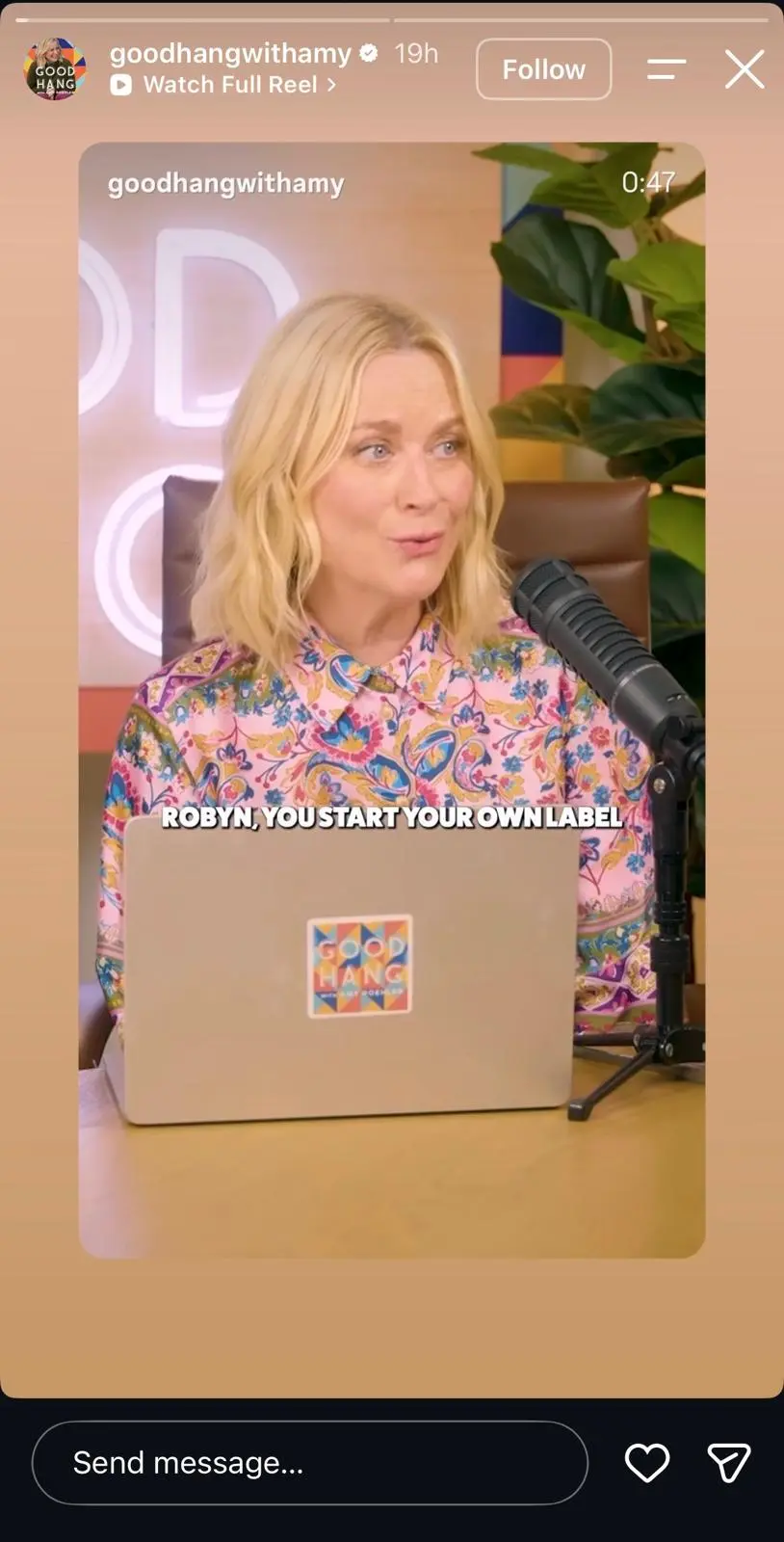
Add a short headline so people know what the clip covers, and include subtitles for anyone watching without sound.
You don’t have to use video clips every time, either. A memorable quote from a podcast guest can work as a simple text-based Story, especially when you add a little context about the discussion.
And if you have an upcoming webinar, share a preview from a previous session to give followers an idea of what they can expect before signing up.
Instagram Story ideas to promote your business
Instagram Stories are a great place to show customers what they can expect from your business. Share how your products look in real life, give followers a peek at how things are made, or highlight what others have said about your brand.
8. Share user-generated content
User-generated content (UGC) is any content created by customers or followers that features your business. Think customer photos, videos of people using your products, or testimonials about their experiences.
Sharing this content on your Instagram Stories gives potential customers a chance to see your products through someone else’s eyes.
When someone tags your business in an Instagram Story, you may be able to reshare it directly to your account. Add a quick thank-you message and tag the original creator so followers know who made the content.

For anything you plan to download, edit, or republish, make sure you have the creator’s permission first.
You can also save your favorite customer Stories to dedicated Instagram Story Highlights. That way, people visiting your profile can see real customer experiences even after the original Stories disappear.
9. Promote your business
Got a new product coming out or a special offer your customers would love? Instagram Stories are perfect for getting the word out, especially when there’s a deadline involved.
You can promote:
- New products or services
- Limited-time discounts and sales
- Upcoming events and webinars
- Recent blog posts or other resources

Product demonstrations are especially useful because customers can see what they’re buying.
Say you run a makeup brand and you’re launching a new eyeshadow palette. Show the shades on different skin tones, then film a wear test so followers can see how the colors hold up throughout the day.
When you’re ready to direct people to your website, add a Link sticker to your Story. It lets viewers open a product page or special offer without leaving Instagram to search for the link in your bio.
Instagram’s countdown sticker is also handy for launches and limited-time promotions. Followers can turn on reminders so they know when your event or sale begins.
Stories can also bring more attention to your latest Instagram feed posts.
Here are a few ways to encourage followers to check them out:
- Share a cropped or blurred preview of your latest post to make followers curious.
- Pull out a surprising fact or useful tip from the post.
- Give followers a little extra context, such as an unused photo or a detail from the creative process.
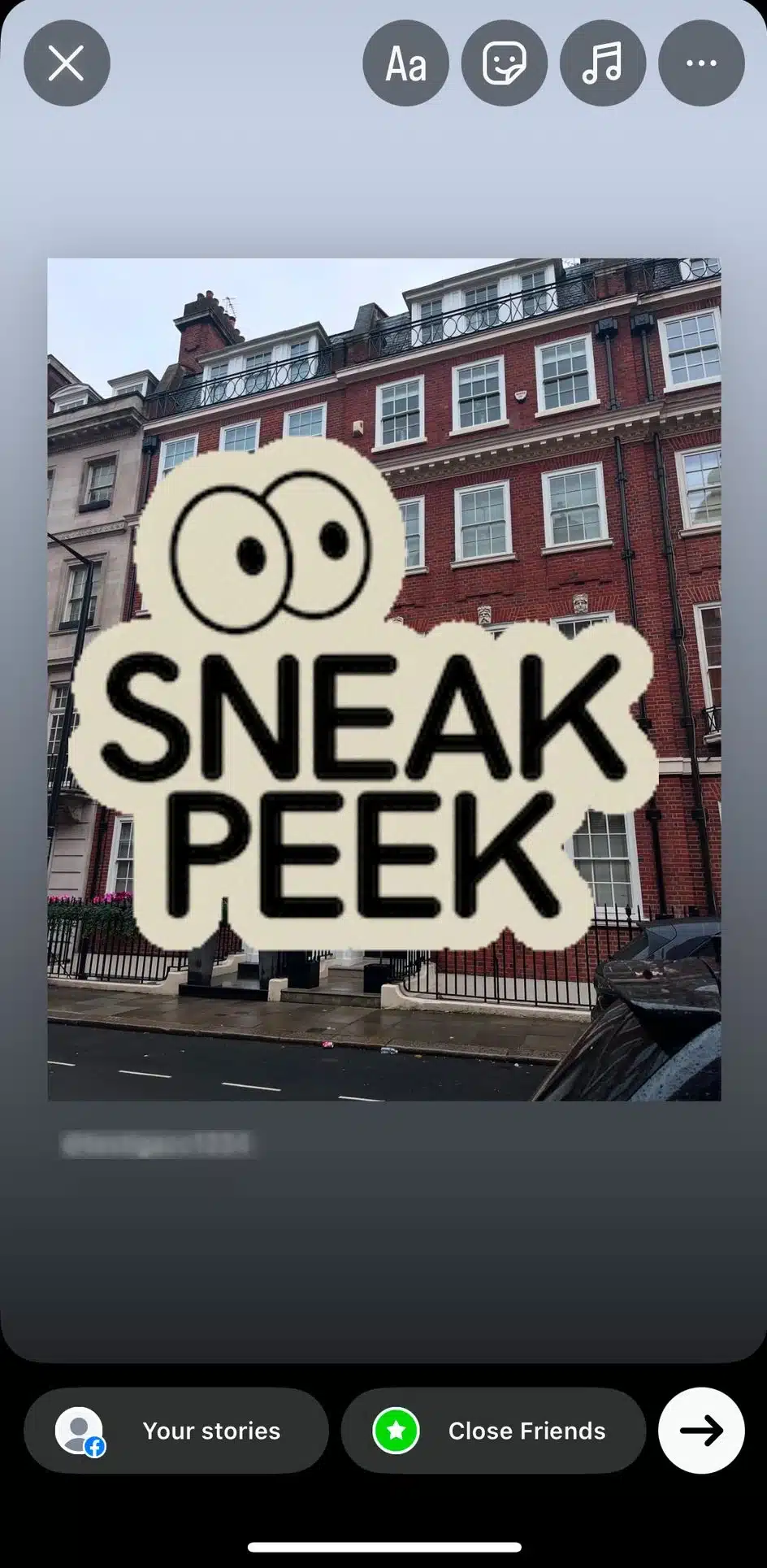
When you share a feed post directly to your Story, followers can tap the post preview to open it. Add a short message telling them why it’s worth checking out.
Whatever you’re promoting, make the next step obvious. A Story advertising an event should tell people where to register, while a product announcement should make it easy to find the product.
10. Go behind the scenes
Ever wondered how your favorite restaurant prepares its signature dish or how a handmade product comes together?
Your customers might be just as curious about what happens behind the scenes at your business.
Instagram Stories give you a chance to show the parts of your work that people don’t normally get to see.
Some behind-the-scenes Instagram Story ideas include:
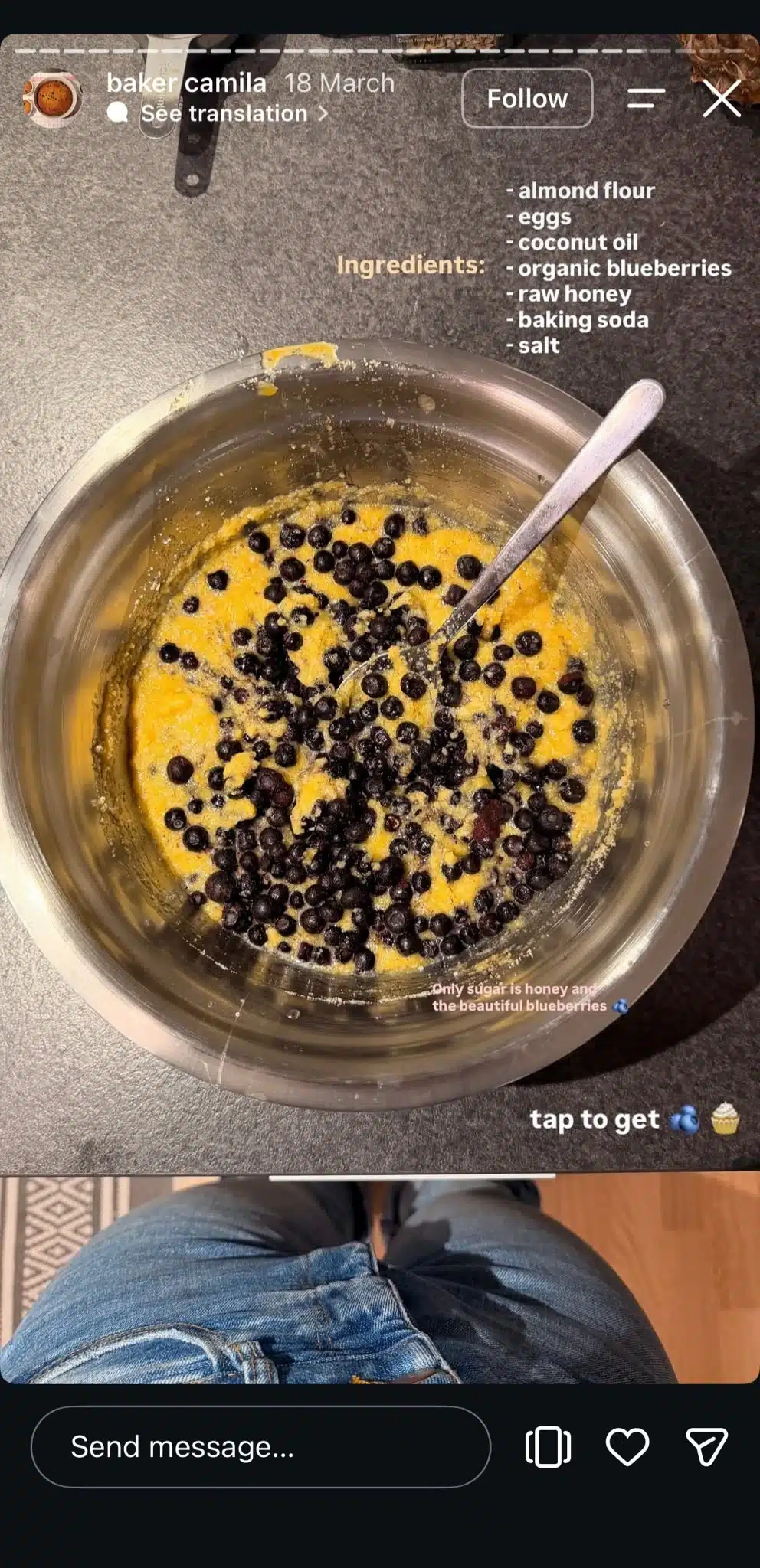
- For restaurants and bakeries: Film the preparation of a popular dish or show what happens before opening.
- For small business owners: Share how you pack customer orders or prepare for a busy sales day.
- For designers: Show the progress of a project, from the first sketch to the finished result.
- For service businesses: Show the tools you use or explain an interesting part of your process.
The more specific you get, the more interesting the content becomes.
A bakery, for example, could film how its most popular cake is made. Show the ingredients being prepared, capture a few moments from the baking process, and finish with the decoration.
You could even let customers have a say in what comes next. Share two possible cake designs and use an Instagram poll to ask which one they’d like to see in the shop.
These little glimpses help people appreciate the work that goes into your products and give them something interesting to follow between purchases.
11. Share content that mentions your brand
Has your business been featured in a local newspaper or recognized with an industry award? Share the news with your Instagram followers, as it’s great social proof.
Unlike customer-generated content, these Stories focus on recognition from publications, industry experts, and other organizations.
A mention from a respected publication can give potential customers another reason to trust your business, particularly when they’re discovering your brand for the first time.
To share the news, take a screenshot of the article headline or create a simple graphic featuring the recognition. Include the publication’s name and a short explanation of what the feature is about.
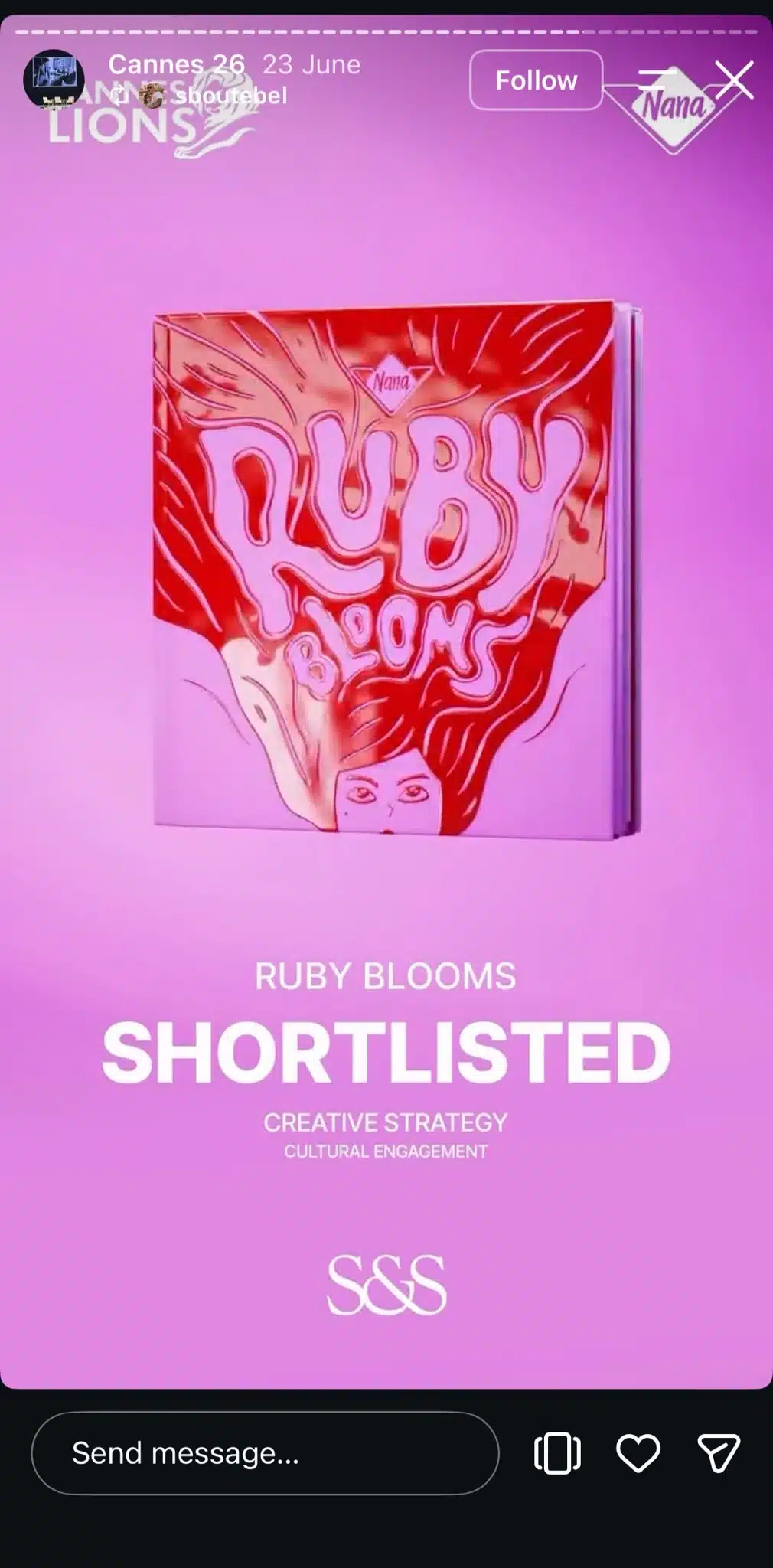
And don’t forget to thank the people or organizations that featured your business. Tagging them in your Story is a nice way to acknowledge their support.
Creative Instagram Story ideas
Want to get your followers more involved? Give them something to vote on, let them guess what’s coming next, or teach them something they can try themselves.
12. Create a “This or That” Instagram Story
A “This or That” Story is a simple way to get your followers involved in a decision. Show two options side by side, add a poll sticker, and let people vote for their favorite.
The options can be fun, but they can also help you learn what your customers prefer.
Here are some ideas:
- Fashion brand: Which outfit would you wear for a night out?
- Restaurant: Which dish should be our weekend special?
- Beauty brand: Which lipstick shade would you choose?
- Travel agency: Beach holiday or mountain getaway?
You could even turn the results into your next Story.
If you’re deciding between two products or designs, the votes can also give you an idea of what your audience prefers. Just remember that a Story poll reflects the people who chose to participate, so treat the results as feedback rather than a definitive answer.
13. Provide product teasers
Have an upcoming launch for a product? Give your followers a sneak peek before the official announcement.
A good teaser reveals enough to make people interested while keeping a little mystery around the final product.

Then, over the next few days, it could reveal more details:
- Share a close-up photo and ask followers to guess what’s launching using a question sticker.
- Reveal one of the product’s features or show a small part of the collection.
- Add a countdown sticker with the release date so interested followers can set a reminder.
You can also use a quiz sticker to let followers choose between possible answers, while a question sticker works better when you want people to submit their own guesses.
Teasers work for upcoming events and other business announcements, too. Just make sure followers know when to expect the announcement. Otherwise, all that curiosity has nowhere to go.
14. Share a how-to Story
Some things are much easier to explain when people can see them in action.
Instagram Stories are great for short tutorials because you can break a process into separate frames and walk viewers through it at their own pace.
Start with a question your customers regularly ask or a task they might need help with, and showcase it in a video or a series of images.
Keep the text on your educational content short enough to read comfortably on a phone, and add captions to video demonstrations so followers can understand them without sound.
Instagram Story collage ideas
For simpler tutorials, a collage can show several steps together in one Story.
Try these layouts:
- Step-by-step grid: Arrange a few photos in order, with a short instruction beside each one.
- Before-and-after comparison: Place the starting point and finished result side by side. You can use the photo sticker to create a photo-in-photo collage.
- Materials overview: Show everything followers need before they begin.
Collages work best when the instructions are easy to understand at a glance. If your tutorial involves detailed movements or explanations, give each step its own Story so viewers can see what’s happening.
Fun Instagram Story ideas
Not every Instagram Story needs to have a serious message. A funny post or a quick game can give followers a reason to interact with your business, even when they’re not looking to buy anything.
15. Host a Q&A discussion
What do your customers want to know about your business? Give them the chance to ask you directly through an Instagram Story Q&A.
Add a question sticker to your Story and invite followers to submit their questions. You’ll usually get more relevant responses when you focus on a particular topic rather than simply posting “Ask us anything.”
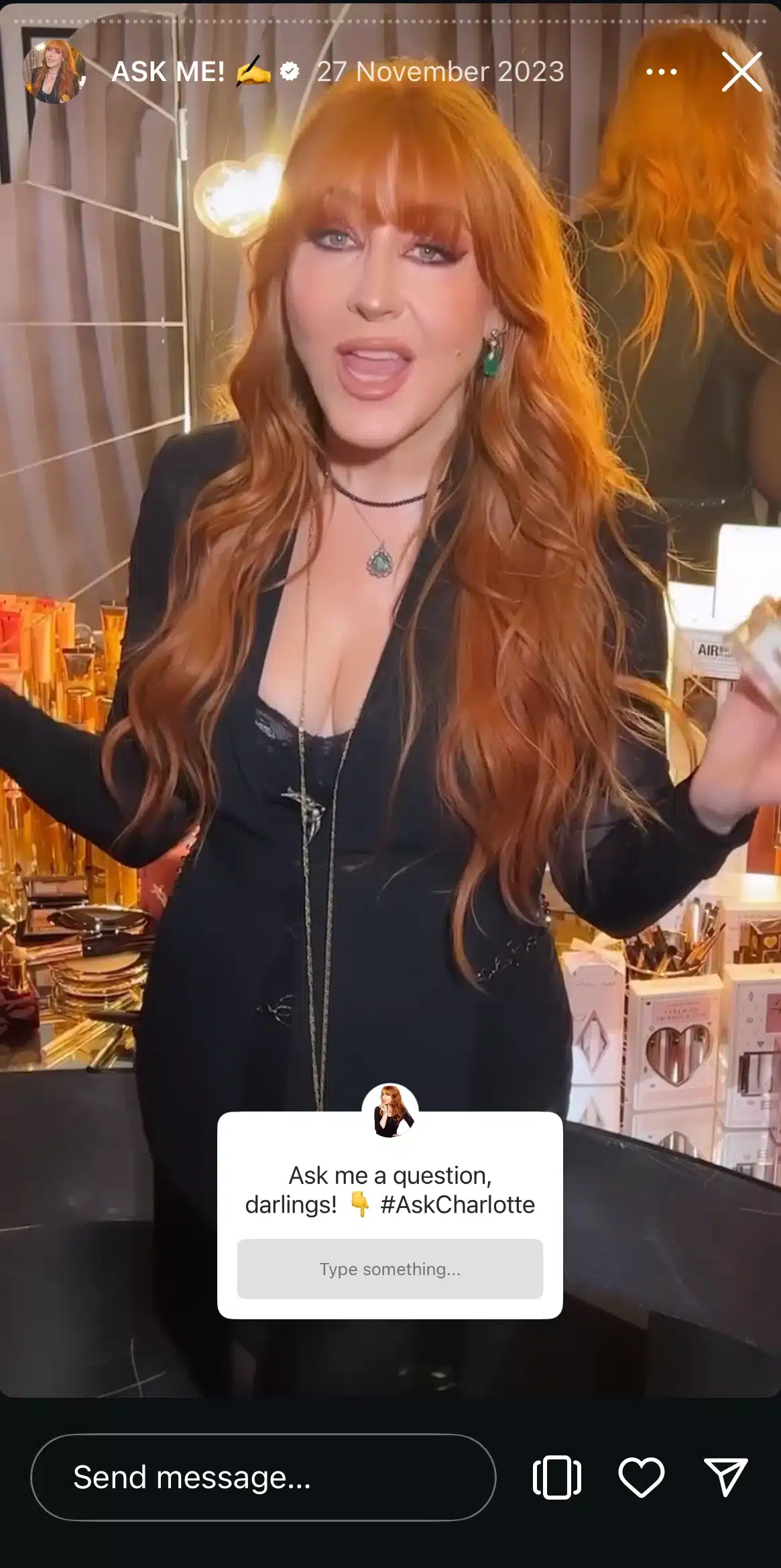
Here are a few prompts to try:
- “What would you like to know about our new product?”
- “Have questions about booking your first appointment?”
- “Curious about how we make our products?”
- “What’s your biggest question about Instagram marketing?”
Answering these questions in short video Stories gives potential customers a better idea of what to expect before booking.
If several people ask similar questions, group them together so you don’t repeat yourself.
16. Organize quizzes and polls
Turn your next Instagram Story into a quick quiz to see how much your followers know about your industry.
Instagram’s interactive elements let people participate without having to write a response. But polls and quizzes work a little differently.
Polls are best for collecting opinions. You might ask customers which product they prefer or what they’d like to see next.
Quizzes are better for questions with a correct answer. They’re a fun way to test your followers’ knowledge while teaching them something about your business.
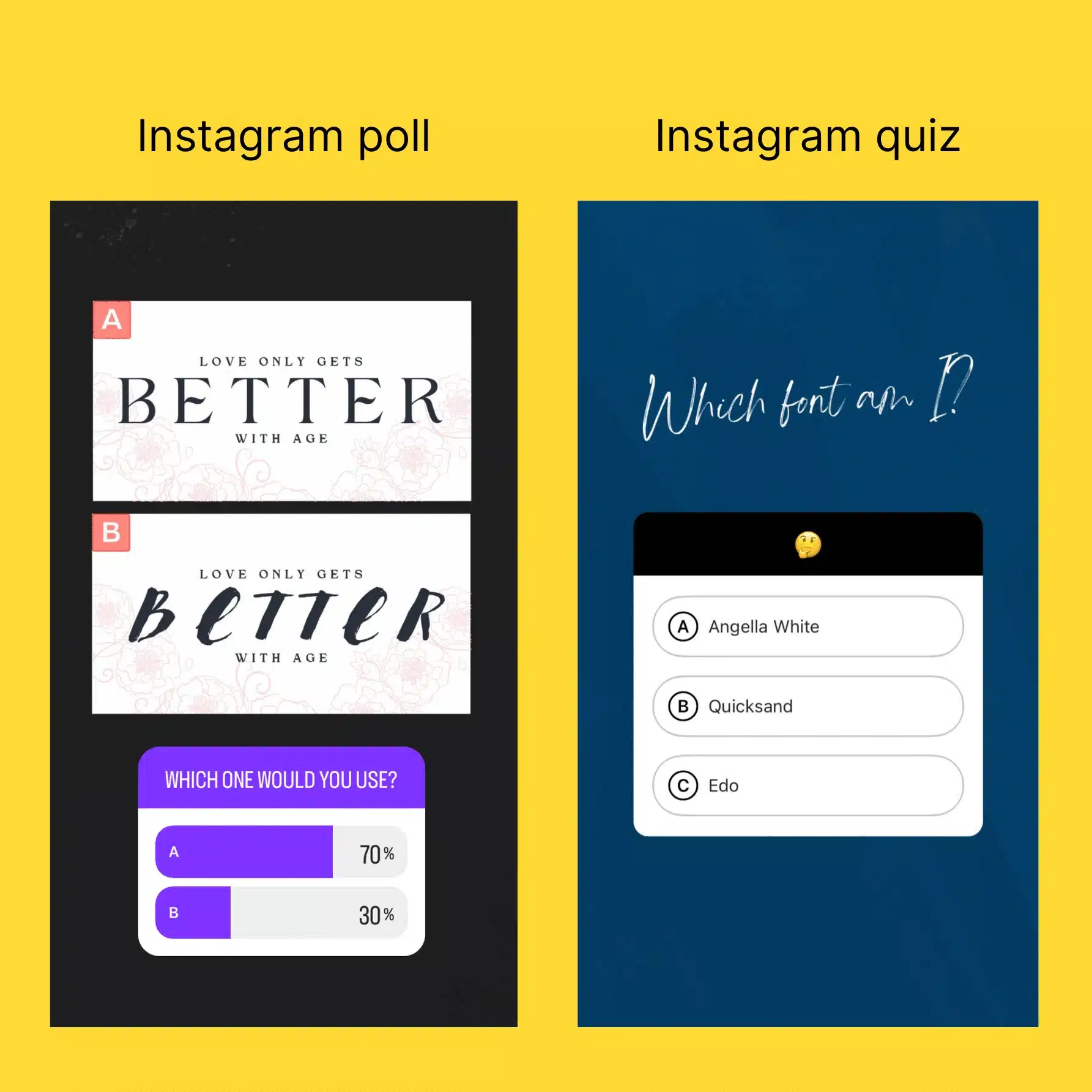
Here are a few Instagram Story quiz ideas:
- Coffee shop: “Which of these drinks has the most caffeine?”
- Skincare brand: “Which ingredient is commonly used to help hydrate the skin?”
- Travel business: “Can you guess this destination from a close-up photo?”
After the quiz, share the correct answer and explain it briefly.
Polls can lead to follow-up content, too. Share the results and let followers see which option won.
17. Share funny content
A good meme can make your followers laugh, especially when it captures something they’ve experienced themselves.
The trick is choosing humor that fits your audience. Create memes about situations your followers can recognize, to make the joke feel more personal to your business.
There are a couple of ways to approach funny Instagram Stories:
- Create your own memes: Use an original photo, a funny moment from work, or a familiar situation from your industry.
- Share relevant content from other creators: Use Instagram’s native sharing options when available, and get permission before downloading and republishing someone else’s work. Giving credit alone doesn’t automatically grant permission.
Just be selective about the trends you join. A meme that’s popular across Instagram won’t necessarily make sense for your brand, and forcing a joke can feel awkward.
Sometimes, a funny photo with a short caption is all you need.
Frequently asked questions
1. What kind of Stories do well on Instagram?
Instagram Stories that work well include those that show your brand’s values, focus on products, or get people to interact. Stories about values like diversity or sustainability perform best for 18% of marketers, according to a HubSpot survey.
Product content, like demos or customer reviews, also does great. Many people (35%) prefer short Stories with a mix of photos, text, and video content, while 15% enjoy interactive quizzes or polls. Sharing trendy or time-sensitive content is another way to keep your audience engaged.
If you have a business Instagram account and want to see what works best for you, always check your Story analytics.
2. How can I make a background for an Instagram Story?
To make a background for an Instagram Story, you can:
- Upload your image, use the “Draw” tool to pick a color, and hold the screen to fill it. Use the eraser to reveal parts of your image.
- Select “Aa Create” for an automatic gradient, then tap the color circle to choose a style.
- Add your photo, then layer text or stickers.
- Apply Instagram’s green screen effect and upload a video for a dynamic look.
3. How do I change my Instagram Story privacy settings?
To change your Instagram Story privacy settings:
- Go to your profile and tap the menu (≡).
- Select Settings > Privacy > Story.
- Use the Hide Story From option to block specific Instagram users.
- You can also create a Close Friends list for more private sharing.
To control message replies, go to the Story settings and choose who can reply to your Stories (Everyone, People You Follow, or Off).
4. Can you download Instagram Stories?
You can only download content that you posted directly from the Instagram app. Saving other people’s posts requires a third-party app for the download process. However, only do that with the permission of the creator.
5. Is watching Stories anonymously possible?
There is no way to view Stories anonymously directly from Instagram’s settings.
Start creating Instagram Stories your audience wants to watch
You don’t need a new idea every day to create beautiful Instagram Stories. A mix of behind-the-scenes content, interactive polls, helpful tips, and occasional promotions can give followers different reasons to engage with your business.
Start by choosing three or four ideas from this list and testing them over the next week. Pay attention to which Stories receive replies, poll responses, and link clicks, then use those insights to plan your Instagram marketing strategy.
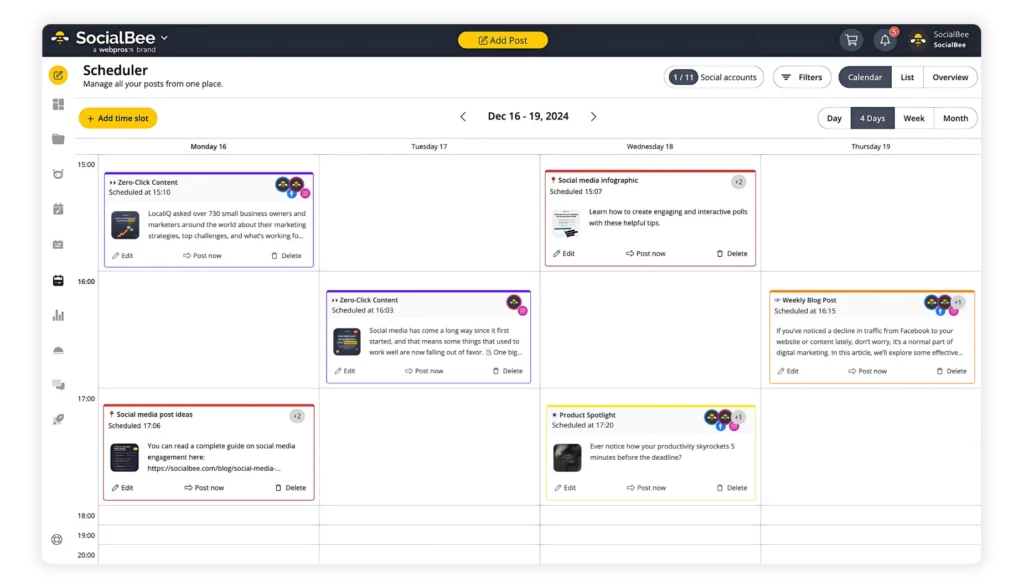
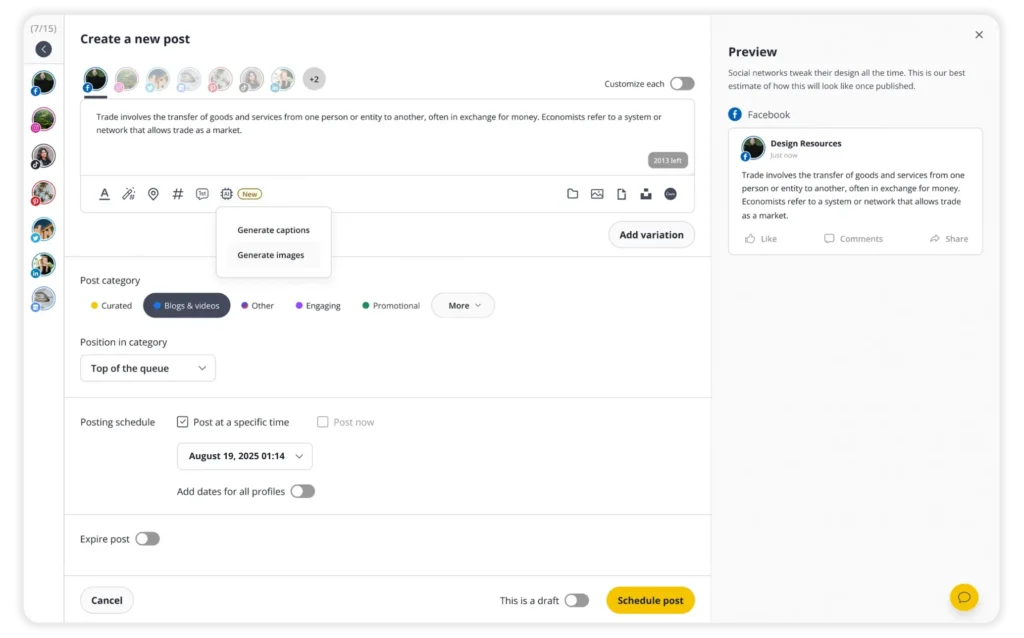
To make planning easier, you can use SocialBee to create, schedule, and organize your Instagram Stories ahead of time. Start your 14-day free trial.