The best social media content creation tool with AI-powered post generation
Create scroll-stopping posts in minutes, not hours. Whether you manage one brand or many, these content creation tools for social media by SocialBee keep your feed consistent without the manual grind.
Everything you need to create and share content
SocialBee is built as one of the best tools for social media content creation, combining AI generation, visual editing, and organization in a single, affordable platform trusted by thousands of businesses.
AI content generation
Create on-brand captions and images in seconds. No blank page, no guesswork, just ready-to-use content generated from a simple prompt.
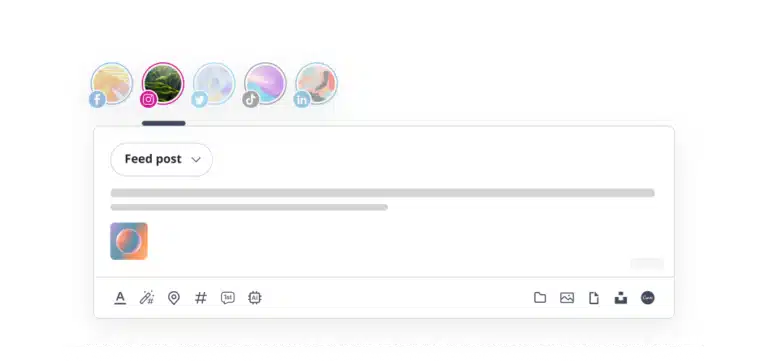
Post customization
Adjust captions and visuals for each platform manually, or let AI handle it automatically, so every post fits its network perfectly.
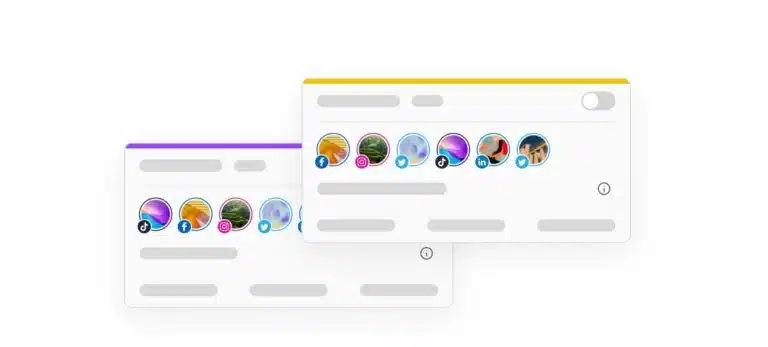
Content categories
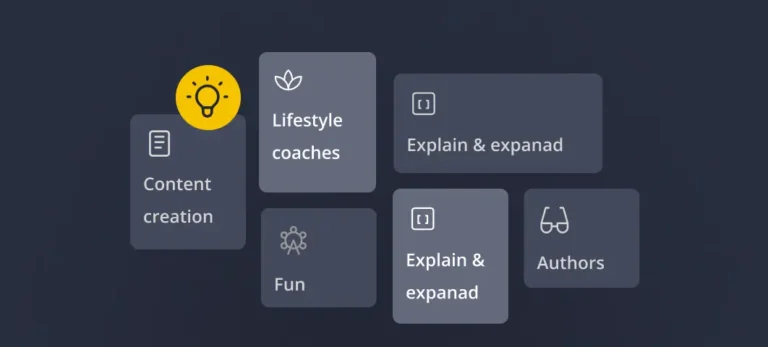
Organize all posts by topic to keep your feed varied and balanced, without manually tracking what you have already shared.
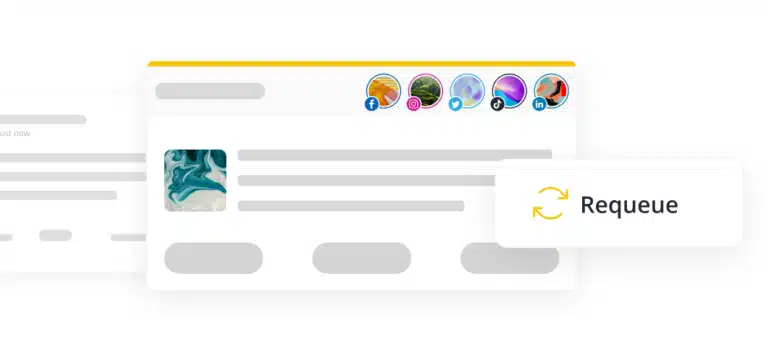
Evergreen content
Automatically republish your most popular posts with new versions each time, so past content keeps working without feeling like it’s being repeated over and over again.
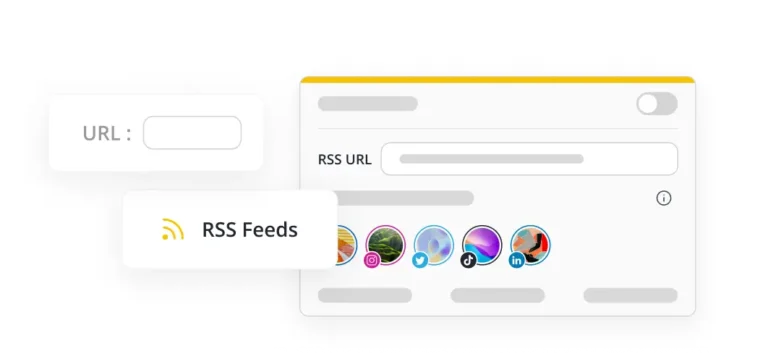
RSS feed import
Turn your blog into social posts automatically. Import any RSS feed and never run out of content ideas.
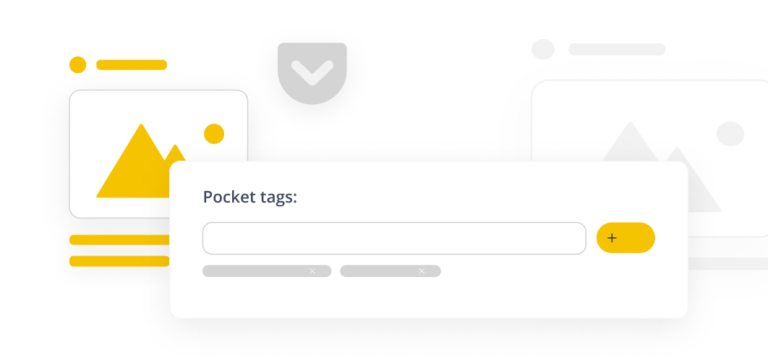
Content curation
Built-in filtering tools let you find and share relevant web content from all over. This keeps your feed active and engaging.
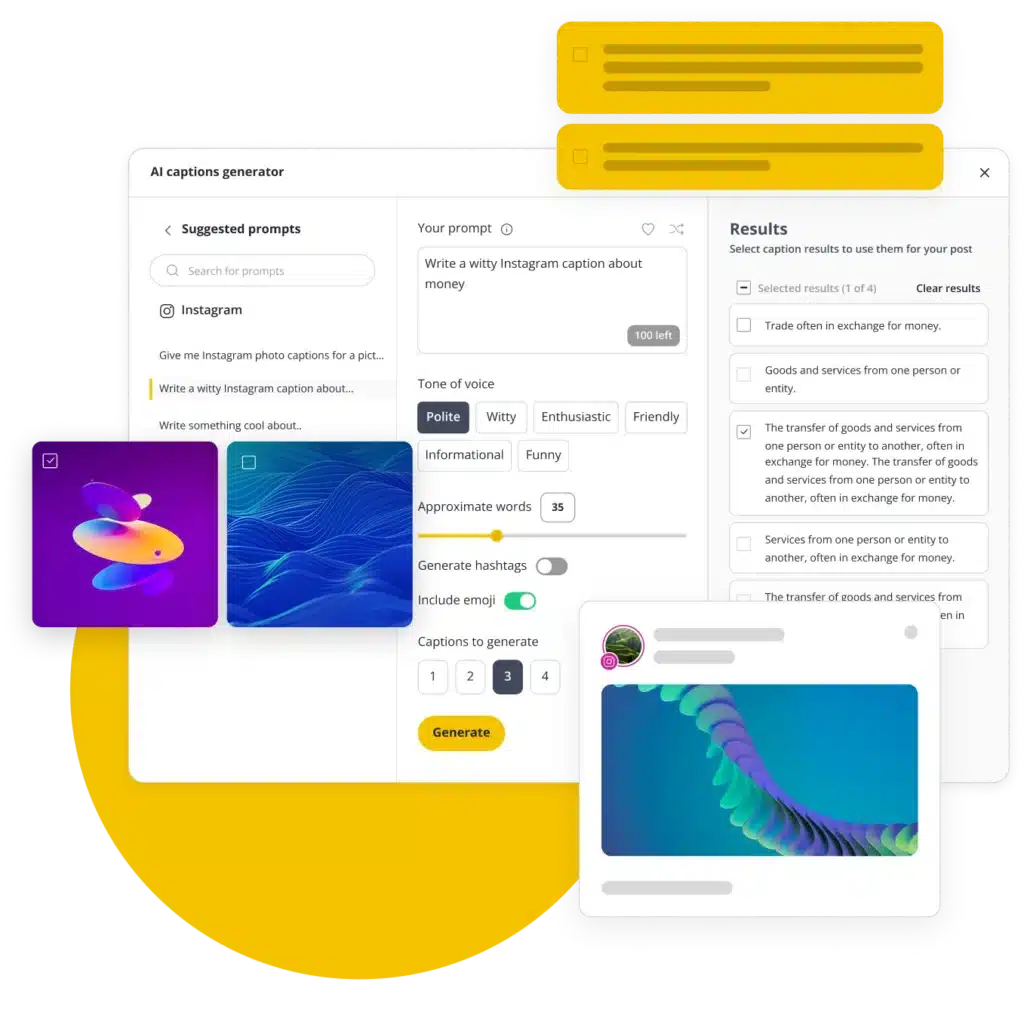
AI social content generator: Create high-quality posts in minutes, not hours
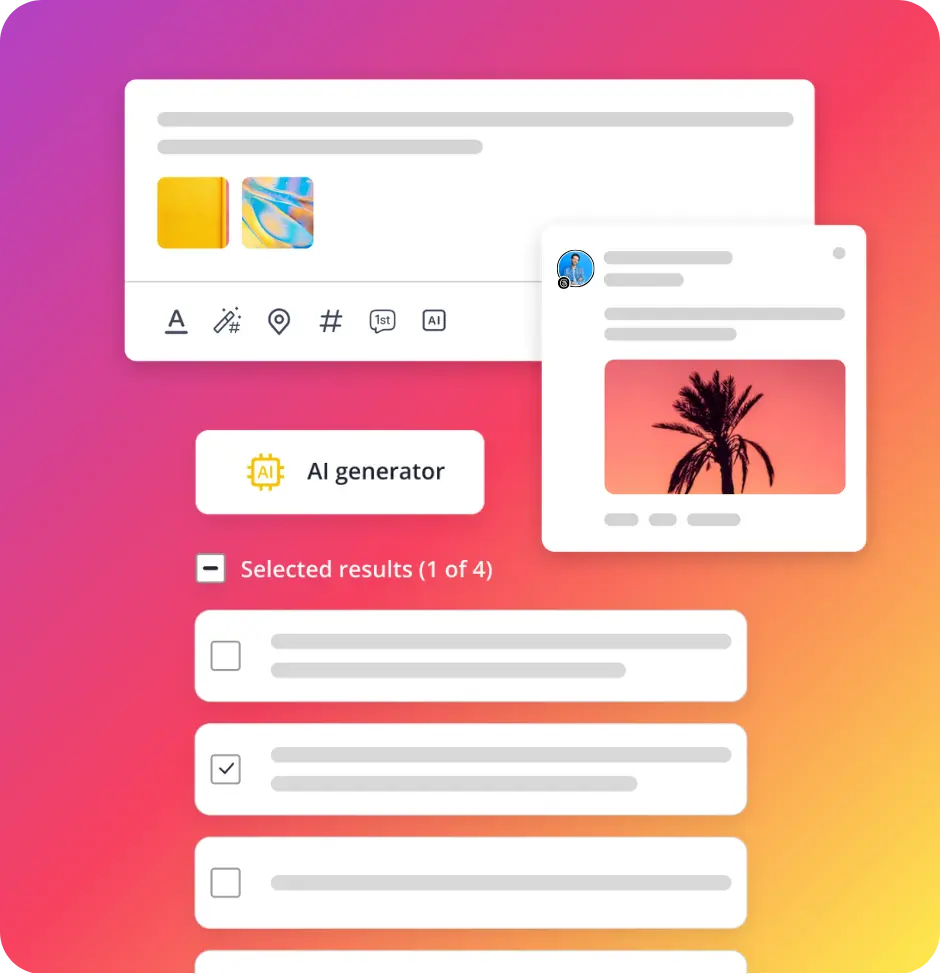
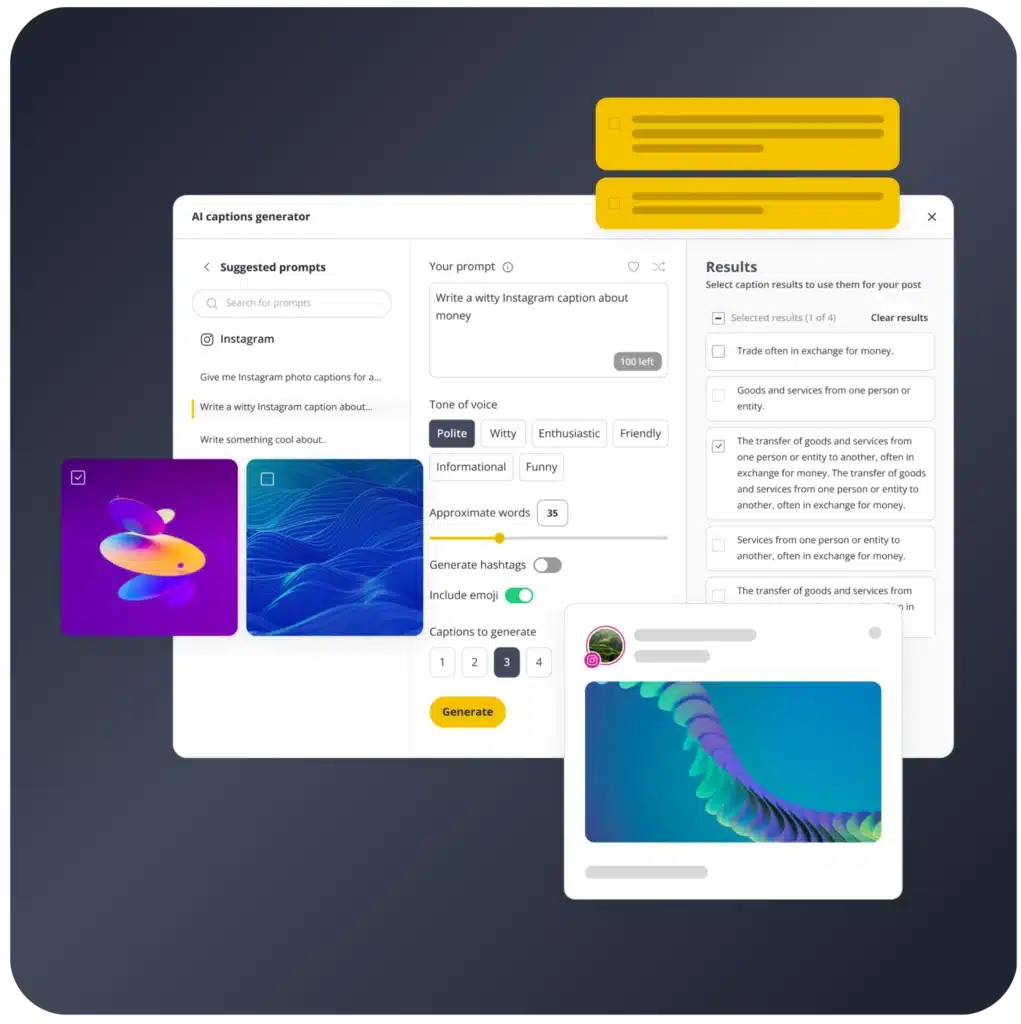
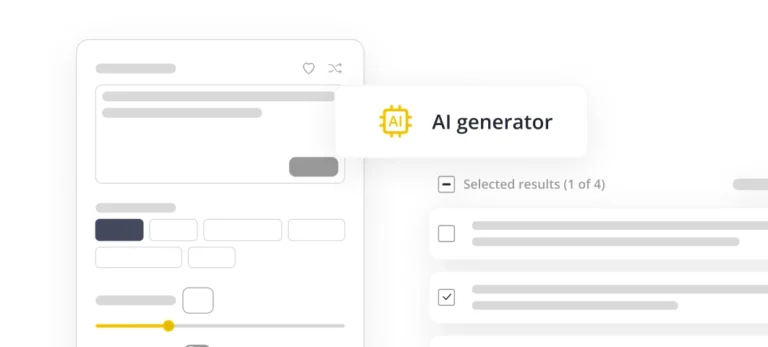
Enter a topic or URL, pick a tone of voice, and let our AI social content generator handle the rest. Generate multiple variations at once, then edit and schedule the version you like best- no writer’s block, no starting from scratch.
Enter your topic or URL
Start with a simple prompt, product link, or blog URL, and let the AI social content generator take over from there.
Choose your tone of voice
Pick from polite, witty, friendly or professional tones, so every post matches your brand’s voice automatically.
Generate multiple variations
Get several ready-to-use options from one prompt; this is social media content generation built for speed, not single drafts.
Edit and schedule instantly
Fine-tune wording, hashtags or visuals, then schedule directly, no switching between separate AI tools for social media content creation.
Platform-specific suggestions
From Instagram captions to LinkedIn posts, content automatically changes to fit the format and character limits of each platform.
Visual content creation: Design stunning posts without leaving SocialBee
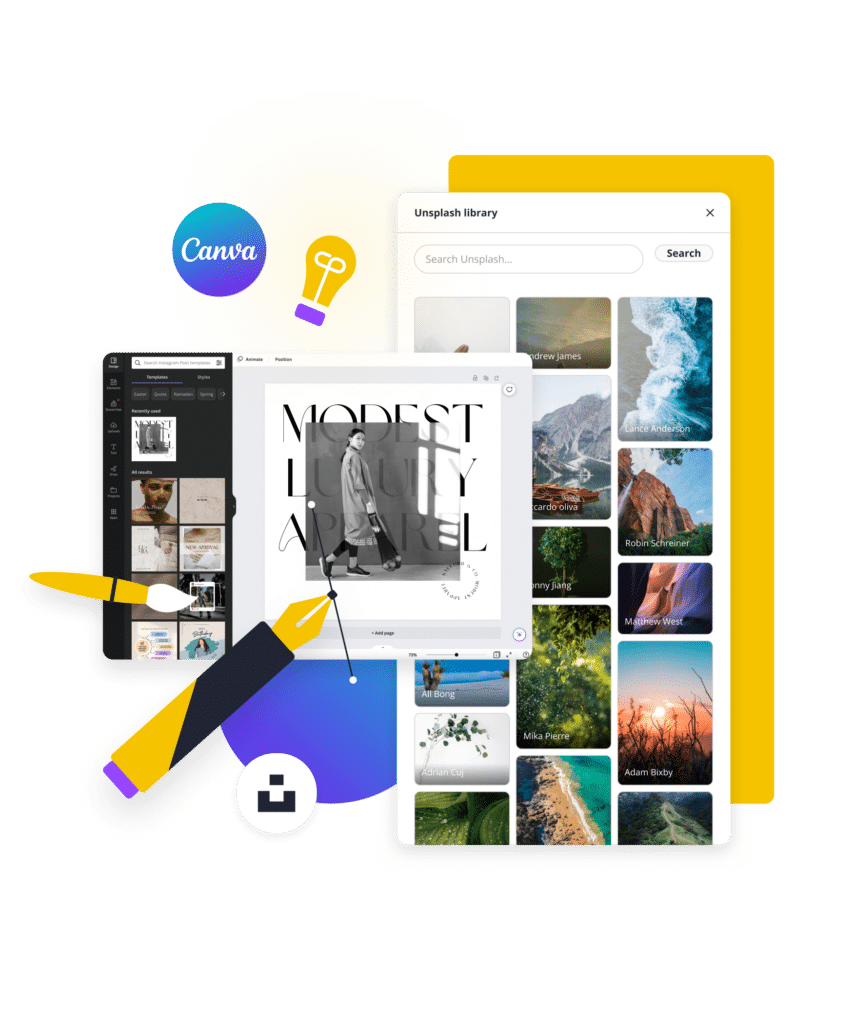
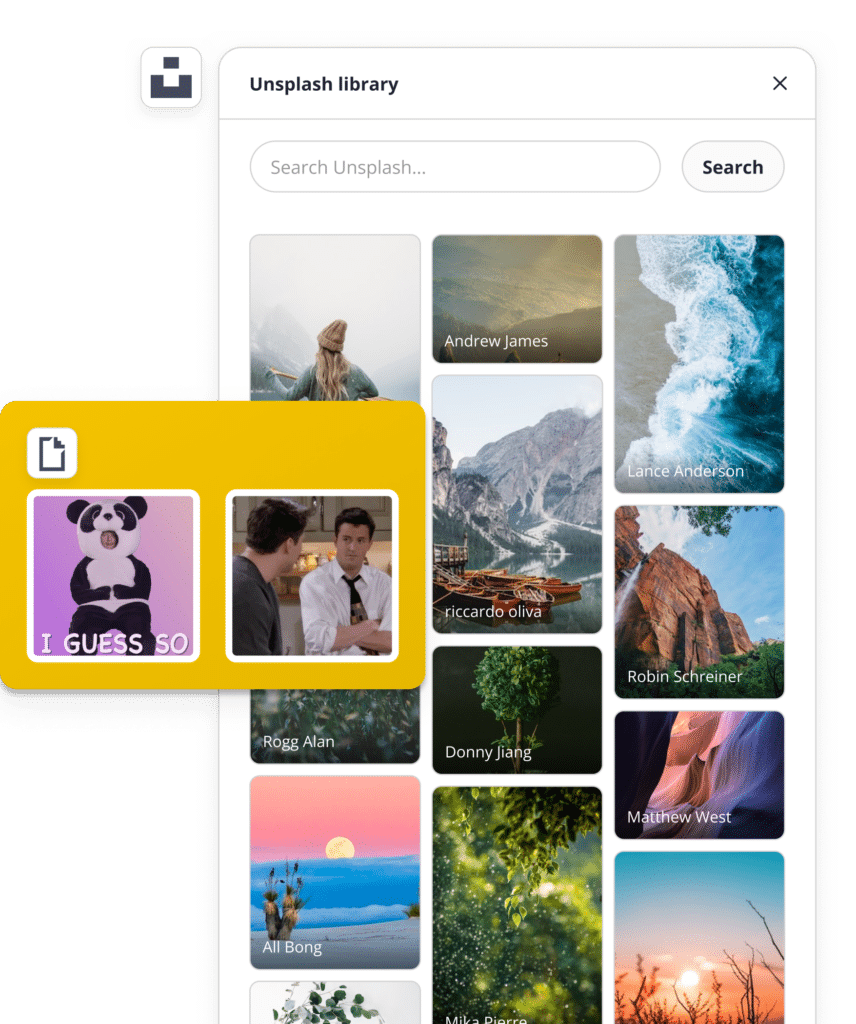
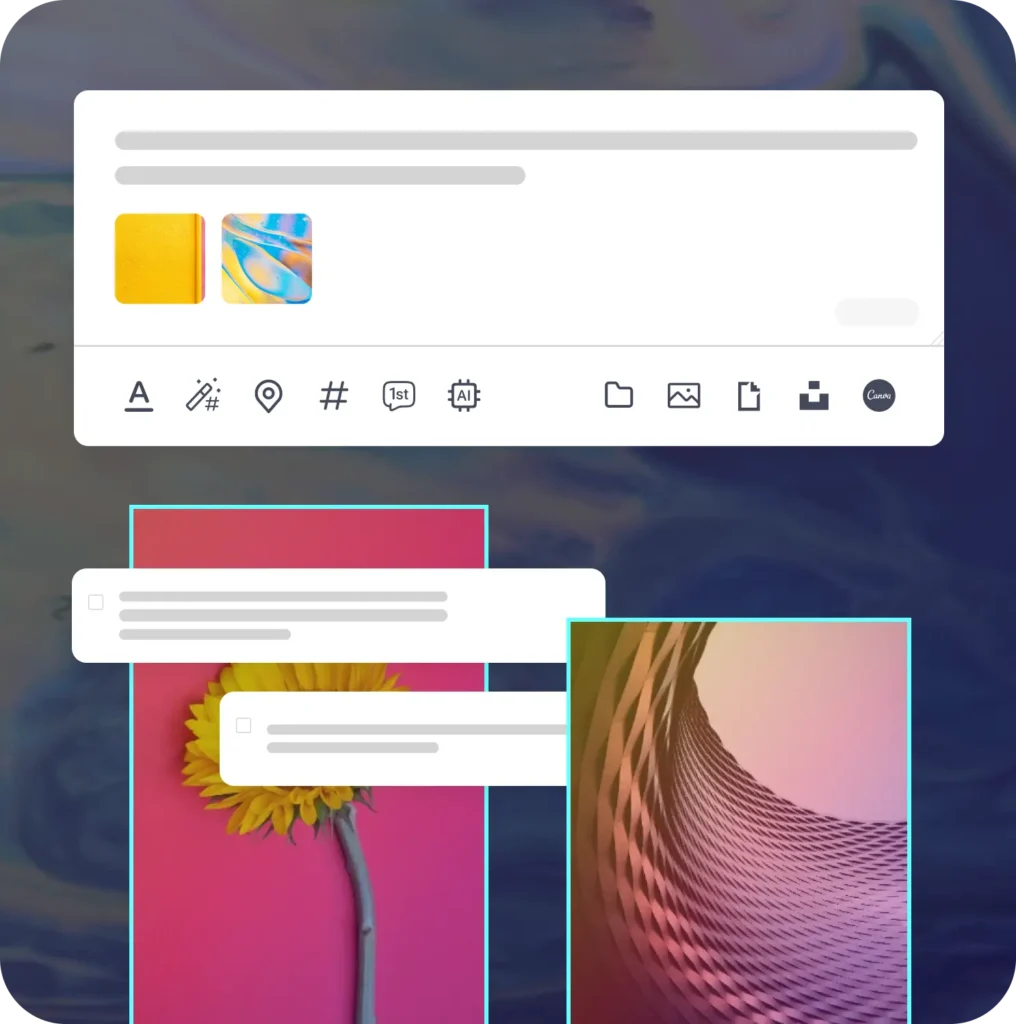
No design skills needed. This is one of the best apps for social media content creation, combining Canva, Unsplash, and GIPHY in one place, so you can design carousels, stories, and feed posts without switching tabs.
Import engaging visuals
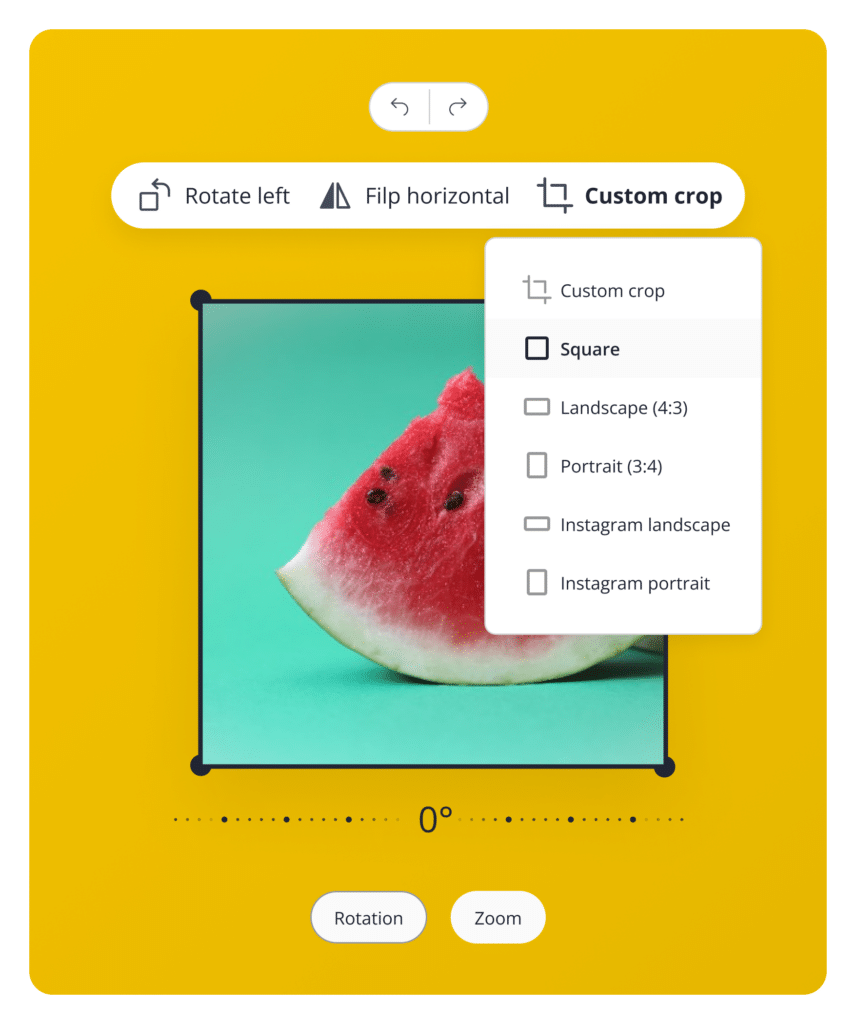
Adjust your images to perfection
Enhance your content's visual appeal
Team collaboration: Create social media content with your team seamlessly
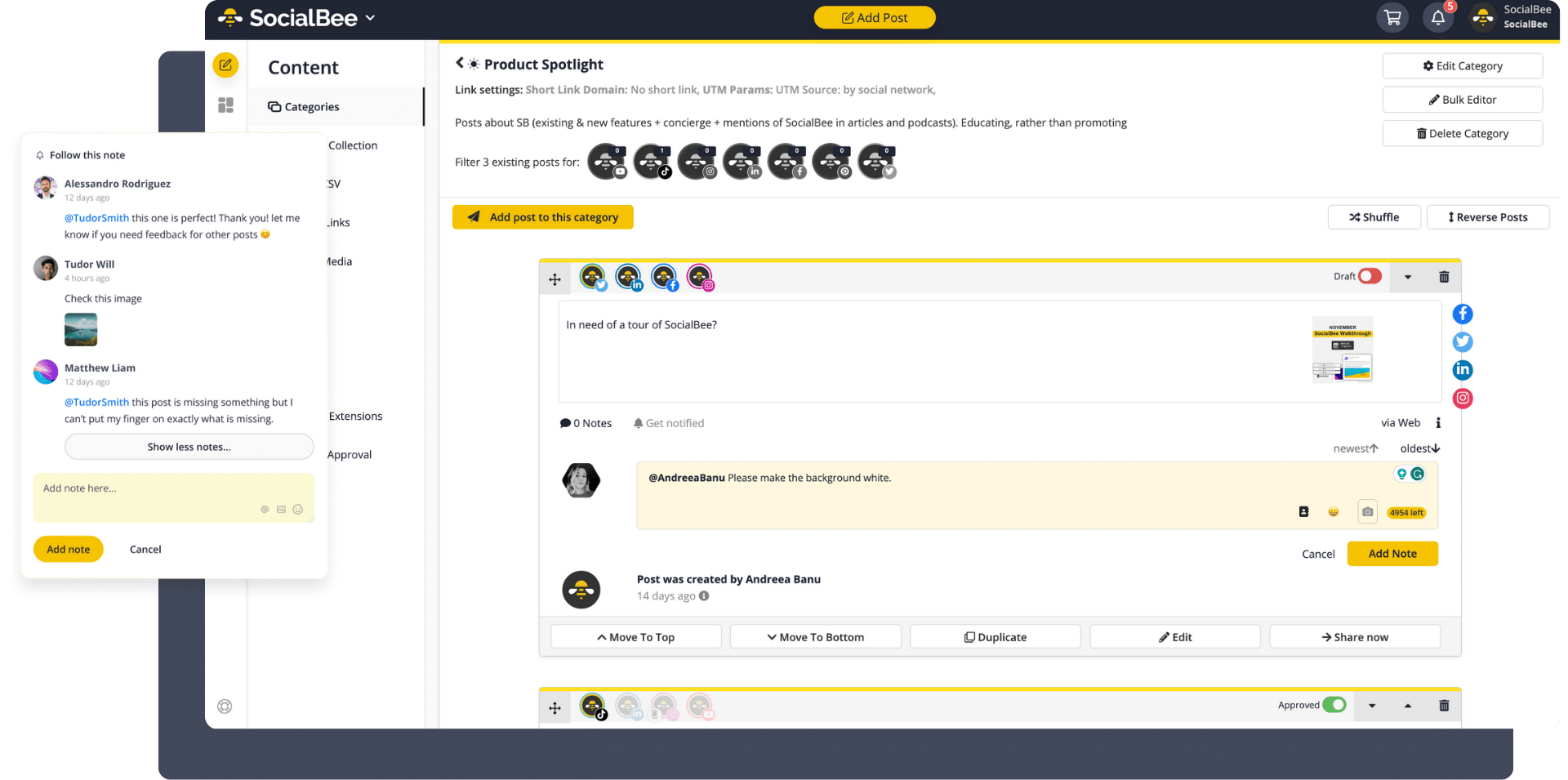
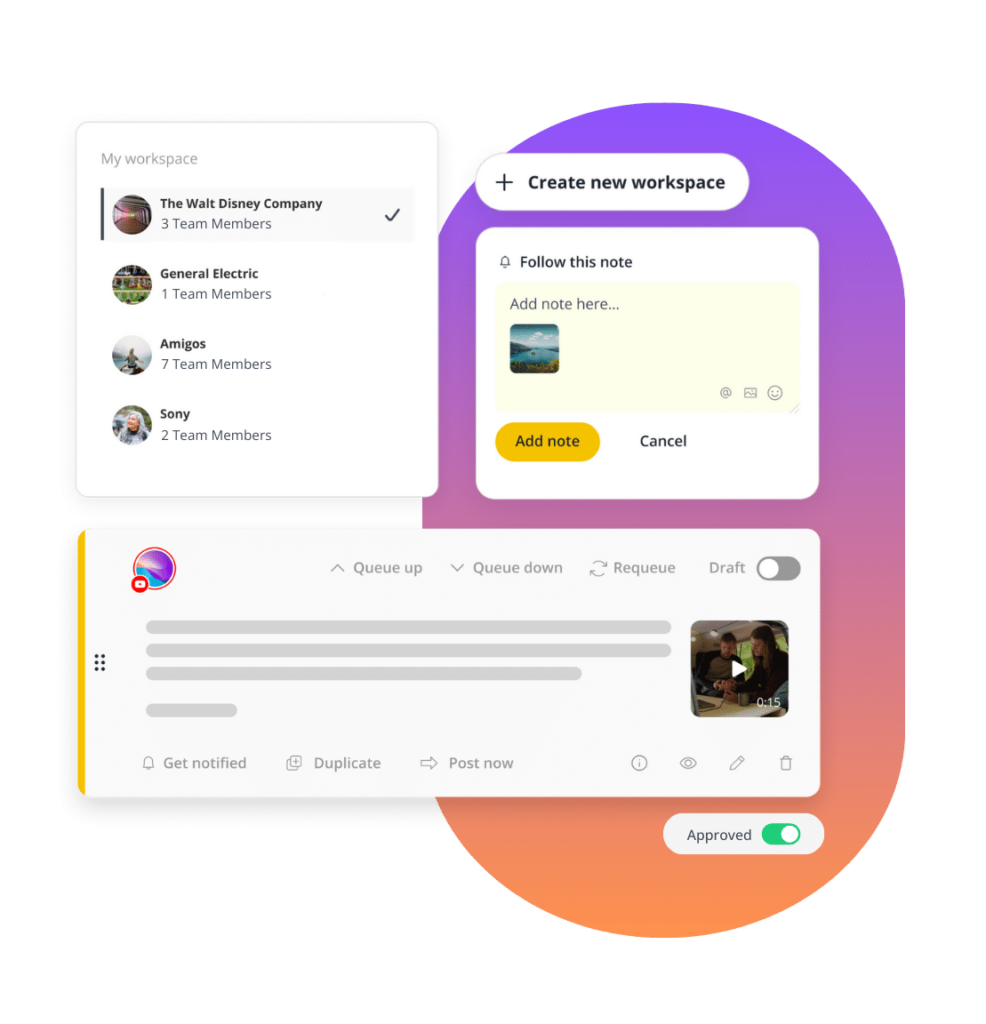
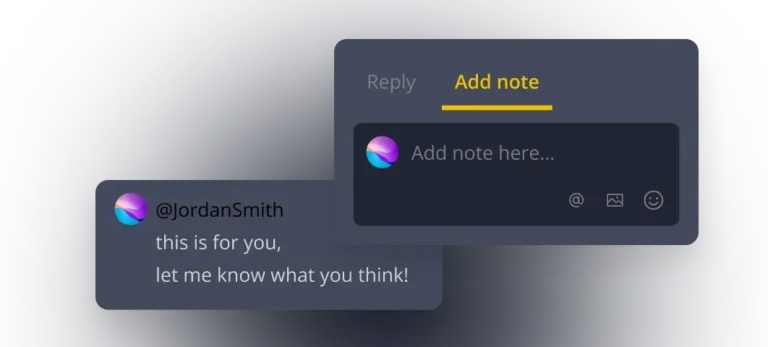
As a social media content manager tool, SocialBee keeps entire teams aligned in one place. Invite team members, assign roles and monitor progress from a single dashboard. Leave internal notes with feedback, tag teammates directly on posts and keep every client's workspace clearly separated from the rest.
Assign Roles
Draft & Review
Leave Feedback
Approve & Publish
Team roles
Among tools for social media content creation, this keeps marketing teams and agencies moving without having to check in on them all the time.
Owner
The Owner controls the whole account and can freely create or delete any workspaces.
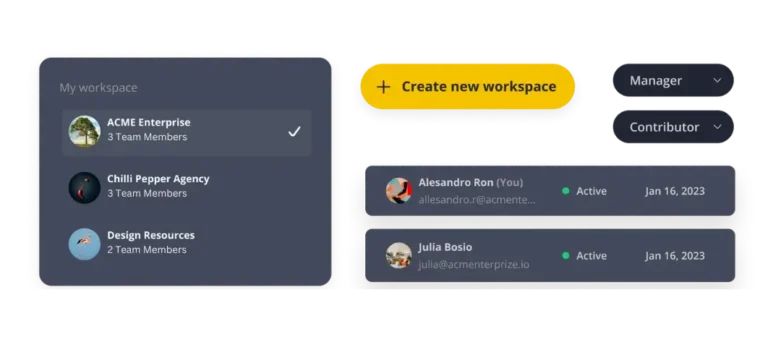
Manager
The Manager has the same access as the Owner, except for deleting workspaces.
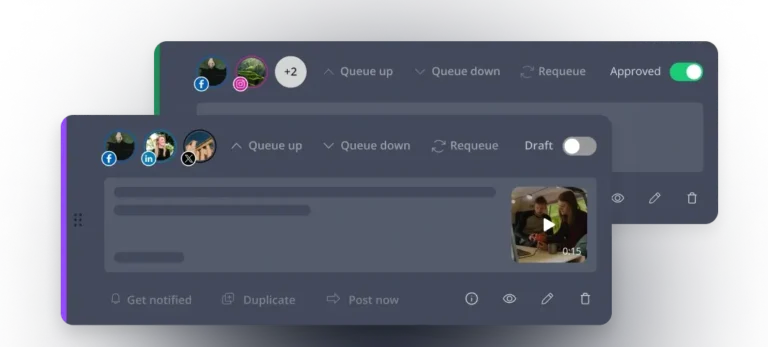
Publisher
The Publisher can view analytics and create, edit and approve team content.
Contributor
The Contributor can view analytics and create content, but cannot approve it.
Who uses SocialBee? Trusted by thousands of social media professionals
We're committed to your success through continuous learning, innovation, and unwavering support.
Social media knowledge
Read our blog posts for weekly updates on social media trends you need to know.
SocialBee tutorial with Q&A
Real results: What our customers say about us
SocialBee is trusted by thousands of creators, coaches, and businesses as one of the best apps for social media content creation. Here's how real customers are using it to save time, grow their audience, and stay consistent.
“What took me hours was done in a couple of minutes. My blog posts are added automatically. I can categorize my content, keep it fresh, and not spend huge amounts of time doing it.”
Coach, Juliette Stapleton Consulting
“I love the variations I can have with the posts and the visual aspects of creating each post. A lot more people get to see my evergreen blog content, which has increased my website traffic.”
Coach
“I set up a year’s posts in one day with SocialBee. SocialBee changed me from an inconsistent poster to one who is constantly producing content and repurposing it on different platforms with ease.”
Owner, Skyline Insurance Agency
“As the sole person responsible for 5 separate social media accounts, having banks of content pre-scheduled has saved me during periods of illness when I wasn’t able to create new posts.”
Director, JMB Tutoring and Consultancy UK
Leverage AI to create more high-quality content in less time
Wave goodbye to writer’s block and tedious content creation, generate social media posts with automatically generated hashtags and emojis.
Generate engaging posts
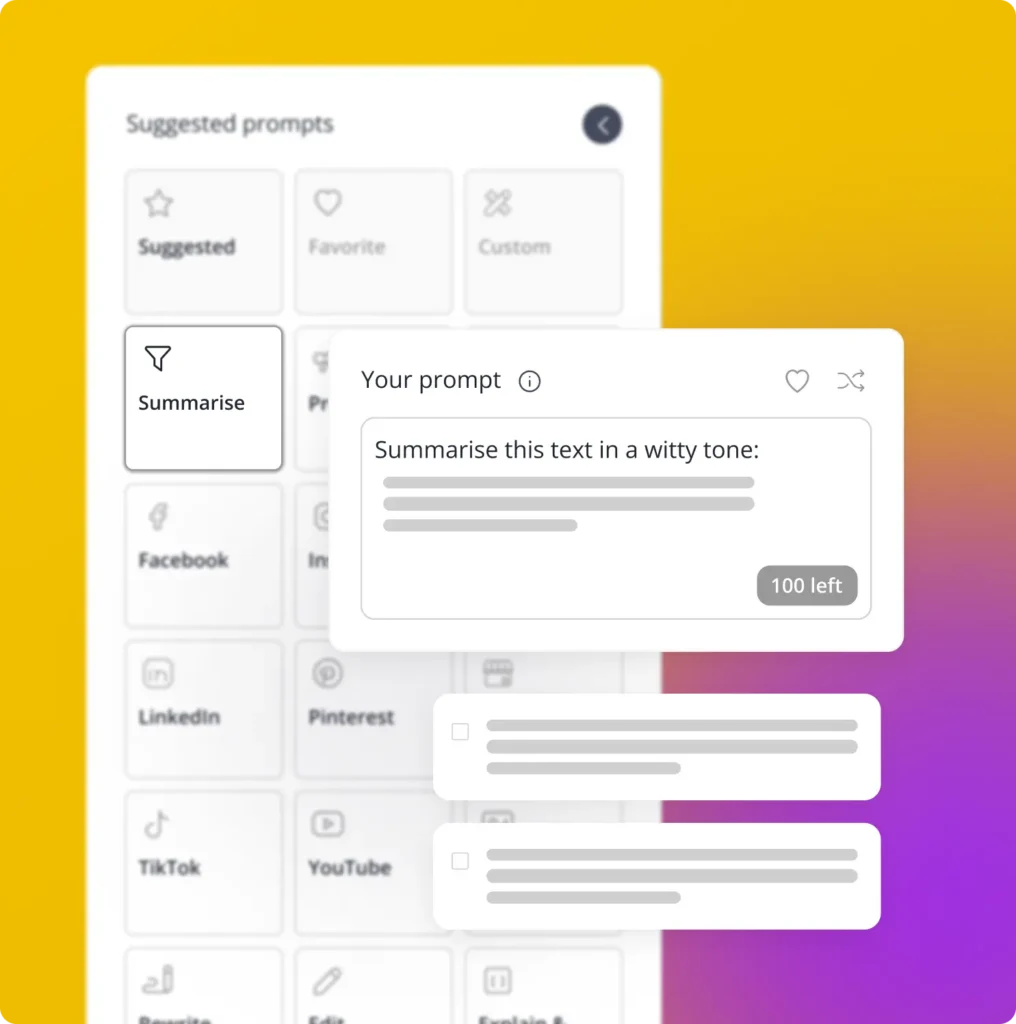
Simplify, summarize, and repurpose
Repurpose your product descriptions
Why use SocialBee's AI functionality
Achieve a consistent and impactful presence with SocialBee’s AI-powered content generator.
Save time and effort
Create engaging content with SocialBee’s AI post generator while freeing up time and streamlining your strategy.
Eliminate writer's block
Eliminate writer’s block while brainstorming post ideas and generating new social media content.
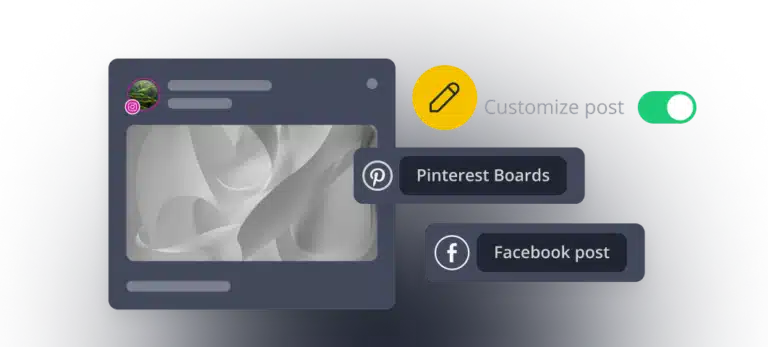
Customize your posts
Customize your posts automatically using AI or by yourself. Adjust the caption length, add different hashtags, and more from one place.
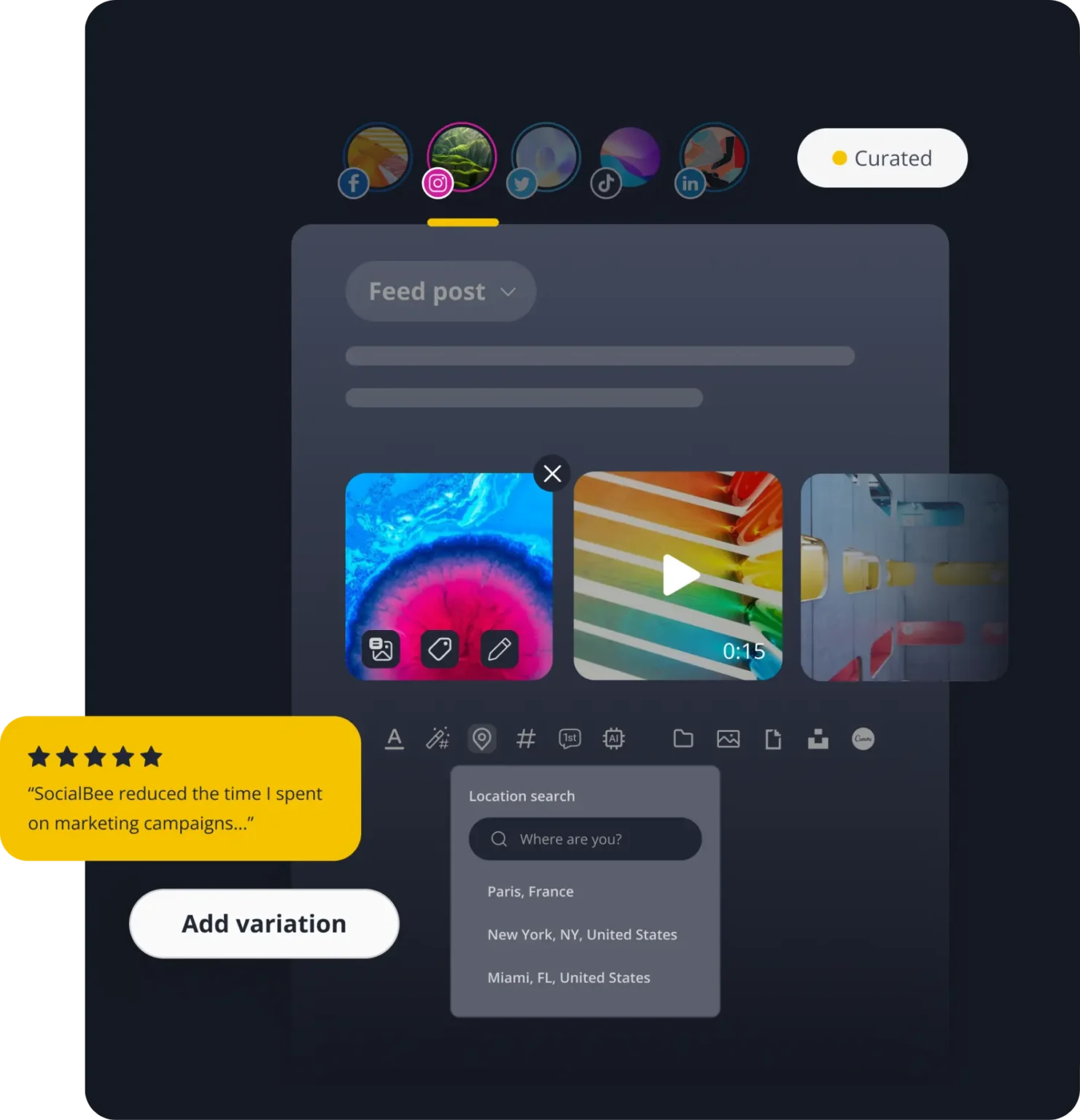
Discover the best SocialBee features to master your social media content strategy
Get started in 3 simple steps
Getting started with SocialBee, one of the best tools for social media content creation, takes only a few minutes. Follow these three steps and your social media presence will be up and running before you know it.
Step 1: Connect your social accounts
Link Facebook, Instagram, LinkedIn, TikTok, X, Pinterest, YouTube, Threads, Bluesky, or Google Business Profile in just a few clicks. Once connected, all your accounts stay organized in one place, so you never have to log in and out of different platforms again.
Step 2: Create your first post with AI
Use SocialBee’s AI Post Generator to write captions, generate hashtags, and create visuals from a simple prompt. As a complete social media content manager tool, SocialBee lets you pick a tone, choose from ready-made prompts and customize each post for the platform it’s going on.
Step 3: Schedule or publish your content
Set a time slot for your post, or let SocialBee publish it automatically based on your content categories. You can review, edit or reschedule anytime before it goes live, giving you full control while saving hours of manual posting.
In under 10 minutes, you’ll have your accounts connected, your first post created and your content calendar started.
FAQ
Do you have questions left unanswered?
SocialBee is an all-in-one platform that helps you create, schedule, publish, analyze and manage conversations from one dashboard. As one of the best AI tools for social media content creation, it combines AI writing, visual design and scheduling in a single workflow, so creators, businesses and agencies stay consistent without switching between apps.
SocialBee offers six plans starting at $29/month for Bootstrap, up to $449/month for Pro150. Every plan includes AI content creation, a social inbox, analytics and collaboration tools. Higher tiers unlock more social profiles, workspaces and team seats, so pricing scales with how much you manage, not which core features you get.
Yes, 14 days, no credit card needed. You get full access to the Pro plan so you can actually test scheduling, AI tools, and collaboration before paying anything. There is also a live example and an interactive tutorial that you can check out if you would prefer to see it in action before actually using it.
Yes, annual billing saves 16% compared to paying monthly on every plan. For example, the Pro plan costs $997.92/year instead of $1,188, a savings of $190.08. Within your account, you have a choice to make a switch between monthly and annual paying at any moment.
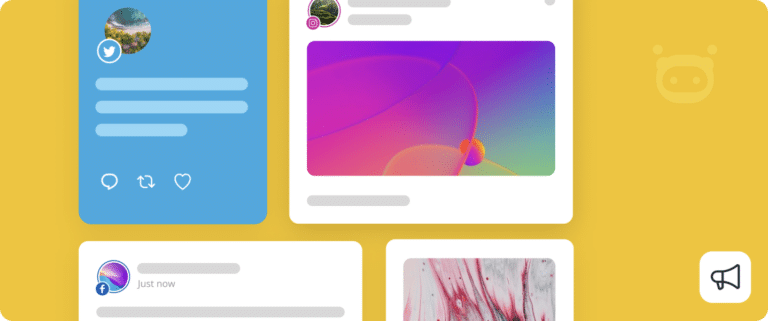
SocialBee connects with Facebook, Instagram, X, LinkedIn, Pinterest, TikTok, YouTube, Threads, Bluesky and Google Business Profile. You can schedule and publish to all of them from one dashboard, though available features vary slightly depending on each platform’s API.
SocialBee includes the AI Post Generator, which creates captions, hashtags, and images from a simple prompt, and Copilot, which builds an entire content strategy from your website URL. Together, they handle social media content generation from idea to finished post, without starting from scratch each time.
Yes. Once you schedule a post or set up a content category with a time slot, SocialBee posts it for you automatically. You’re still in control, though; you can edit or remove anything before it actually goes live.
Yes. Everyone works inside shared workspaces, so people can leave notes, tag each other for feedback and approve posts before they go out. No more digging through email threads to find out who approved what.
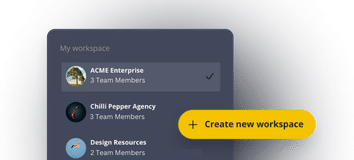
Yes. Every single customer or brand is provided with its own individual workspace, profiles, content, and schedule, all of which are kept separate. The statistics and inbox are split by customer so agencies can view account performance without mixing everything up.
SocialBee supports feed posts, carousels and Stories, with a visual Scheduler offering calendar, list and grid views. You can plan recurring schedules, review upcoming posts and check failed posts directly inside the Scheduler if something doesn’t go live as expected.
Not exactly the same everywhere. Facebook, Instagram and LinkedIn give you the most detail: comments, DMs, engagement maps, all of it. Although YouTube and TikTok both offer robust statistics, the inbox is more restricted. This is simply because the APIs of each site are different.
A social profile is any single connected account, one Facebook Page, one Instagram account and so on. Your plan sets a total profile limit, but you can mix and match any supported networks freely, building a setup around your actual needs rather than a fixed network split.
Yes. There are no contracts or long-term commitments. At any moment, you can choose to upgrade, downgrade or cancel your plan simply from inside your account. There are no cancellation costs or additional processes required.
Start creating better social media content today
Join thousands of creators, businesses and agencies using one of the best social media content creation tools to save time and stay consistent. Rated highly by real users, with flexible plans and cancel-anytime terms, there’s no risk in trying it.
14-day free trial, no credit card required