

Trying to come up with YouTube video ideas?
Whether you’re starting a new channel or trying to keep an existing one active, deciding what to post next can quickly become a challenge.
That’s why we’ve gathered 100 YouTube video ideas for businesses, from tutorials and product demos to interviews, behind-the-scenes content, and customer stories.
Use them as inspiration, adapt them to your audience, and pick the formats that make sense for your goals.

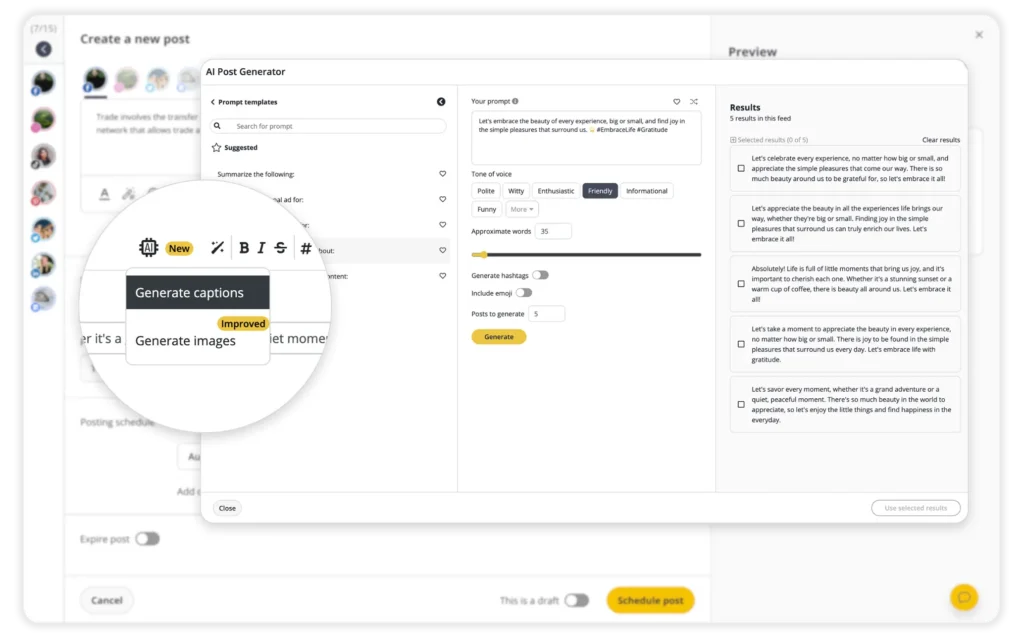
Keep your YouTube account active and engaging with SocialBee’s AI post-generation feature.
Start your 14-day free SocialBee trial today!
Here are some AI prompts you can use for YouTube idea generation:
- Give me five behind-the-scenes YouTube video ideas for [company/brand] that would interest [target audience].
- Create a step-by-step YouTube video idea showing [target audience] how to use [product/service] to achieve [goal].
- Suggest a YouTube video showing how [product/service] solves [specific problem] for [target audience].
- Give me three video ideas that highlight what makes [product/service] different from similar options.
- Create a comparison video between [product/service] and [alternative], focusing on the differences that matter most to [target audience].
- Suggest a video about [topic] that would encourage [target audience] to [desired action].
- Turn a customer success story about [result] into a YouTube video concept.
- Give me five different angles for a YouTube video about [subject] aimed at people interested in [topic].
Think of the first AI suggestion as a starting point rather than the finished idea. Refine the prompt, explore another angle, or combine several suggestions until the concept feels right for your channel.
100 Ideas for YouTube Videos to Boost Your YouTube Channel
Not sure what to post next? These 100 YouTube video ideas cover different goals, from promoting products and answering customer questions to building trust, sharing expertise, and showing the people behind your brand.
To make the list easier to use, we’ve grouped the ideas by purpose. So, instead of scrolling through all 100, you can jump straight to the type of video that fits what you want to achieve.
YouTube video ideas for promoting products and services
Use these ideas when you want to explain what you offer, show how it works, or help potential customers make a decision.
- Product launch reveal
- How-to product guides
- Product comparison videos
- Product development process videos
- Creative product uses
- Product customization videos
- Before-and-after product demos
- Product teaser videos
- Product shopping guides
- Styling and usage tips
- Packaging reveals
- Unusual product uses
- Product safety videos
- Product restoration guides
- Brand merchandise launches
Educational YouTube video ideas
These formats work well when your goal is to teach, answer questions, or share useful knowledge with your audience.
- Industry news updates
- Expert interview sessions
- Evergreen content
- FAQ videos
- Live Q&A sessions
- Educational webinar series
- Animated explainer videos
- Business advice and tips
- Training and educational videos
- Data and analytics insights
- Customer onboarding videos
- Podcast-style discussions
- Thought leadership talks
- Industry predictions
- Quality assurance explainers
YouTube video ideas for building trust
When people want proof before buying, these formats can show real experiences, results, and the thinking behind your brand.
- Customer testimonial compilation
- Customer journey stories
- Customer support success stories
- Feedback and survey discussions
- Brand advocacy stories
- Animated customer success stories
- Customer appreciation videos
- Customer service insights
- Customer-driven product updates
- Customer experience updates
Behind-the-scenes and company culture ideas
If you want your audience to know the people behind the business, these formats give them a closer look at how your company works.
- Behind-the-scenes footage
- Team introduction series
- Day in the life at the company
- Employee spotlight videos
- Core values series
- How-it’s-made videos
- Founder interviews
- Employee training videos
- Department tours
- Workplace culture videos
- Employee challenge videos
- Recruitment videos
- Employee recognition videos
- Bloopers and outtakes
Brand story and company update ideas
These videos help explain where your company came from, what it stands for, and what’s changing.
- Brand story video
- Company milestone videos
- Brand philosophy talks
- Brand history timelines
- Brand refresh reveals
- International business updates
- New market expansion stories
- Digital transformation stories
- Year-in-review recap
- Economic impact reports
Community and social impact video ideas
Use these when your brand is involved in local projects, social causes, partnerships, or wider community initiatives.
- Community project highlights
- Sustainability initiative spotlights
- Charity and giving-back stories
- Cultural celebration videos
- Community outreach videos
- Social responsibility updates
- Global impact discussions
- Local community videos
- Supplier and partner spotlights
- Business ethics discussions
Collaboration and audience engagement ideas
These formats are useful when you want more participation, reach new audiences, or create content with other people.
- User-generated content showcase
- Brand collaboration videos
- Influencer collaborations
- Brand partnership videos
- Brand challenge campaigns
- Contest and giveaway announcements
- Interactive video polls
- Brand mascot videos
Event and timely YouTube video ideas
These ideas work well around events, launches, seasons, or topics that are relevant right now.
- Event coverage and highlights
- Trending topic discussions
- Holiday-themed videos
- Virtual event highlights
- Trade show highlights
- Flashback or throwback videos
- Creative campaign showcases
Immersive and creative YouTube video ideas
If you want to experiment with format, technology, or storytelling, these ideas give you more room to try something different.
- DIY ideas with products
- 360-degree virtual tours
- Mini-documentaries
- Virtual reality experiences
- Augmented reality demonstrations
- Multilingual videos
- Brand mascot adventures
- Safety protocol explainers
- Health and safety videos
- Work-life balance videos
- Brand partnership stories
1. Brand Story Video
A brand story video gives people some context about the business behind the product.
Maybe the company started because you kept running into the same problem. Maybe there’s a personal story behind it. Or maybe the brand was built around a clear belief or mission.
You don’t need to cover everything. Pick the part of the story that helps people understand why the business exists.
Dove’s “Real Beauty” campaign is a good example. The videos featured real women from different backgrounds and challenged the beauty standards people were used to seeing in advertising.
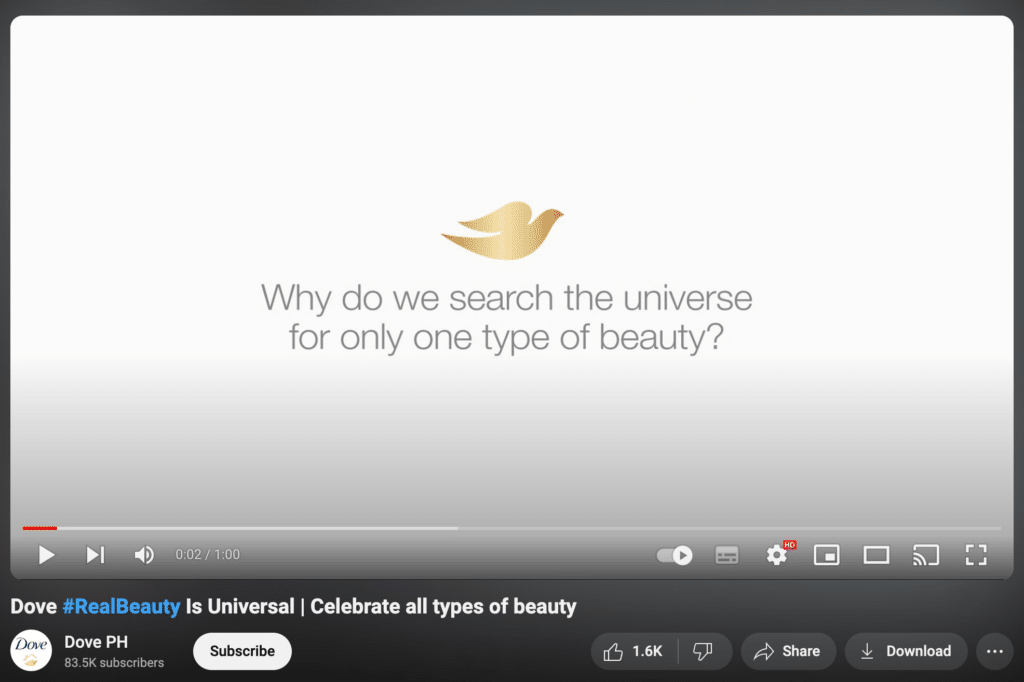
The campaign made Dove’s point of view clear without turning the video into a product pitch. That broader message is what gave the story more weight.
2. Product Launch Reveal
A new product gives you plenty to talk about, but trying to squeeze every feature into one video usually makes the message harder to follow.
Lead with the biggest change first. What’s new? Why does it matter? Who is it for?
From there, a demo, comparison, or quick customer reaction can help show the difference rather than just describe it.
Headspace took a simple approach when introducing its meditation app.
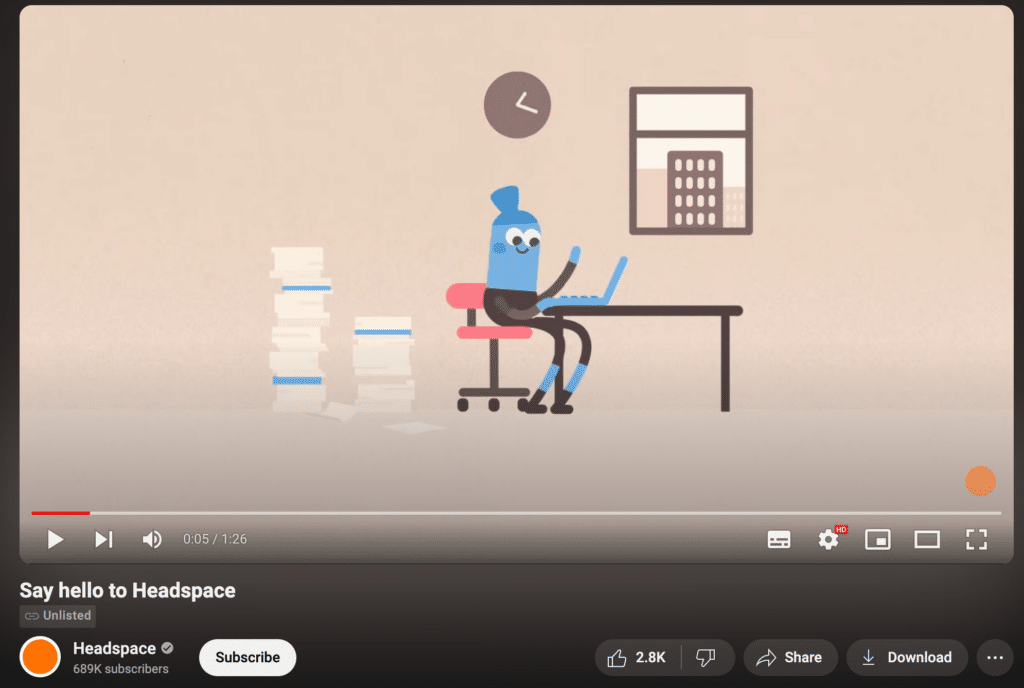
Instead of overwhelming people with features, the video focused on the idea behind the app and gave viewers a reason to try meditation.
3. Behind-the-Scenes Footage
Sometimes the interesting part happens before the finished product ever reaches the audience.
A behind-the-scenes video might follow a campaign shoot, show the setup for an event, take viewers inside the production process, or simply capture what a busy day looks like for your team.
Fenty Beauty used this idea around the release of its 6-20 collection:
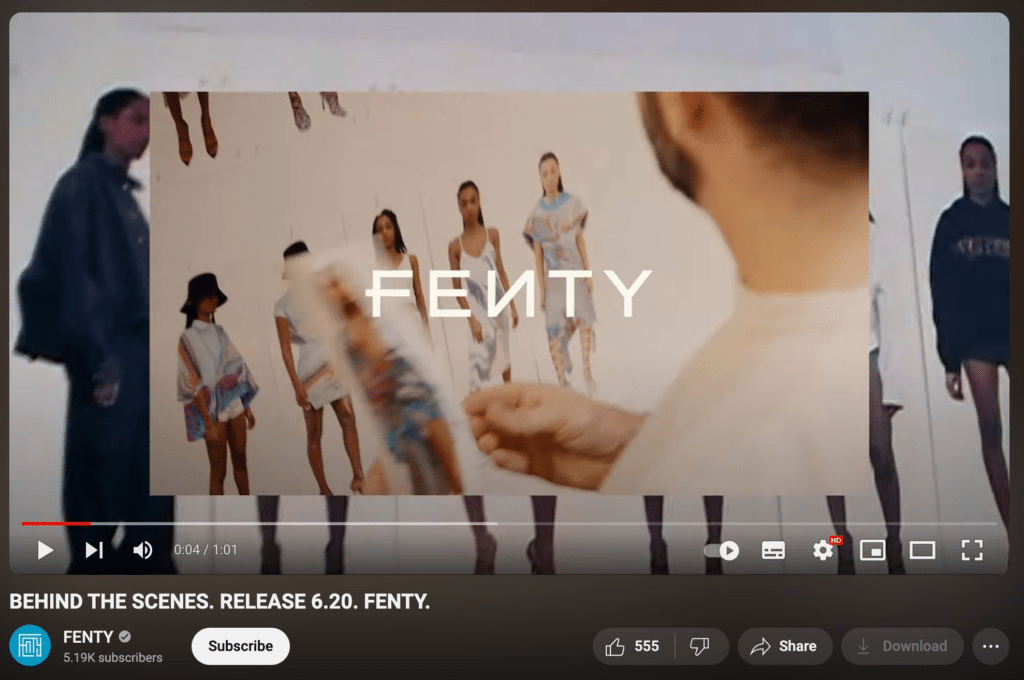
Viewers get something they wouldn’t see in the final campaign: the people, work, and small moments behind it.
4. Customer Testimonial Compilation
Testimonials are much more useful when customers talk about what actually happened, not just how much they liked the product.
A good story might cover the problem they had before buying, why they chose your product, and what changed afterward.
That makes the social proof easier for potential customers to relate to.
And you don’t need ten people saying the same thing. A few detailed stories are usually stronger than a long string of generic praise.
5. How-To Product Guides
How-to videos work best when they solve one specific problem.
You might show someone how to:
- set up a feature
- use the product for the first time
- complete a task
- fix a common issue
Keep the explanation simple and show each step on screen where possible.
Notion does this with tutorials that walk users through different parts of its product.
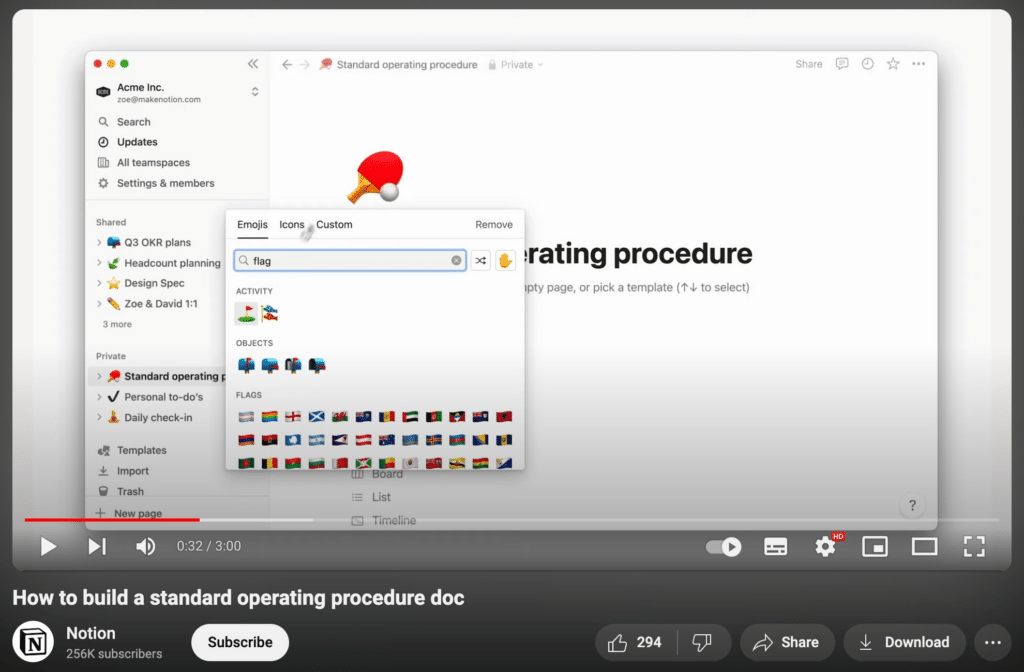
These videos are useful long after they’re published because customers can come back whenever they need help. They may also reduce repeat support questions.
6. Team Introduction Series
Most people interact with a company long before they know who works there.
A team introduction series changes that by giving one employee the spotlight at a time. Talk about what they do, what they’re working on, or how they found their way into the role.
G-Research has used this format to introduce individual team members.
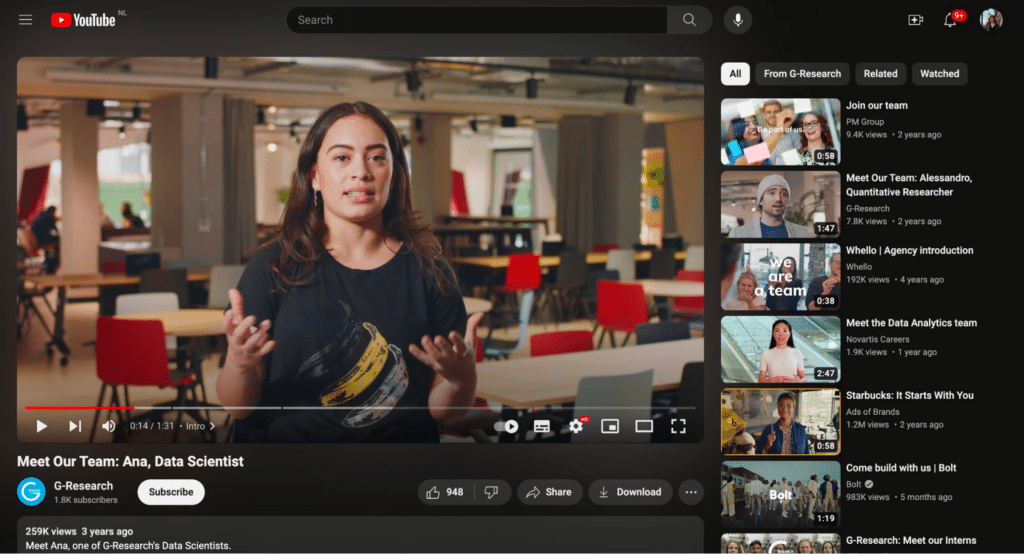
For customers, it puts a face to the brand. For potential hires, it also gives a glimpse of the people they could end up working with.
7. Industry News Updates
If people in your audience are already trying to keep up with industry changes, give them more than another recap.
The useful part is your explanation.
What changed? Why does it matter? Does your audience need to do anything differently?
A social media company, for instance, could cover a new platform feature and explain how it affects content planning or what marketers should test first.
That added context gives people a reason to watch your take instead of just reading the announcement themselves.
8. Day in the Life at the Company
A job description can tell someone what a role involves. A day-in-the-life video shows what it actually looks like.
Follow one employee through a normal day and include the ordinary parts too: meetings, focused work, conversations with teammates, and whatever else fills the time.
Indeed used this format in a video about the work of a Marketing Manager.
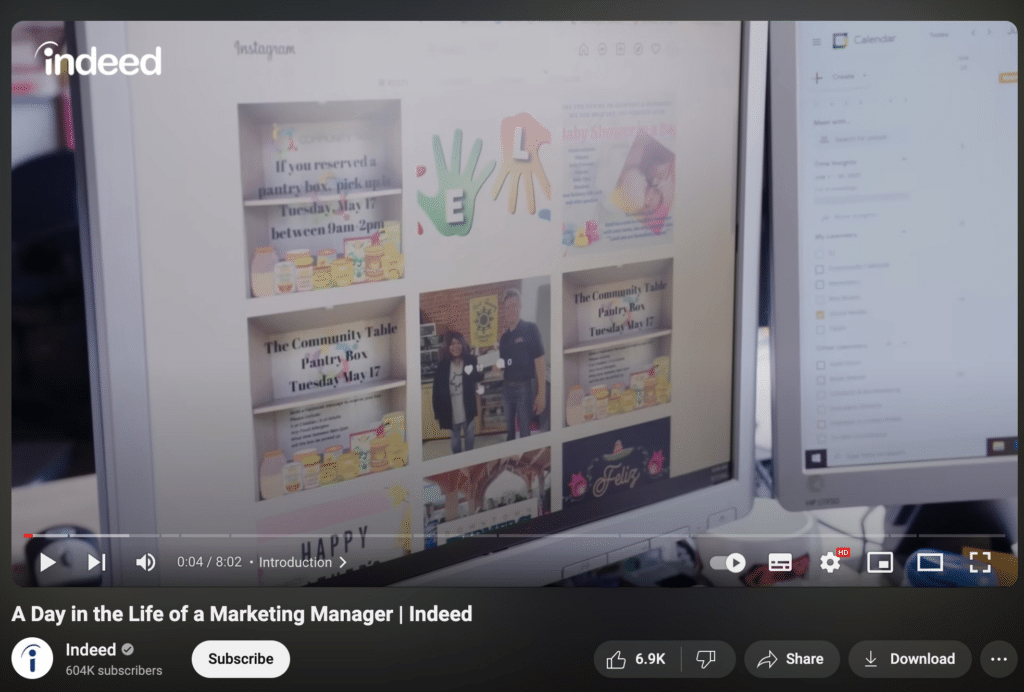
For someone thinking about applying, that kind of detail can make the role much easier to picture.
9. Community Project Highlights
If your company is involved in a local project, charity, or environmental initiative, tell the story through what happened.
Who took part? What were you trying to achieve? What changed because of the project?
Keep your company in the story, but don’t make it the whole story. When the people or cause stay at the center, the video usually feels more genuine.
10. Expert Interview Sessions
An interview can open up topics that your own team may not have the experience to cover alone.
The conversation will usually be stronger if it stays narrow. Pick one subject and ask questions that lead to stories, lessons, mistakes, or practical advice.
Here’s one example:
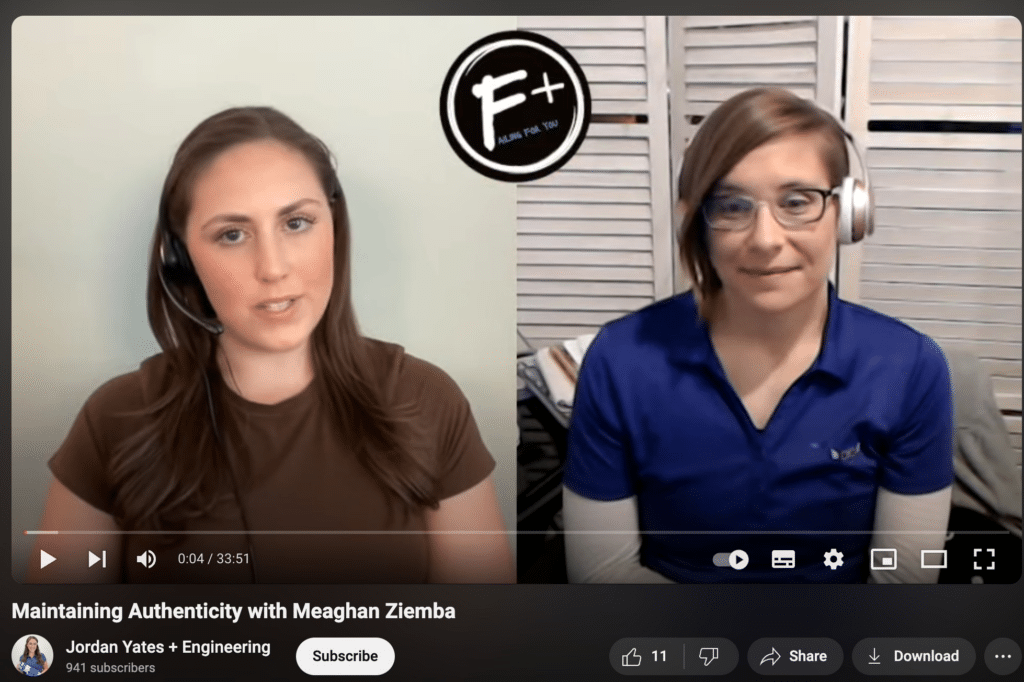
A different voice also changes the pace of the channel, which is useful if most of your videos rely on the same presenter or format.
11. User-Generated Content Showcase
Some of your most convincing content may already be coming from customers.
User-generated content can include reviews, reactions, demos, or clips of people using your product in real life. Since the message comes from the customer rather than the brand, it often feels more believable.
Jasmine Holden’s reaction video for Wella Professional is one example:
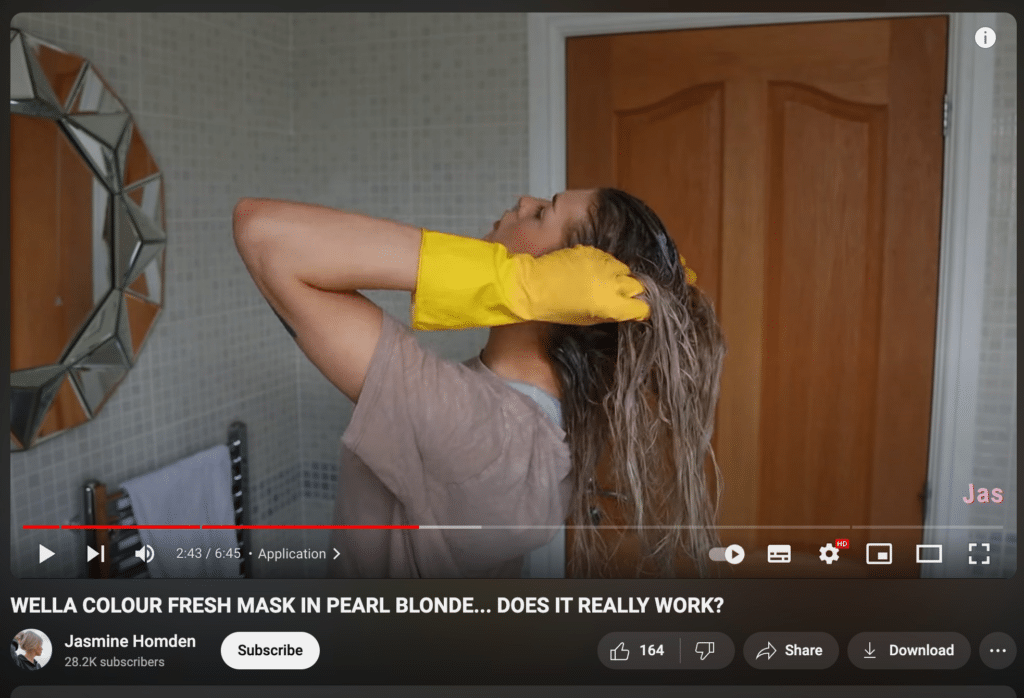
The real value here is social proof. When potential customers see someone else using the product, it becomes easier to picture what their own experience might look like. On top of that, featuring customer content can encourage others to share their own photos or videos too.
12. Event Coverage and Highlights
Once an event is over, the content doesn’t have to disappear with it.
A recap video can bring together the best moments, from interviews and talks to product demos, audience reactions, and behind-the-scenes footage.
Rather than replaying everything in order, focus on the parts someone who missed the event would actually want to see. That keeps the video tighter and makes the highlights easier to follow.
From there, the same footage can be cut into shorter clips for social posts, speaker highlights, or promotion for the next event.
13. Evergreen Content
Not every video needs to depend on what’s happening right now.
Evergreen content stays relevant over time, which means people can keep finding it long after it’s published.
Good examples include:
- tutorials
- beginner guides
- FAQs
- troubleshooting videos
- educational explainers
This gives you something steady to publish between launches, campaigns, and more timely posts.
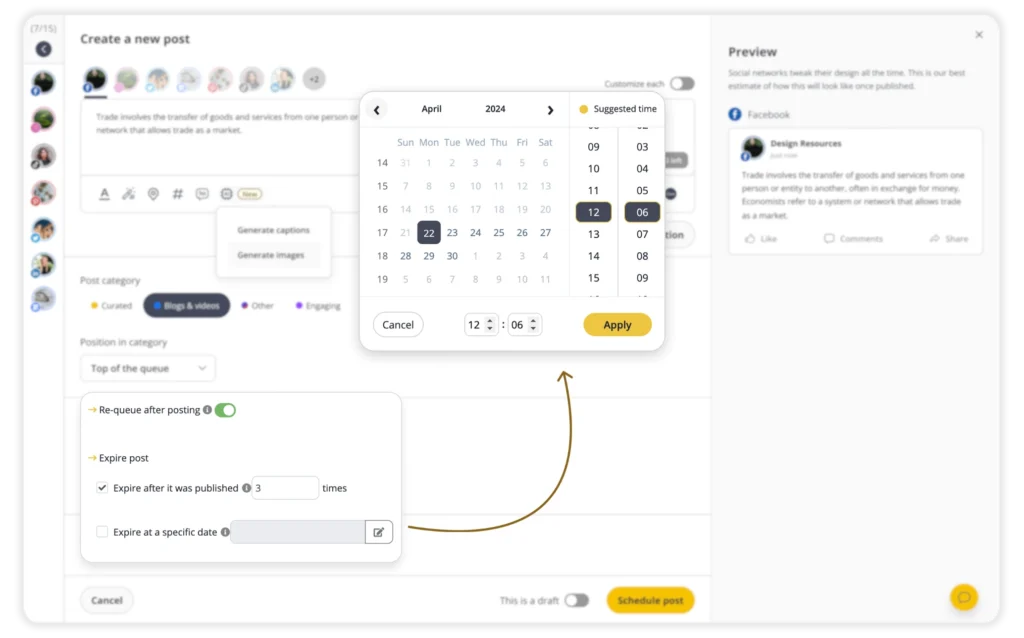
The same principle can carry over to social media. With SocialBee, evergreen posts can be added to content categories and re-queued so strong posts don’t disappear after a single share.

14. FAQs Answered
If the same questions keep coming up, they’re probably worth turning into videos.
You could cover product setup, policies, pricing, common mistakes, or anything else customers regularly ask about. Keeping one question per video also makes the answer much easier to find later.
IKEA has used FAQ-style videos around topics such as product assembly and home advice.
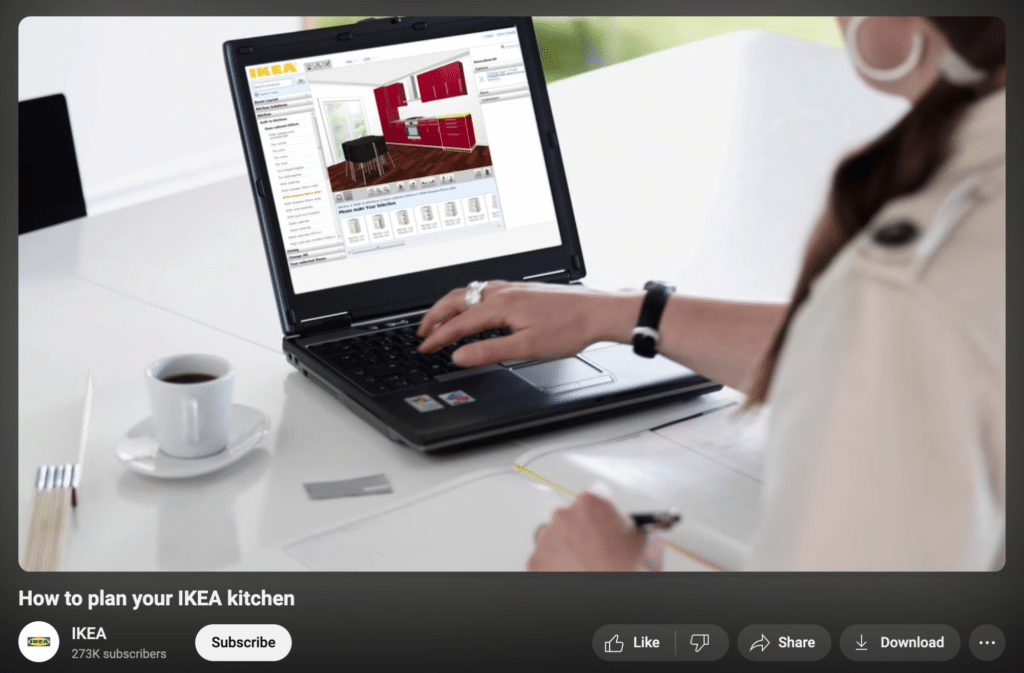
Over time, those videos can grow into a small self-service library. Customers get answers faster, while your support team has fewer repeat questions to handle.
15. Live Q&A Session
Some questions are easier to answer in a conversation than in a polished tutorial.
A live Q&A gives viewers a chance to ask about your product, industry, company, or a specific topic while you respond in real time. Just as importantly, those questions show you what people are most curious or confused about.
NutritionFacts.org has used this format to answer questions from its YouTube community.
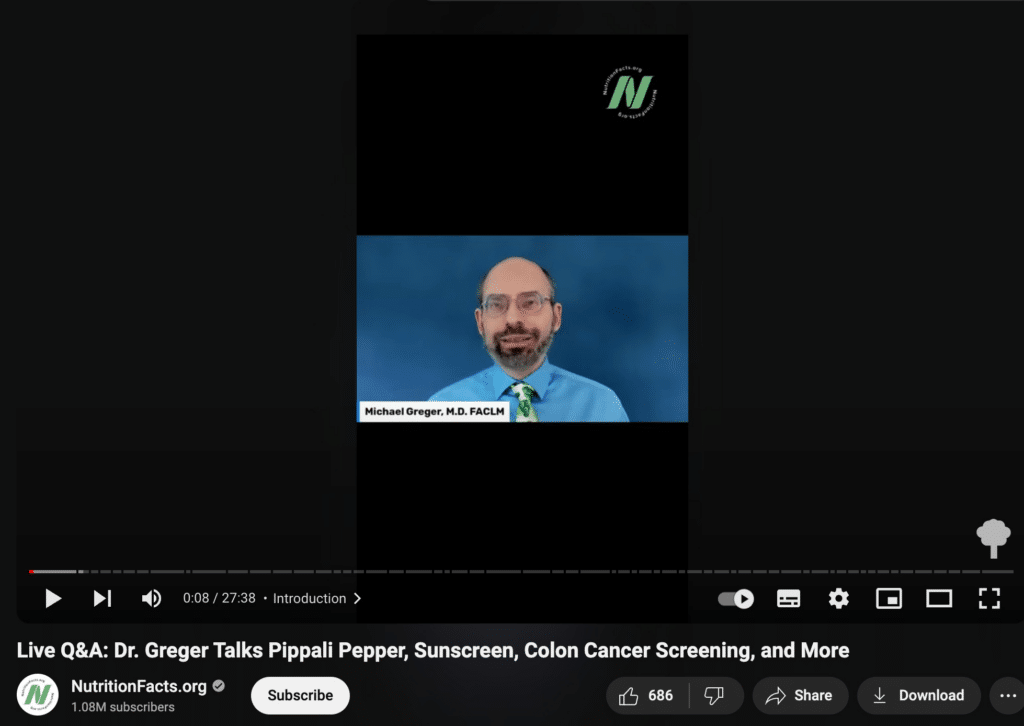
The value doesn’t end when the livestream does. Add timestamps or chapters afterward, and people watching the replay can jump straight to the answers they care about.
16. Educational Webinar Series
Some topics simply need more room than a short tutorial can give them.
In that case, a webinar series lets you split a bigger subject into smaller sessions instead of cramming everything into one long video.
A marketing company, for instance, might create separate webinars on content planning, analytics, paid campaigns, and reporting.
That approach makes each session easier to follow. It also gives viewers a clear reason to return for the next part if they want to keep learning.
17. Product Comparison Videos
Comparison videos are most helpful when people are already weighing two choices.
That could mean your product versus a competitor, two products from your own range, or an older version next to the latest one.
To keep the video practical, focus on the differences that actually affect the decision:
- price
- features
- design
- performance
- who each option is best for
Scrub Daddy, for instance, put Scrub Daddy and Scrub Mommy side by side in one video.
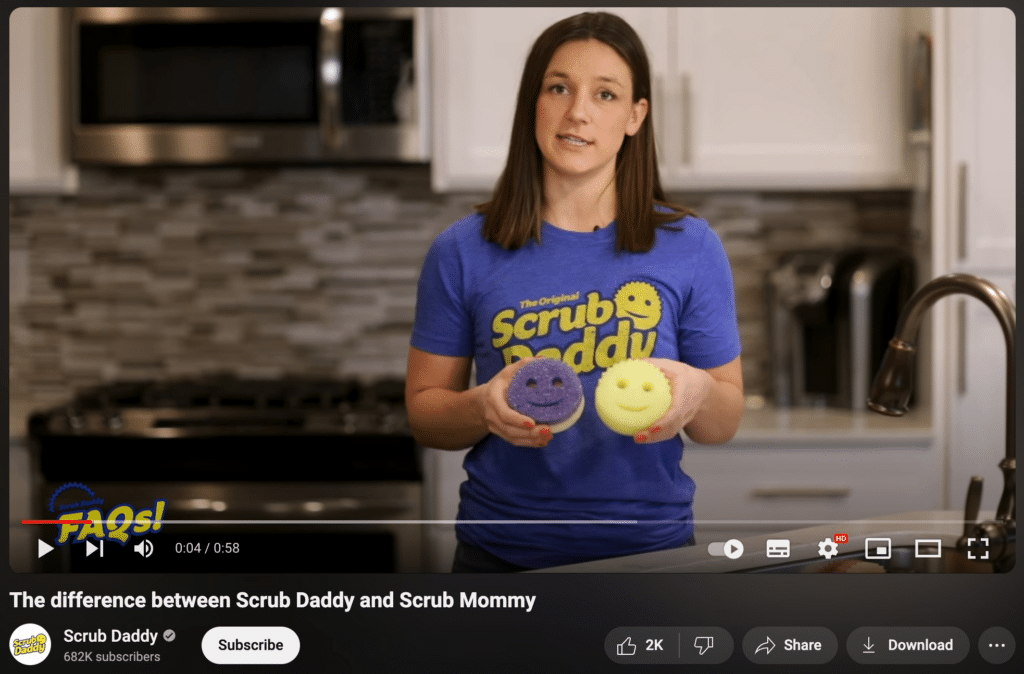
A side-by-side breakdown saves viewers from piecing the answer together across several product pages. More importantly, it helps them understand which option better matches what they need.
18. Animated Explainer Videos
Animation comes in handy when there isn’t much you can physically show on camera.
Software, data, technical processes, and abstract ideas often make more sense once they’re broken into simple visuals. Instead of relying on a long explanation, the video can show each part as it happens.
Dropbox used animation in its early YouTube content to explain cloud storage to people who may not have been familiar with the concept.
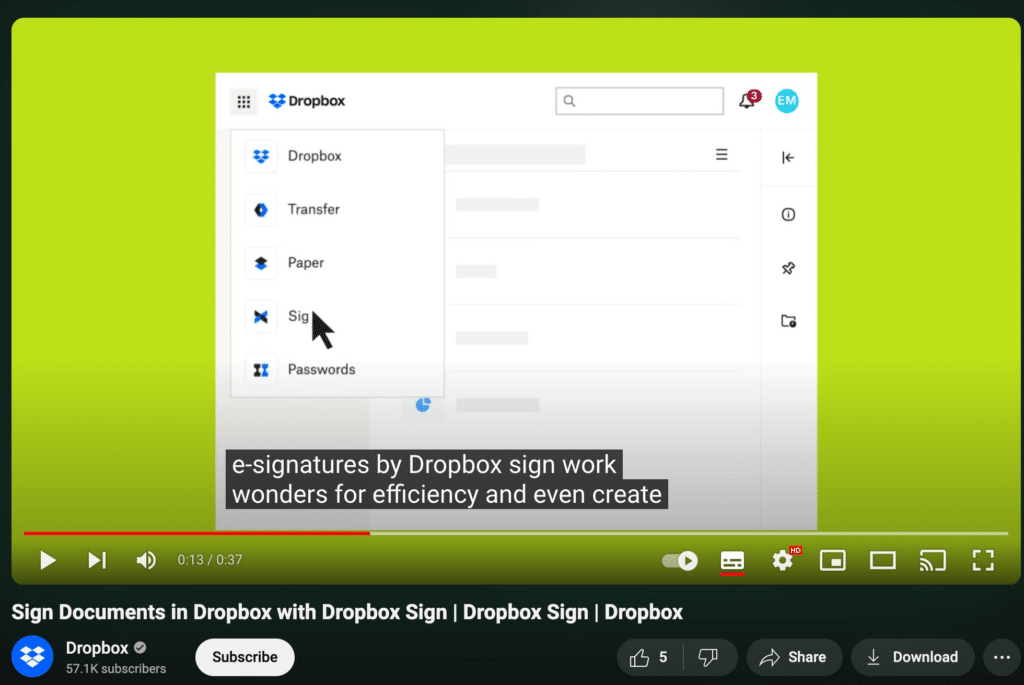
In practice, this format is especially handy when the idea mostly exists on a screen or would be awkward to demonstrate with regular footage.
19. Trending Topic Discussions
A timely conversation can bring fresh attention to your channel, but not every popular topic deserves a video.
Start with relevance. Does the subject connect naturally to your audience, industry, or expertise? If not, forcing your brand into the conversation can feel out of place.
Topics worth exploring might include:
- an industry update
- a new platform feature
- a viral campaign
- a cultural moment tied to your niche
- recent news that affects your customers
Timing matters, of course, but the angle matters more. Give viewers context, an opinion, or a practical takeaway instead of repeating what they have already seen elsewhere.
20. Brand Collaboration Features
Two brands can often create something more interesting together than either one would make alone.
A partnership might take the form of a joint video, challenge, tutorial, event, campaign, or product feature. The strongest matches usually have some audience overlap while still bringing different strengths to the table.
GoPro and Red Bull are a good example. Their extreme sports videos pair GoPro’s camera technology with the athletes and events people already associate with Red Bull.
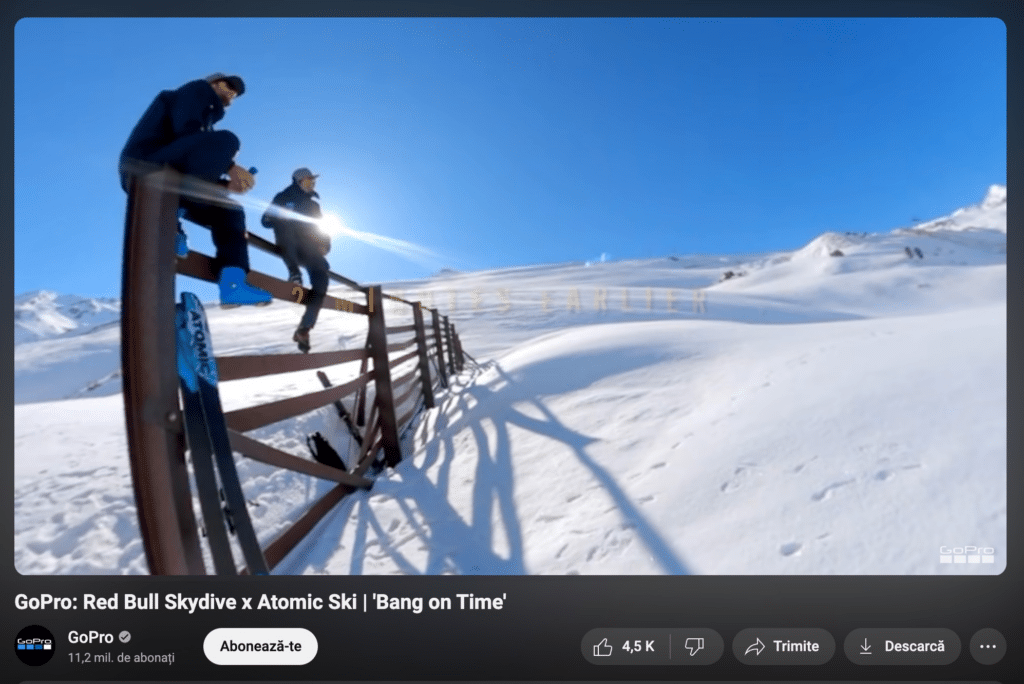
Because the connection between the two brands already makes sense, the collaboration doesn’t need much explaining. Ideally, that’s what you want from a partnership: content that feels natural to both audiences rather than two brands awkwardly sharing the same screen.
21. Sustainability Initiative Spotlight
If your business is making real changes around sustainability, show people what those changes actually look like.
That could mean cutting waste, changing materials, improving sourcing, or supporting an environmental project.
The more specific you are, the better. Broad claims about “going green” don’t say much on their own.
Patagonia often talks openly about its environmental work and the choices it makes around materials and production.
The strongest videos focus on action. Show what changed, why you made the change, and what progress you’ve made so far.
22. Charity and Giving Back Stories
Charity video content works best when the cause stays at the center of the story.
Rather than simply saying your company gives back, show who the initiative supports, what the partnership involves, and what happened because of it.
TOMS has shared videos about its giving programs and the communities involved.
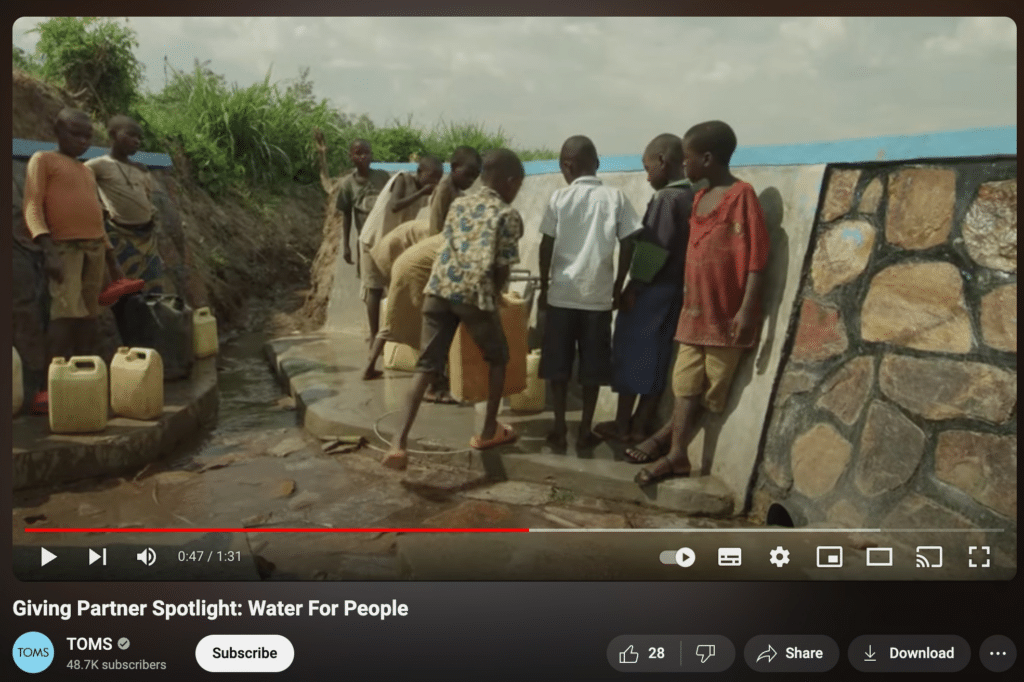
Your company’s role should still be clear, but it doesn’t need to dominate the video. Keeping the focus on the people or cause usually makes the story feel more genuine.
23. DIY Ideas with Products
DIY videos give people a reason to do something with your product, not just look at it.
Depending on what you sell, the video could show:
- an unexpected way to use the product
- a simple project people can recreate
- several products used together
- a before-and-after transformation
This format is especially natural for beauty, food, home decor, crafts, fashion, and tools.
Plus, it can make an older product feel fresh again without needing a new launch.
24. 360-Degree Virtual Tours
Some places are difficult to understand from a few photos.
A 360-degree tour gives viewers more freedom to look around, which can be especially helpful for real estate, hotels, tourist destinations, showrooms, or event venues.
Sotheby’s International Realty has used 360-degree videos to give potential buyers a closer look at luxury properties.
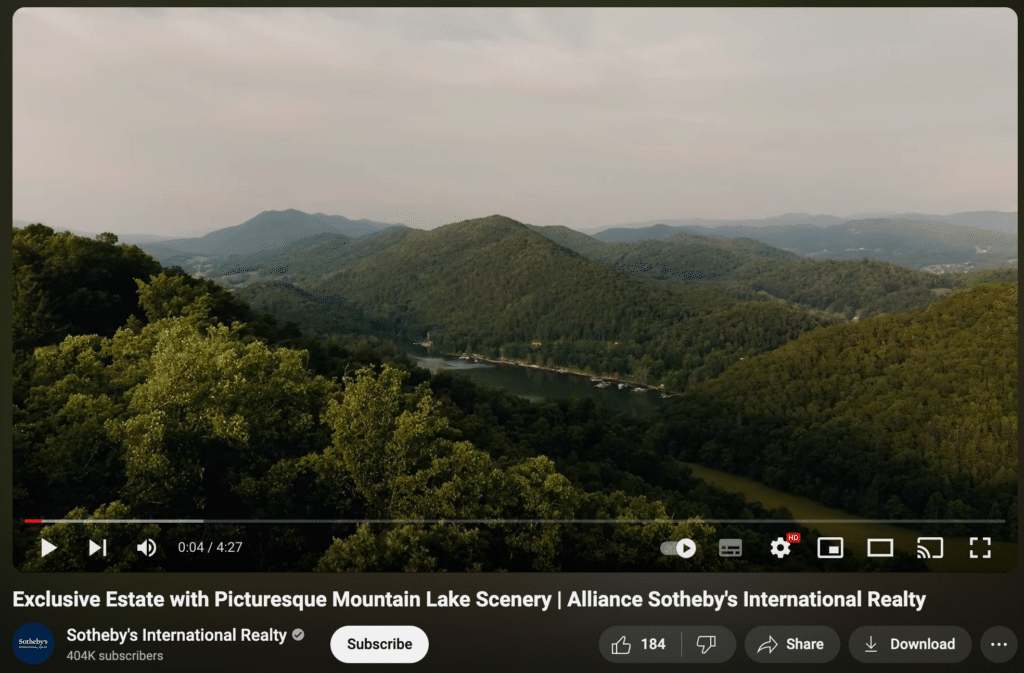
For someone who can’t visit in person, that extra sense of space can make the video much more informative than a standard photo gallery.
25. Influencer Collaboration Pieces
An influencer collaboration can introduce your brand to people who may not know it yet.
However, reach alone isn’t enough. The creator should already speak to the kind of audience you want to reach, and the product should fit naturally into their usual content.
Daniel Wellington, for example, has worked with fashion influencers to feature its watches.
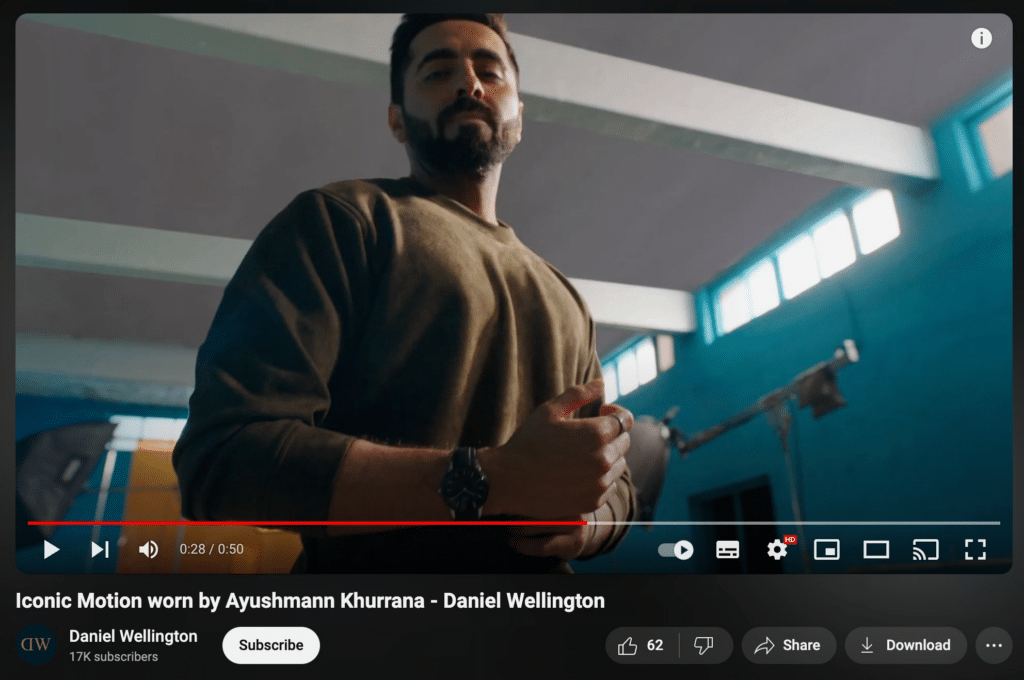
The strongest partnerships still feel like the creator’s content. If the video suddenly sounds like a scripted ad, viewers are more likely to tune out.
26. Product Development Process
People usually see the finished product without knowing what it took to get there.
A product development video can show the parts that normally stay hidden, from early sketches and prototypes to testing, mistakes, and final changes.
You also don’t need to cover the whole process in one video. One launch could become several pieces of content, with each video focusing on a different stage.
That gives you more material while also letting viewers follow the story over time.
27. Customer Journey Showcase
A customer journey video goes deeper than a quick testimonial.
Instead of jumping straight to the result, take viewers through the main stages of the experience:
- What problem was the customer trying to solve?
- Why did they start looking for a solution?
- What made them choose your product?
- What was their experience like?
- What changed afterward?
That extra context makes the story easier to relate to, especially when the buying decision takes time or the result needs more explanation.
28. Employee Spotlight Stories
An employee spotlight gives one person more room to tell their story.
You might cover their role, career path, current projects, or what they’ve learned since joining the company. The tone can stay relaxed, too. It doesn’t need to feel like a formal interview.
Workato has used this format to introduce employees from different parts of the company.
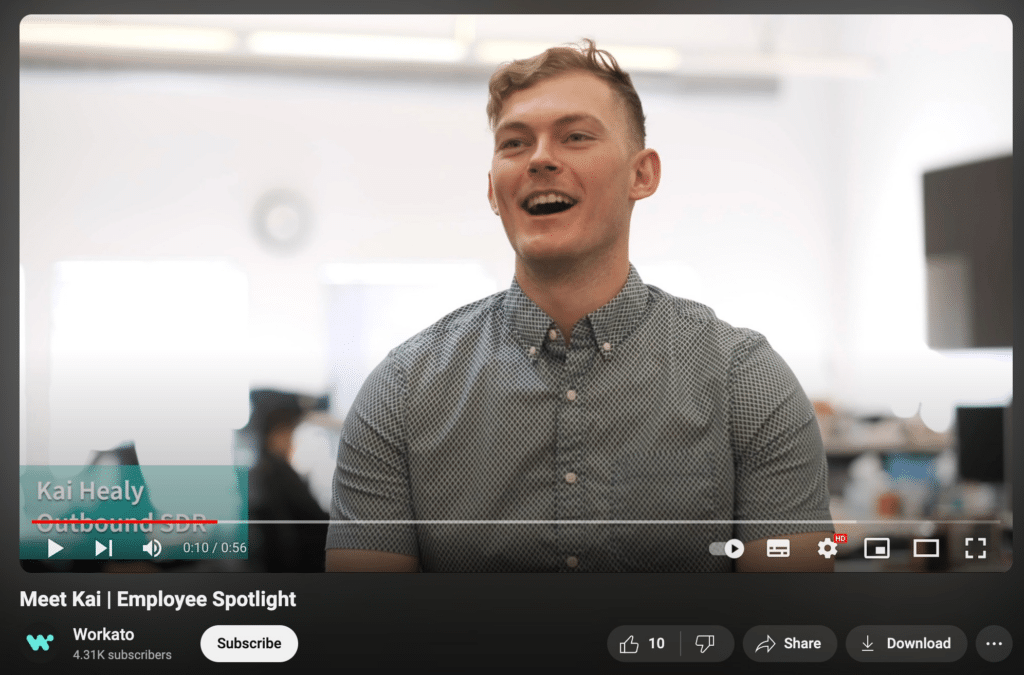
For customers, these videos put real people behind the brand. Meanwhile, potential hires get a more personal look at the company than they would from a careers page.
29. Tech Innovations in the Industry
When new technology starts changing your industry, there’s usually plenty to talk about.
Depending on the topic, you could:
- explain how the technology works
- compare it with the old way of doing things
- show a practical use case
- discuss who it affects
- look at what might change next
IBM regularly publishes videos about areas such as artificial intelligence, cloud computing, and quantum computing.
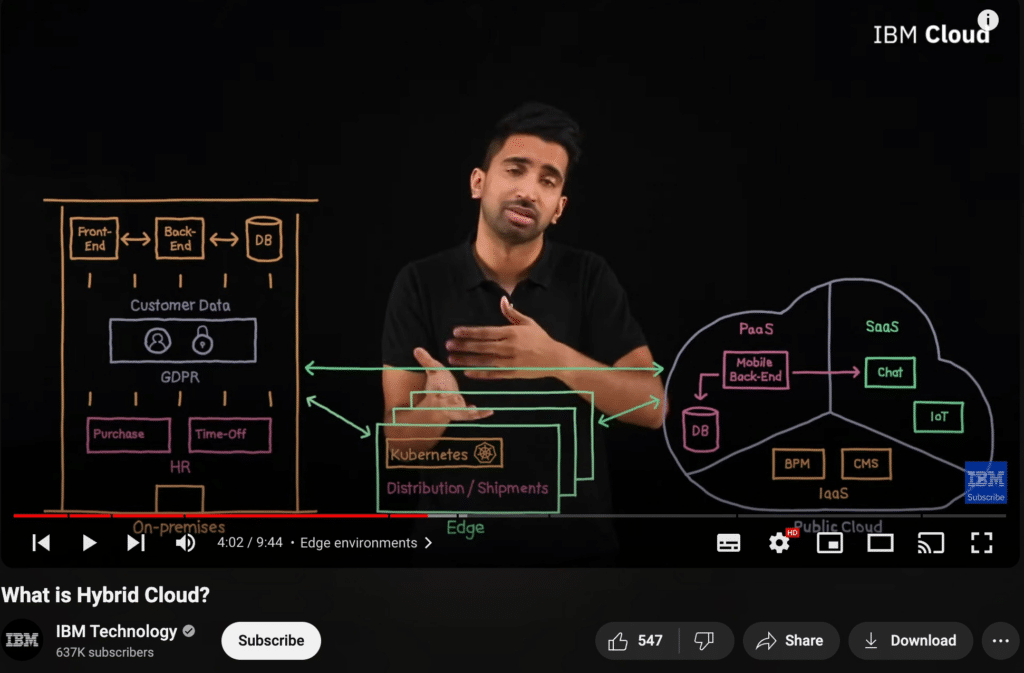
The most interesting videos go beyond announcing that the technology exists. They help viewers understand why it matters and what it could change.
30. Holiday-Themed Videos
Holidays give you an easy reason to change up your usual content.
A seasonal product guide, holiday message, themed challenge, gift guide, or behind-the-scenes celebration can all work.
Still, the idea should make sense for your audience and brand. If the holiday angle feels forced, skip it.
A simple connection to the season will usually feel much more natural than trying to squeeze your product into every occasion.
31. Core Values Series
A core values series gives people a clearer picture of what your company actually stands for.
Rather than listing values on an About page, take one at a time and show how it plays out in real decisions.
For example, if sustainability is one of your values, talk about what you’ve changed in your sourcing or production. If community matters, show the projects or partnerships that support it.
Done well, this kind of content can help build a stronger brand identity because viewers see the values in action, not just in a statement.
32. Brand Challenge Campaigns
A challenge gives people something to join, not just something to watch.
It might ask viewers to try a task, share a result, recreate something, or take part over several days. The simpler the idea is, the easier it is for people to participate.
SocialBee used this approach with its 5-Day Social Media Challenge:
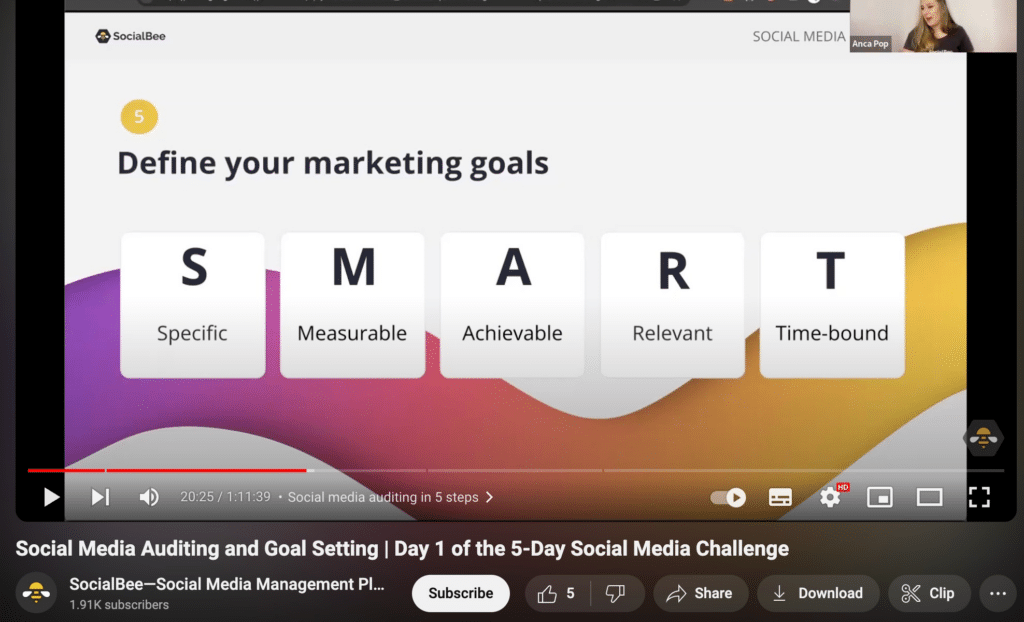
A challenge works best when the activity is easy to understand and closely tied to what your audience already cares about. From there, participants can share their progress or results across YouTube and other social platforms.
33. Creative Product Uses
Sometimes customers only know the most obvious way to use a product.
A creative-use video can show them something different. That might be an unexpected use, a new combination, or a shortcut they hadn’t thought of before.
This is especially handy when a product is versatile, but people tend to use it in just one way.
It can also give existing customers a new reason to keep using something they already own.
34. Contests and Giveaways Announcements
A giveaway video should make the important details easy to spot.
Keep it simple: show the prize, explain how to enter, and make the deadline clear.
If there are several rules, a short list on screen can help:
- who can enter
- what they need to do
- when entries close
- how the winner will be chosen
The video can still be fun and visually strong, but the rules shouldn’t get buried under the presentation.
35. Cultural Diversity Celebrations
Cultural content needs more care than simply posting around a holiday.
If a celebration, tradition, or community is genuinely connected to your company, focus on the people and stories behind it.
That could mean highlighting an employee’s perspective, sharing how a cultural event is celebrated, or talking about a community your business works with.
The important part is to avoid making the topic feel like decoration. Give it enough context so the video feels thoughtful rather than performative.
36. Strategic Brand Partnerships
A brand partnership works best when both sides bring something different to the table.
Maybe one brand has the product while the other brings expertise. Or one has an audience that naturally overlaps with the other.
Instead of simply announcing the partnership, turn it into content people would want to watch anyway.
A joint tutorial, product demo, challenge, event, or behind-the-scenes video can make the collaboration feel much more natural.
37. ‘How It’s Made’ Videos
If the production process has an interesting story, show it.
A “how it’s made” video can take viewers from raw materials to the finished product. Along the way, focus on the parts people normally never get to see.
This could include machinery, hand-finished details, testing, assembly, or quality checks.
The process itself does most of the storytelling, so there’s no need to over-explain every step.
38. Business Advice and Tips
If your company has useful experience to share, turn it into practical advice.
The strongest videos usually answer one clear question instead of trying to cover an entire business topic at once.
For instance, a marketing agency could make one video about writing better briefs and another about reporting results to clients.
That keeps the advice focused and gives viewers something they can actually use. Over time, it can also give your channel a stronger B2B audience.
39. Company Milestone Celebrations
A milestone video is a good chance to look back without turning the whole thing into a victory lap.
You might celebrate an anniversary, a major launch, a customer milestone, or another turning point in the company’s story.
Instead of listing achievements, add some context. What changed along the way? What did you learn? Who helped you get there?
That makes the video feel more like a story and less like a press release.
40. Product Customization Options
If customers can personalize your product, show them what those choices actually look like.
A video can walk through different colors, sizes, materials, layouts, or add-ons and show how each one changes the final result.
Rather than listing every option, focus on helping people choose.
For example, show a few finished combinations side by side or explain which choices make sense for different needs. That gives viewers a much clearer idea of what they can create.
41. Customer Support Success Stories
Customer support stories work best when there’s a clear problem, a clear response, and a clear result.
Instead of saying your company offers great service, show what that looks like in practice. Maybe your team solved a difficult issue, helped a customer use the product in a new way, or stepped in when something went wrong.
Slack shared how it helped Spotify improve its ad sales process:
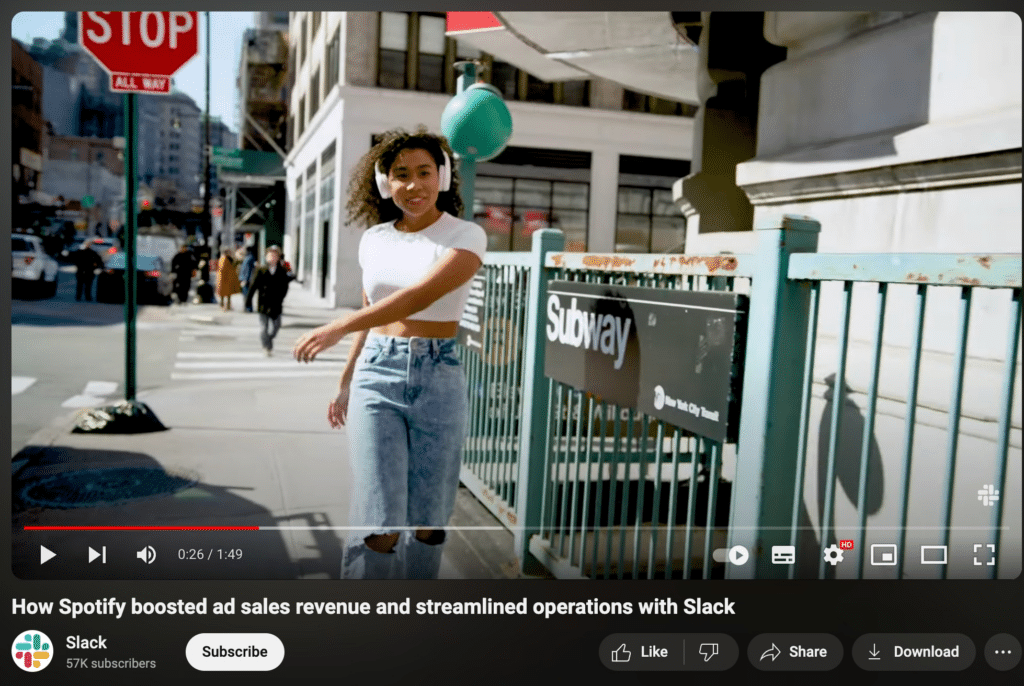
A real story gives viewers something concrete to judge. It shows how your company handles customer problems without relying on generic claims about great service.
42. Feedback and Survey Discussions
Customer feedback can be more interesting than the survey itself.
If you’ve collected useful responses, turn the findings into a video. Talk about what people liked, what they struggled with, and what surprised you.
Then go one step further and explain what changed because of that feedback.
Say customers kept asking for the same feature. Showing how that request shaped the product makes the video feel less like a report and more like a conversation with your audience.
43. Outreach Program Features
If your company takes part in education, community work, charity projects, or environmental programs, YouTube gives you room to show what those efforts actually involve.
Keep the focus on the people, the work, and the outcome rather than turning the video into a company announcement.
The LEGO Group has shared content around education, creativity, community programs, and sustainability.
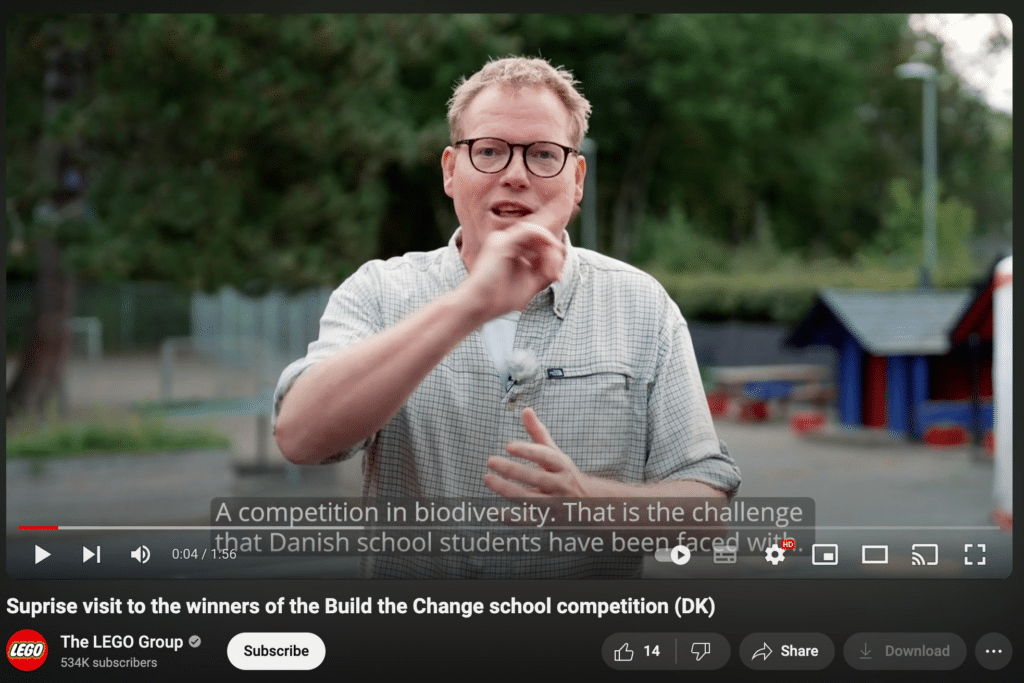
The story becomes much stronger when viewers can see the impact of the program, not just hear that the company supports it.
44. Health and Safety Protocols
In industries where safety matters, video can be much easier to follow than a long document.
Depending on the topic, you might show:
- how to use equipment safely
- what protective gear is needed
- what to do in an emergency
- how a product should be handled
Keep the language simple and demonstrate each step clearly.
That way, the video works as a practical reference for employees, customers, or both.
45. Mini-Documentaries
A mini-documentary gives you more room to tell a story than a short promotional video.
You could focus on the company’s history, a major project, a customer story, a community initiative, or how a product came to life.
Because the format is longer, it helps to build the video around one clear question or story. Otherwise, it can easily turn into a long company profile.
Done well, a mini-documentary gives viewers a deeper look at the people and ideas behind your marketing content.
46. Brand Philosophy Talks
A brand philosophy video is about the thinking behind the business.
That might mean explaining how you approach design, what you believe customers deserve, or why you make certain product decisions.
Apple often uses its videos to talk about ideas such as design, innovation, and user experience.
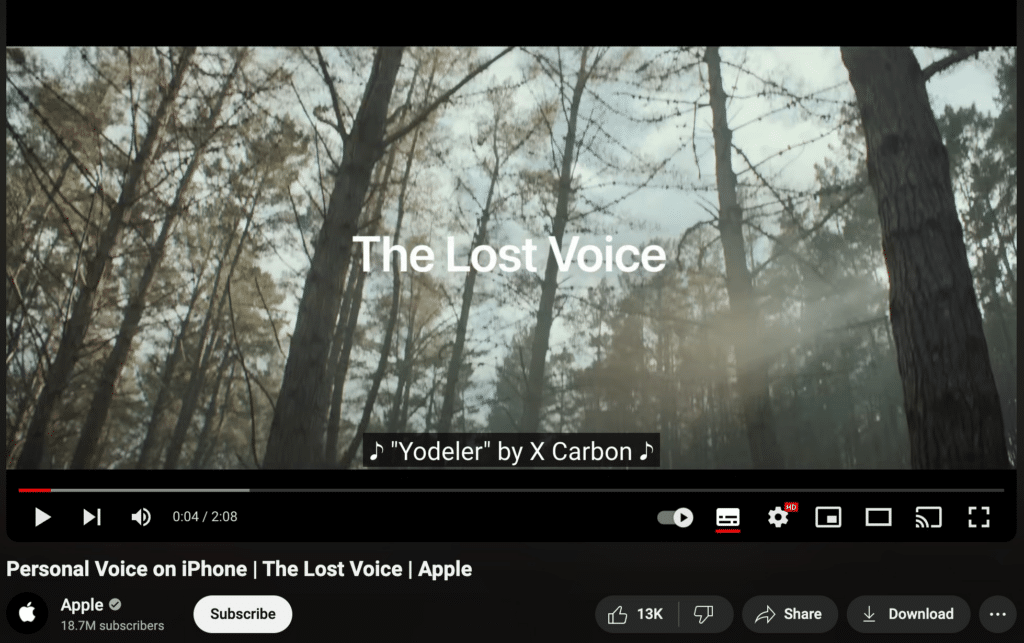
The message feels more believable when viewers can see how that philosophy shapes real products and decisions.
47. Before-and-After Product Demos
Some products are easiest to understand when people can see the difference for themselves.
That makes before-and-after videos a natural fit for beauty, fitness, cleaning, home improvement, or repair.
Wella Professional used this format to introduce its ULTIMATE REPAIR line:
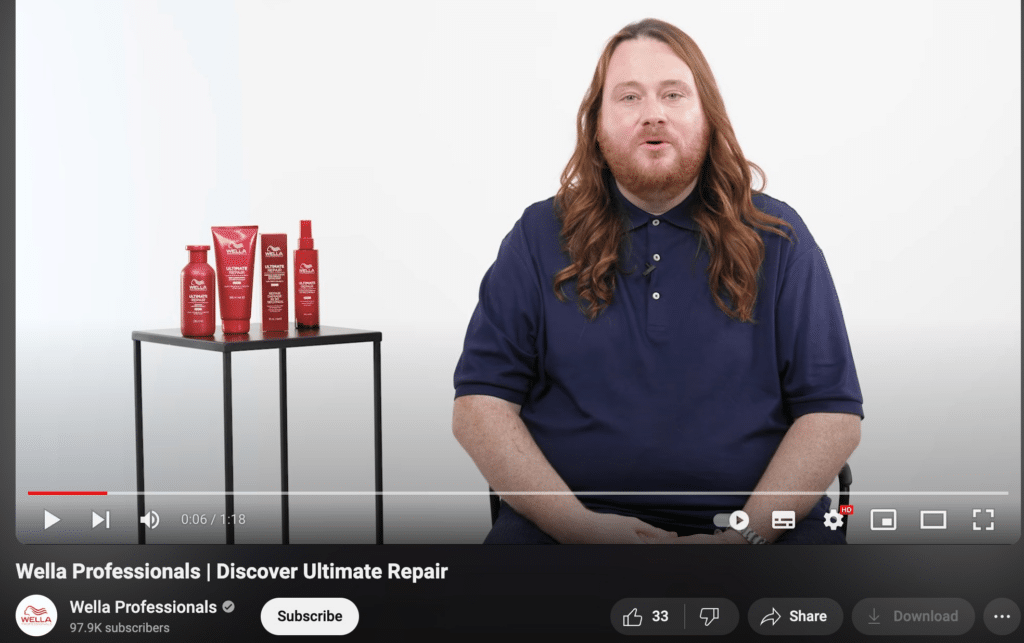
Keep the comparison as clear as possible. Similar lighting, angles, and conditions make it easier for viewers to see what actually changed.
48. Training and Educational Content
Educational videos help customers get more value from what they’ve already bought.
The format can be as simple as a short tutorial or as detailed as a full training session. What matters most is that viewers leave knowing how to do something they couldn’t do before.
SocialBee does this with webinars that teach users how to manage their social media accounts:
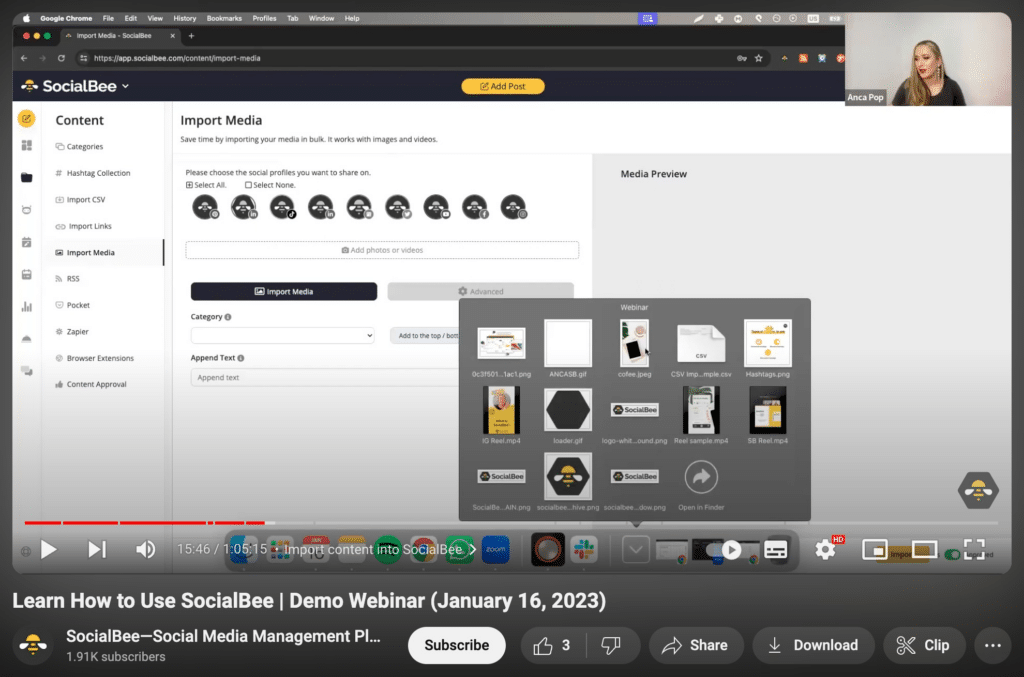
Longer training videos can keep working after the live session ends. Add chapters or timestamps so people can jump straight to the part they need.
49. CSR Initiative Overviews
If your company runs several social or environmental programs, one overview video can bring the bigger picture together.
That might include sustainability work, community support, ethical sourcing, or employee volunteering.
Still, avoid turning the video into a long list of good deeds.
Pick the initiatives that matter most and explain what the company is actually doing. Clear actions will say much more than broad statements about responsibility.
50. Interviews with Company Founders
Founder interviews can add a more personal side to the company story.
Ask about the early days, the first big challenge, how the original idea changed, or what the founder would do differently now.
Those questions usually lead to better stories than a polished retelling of the company timeline.
You can also look ahead. Asking what the founder wants to build next gives viewers both the history of the business and a sense of where it’s going.
51. Virtual Reality Experiences
Virtual reality works best when the experience itself is hard to explain with a normal video.
A travel company could give viewers a closer look at a destination. A real estate brand might let people explore a property before visiting. Meanwhile, a product demo could place viewers inside an environment they wouldn’t normally have access to.
The main question is whether VR adds something useful. If a standard video would show the same thing just as clearly, the extra technology probably isn’t necessary.
52. Augmented Reality Demonstrations
Augmented reality is more practical when people need to see how something would look or work in the real world.
Think of furniture placed virtually inside a room, makeup tried on through a screen, or digital instructions layered over a physical product.
A demo should make that use case obvious from the start. Otherwise, the technology can quickly become the focus instead of the problem it solves.
53. Podcast-Style Discussions
Not every YouTube video needs a tight script.
Podcast-style discussions leave more room for opinions, stories, and longer conversations. That makes them a good fit for interviews, industry debates, founder conversations, or team discussions.
ClickUp uses this approach with its “When it Clicked” podcast:
The looser format is part of the appeal, but the conversation still needs direction. A clear topic or central question keeps a long episode from turning into an unfocused chat.
54. Employee Training Glimpses
You don’t need to publish an entire internal training session to show how your team learns.
A short glimpse might cover onboarding, a workshop, role-specific training, or a team learning session.
This gives potential hires a better idea of what development looks like inside the company. At the same time, it shows that training is something people actually do, rather than just a benefit mentioned on a careers page.
55. Data and Analytics Insights
Raw numbers rarely make an interesting video on their own.
Start with the question behind the data. Then show the numbers that help answer it.
Google has published videos explaining how data and analytics connect to its products and services:
Charts and statistics should support the explanation, not take it over. If viewers understand the takeaway without needing to study the screen, you’re on the right track.
56. Customer Onboarding Process
A good onboarding video should answer one question first: what does a new customer need to do next?
Start with the basics and avoid explaining every feature at once.
If the setup has several stages, break it into smaller videos instead:
- getting started
- completing the first setup
- using the main features
- finding help when needed
That makes the process easier to follow and gives customers something they can revisit later.
57. Product Teaser Videos
A teaser should make people curious, not tell them everything.
Show a small part of the product, hint at the problem it solves, or reveal one detail alongside the launch date.
The tricky part is knowing when to stop.
Give away too little and the video feels vague. Give away too much, and there’s no reason to come back for the full reveal.
58. Brand Advocacy Stories
A brand advocate already has a genuine connection to your company, so let that relationship lead the story.
Rather than asking them to list product benefits, focus on their own experience. Why do they keep using the product? Where does it fit into their life? What keeps them connected to the brand?
Lululemon has featured customers and yoga enthusiasts sharing their personal journeys:
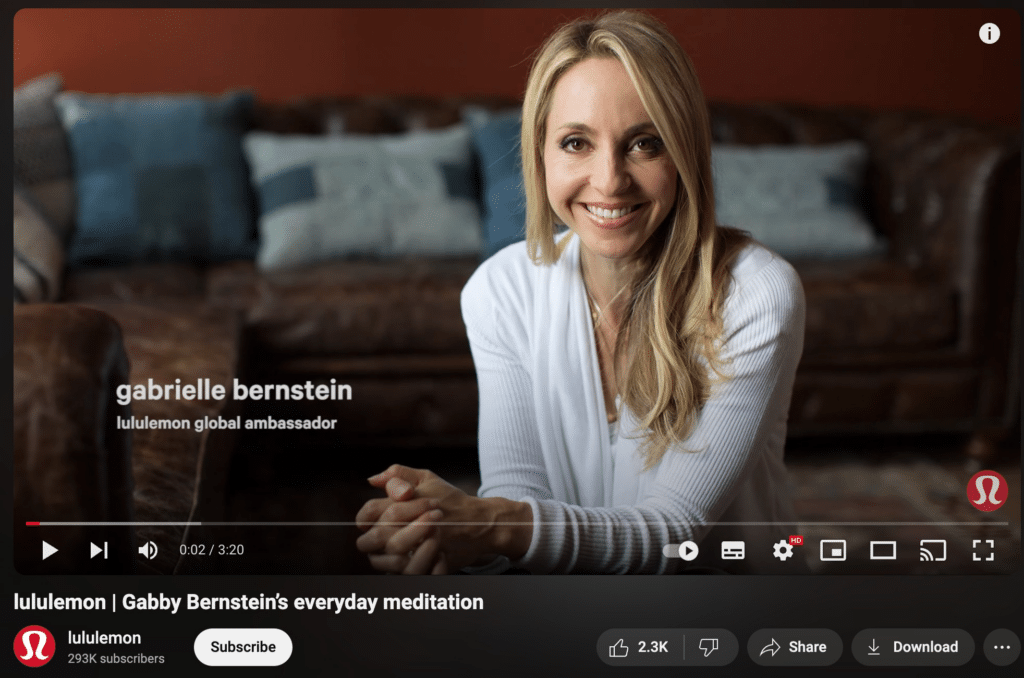
The product doesn’t need to dominate every moment. In fact, the story often feels more believable when the person stays at the center.
59. Animated Customer Success Stories
Sometimes you have a strong customer story but no footage to go with it.
Animation solves that problem.
It can walk viewers through the challenge, the solution, and the final result without needing a filmed interview or on-location shoot.
This is particularly handy for software, services, or situations that are difficult to show on camera. Just keep the story simple. Too much animation or too many details can make an otherwise clear case study harder to follow.
60. Virtual Event Highlights
A virtual event usually contains far more material than most people will watch afterward.
So don’t upload the entire recording and stop there.
Pull out the parts worth revisiting, such as:
- a strong speaker insight
- a useful audience question
- an important announcement
- a short panel exchange
- a memorable moment from the session
A shorter recap gives people who missed the event an easier way in.
It can also lead naturally into your next event. Once viewers see the kind of value they missed, they have a better reason to join live next time.
61. Shopping Guides for Products
A shopping guide helps people choose the right product without making them dig through every option on their own.
This works especially well for new customers who may not know the differences between products yet.
You could walk through a few choices and explain:
- who each option is for
- what makes them different
- which features matter most
The goal is to help people narrow things down, not overwhelm them with every detail.
62. Brand History Timeline
A brand history video can show how the company changed over time.
Start with the early days, then move through the moments that shaped the business. That might include a major launch, a turning point, or a milestone that changed the direction of the company.
You don’t need to cover every year.
A few strong moments usually make for a better story than a long timeline packed with dates.
63. Global Impact Discussions
If your company works across different countries or communities, a global impact video can show what that looks like in practice.
You might talk about the markets you serve, the communities you support, or the challenges your work touches in different parts of the world.
Keep it specific, though.
Broad claims about “global impact” can feel vague unless viewers can see where the impact happens and what it actually means.
64. Work-Life Balance Initiatives
Work-life balance content can give potential employees a better idea of what your company is like behind the scenes.
That could include flexible schedules, remote work options, wellness programs, or policies that support time off.
The stronger approach is to show how those benefits work in real life.
For instance, instead of simply saying you offer flexibility, explain what that looks like for the team day to day.
65. Departmental Tours
A departmental tour gives viewers a closer look at how different parts of the company work.
You might visit marketing, product, support, design, or operations and introduce the people behind each team.
Duolingo has used this kind of content to walk viewers through its office:
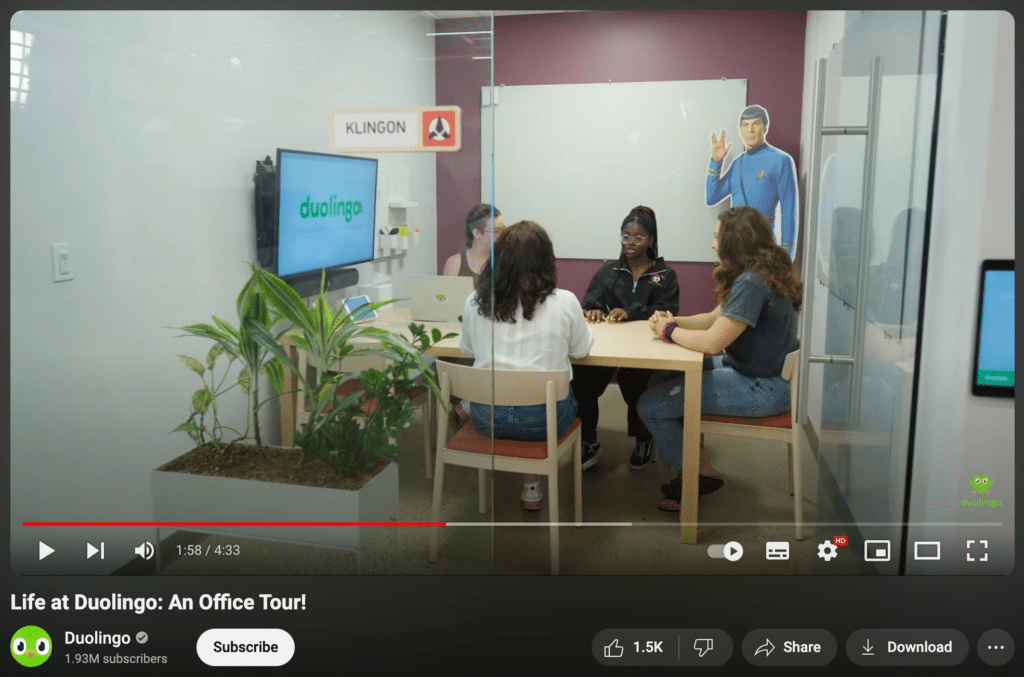
The most interesting tours go beyond the space itself. Show what the team actually does and how their work connects to the rest of the company.
66. Styling and Usage Tips
Styling and usage videos are useful when customers already own the product but want more ideas for how to use it.
A fashion brand might show several ways to style the same item. A beauty company could demonstrate different looks with one product. Meanwhile, a lifestyle brand might share practical ways to use something in everyday life.
This kind of content gives the product more range and can make it feel more useful after the purchase.
67. Innovative Packaging Reveals
Packaging can be part of the product experience, especially when there’s something worth showing.
A reveal video might focus on the design, how the packaging opens, what materials are used, or what makes it more practical.
If sustainability plays a role, explain that too.
The point is to show why the packaging matters, not just admire how it looks.
68. Flashback/Throwback Videos
Throwback videos are an easy way to bring older content back into the conversation.
You could revisit a past campaign, an old product version, an early office, or a milestone from the company’s history.
Nostalgia helps, but context matters too.
Explain why the moment was important and what changed since then. That makes the video more than just a look back.
69. Brand Refresh Reveal
A brand refresh is a natural moment to make a video because people will want to know what changed.
You could reveal a new logo, color palette, visual style, messaging, or updated mission.
But don’t stop at the reveal.
Explain the thinking behind the change and why the old version no longer fit. That gives viewers a reason to care about the refresh beyond the visuals.
70. Interactive Video Polls
Polls give viewers an easy way to take part without needing to leave a long comment.
You might ask people to choose between two product ideas, vote on a future topic, or share a preference about something related to your brand.
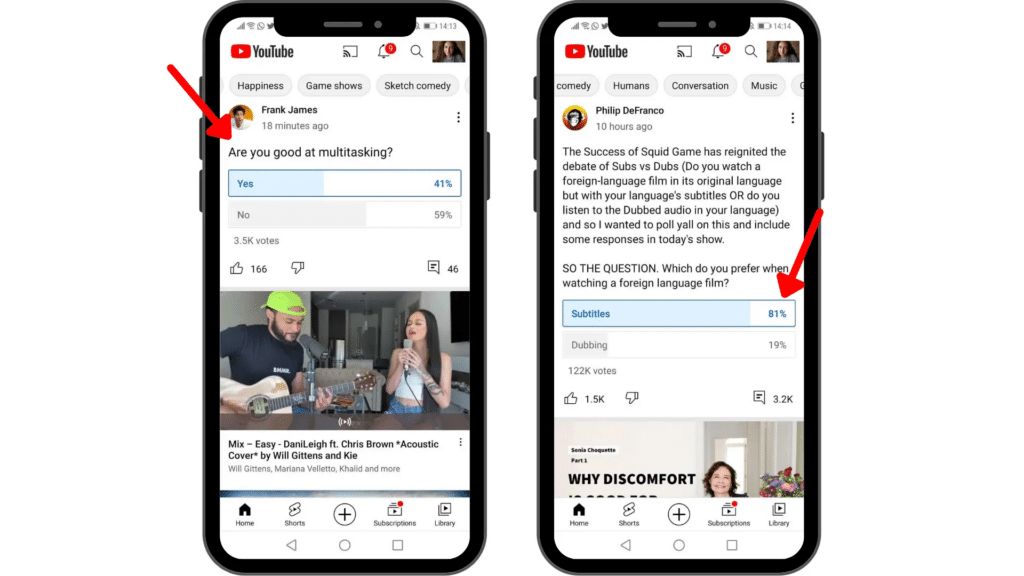
Used well, polls can support audience engagement while also giving you a quick sense of what people are interested in.
That feedback can then shape future videos, product ideas, or content topics.
71. Employee Challenge Videos
Employee challenge videos can show a more relaxed side of the company.
The idea is simple: pick a challenge people can understand quickly, then let the team take part.
That could be a trend, a skill-based challenge, or something tied to your industry. The best ones feel natural rather than forced.
Besides being entertaining, these videos can give viewers a better sense of the team dynamic.
72. Customer Service Insights
Customer service content doesn’t have to be limited to success stories.
You can also talk about what your team has learned from common questions, difficult situations, or recurring customer problems.
A video might cover:
- mistakes customers often make
- ways to get faster support
- lessons from real support cases
- how your team handles common issues
That gives viewers something useful while also showing how customer service works behind the scenes.
73. Thought Leadership Talks
Thought leadership works best when the speaker has a clear point of view, not just a polished title.
Pick one topic and go deeper. Share what’s changing, what people often get wrong, or what you’ve learned from experience.
TED Talks are a familiar example of this format, with speakers sharing ideas and insights across different fields.
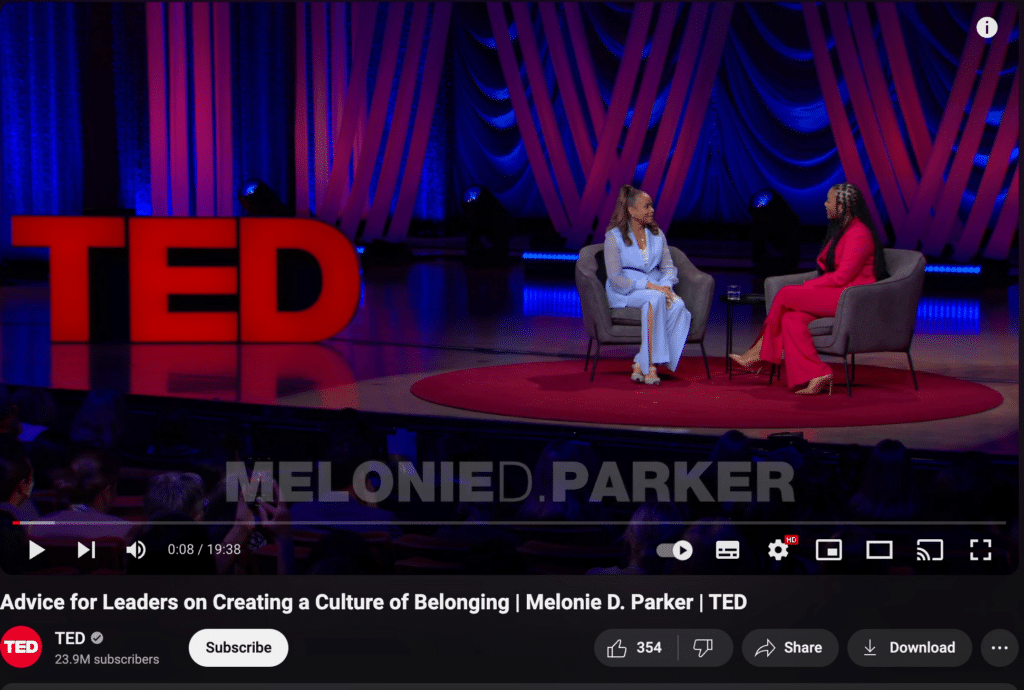
The strongest talks leave viewers with a new way to think about the topic, not just a summary of what they already know.
74. Product Safety Feature Highlights
If safety is an important part of your product, make it easy to understand.
Show the feature in action and explain what problem it prevents.
For some products, that might mean built-in protections, safer materials, warning systems, or testing standards.
Keep the explanation practical. Viewers should come away knowing what the safety feature does and why it matters.
75. Recruitment Videos
A recruitment video should give candidates a better idea of what working at your company is actually like.
Go beyond open roles and benefits.
Show the team, the work environment, and what a normal day looks like. You can also include employees talking about their roles or how they joined the company.
That kind of context helps people decide whether the role and culture are a good fit before they apply.
76. Brand Mascot Adventures
If your brand has a mascot, don’t let it sit in the background.
Build short stories, challenges, or recurring jokes around it.
Tony the Tiger is a good example. The Frosted Flakes mascot regularly appears in energetic, playful content tied to the brand.
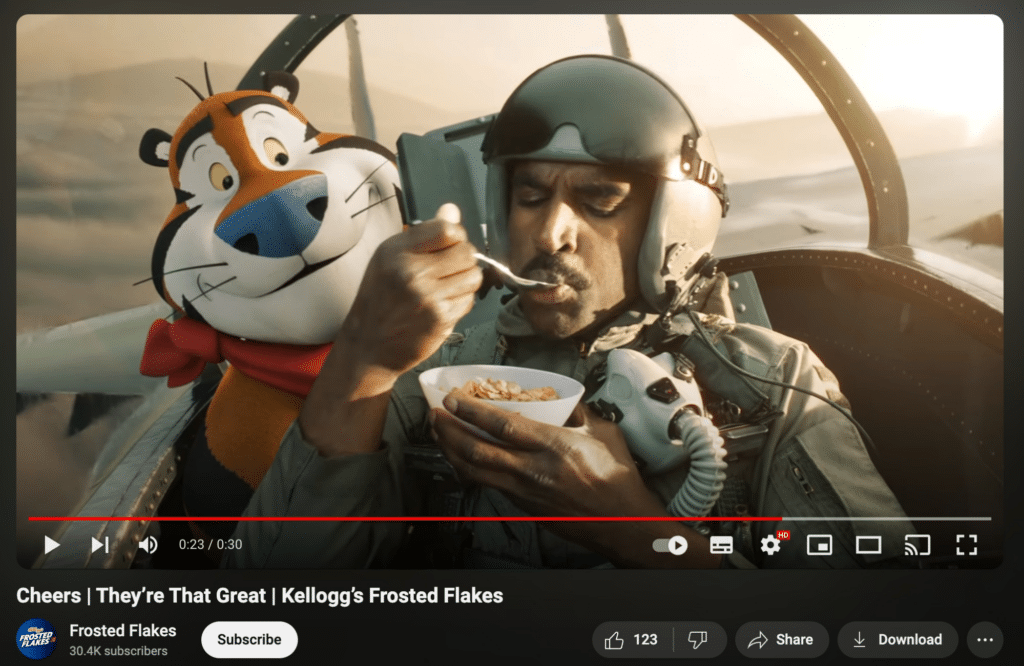
A mascot gives you a familiar character to bring back across different videos. Over time, that can make the content more recognizable.
77. International Presence Insights
If your company operates in several markets, show how the business changes from one place to another.
You might talk about local teams, cultural differences, regional products, or how customer needs vary by market.
This is much more interesting than simply listing the countries where you operate.
It gives viewers a clearer sense of how the company actually works across different regions.
78. Local Community Engagement
Local community videos work best when they focus on what’s happening on the ground.
That could mean supporting a local event, working with a nearby organization, or taking part in a community project.
Keep the story specific.
Who was involved? What did the project aim to do? What happened afterward?
Those details make the video feel more real than a general statement about “supporting the community.”
79. Unusual Product Applications
Unexpected product uses can make familiar products interesting again.
You might show:
- a surprising use case
- a creative shortcut
- a customer idea you hadn’t considered
- a product being used outside its usual context
The appeal comes from the surprise.
At the same time, make sure the idea is safe and practical enough for people to try.
80. Bloopers and Outtakes
Not every mistake needs to be cut from the final edit.
Bloopers and outtakes can show the more human side of your team, especially when most of your regular content is polished.
Keep the clips short and light.
A missed line, an awkward pause, or something unexpected during filming can be enough to make the video feel more relaxed and relatable.
81. Customer Appreciation Videos
A customer appreciation video is a simple way to say thank you.
You could highlight a few customer stories, share a message from the team, or celebrate a milestone you reached together.
The tone should feel genuine, not promotional. Keep the focus on the people who supported the business and the role they played in its growth.
82. Industry Future Predictions
Future-focused videos give you room to talk about where your industry may be heading next.
That could include new trends, changing customer behavior, emerging technology, or challenges that are starting to take shape.
Rather than trying to predict everything, narrow the topic down. Pick a few developments that matter most and explain why they deserve attention.
That makes the video more useful than a long list of guesses.
83. Creative Campaign Showcases
A campaign showcase lets you break down the thinking behind one of your successful marketing campaigns.
Instead of only showing the final ads, walk viewers through the idea, execution, and results. If something unexpected happened along the way, include that too.
Old Spice is well known for creative, humorous campaigns and has used YouTube to share that work.
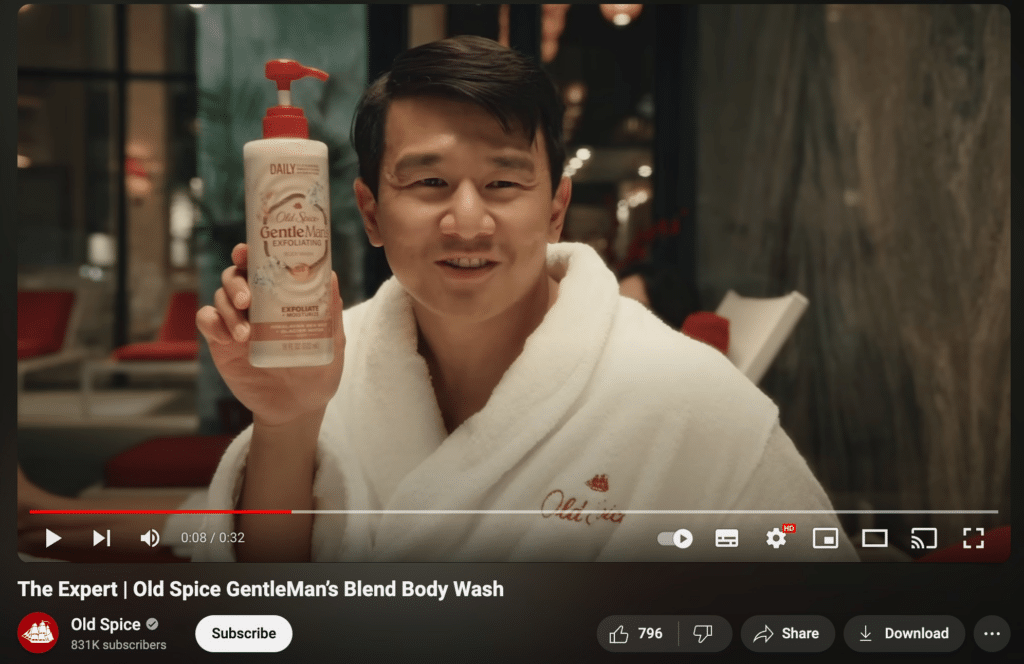
A good showcase explains why the campaign worked, not just what it looked like.
84. Safety Protocol Explanations
Safety information is easier to follow when people can see each step.
A video can walk through procedures, protective measures, or checks used in your products, services, or workplace.
Keep the explanation direct. Show what people need to do, when they need to do it, and why it matters.
That makes the video useful as both an educational resource and a reference people can return to later.
85. Customer-Centric Changes
If customer feedback led to a real change, tell people about it.
That might be:
- a new feature
- an updated policy
- a simpler process
- a product improvement
The strongest version connects the feedback to the action. Explain what customers were asking for, what you changed, and how the new version works.
That way, the video shows that feedback leads somewhere instead of disappearing into a survey.
86. Brand Loyalty Program Details
Loyalty programs can get confusing quickly if there are points, tiers, rewards, and special rules involved.
A short explainer video can make the program much easier to understand.
Cover the basics first: how people join, how they earn rewards, and what they can redeem them for.
If the program has several tiers, a simple comparison on screen can help viewers see the differences without sitting through a long explanation.
87. Workplace Culture Insights
Workplace culture is hard to explain with a few lines on a careers page.
Video gives you more room to show what daily life actually looks like.
You might include employee stories, team routines, office events, remote work habits, or how people collaborate.
The more specific the footage is, the better. Real moments usually say more about company culture than polished statements about values.
88. Economic Impact Reports
If your company has a measurable effect on jobs, local businesses, or communities, turn the numbers into a story people can follow.
You could talk about:
- jobs created
- local suppliers supported
- investment in communities
- growth across a region
Keep the data focused and explain what it means in practice.
A few clear figures with context are much easier to understand than a dense report full of statistics.
89. Supplier and Partner Spotlights
A supplier or partner spotlight gives some attention to the people and businesses behind your own work.
That could mean showing how a product is sourced, how two companies work together, or why a long-term partnership matters.
These stories can also add context to things customers normally never see.
Instead of saying you value strong partnerships, show what that relationship actually looks like.
90. Business Ethics Discussions
Ethics content works best when it focuses on real decisions rather than broad statements.
You might talk about how your company approaches sourcing, privacy, sustainability, fair treatment, or another issue that matters in your industry.
The most interesting part is usually the tradeoff.
What made the decision difficult? What options did you consider? Why did you choose one path over another?
That kind of openness makes the discussion more useful and much less like a generic statement about company values.
91. Product Restoration Guides
If your product can be repaired, cleaned, or maintained, show customers how to do it properly.
A restoration guide might cover filter cleaning, part replacement, basic repairs, or regular upkeep. Clear, step-by-step instructions matter here, especially if viewers are following along as they watch.
Dyson does this with maintenance videos for products such as vacuum cleaners.
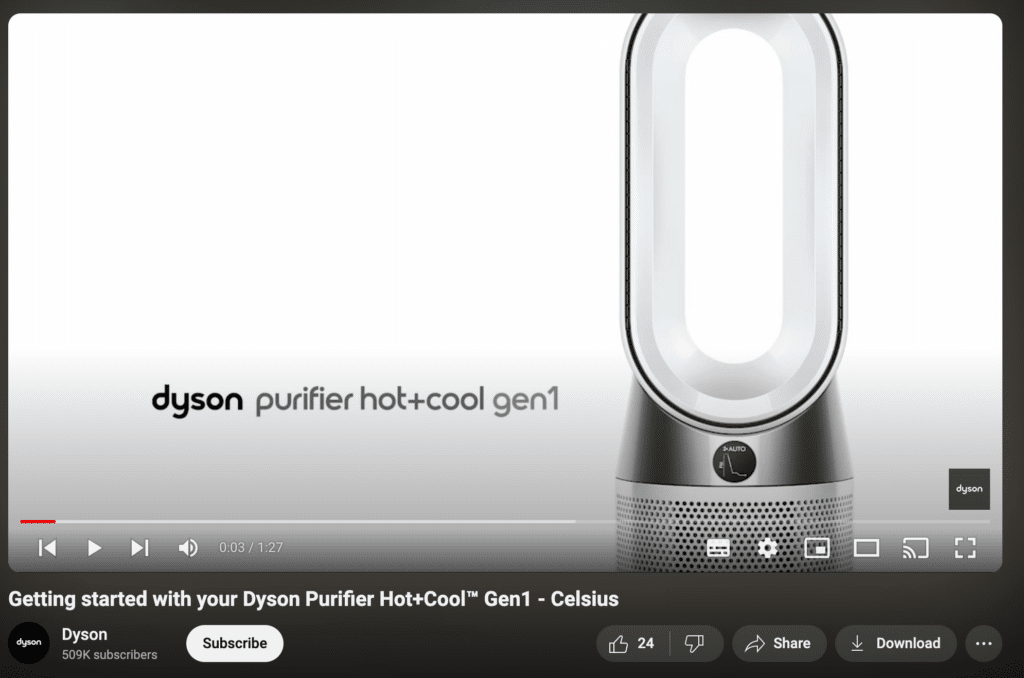
These guides can help customers keep products working for longer. At the same time, they give people a reliable place to turn before replacing something or contacting support.
92. Brand Merchandise Introductions
Launching branded merchandise? Give people a closer look before they buy.
Instead of showing a quick product shot, talk through the design, materials, fit, or story behind the item.
This works particularly well when the merchandise has a strong connection to your brand or community.
If there are several pieces in the collection, show them together so viewers can compare their options.
93. Trade Show Experience Shares
A trade show video can take viewers inside an event they may not have been able to attend.
Show the booth setup, product demos, interesting conversations, or anything else that stood out during the event.
You don’t need to document every hour. A shorter recap with the strongest moments will usually be easier to watch.
Once the event is over, the same footage can also support follow-up posts, sales conversations, or promotion for your next appearance.
94. Quality Assurance Explainers
If quality control is an important part of your product, show how it works.
That might include testing, inspections, safety checks, or the standards products need to meet before they leave the factory.
The details matter here. Rather than saying your products are “high quality,” show viewers the checks behind that claim.
That makes the message much more concrete.
95. Customer-Focused Initiatives
If you’ve made a change specifically to improve the customer experience, explain what changed and why.
That could be:
- a faster support process
- a new service feature
- a simpler checkout
- an updated return policy
The strongest version connects the improvement to a real customer need.
Instead of saying “we put customers first,” show what you changed because people asked for something better.
96. Multilingual Content
If your audience speaks more than one language, your YouTube content can too.
You might create separate versions of the same video, add translated voiceovers, or publish subtitles for different markets.
The right approach depends on your audience and resources.
What matters most is clarity. Good multilingual content should feel like it was made for that audience, not simply translated as an afterthought.
97. New Market Expansion Talks
Entering a new market gives you plenty of material to talk about.
You could cover what attracted you to the region, what you had to adapt, and what you learned along the way.
There may also be useful lessons around pricing, customer expectations, local partnerships, or cultural differences.
That makes the video more interesting than a simple announcement that the company has expanded.
98. Digital Transformation Journey
A digital transformation story works best when it shows what actually changed inside the business.
That could mean moving from manual processes to digital tools, combining online and offline services, or introducing technologies such as AI and automation.
Walmart has shared parts of its digital transformation, including the connection between e-commerce and physical retail, as well as its use of data, AI, and robotics.
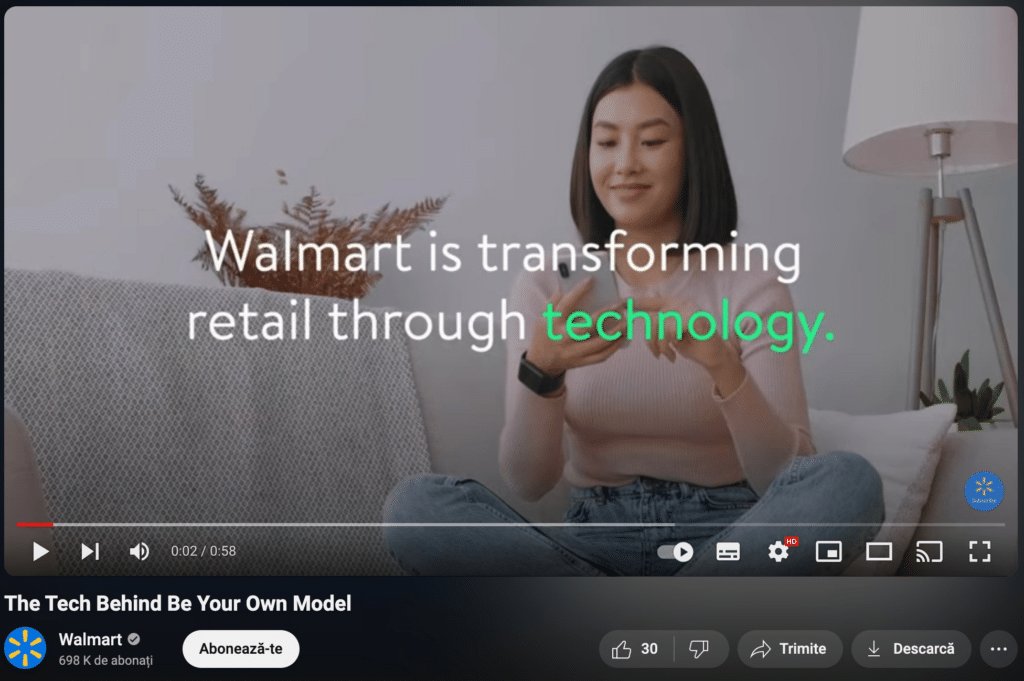
Their journey highlights how a traditional retailer has evolved to stay competitive in the digital age.
99. Employee Recognition Events
Employee recognition videos can celebrate the people behind the company.
You might highlight an award ceremony, a team achievement, a work anniversary, or an individual contribution.
Keep the spotlight on the employees themselves. Let them speak, share the story behind the recognition, or include comments from teammates.
That makes the video feel more personal than simply announcing a list of winners.
100. Year in Review Recap
A year-in-review video is a chance to bring the biggest moments from the year into one place.
Rather than listing everything that happened, choose the highlights that tell a clear story. You might include major launches, milestones, challenges, customer growth, team moments, or lessons learned.
Orange Sky used this format to look back at its year:
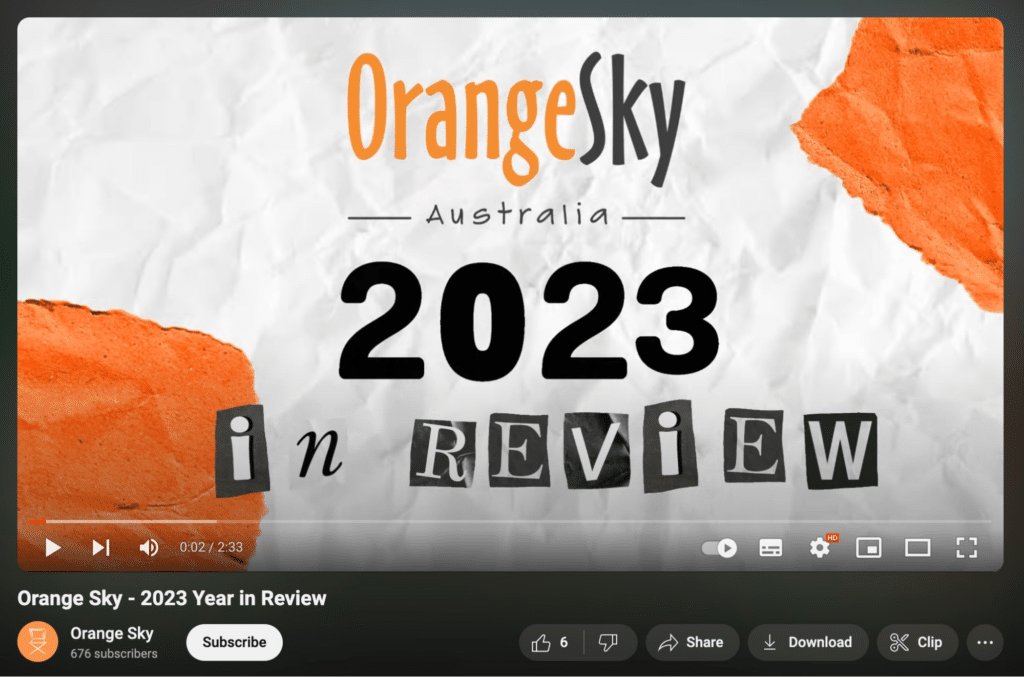
A strong recap should do more than celebrate wins. Including what changed, what you learned, and what you’re taking into the next year makes the video feel more complete.
Frequently Asked Questions
1. What Is the Best Topic for YouTube Video Content?
The best topic depends on your audience and what you want the video to achieve.
Still, some formats work across many industries because they answer common viewer needs. Popular options include:
- How-to guides and tutorials for teaching a skill or solving a problem
- Product reviews and unboxings for helping people compare options
- Vlogs for sharing experiences and building a more personal connection
- Educational videos for explaining a topic in more depth
- Fitness and wellness content for practical advice and routines
- Gaming videos for gameplay, reviews, and industry news
- Comedy and entertainment for lighter, shareable content
- Technology videos for product updates, demos, and reviews
- Lifestyle content for fashion, home, and everyday tips
- DIY and crafts for step-by-step projects people can try themselves
Rather than choosing a topic only because it’s popular, start with what your audience is already asking, searching for, or struggling with.
2. What Kind of YouTube Videos Do Well?
Videos tend to perform best when they give people a clear reason to keep watching.
For brands, that often means mixing useful and engaging formats. Tutorials can solve a problem, product demos can answer buying questions, and brand stories can give viewers a better sense of the people behind the company.
The topic matters, but so does the execution. A simple idea that answers a real question will often be more useful than a polished video with no clear point.
3. What Makes a Good YouTube Video?
A good YouTube video gets to the point quickly and gives viewers a reason to stay.
Clear audio and visuals matter, but the content itself needs to deliver something useful, interesting, or entertaining.
Strong videos usually also have:
- a clear topic
- an opening that tells viewers what they’ll get
- a structure that’s easy to follow
- editing that keeps the pace moving
- a relevant call to action
Beyond that, consistency helps. Publishing regularly gives you more chances to learn which topics and formats your audience actually responds to.
Ready to Put Your Own YouTube Video Ideas Into Action?
Having 100 ideas is helpful, but you don’t need to try all of them.
Start with a few formats that match your audience and goals. Then pay attention to what gets watched, clicked, commented on, or shared.
From there, keep what works and adjust what doesn’t.
The strongest YouTube channels usually aren’t built around one perfect idea. They grow by testing different formats, learning from the response, and finding a style that feels natural for the brand.
And once you have videos ready to promote, SocialBee can help you plan and schedule the social posts around them, so each video gets more than one chance to reach your audience.
Start your 14-day SocialBee trial and bring your YouTube promotion into the same place as the rest of your social media content.