What is an Instagram post mockup generator?
An Instagram post mockup generator is a free tool that lets you create a realistic preview of any Instagram post without publishing it.
It mirrors the look of a real Instagram feed post, including the profile photo, username, caption, images, likes, and comments, so you can present ideas, show Instagram post designs, or plan content before it goes live.
Why use an Instagram post mockup generator?
An Instagram mockup generator helps you plan, preview, and refine your ideas before anything goes live. It is especially useful when you want to show clients what a post will look like, experiment with layouts, or preview campaigns without risking publishing your post.
An Instagram post maker allows you to:
- Test captions, layouts, and images without appearing on your public profile.
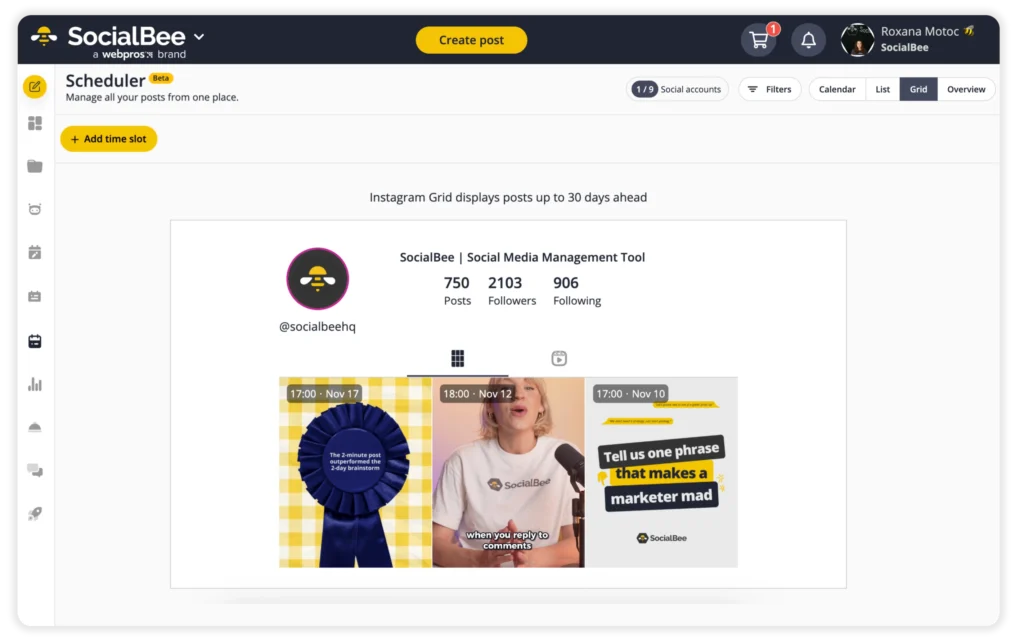
- Review aesthetic choices, and check how posts work next to each other.
- Use realistic mockups when pitching ideas or building social media proposals.
How to use the Instagram post generator
You can create your Instagram post mockup in a few simple steps:
- Add your username.
- Upload your profile picture.
- Add your post image.
- Turn the badge on or off.
- Select your post size and aspect ratio:
- 4:5 Portrait (1080 × 1350 px)
- 3:4 Tall Portrait (1080 × 1440 px)
- 1:1 Square (1080 × 1080 px)
- 1.91:1 Landscape (1080 × 566 px)
- Write your text exactly as you would publish it on Instagram.
Is a fake Instagram post generator different from an Instagram mockup generator?
A fake Instagram post generator (sometimes called a fake Instagram post maker) is designed to produce realistic Instagram posts for previews or content planning. An Instagram mockup generator does the same, so there’s no practical difference between them here.
Tips for creating awesome Instagram posts
A good Instagram post does more than look nice on its own. It also needs to fit into your grid, support your message, and feel unmistakably “you.” These tips will help you create stunning Instagram posts that work both individually and as part of a larger visual system.
Tip 1: Use images that reinforce your grid’s style
Your post image should match the look of your grid. If you use bold colors, minimal layouts, or text-based graphics, keep that style consistent. You don’t want your beautiful Instagram posts to turn into a mashup of styles that ends up looking messy.
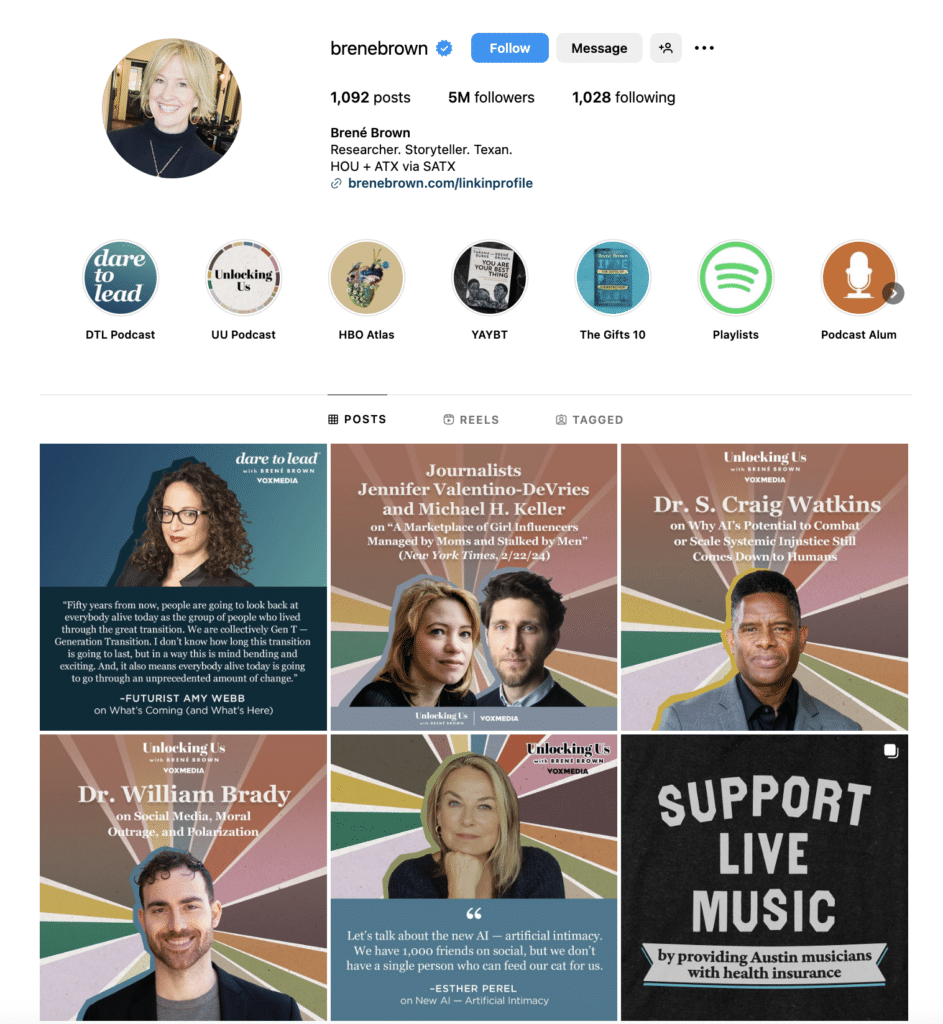
A single off-brand image can break the flow of your feed. Many social media managers use standard Instagram post templates. This not only helps them design faster but also ensures a consistent style across all posts.
Tip 2: Write captions that add context instead of repeating the image
Your caption should tell the part of the story your image cannot. Use it to explain the meaning behind the visual, share a quick takeaway, or add personality. This balance is what helps you create an Instagram post that feels complete.
Tip 3: Keep your first line strong
The first line determines whether someone stops scrolling. Instagram cuts captions after the first 125 characters, so the opening line has to carry the weight. Start with the key message, offer, or question you want viewers to notice immediately.
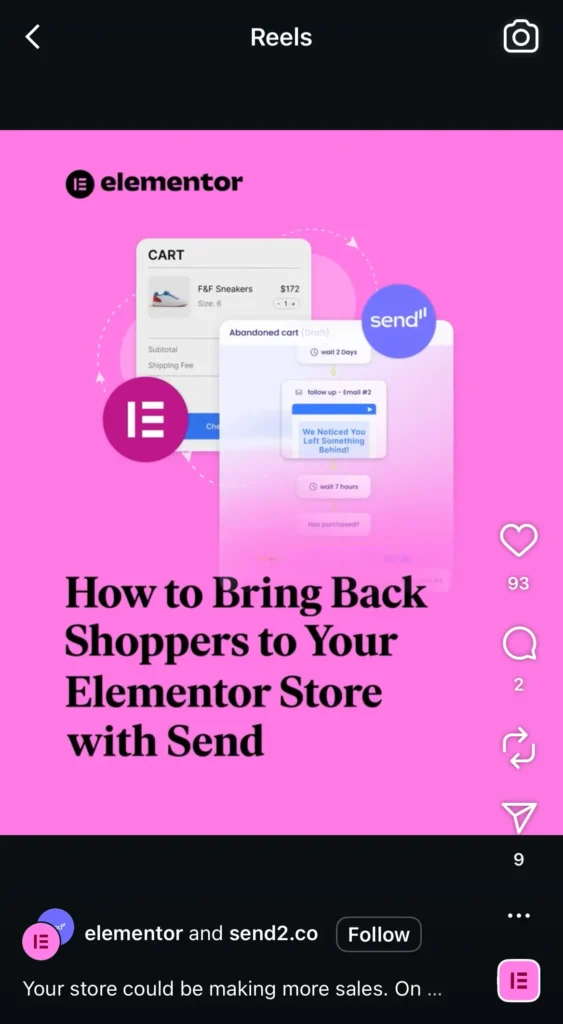
Make it simple and specific, and ensure it aligns with what your audience wants to hear.
Tip 4: Make your caption easy to read at a glance
Readable captions always perform better. Keep your copy concise, break longer thoughts into short sections, and use simple spacing to guide the eye.
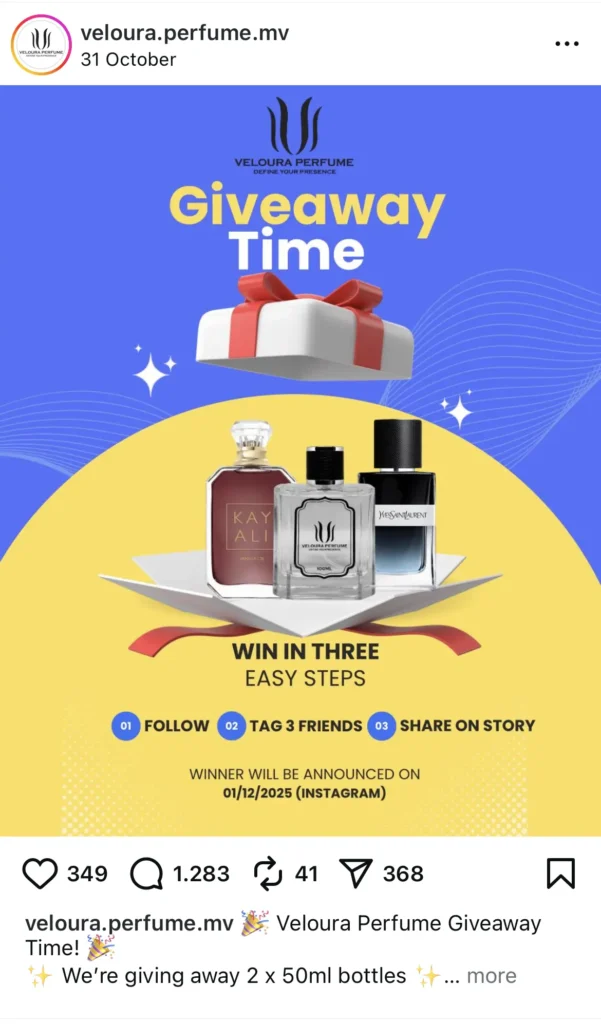
A few well-placed emojis can help with structure, add personality, and get your message across more clearly. The goal is a caption people can understand in seconds while scrolling.
Tip 5: Plan your Instagram posts at the right times
When you publish matters almost as much as what you publish. Even strong posts can disappear if they go live when your audience is offline. The best posting times are different for every Instagram account, so it helps to track when your followers are actually paying attention.
With SocialBee, you don’t have to guess. The platform studies your past Instagram performance and suggests the ideal posting windows for your audience. You can schedule posts in advance, organize them by category, and keep your feed consistent without having to remember every detail.