Instagram marketing tool for content planning & scheduling

Plan weeks of posts in one sitting, then let scheduling happen automatically with SocialBee, your complete Instagram marketing tool for every post type.

No credit card required

Manage your Instagram content with one Instagram scheduler

For those who manage Instagram, they are planning captions, scheduling posts, checking comments, and looking at performance, all at different times of the day. 

A good Instagram scheduler puts all of it in one dashboard instead. Plan your content ahead of time, let posts go out automatically, and see how they’re performing, all without switching tools every hour.

Everyone sees the same schedule, the same drafts, and the same feedback, so nothing gets lost between people.

That’s really the point of using a proper scheduler for Instagram: less time managing tools, more time actually managing your content.

All you need to create and share Instagram content

Your Instagram scheduling app doesn’t need to be difficult.

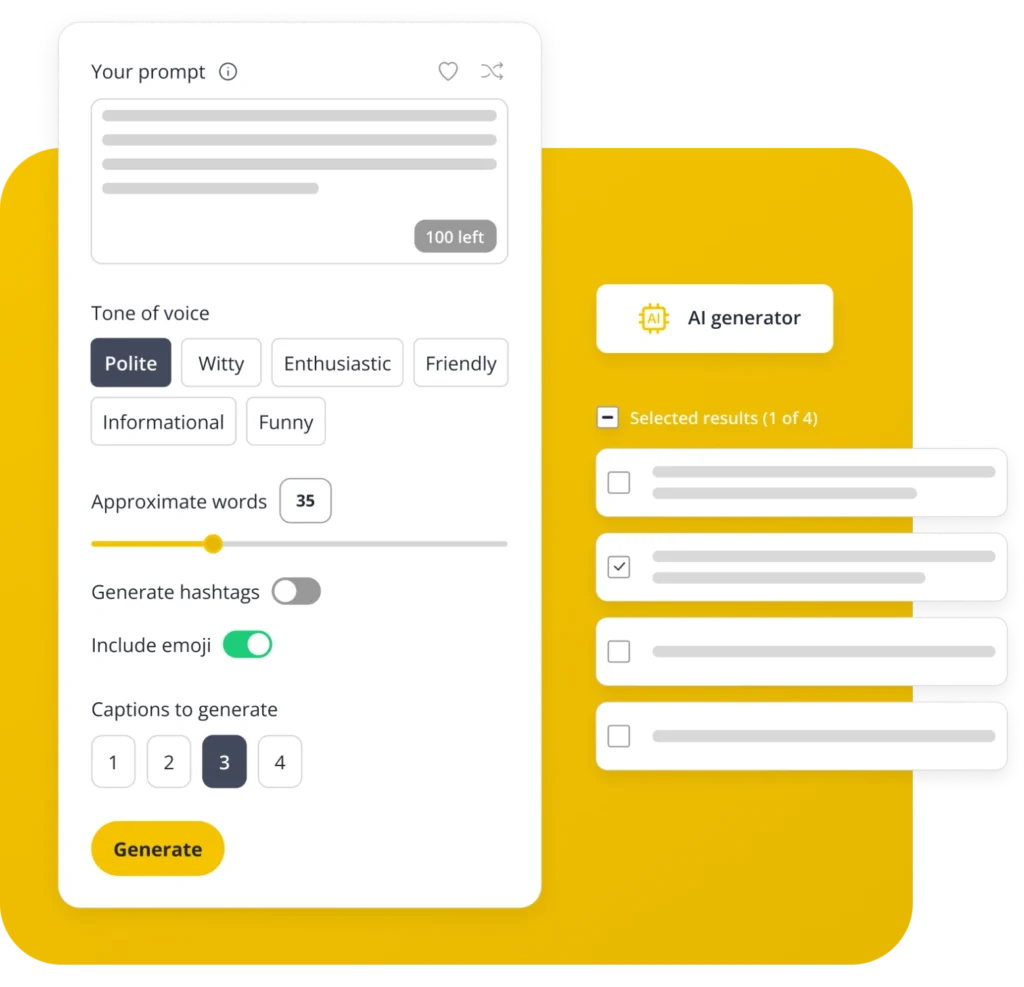
AI content generation

Add a link or extra hashtags in a first comment instead of jamming them into your caption. It posts automatically, right after your main post goes live

Instagram first comment

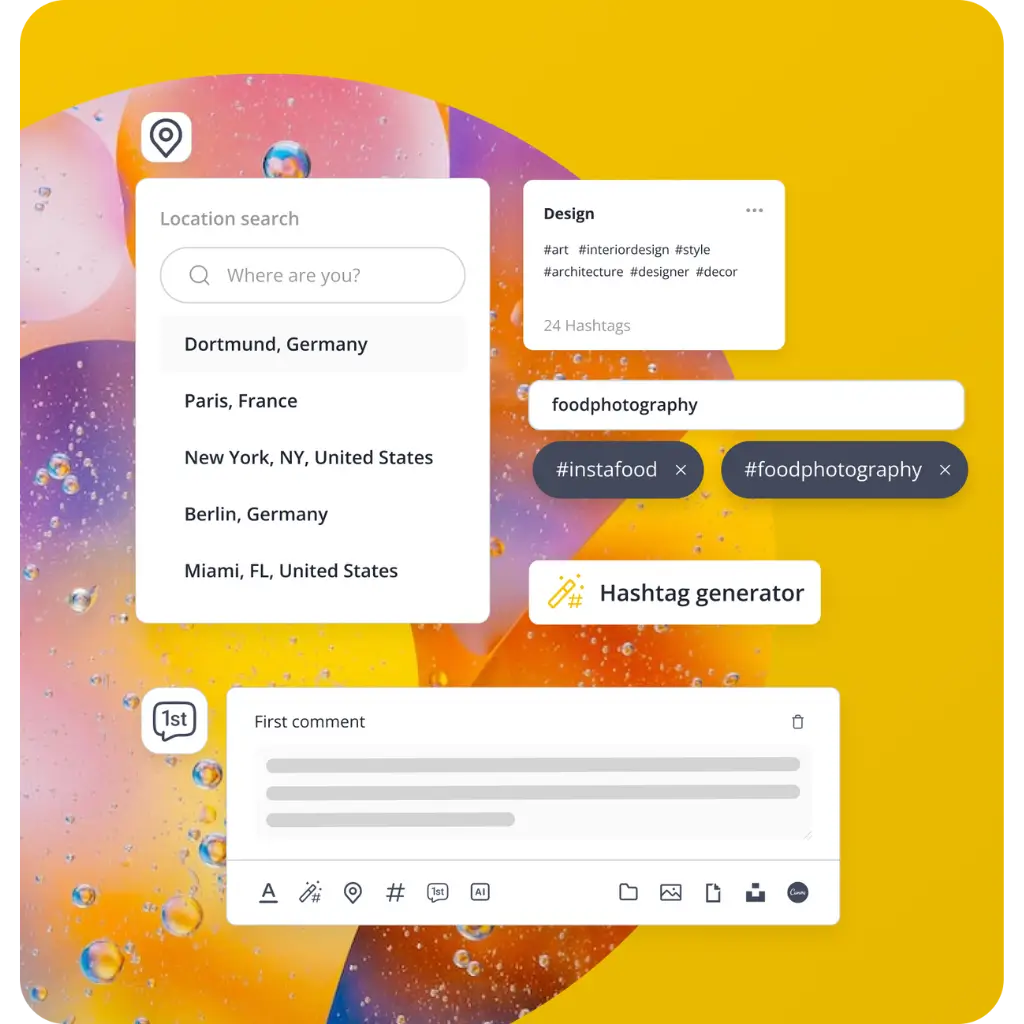
Ever wanted to add a link or extra hashtags without cluttering the caption? Schedule a first comment to post automatically right after, which keeps the main caption clean.

Unified inbox

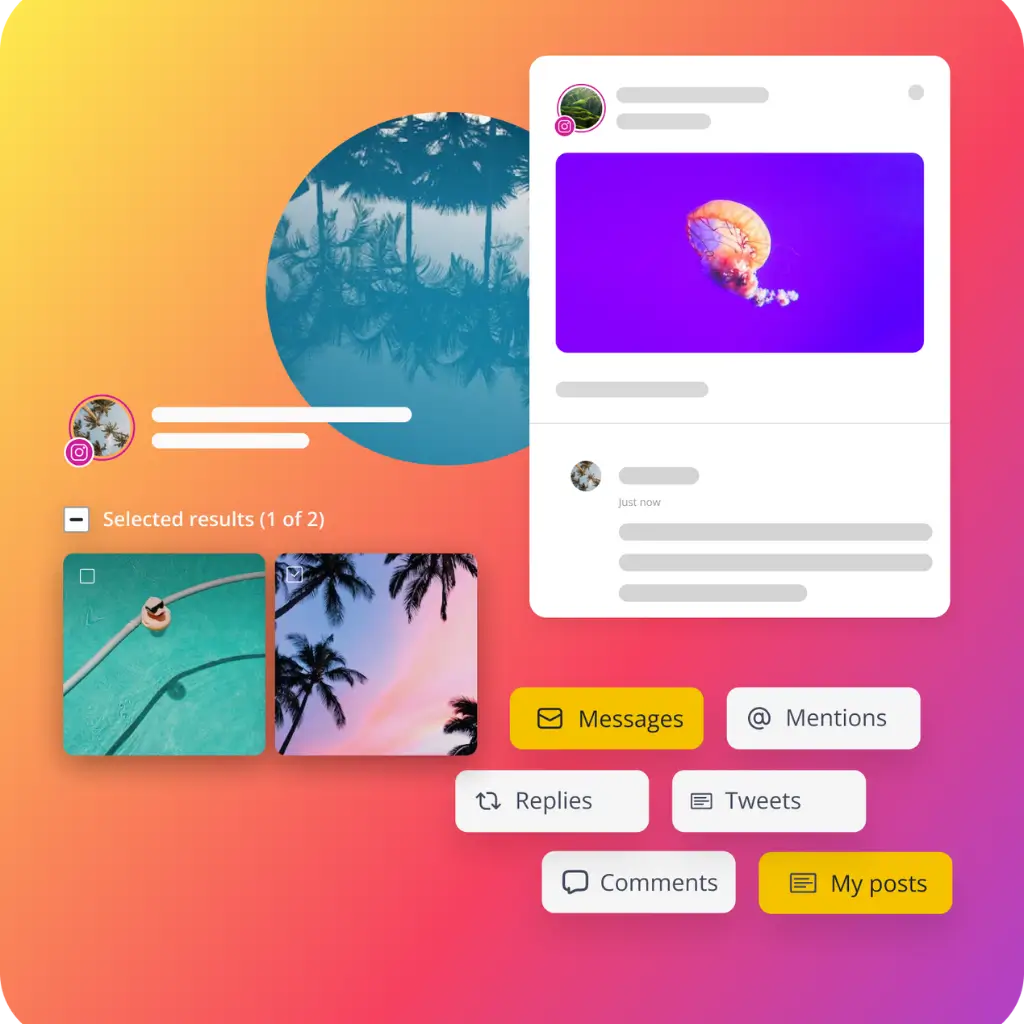
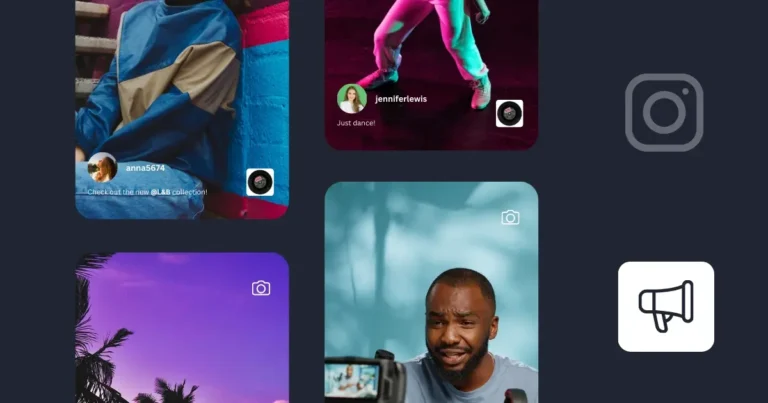
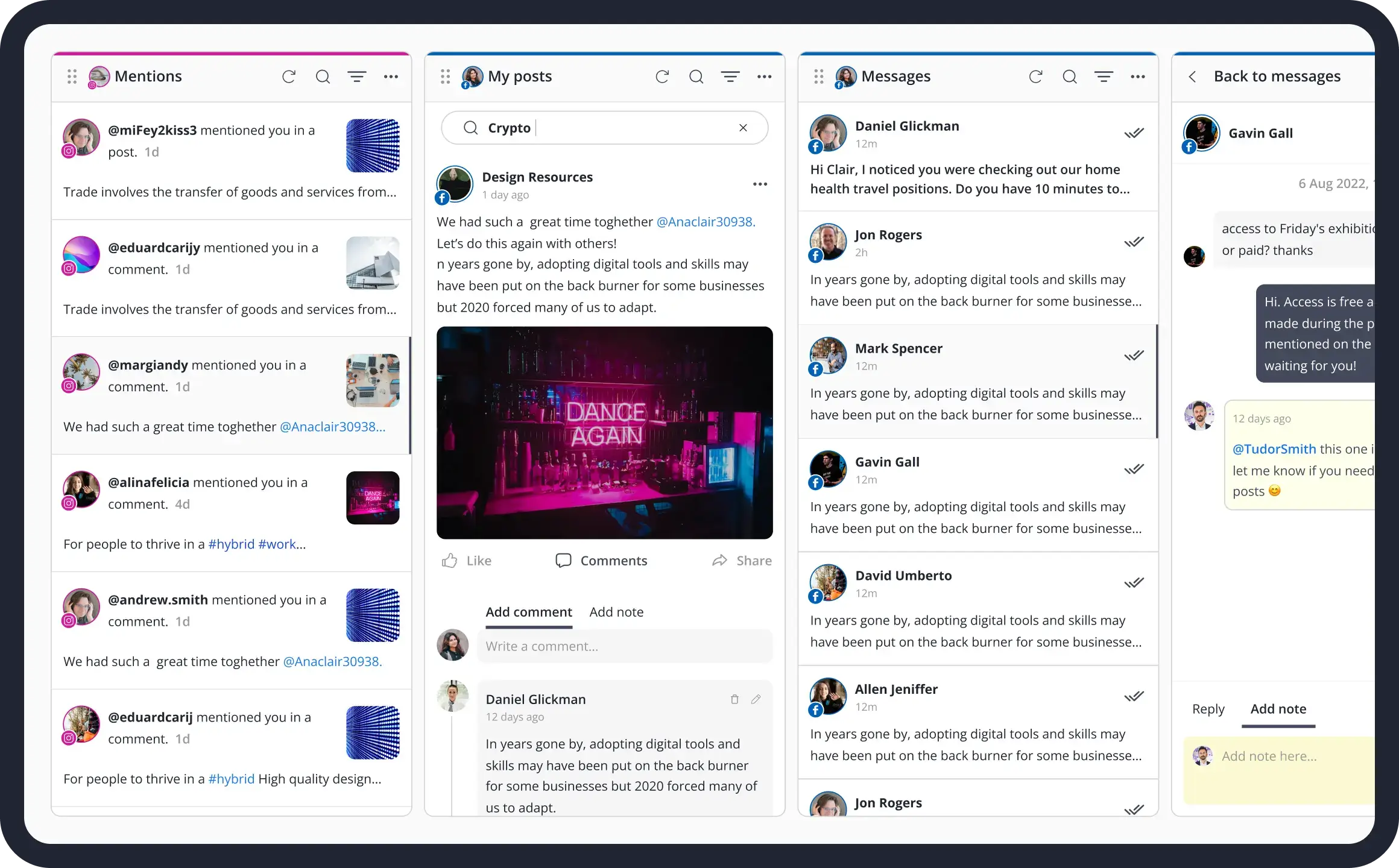
Discover who mentioned you in their posts to track user-generated content, and easily reply to mentions, comments, and DMs all in one place, boosting engagement with your target audience.

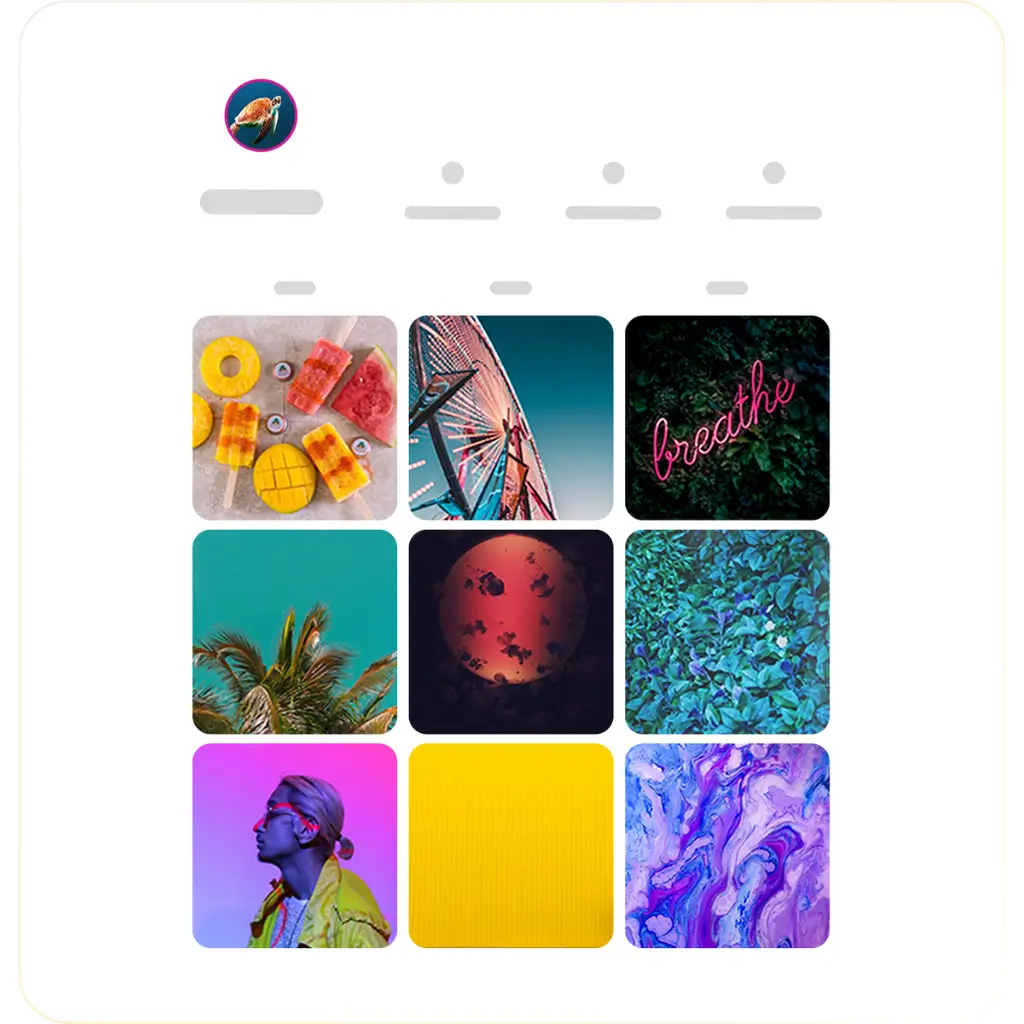
Grid preview

See how your next post will look next to the ones already up. Find a bad colour match or a pair that doesn’t go together before anyone else does.

Tags & mentions

Shout out a collaborator, tag a brand, mention a customer, it takes one click and helps your content actually reach people outside your usual audience.

Bulk post Instagram editor

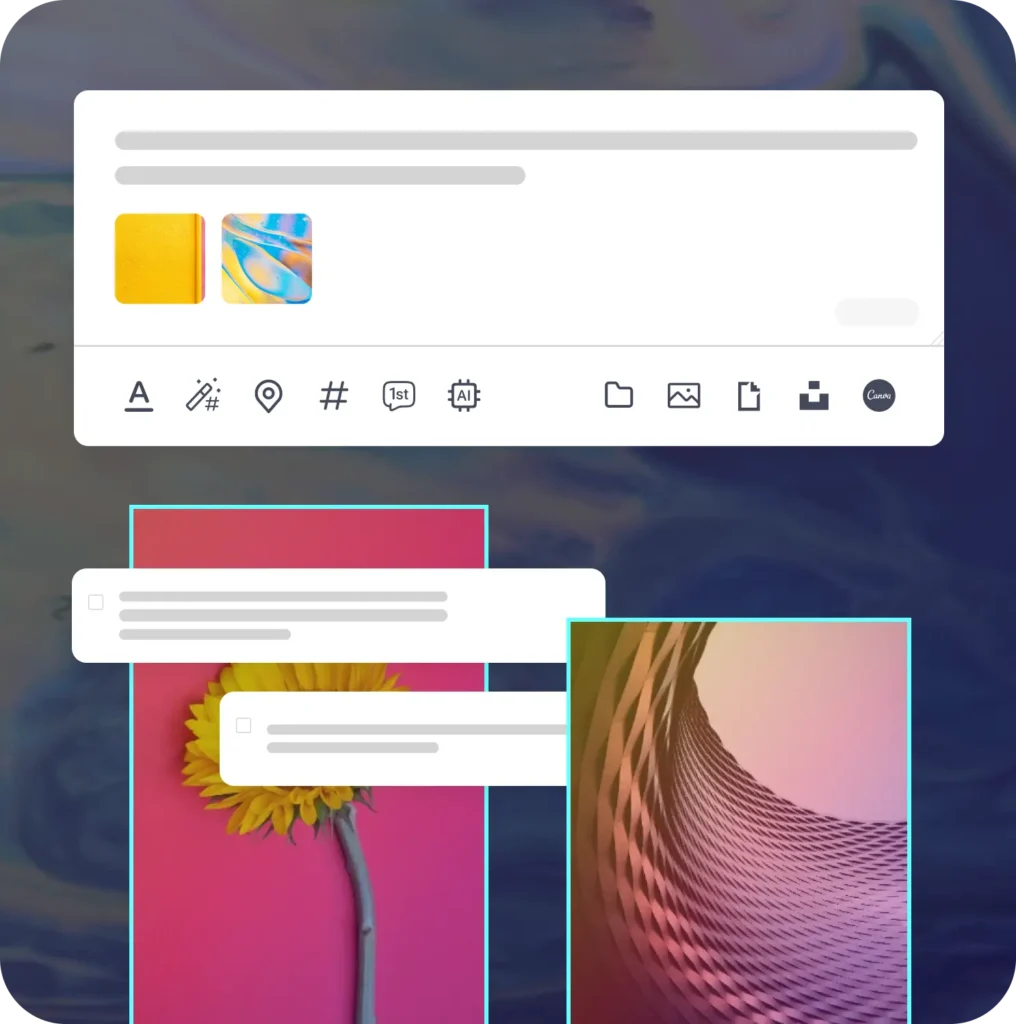
Got twenty drafts sitting there? Review, approve, or delete them from one screen instead of clicking into each post one at a time, this is where a real Instagram post scheduler earns its keep.

Customize content with AI

Character limits, image sizes, aspect ratios- every platform wants something different. Let AI adjust your post for you, or make the changes yourself if you prefer.

Content categories (folders)

Sort your posts into themes, tips, promos, behind-the-scenes, anything that fits. Mix them up automatically so your feed stays interesting instead of repetitive.

Video thumbnails

No one selects “play” on a dull thumbnail. Select a frame or upload your own cover to ensure that users are compelled to stop scrolling.

Instagram scheduling tools

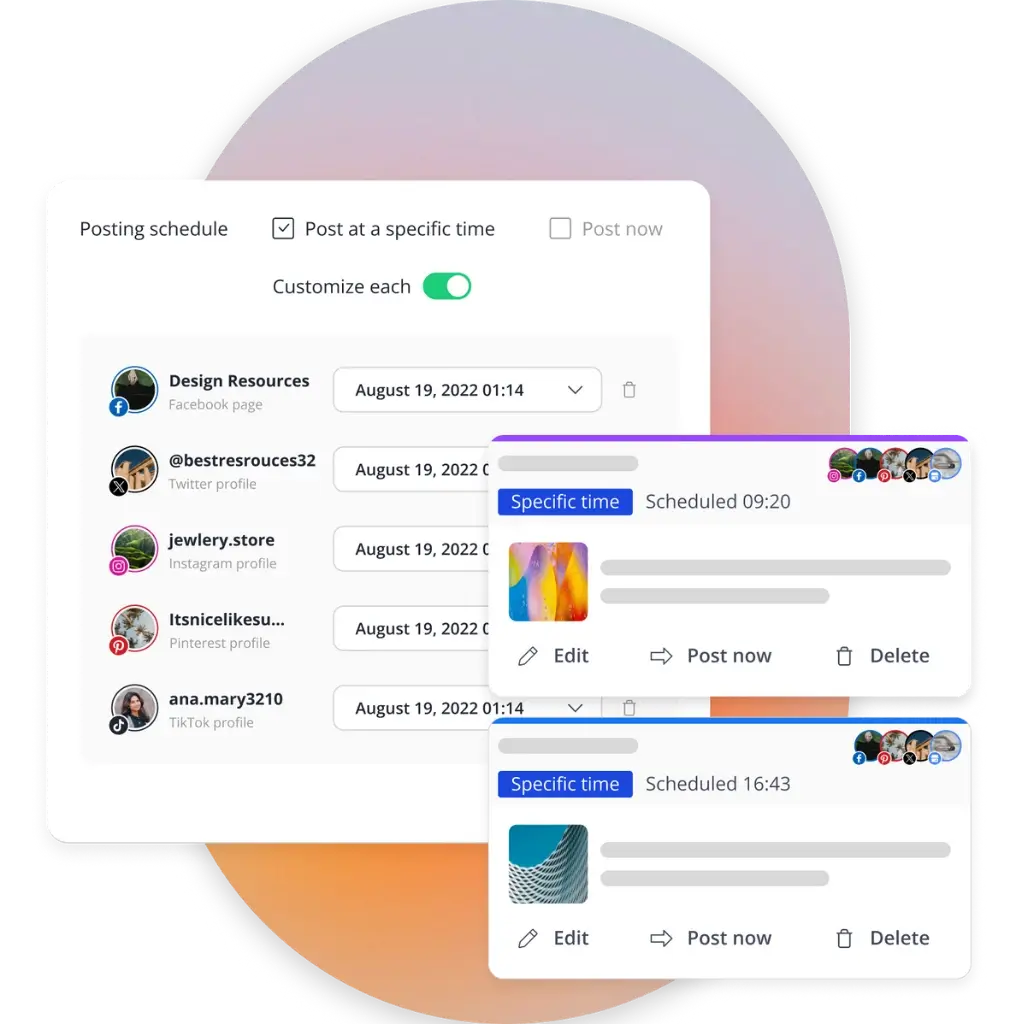
Schedule Instagram posts for exact days and times and decide when they should stop showing up, either after a set period or after being shared a certain number of times. 

Evergreen content cycle

Give your evergreen posts a new life by resharing them periodically on your Instagram page. With SocialBee, you can automate Instagram posts to keep your content visible.

Best posting time suggestions

SocialBee provides the best posting time suggestions based on your top-performing content, making your Instagram strategy more effective with minimal edits. 

Emojis

For more engagement and visual appeal, use the emoji keyboard to sprinkle some playfulness into your posts.

Hashtags

Let SocialBee generate relevant hashtags for your Instagram feed post captions based on your content, and save them in collections for later use.

Location tags

Get more local customers with ease. Add a location to your posts and put your content on the map (feature available for Instagram Business Profiles).  

SocialBee Canva integration
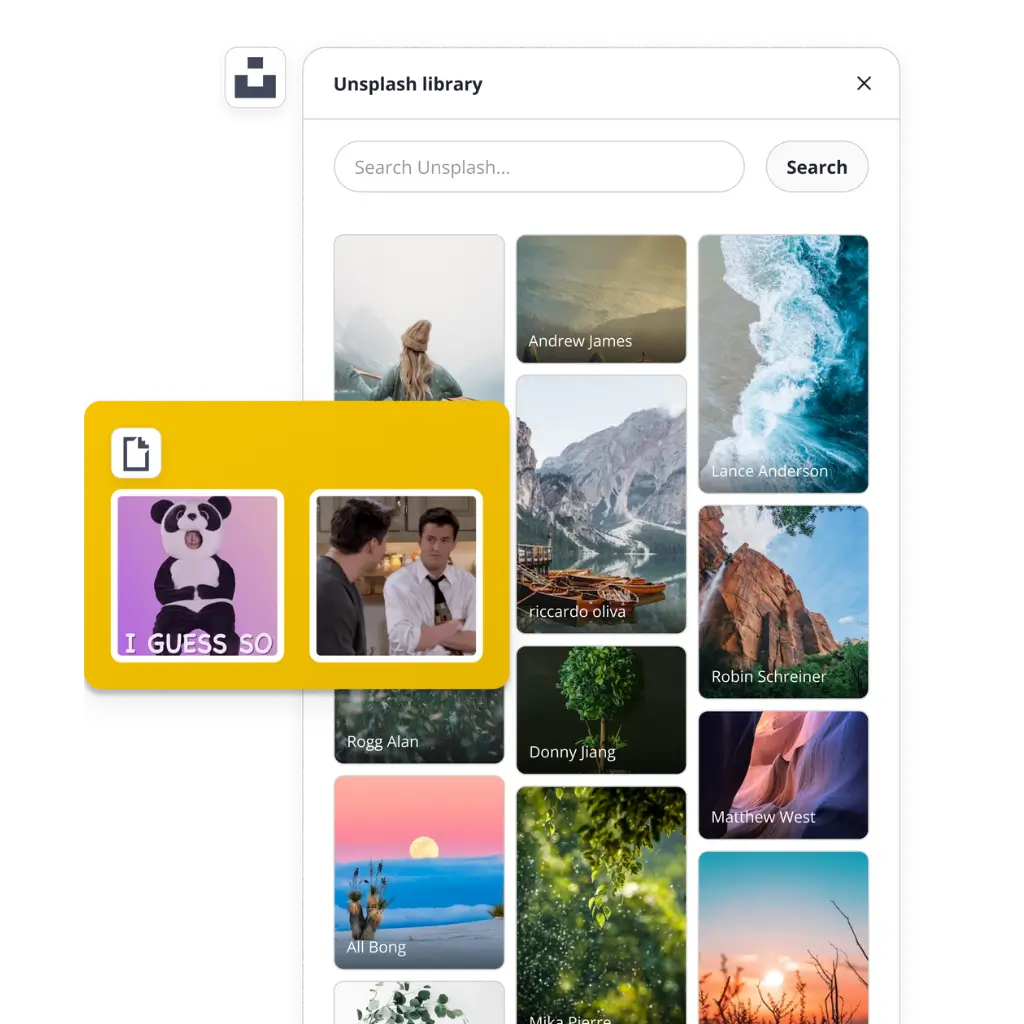
SocialBee Unsplash and GIPHY integration
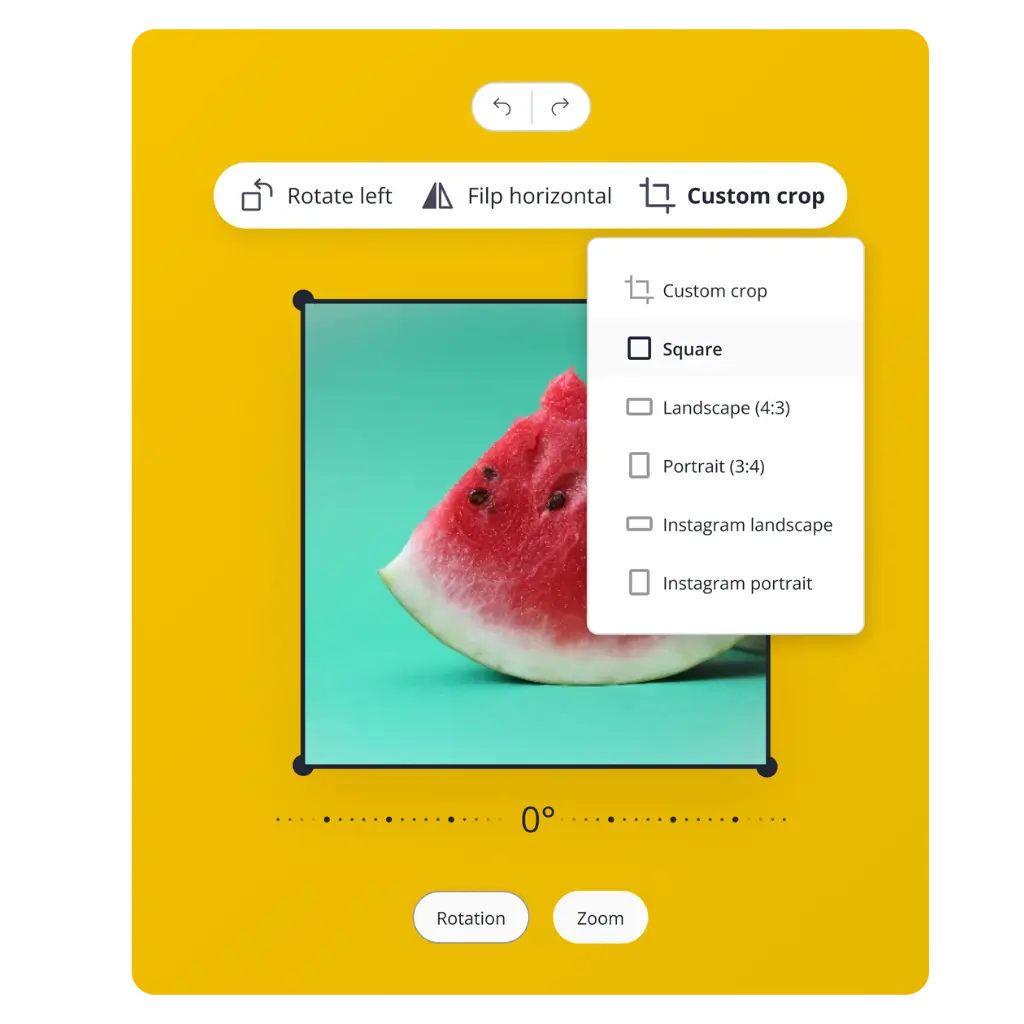
SocialBee image editor

Canva integration

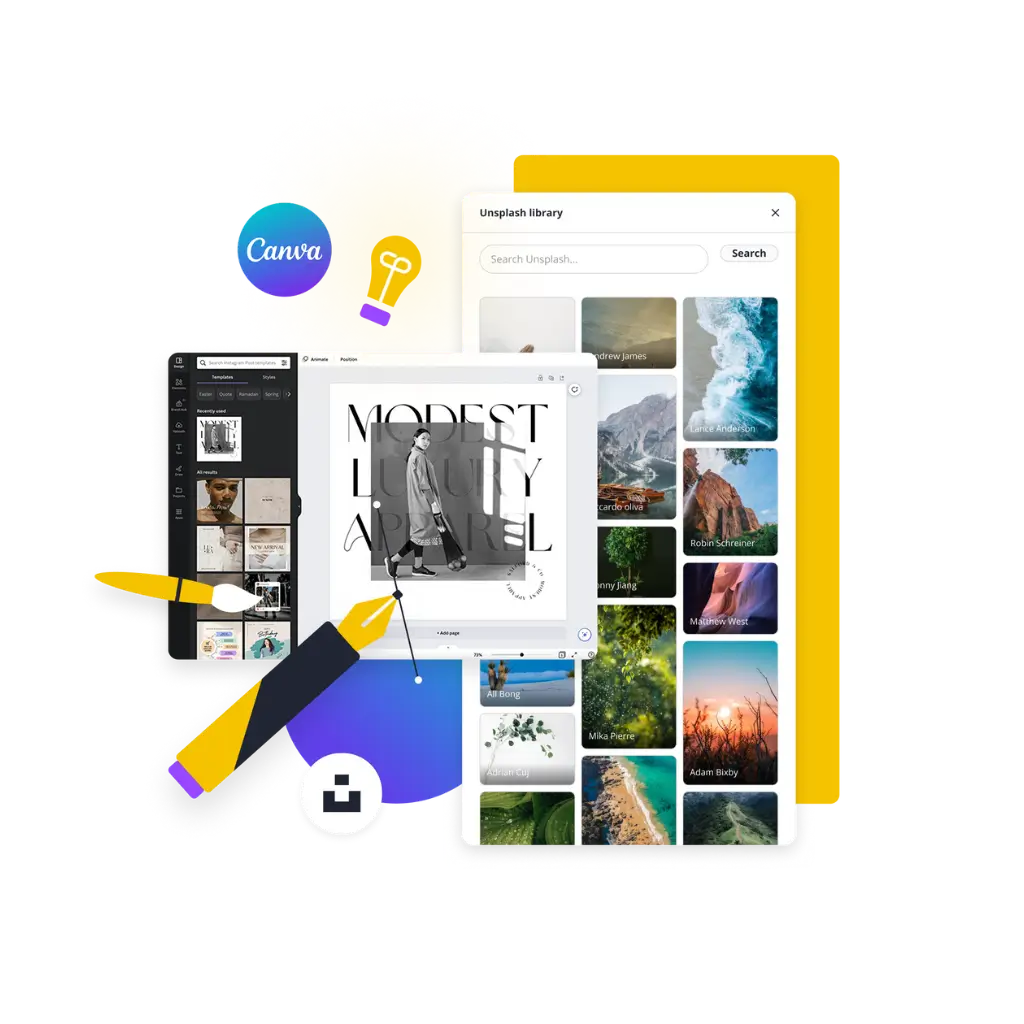
SocialBee lets you browse your Canva library and bring designs into your post in seconds.

Curate visuals with Unsplash & GIPHY

Use Unsplash and GIPHY’s media library in SocialBee to quickly find the perfect visuals for all your Instagram posts in no time.

Crop, flip, and rotate your images

Polish your visuals with ease—crop, rotate, or flip images to perfection using our in-app editor.

Schedule every type of Instagram content

Single images

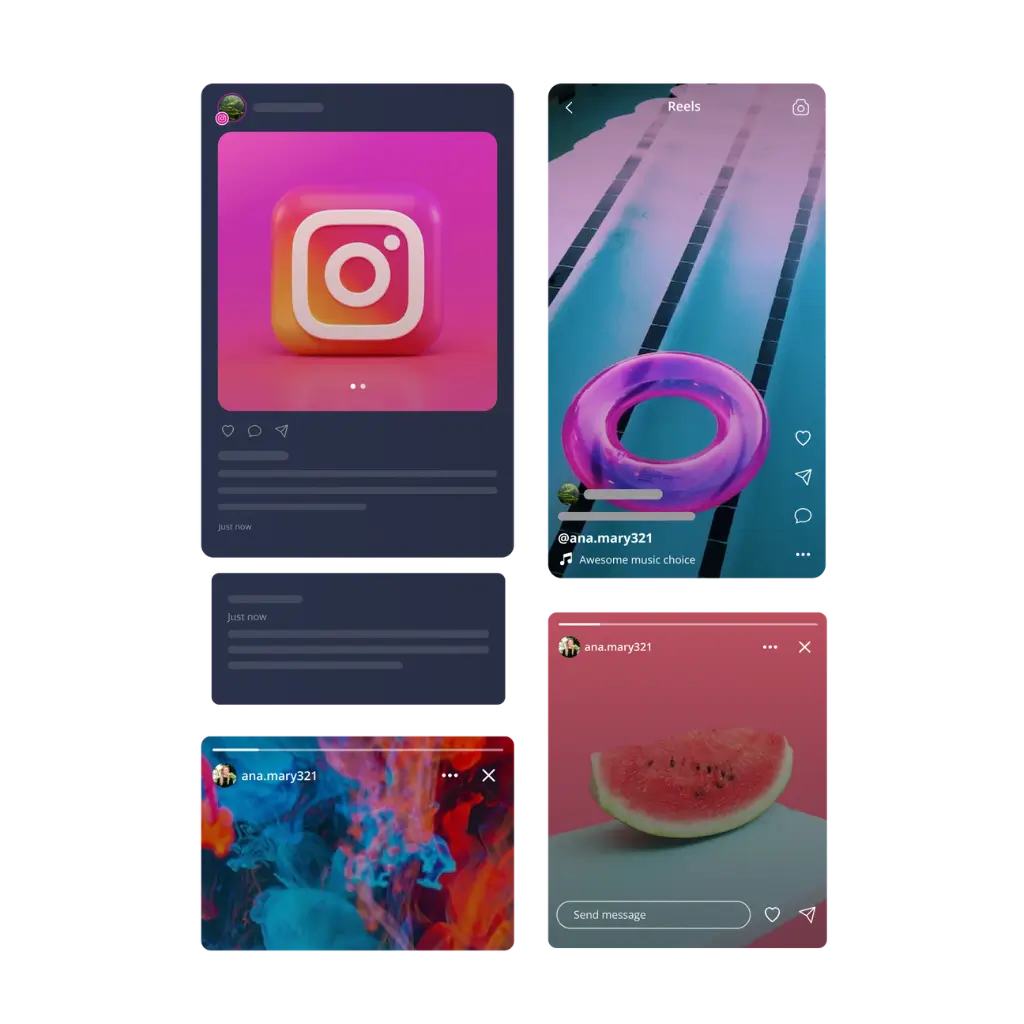
Queue single-image posts in advance, so your feed stays active.

Reels

Batch up your Reels with everything else and publish them automatically.

Carousels

Prep multi-image and video carousels ahead, post them whenever suits you.

Stories

Let Stories publish on schedule, keeping your audience consistently engaged.

Collaborative posts

Tag co-authors and schedule everything at once, reaching a wider audience.

Automate your Instagram publishing workflow

Manual posting means someone has to remember every single day. A real Instagram automation tool removes that dependency entirely. Set up a content queue once and posts go out on schedule; no one needs to be online to hit publish.

Recurring content works the same way; evergreen posts reshare automatically over time, which keeps your feed active without extra effort. This kind of Instagram post automation isn’t about replacing your judgment. It’s about removing the repetitive part so consistency doesn’t rely on memory.

Collaborate on creating the best content

SocialBee gives you real Instagram tools for marketing, letting you manage multiple accounts, invite your team and approve content easily.

Workspaces & users

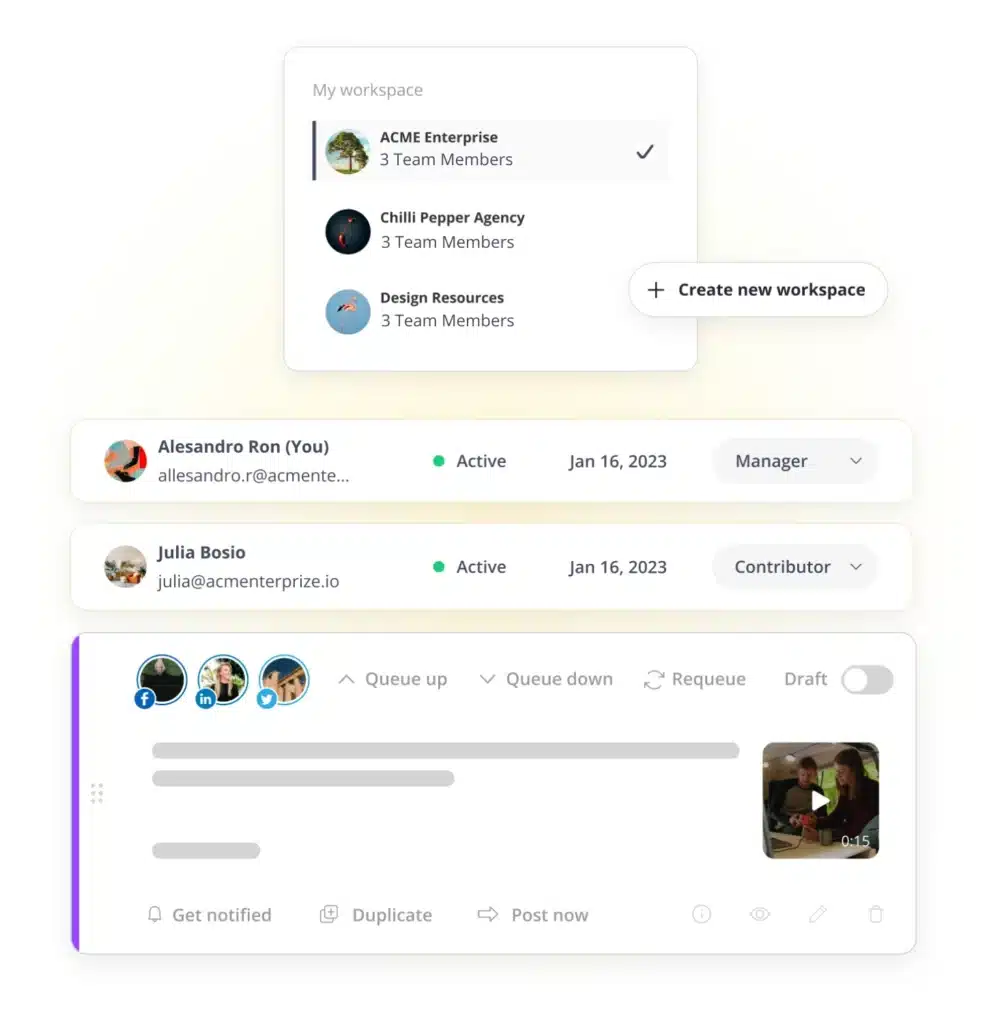
Create separate workspaces for every client or brand, then assign roles so your team knows exactly who reviews content and who creates it.

Content approval

Save posts as drafts until your team reviews them, then leave notes right on the post. Tag a teammate directly, so feedback never gets buried elsewhere.

Track performance with Instagram analytics

Page analytics

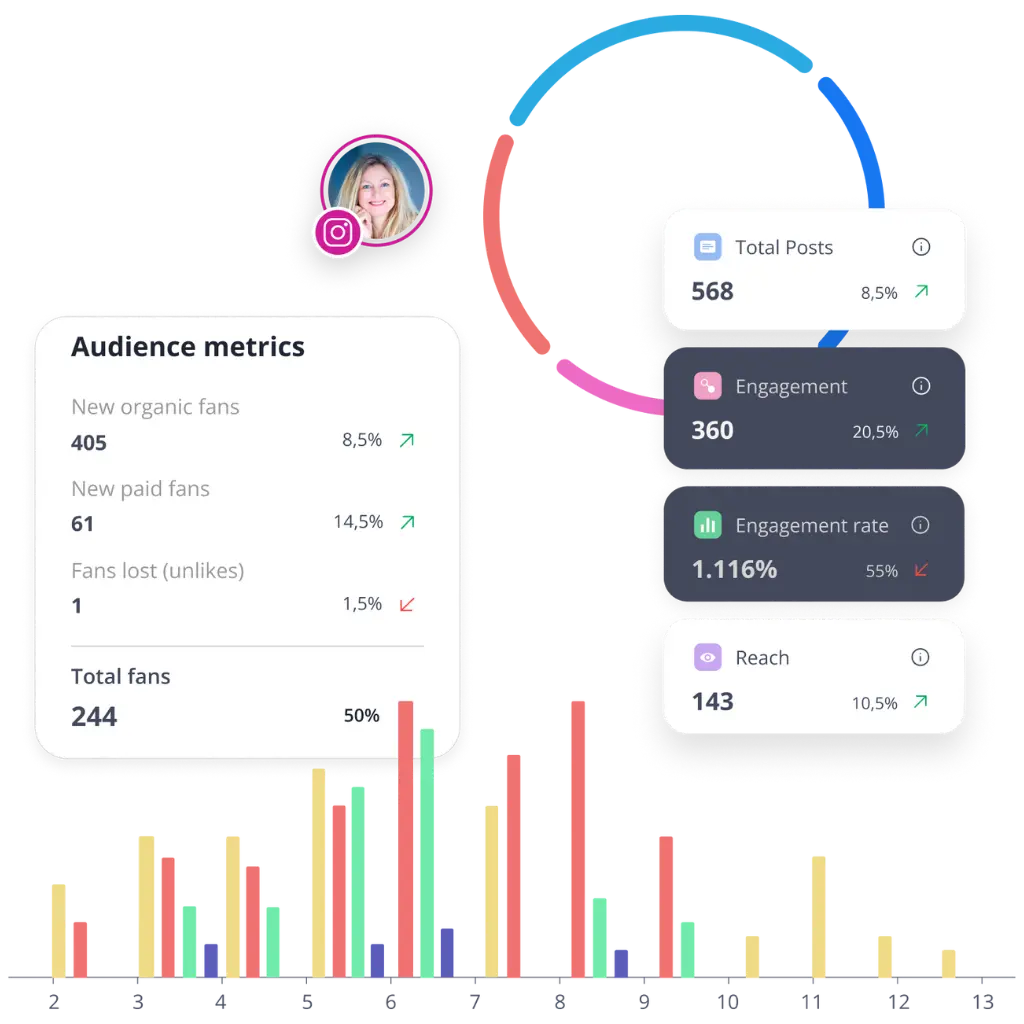
See how your page is growing- not just the numbers, but what they mean. This Instagram analysis tool shows your reach, views, and engagement, so you know what’s working.

Post analytics

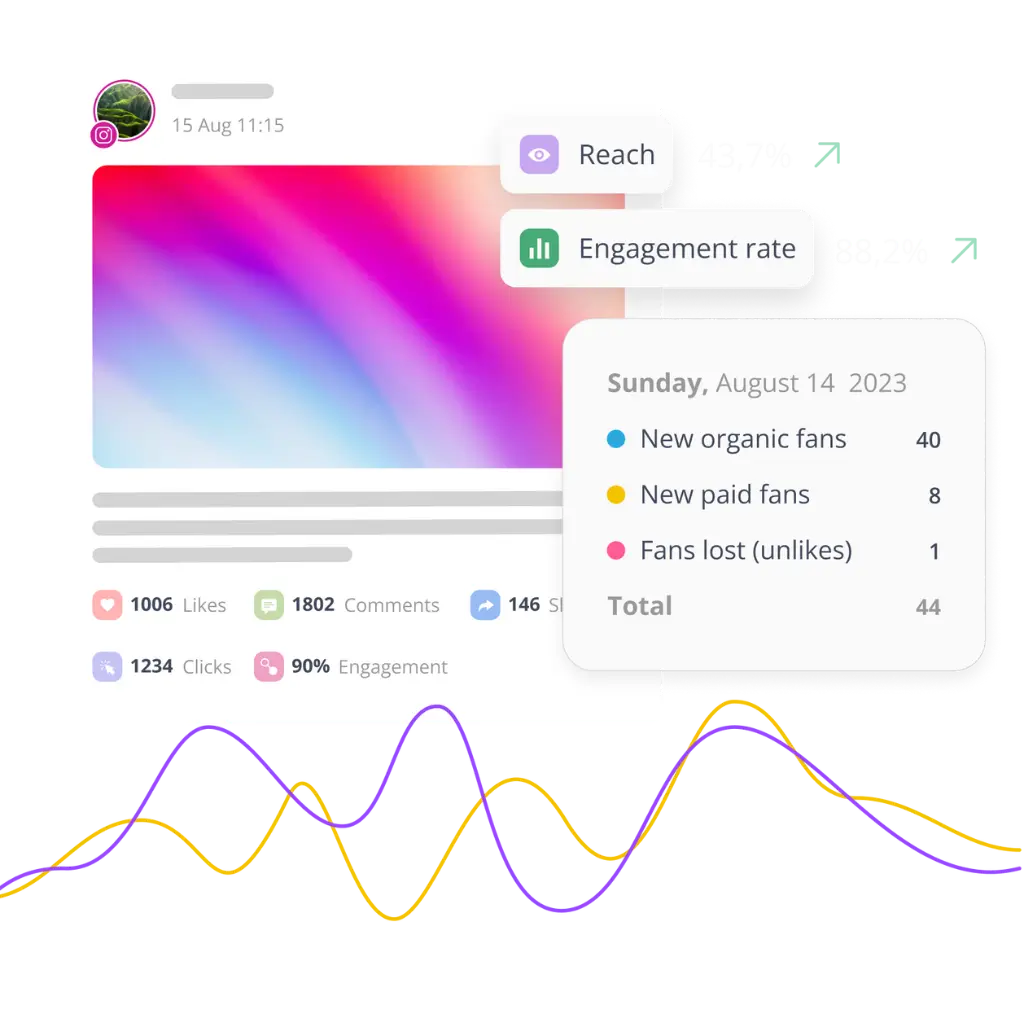
Every post has something to teach you. Compare different post types – likes, comments, shares, and see which ones do best.

Audience insights

Knowing who’s following you matters as much as how many. This Instagram insights tool breaks down demographics and timing, so you post when your actual audience is around.

Top-performing content

Stop guessing what to post next. See which topics and formats consistently outperform the rest, then lean into that instead of starting from scratch each time.

PDF export

Export your performance data as a clean PDF report. Share results with your team, clients or stakeholders in just a few clicks.

Here's what our customers have to say about us

Jobs in football
cosmopolitan logo
harper's bazaar logo
Expatica
Washington university
Lehigh university
Slow cooker club
elle logo
mark cuban companies
esquire logo
Beaufort hotel
Dublin Bus
Charles university
D-Link gray logo
Compass logo

Frequently asked questions

Do you have questions left unanswered?

Contact us or schedule a call.

What is SocialBee?

SocialBee is an AI-powered social media tool for creating, scheduling and publishing across Facebook, Instagram, X, LinkedIn, Pinterest, TikTok, YouTube, Threads, Bluesky and Google Business Profile. It also offers team collaboration, analytics, and a unified inbox for messages.

Is SocialBee an Instagram post scheduler?

Yes. As an Instagram post scheduler, SocialBee lets you schedule feed posts, Reels, Stories, carousels, and collaborative posts in advance. It also handles content creation, analytics, and team collaboration, so publishing isn’t the only thing it does.

What makes SocialBee different from a simple Instagram scheduler?

A basic Instagram scheduler just queues posts and publishes them later. SocialBee adds AI content generation, grid preview, hashtag suggestions and a unified inbox, so you’re not switching between tools for captions, visuals, or replying to comments.

Which Instagram account types does SocialBee support?

SocialBee supports both personal profiles and Business accounts on Instagram. Scheduling, analytics and inbox features work across both account types, though a few features, such as location tags, are only available for Business profiles specifically.

Can SocialBee automate recurring or evergreen content?

Yes. Your best posts can be set to repost on their own over time. You don’t have to post them again by hand. This keeps your page active and makes SocialBee useful for the long run.


Does SocialBee support all Instagram content formats?

Yes. Single images, videos, carousels, Stories, Reels and collaborative posts are all supported for scheduling. You’re not limited to basic feed posts, since the scheduler is built to handle whatever content format your strategy actually needs.

Can I preview how my scheduled posts will look together?

Yes. The grid preview shows how a new post will look next to your older ones. This helps you spot color clashes or bad matches before you post, not after your followers have already seen it.

Does SocialBee offer analytics for Instagram performance?

Yes. You get page analytics, post-level engagement numbers and audience insights like demographics and timing. Top-performing content is surfaced automatically too, so you’re not stuck digging through raw numbers just to figure out what’s working.

Can my team collaborate on Instagram content together?

Yes. You can create different spaces for each account or client and give each team member a role. Posts can stay as drafts until someone checks them and you can tag teammates directly when you need feedback.

What kind of support does SocialBee offer?

Support includes live chat, email at hello@socialbee.com and demo or support calls, along with a full knowledge base. These options are available whenever you need help setting up scheduling, automation, or team workflows correctly.

How much does SocialBee cost?

Plans range from $29 to $449 a month, based on team size. Every plan includes the core Instagram scheduler, AI tools and analytics, with higher tiers adding more profiles, workspaces and users. A free trial is available.

Grow your Instagram faster with SocialBee

Scheduling, automation, analytics, and content, all handled from one Instagram scheduling tool.

14-day free trial, no credit card required

Fill in the form and get our calendar delivered to your inbox

We’re SocialBee LABS SRL, part of WebPros. We use the information you provide to share relevant content and product updates, as outlined in our Privacy Policy. You can opt out anytime.
Grab our 2026 social media calendar and unlock 500+ content ideas and ready-to-use Canva templates!