What is a Twitter mockup generator?
A Twitter mockup generator is a free tool that allows you to create realistic-looking fake tweets for designs, presentations, or social media previews. It replicates the look of a real Twitter profile, complete with a name, handle, profile picture, and engagement stats such as likes, replies, and retweets. Some Twitter generators also allow you to preview ad mockups.
Why use a Twitter mockup generator?
A Twitter mockup generator helps you visualize and plan content safely without posting anything publicly. It allows you to create realistic tweet designs that are useful for client presentations, campaigns, or social media examples.
How to use the X (Twitter) mockup generator
You can create your tweet mockup in just a few quick steps:
- Add your profile details. Type in a name and username to make the mockup your own.
- Write your post. Enter your text exactly how you’d post it on X.
- Upload an image. Add a profile photo or post image to complete the look.
- Pick your layout. Switch between light and dark mode to see what fits best.
- Toggle the verified badge. Turn it on or off depending on the style you want.
This tool helps you test how your posts will appear on X before you actually share them.
Tips for creating engaging tweets
Writing on X is about grabbing attention fast and keeping it. Every word, image, and detail should make your post easy to notice, understand, and share.
Tip 1: Write captions that grab attention
Strong captions start with clarity. The first few words need to earn the scroll; they should make people pause, not just pass by.
Start with something that sparks curiosity or emotion: a bold statement, a quick question, or a relatable observation. For example:
- “No one talks about how hard it is to post consistently.”
- “What if your best post idea is sitting in your drafts right now?”
Keep it short, conversational, and easy to read. Use line breaks to separate ideas so your post doesn’t feel crowded.
Tip 2: Use words that spark curiosity
The right words can make someone stop scrolling. Words like “exclusive,” “limited,” “discover,” or “unlock” spark curiosity because they promise insight or access to something valuable.
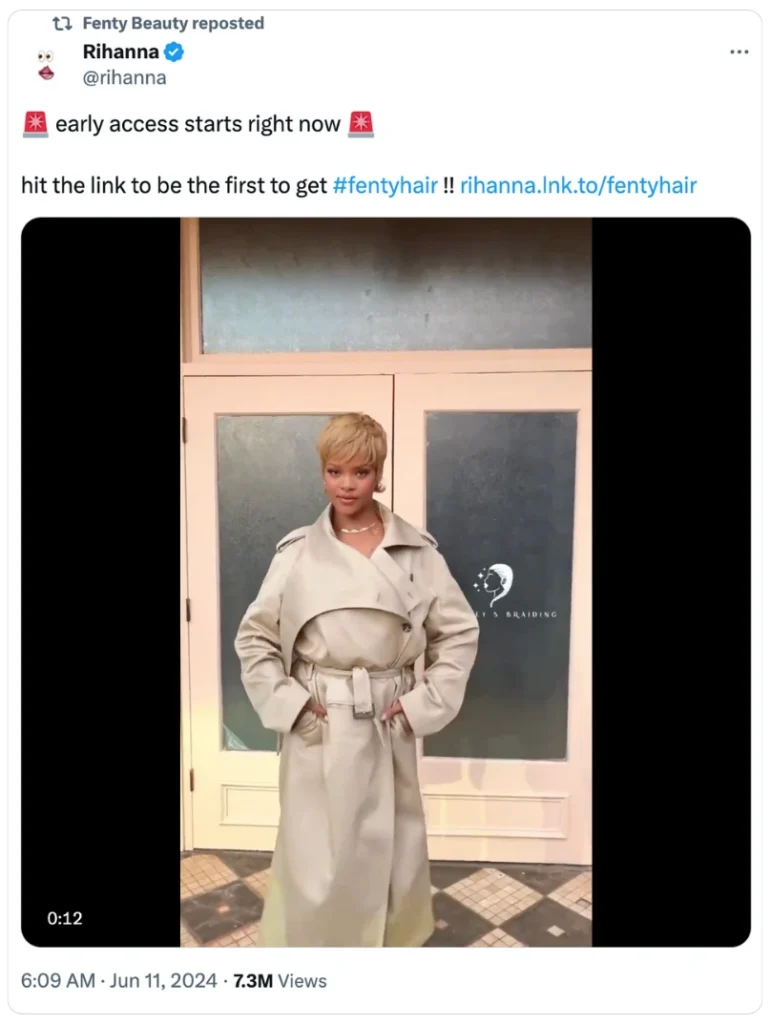
Use them to make your tweet feel like an invitation rather than an announcement. For example:
- “Unlock the simple trick behind posts that always get replies.”
- “Exclusive look: how small brands are growing faster than ever.”
- “Discover what most creators overlook when planning content.”
Curiosity works best when it’s specific and honest. Don’t exaggerate or overpromise; give readers just enough information to want more, then deliver something genuinely useful when they click.
Tip 3: Keep it short and clear (around 80-110 characters)
You don’t need long posts to stand out on X. Short, focused messages are easier to read and more likely to be shared. Aim for posts between 80 and 110 characters so your audience can get the point at a glance.
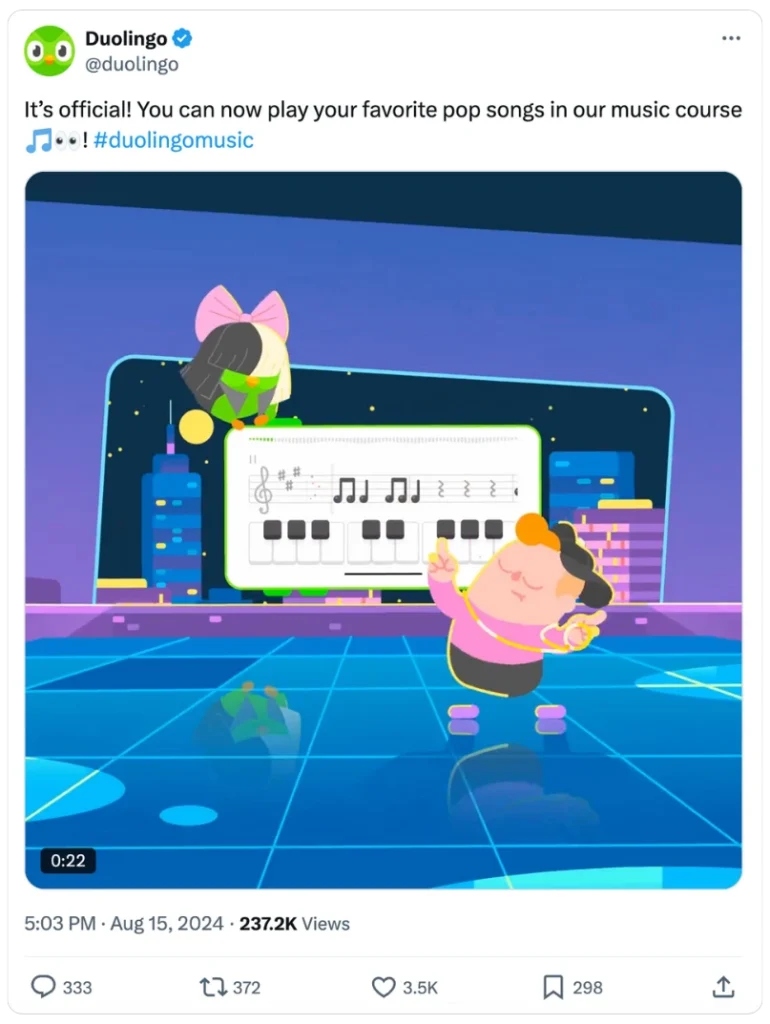
Here’s how to keep your posts concise without losing meaning:
- Focus on one clear idea.
- Use active voice to sound confident.
- Cut phrases like “I think” or “it’s important to note.”
- Use familiar abbreviations where they make sense.
Tip 4: Add numbers for clarity and impact
Numbers give your posts structure and credibility. They tell readers exactly what to expect before they click.
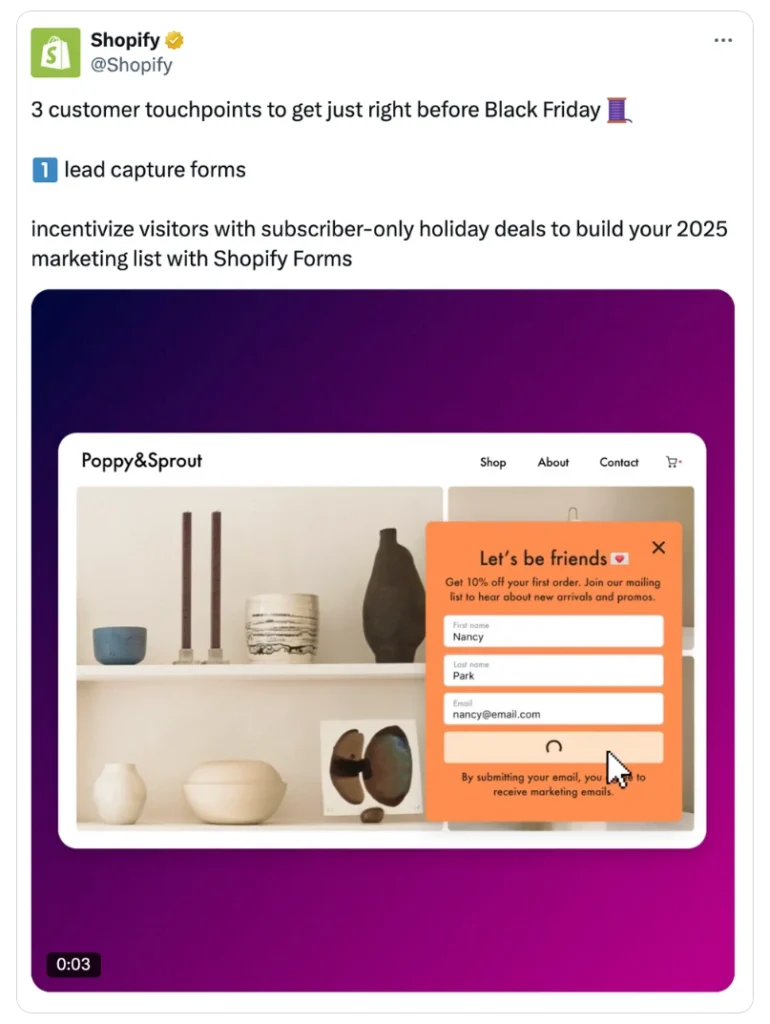
Odd numbers often stand out more, so try using 3, 5, or 7 when listing ideas. For instance:
- “3 strategies to increase engagement this week.”
- “5 quick design ideas for your next campaign.”
You can also use data or stats to add authority. A post like “76% of marketers plan content at least one month ahead” feels specific and trustworthy.
Keep lists short and achievable so readers feel motivated to learn more, not overwhelmed.
Tip 5: Use visuals and videos with intent
Images and videos should do more than make your tweet look good. They should help your audience understand, feel, or remember what you are trying to say. Instead of treating visuals as decoration, think of them as the second half of your message.
Notice how the screenshot shared with this tweet highlights the main points of the post:
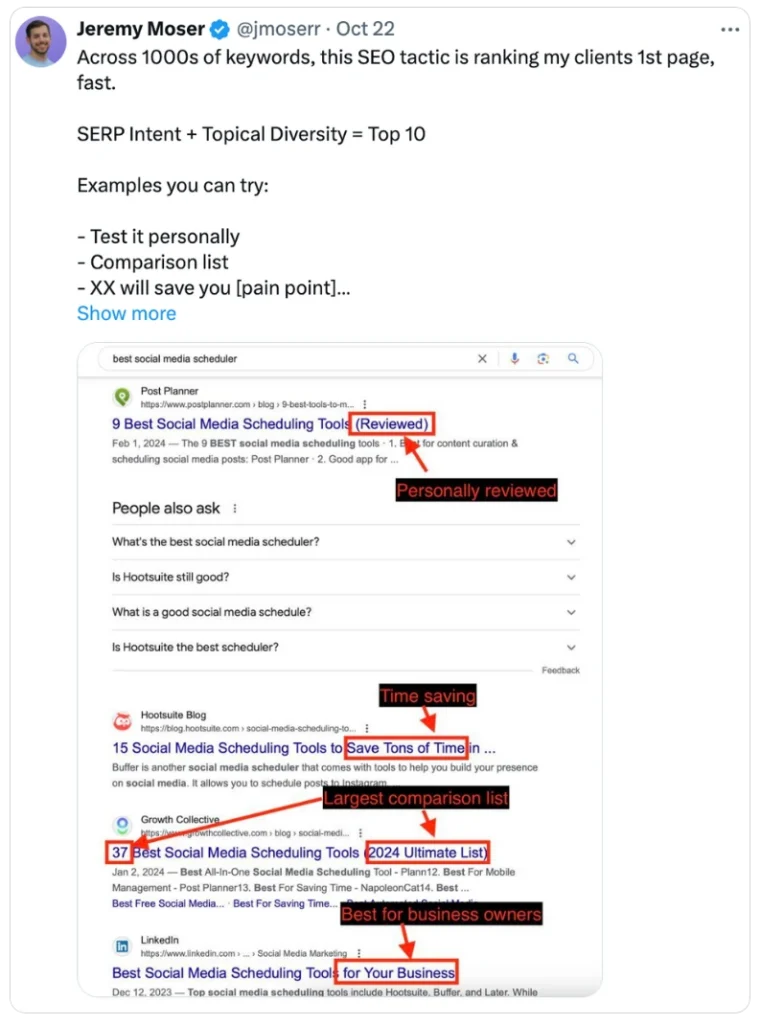
Use images that add meaning to your caption. If you are sharing a result, show it instead of explaining it. For example, if your tweet says “Our new workspace setup saves us hours each week,” show that workspace in action.
Short videos can also tell a story in ways text cannot. You can show a quick before-and-after, a three-step process, or a behind-the-scenes moment that brings your message to life. Keep it short, around 15-30 seconds, and make sure the first few seconds draw attention. Add captions so people can follow along without sound.
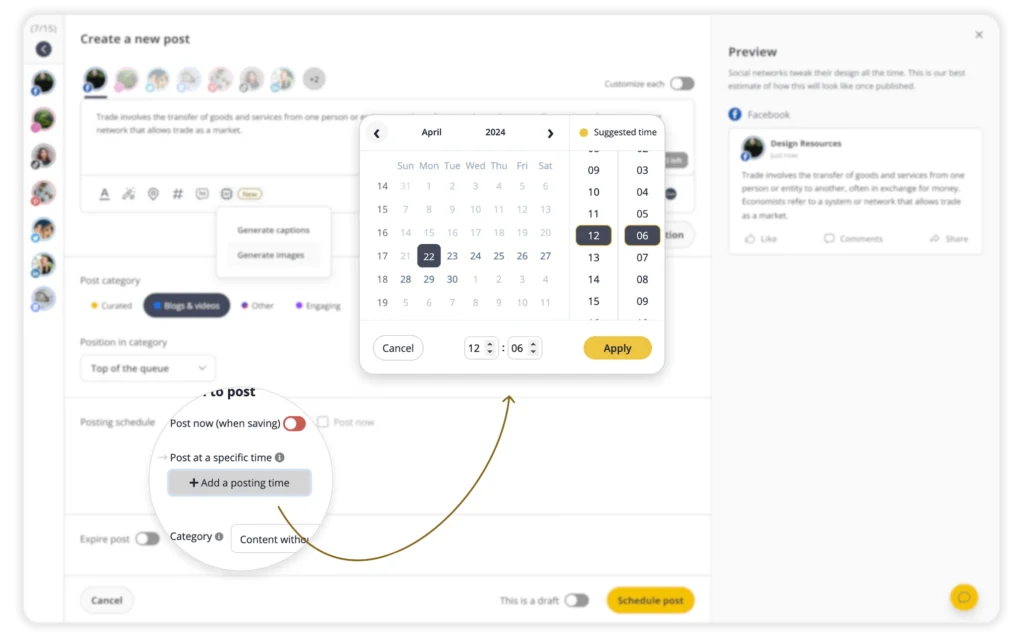
PRO TIP: Schedule your tweets at the best times
When you post matters just as much as what you post. Even great tweets can get lost if your audience isn’t online to see them. The best times vary for every account, so it helps to test and track when your followers are most active.
With SocialBee, you don’t need to guess. Our platform studies your engagement patterns and suggests the ideal posting times based on your past content performance. You can plan your tweets in advance, group them by category, and schedule them automatically for when your audience is most likely to respond.