How to create a social media content pipeline that runs on autopilot

A social media content pipeline should keep your accounts active even when you’re busy with other work. But if every post needs to be written, approved, and scheduled individually, you’re still spending too much time on the publishing process. The problem when questioning how to create content for social media usually starts before scheduling. Ideas […]
How to build a repeatable social media publishing workflow

Social media publishing gets exhausting when every post feels like a new task. You sit down to write something for LinkedIn, realize Instagram hasn’t been updated in days, remember there’s a product announcement coming up, and suddenly your entire morning is spent figuring out what to publish. A repeatable publishing workflow helps you get ahead […]
Signs you’ve outgrown your social media management tool

A social media management tool should make your job easier as your business grows. But what happens when the software that once saved you time starts creating more work? Maybe you’re managing more client accounts, your team is growing, or you’re spending hours on tasks that should take minutes. You can still get things done, […]
Facebook cover photo size guide: Dimensions, tips, and examples
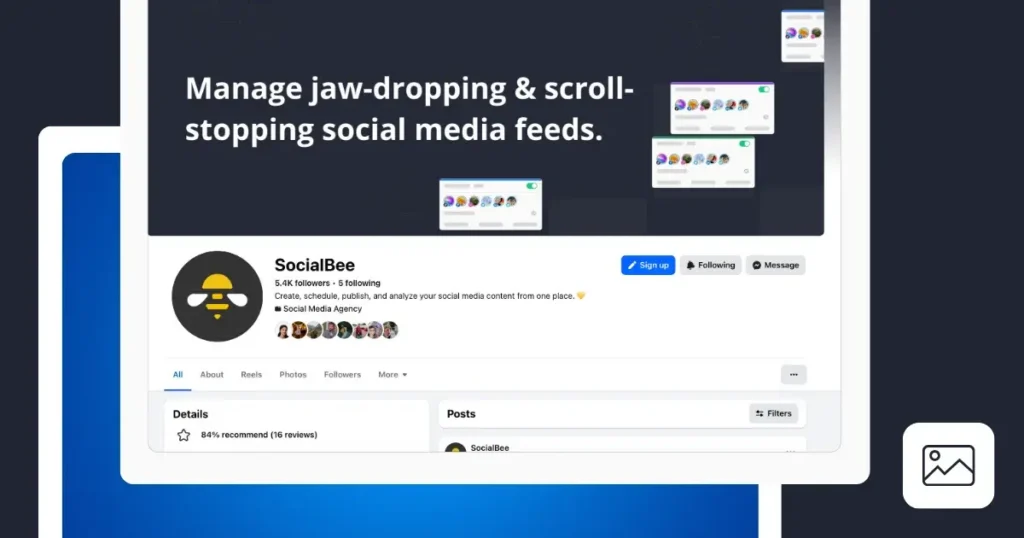
You’ve used the right Facebook cover photo size, and everything looks perfect on your laptop. Then you check the same cover on your phone and half the headline is gone. That’s because dimensions are only part of getting a Facebook cover photo right. Facebook displays and crops your cover differently depending on the screen, so […]