All-in-one Facebook post scheduler

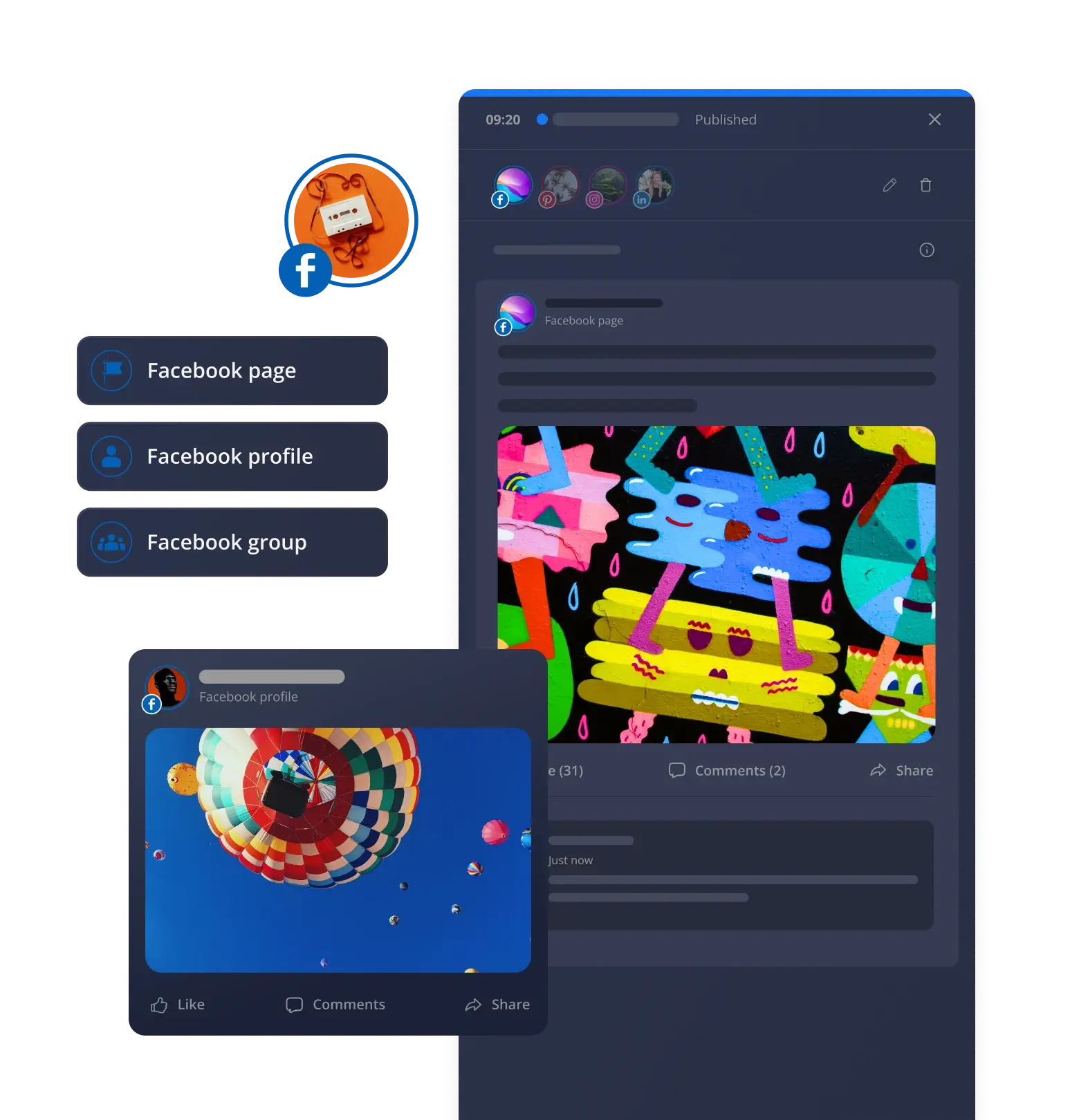
A reliable Facebook scheduler handles your Facebook pages, groups, and profiles from one place, so posting stays consistent without eating up your whole day.

No credit card required

Manage all your content from a single Facebook marketing tool

Managing a Facebook page usually includes writing captions, picking images, scheduling posts, replying to comments, and checking performance.

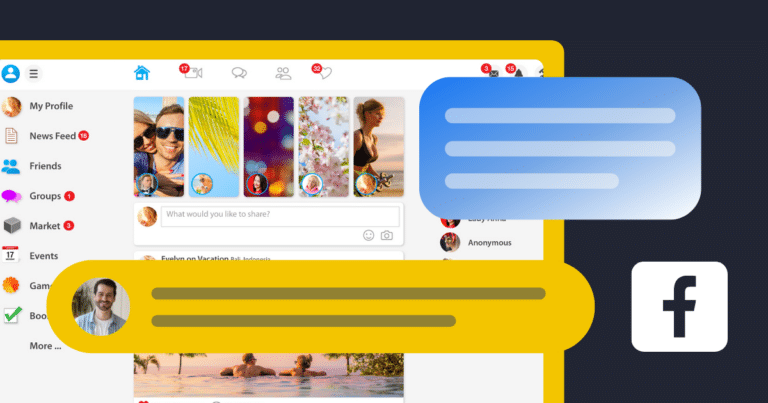
A Facebook management tool helps you do all your tasks using just one dashboard. Plan posts ahead of time, let them publish automatically, and keep track of performance without switching between separate apps for each task.

This matters even more once you’re managing multiple pages or groups. Instead of logging into each one separately, everything is accessible on a single dashboard. 

That’s really what a good Facebook marketing tool should do: less time managing tools, more time actually managing your content.

Create Facebook content faster

AI post generation

Writing captions and finding images for every post takes real time. AI takes care of both, so you can focus on making your business bigger instead of starting over every time.

Post customization

Every post needs to fit Facebook’s specs. Adjust caption length, tag accounts or let AI tailor the post automatically- whatever gets it ready faster.

RSS import

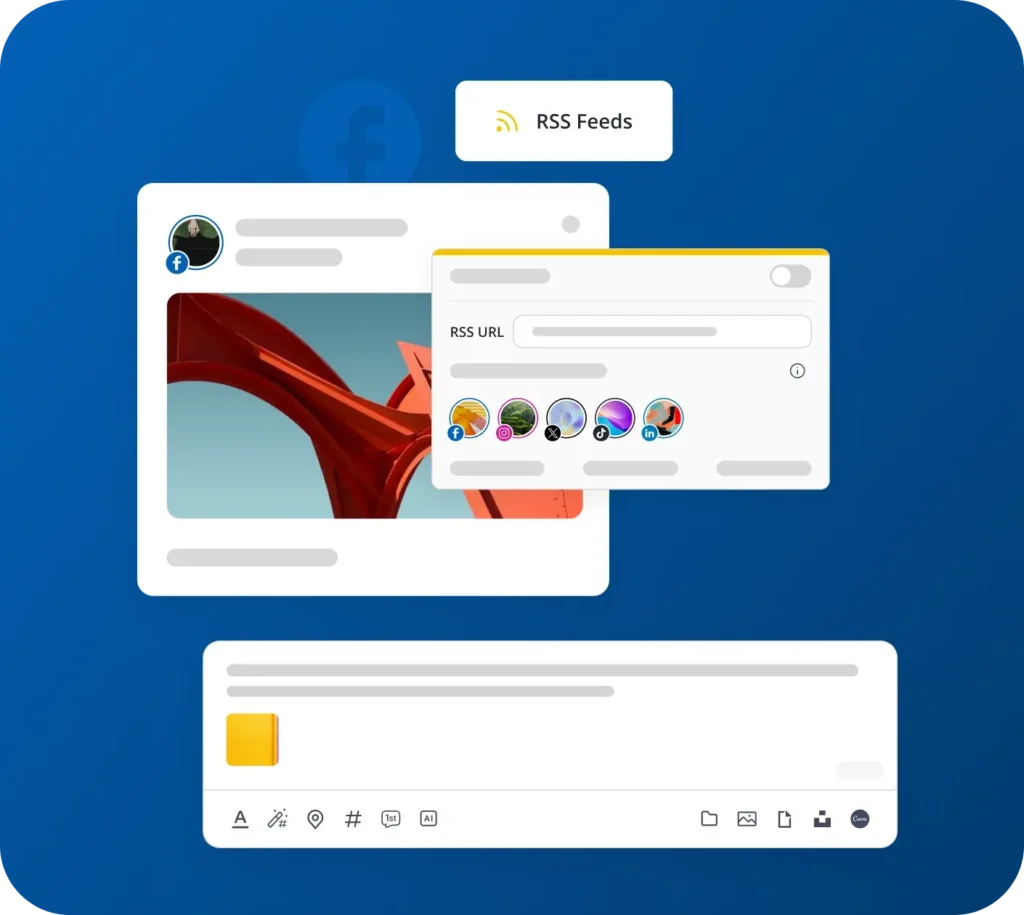
Turn your favorite blogs into a steady stream of fresh content. RSS feeds pull in new material automatically, so your Facebook content planner never runs dry.

Unsplash library and GIFs

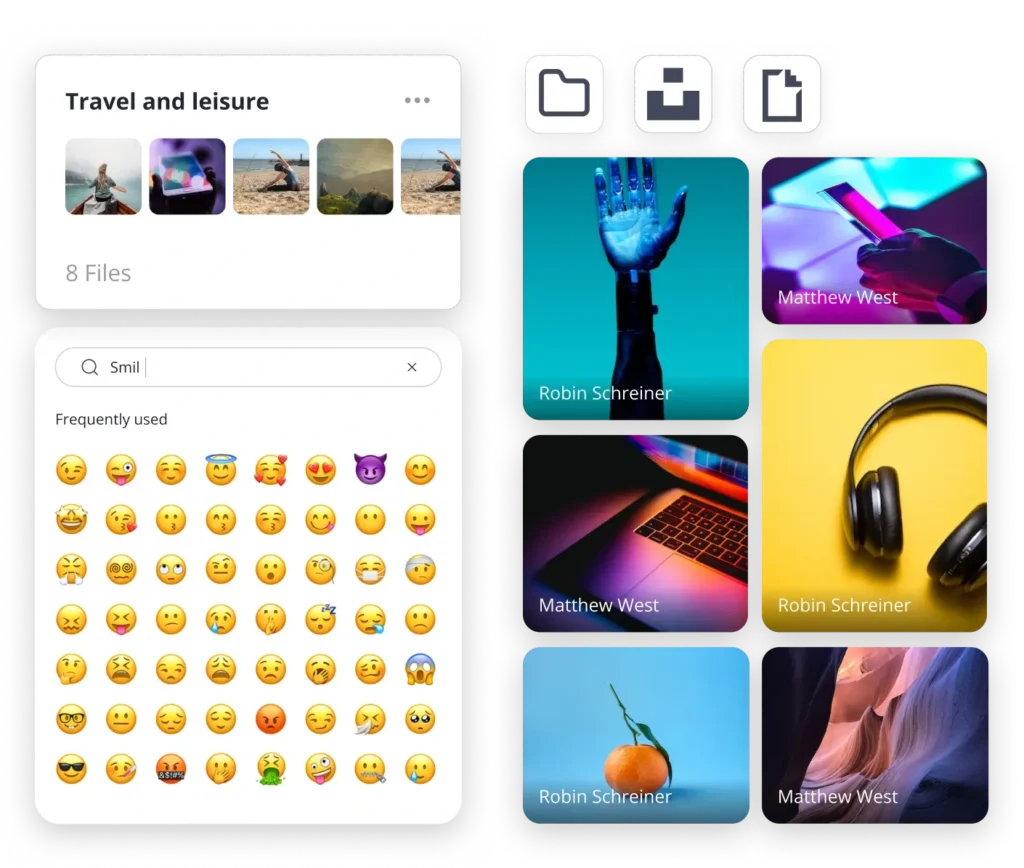
Add stock images or GIFs straight from the post editor- no separate tab needed to make your content worth stopping for.

Canva integration

Bring your Canva designs directly into a post without exporting files or switching between apps.

Integrated media editor

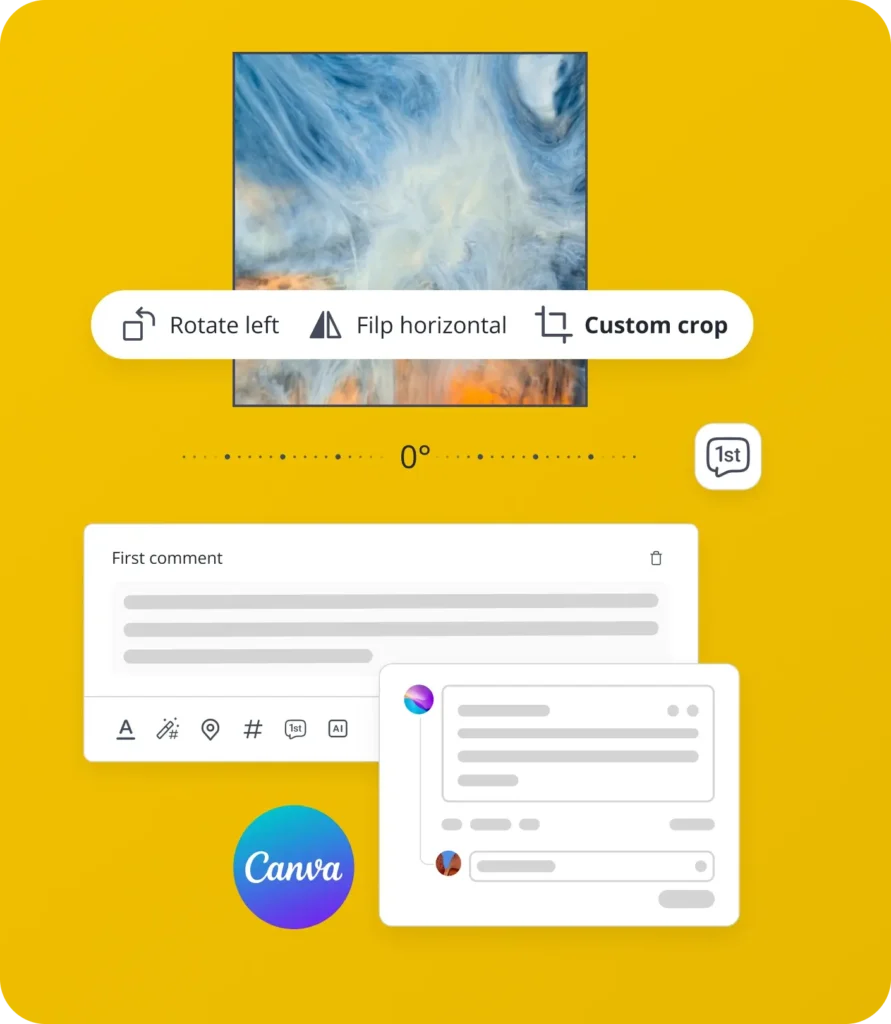
Crop, flip, or rotate images right where you’re working. One less tool to open, one less step to forget.

Customized video covers

Pick the frame that actually makes people want to hit play, or upload a cover that captures what the video’s about.

Emoji board

A few well-placed emojis make a post easier to scan and more fun to read, small touch, real difference.

Facebook first comment

Post extra context in the first comment automatically, right after your post goes live, which keeps the caption itself clean while still saying more.

Supported Facebook post types

Text

Get straight to the point with news, updates, and questions.

Images & GIFs

Give your posts more visual impact with images and GIFs.

Videos

Share videos that keep your audience watching.

Facebook Reels

Reach new audiences with engaging short-form Reels.

Facebook Stories

Schedule quick Facebook Stories without crowding your feed.

Schedule, publish, and reshare Facebook posts automatically

Specific posting for time-sensitive posts

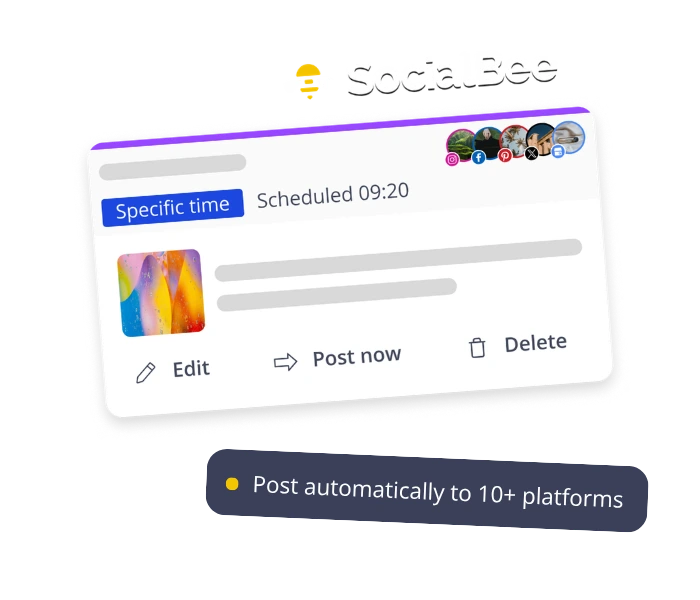
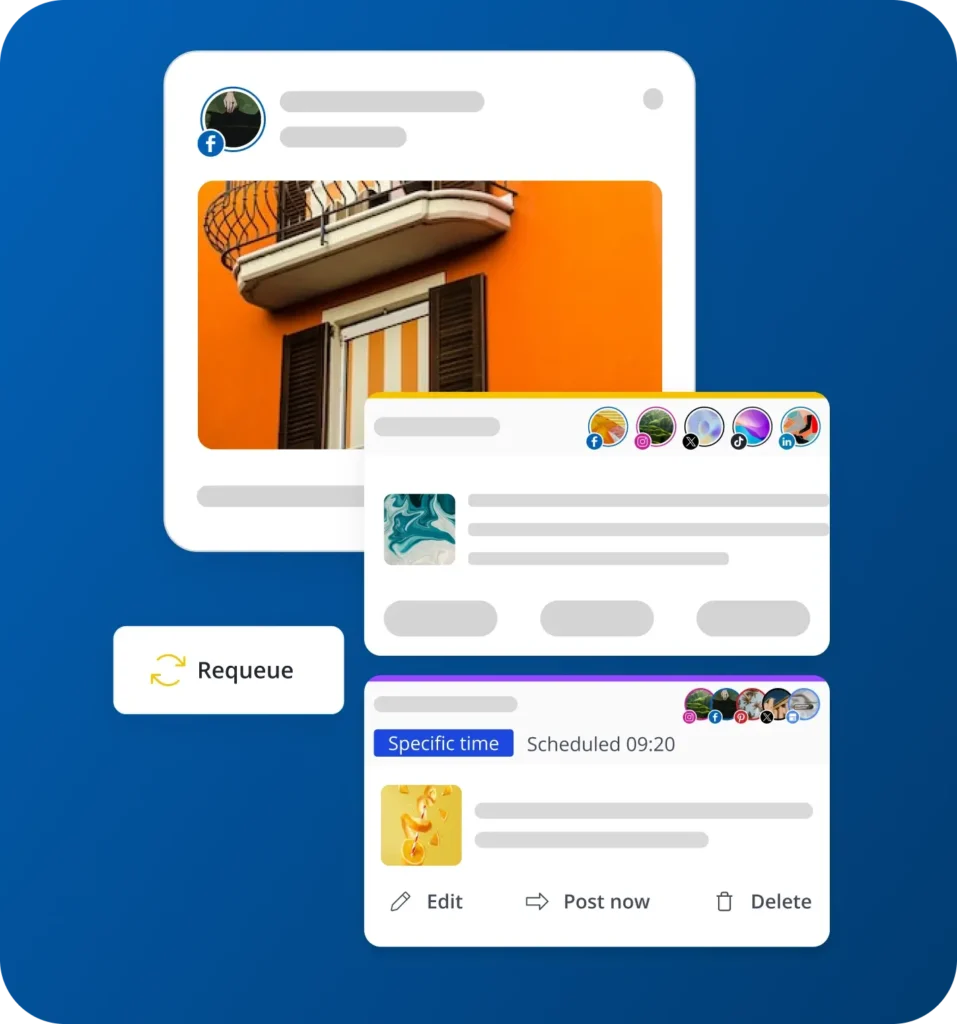
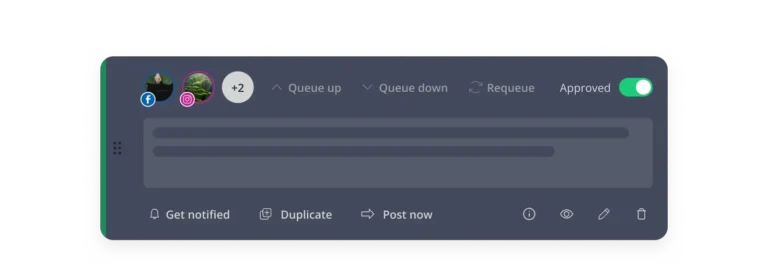
Schedule posts for an exact day and hour, then set them to expire at a set time or after a certain number of shares. It is not just about when to post, but knowing when to stop.

Evergreen content cycle

Keep posting consistently by resharing your best evergreen content on repeat. Good posts deserve more than one moment in the feed.

Best posting time suggestions

Get posting time suggestions based on what’s already performed well, so your content shows up in front of your audience at the right moment, without the guesswork.

Boost Facebook engagement

Direct messages

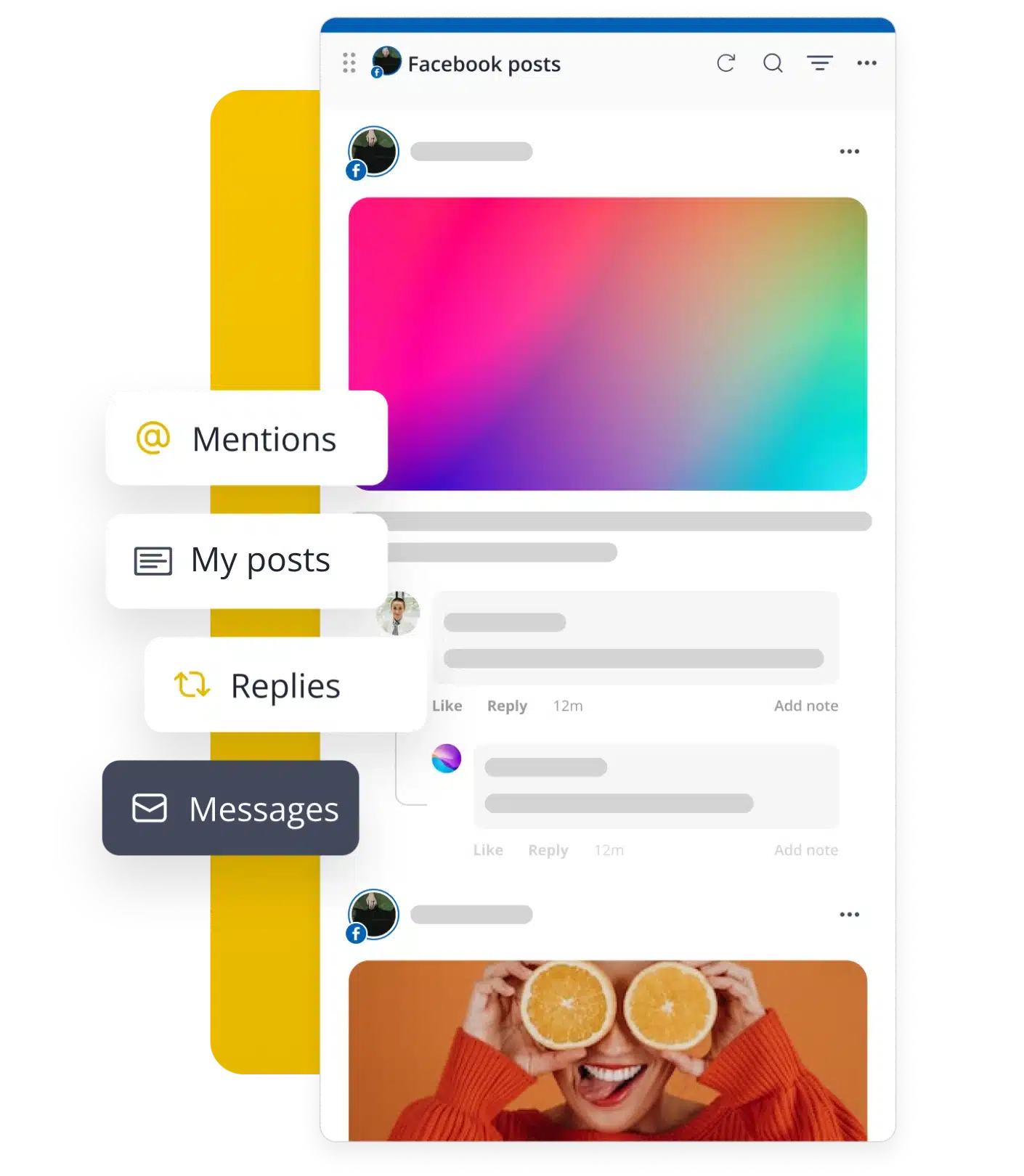
Nobody likes waiting three days for a reply to a simple question. Getting back to people quickly, through decent Facebook engagement tools, actually makes customers feel like there’s a person on the other end.

Mentions

People talk about your brand even when they do not tag you directly. Seeing those mentions and responding to them gives you more exposure than your competitors.

Comments

All of your replies tell the algorithm that your content is good enough to be seen by more people. Staying active in the comments isn’t just polite; it’s strategic.

Effective team collaboration

Managing Facebook for multiple clients gets messy fast without a system everyone actually follows.

SocialBee workspaces and number of workspace users

Workspaces & users

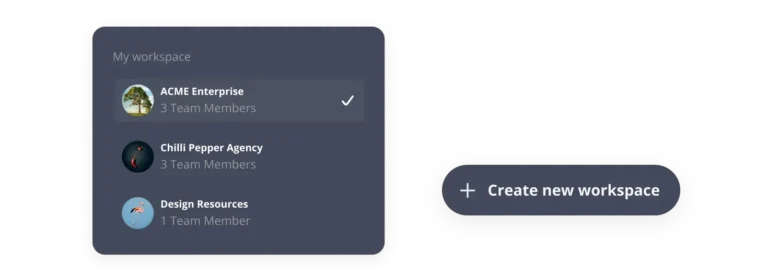
A Facebook management tool works best when each business stays in its own space. Set up separate workspaces, assign roles, and keep every client’s content from mixing together.

SocialBee content approval for posts

Content approvals

Nothing goes live without a second set of eyes. You can make drafts of posts, tag the people who need to see them, and leave comments right on the post itself, so approvals don’t get lost in a different email chain.

Track performance with a powerful Facebook analytics tool

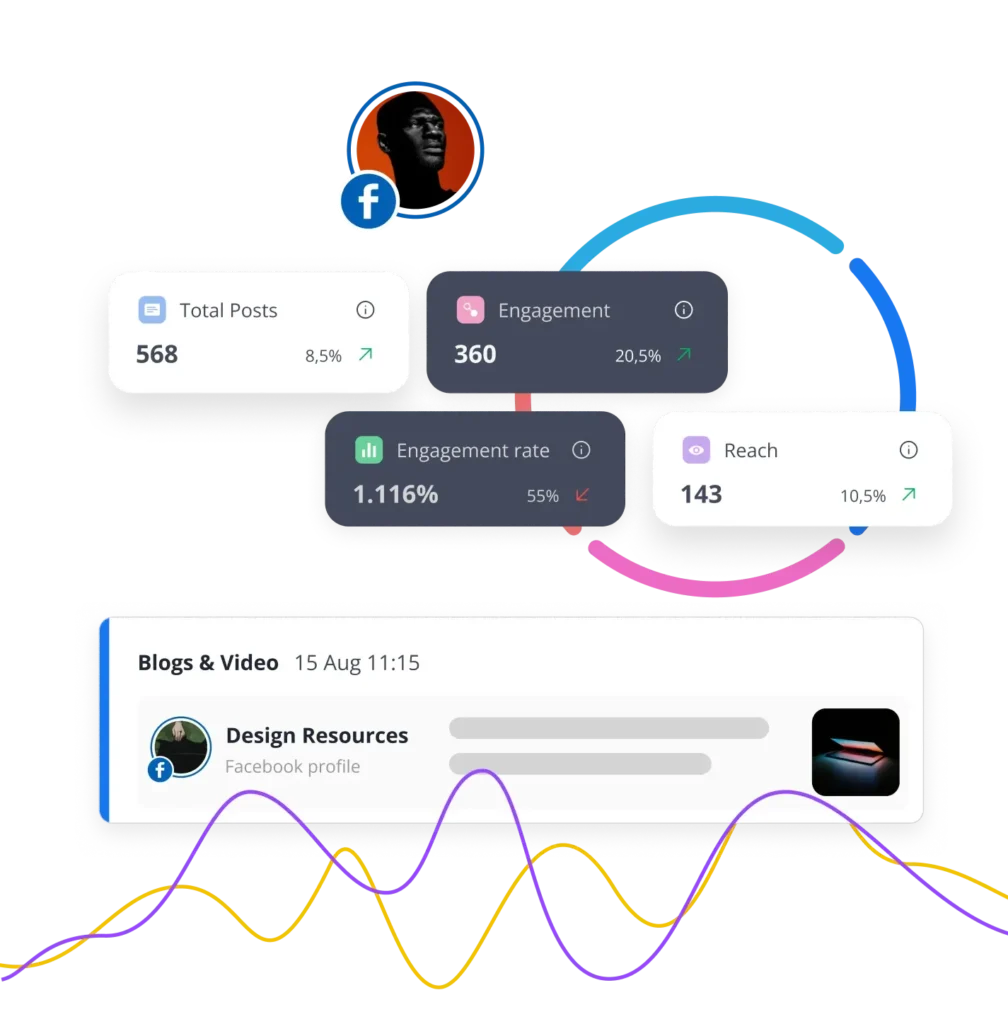
Numbers alone do not tell you what to do next. A proper Facebook analytics tool shows you what's actually working, so you can adjust your strategy instead of just watching it happen.

Page analytics

See how your presence is growing over time, not just a snapshot, but the actual trend.

Post analytics

Compare views, clicks, likes, comments, and shares side by side. This is where a real Facebook insights tool earns its keep, spotting what to repeat.

Competitor analysis

See how rival pages stack up against yours, so you know where you actually stand.

PDF reports

Use our Facebook report tool to share results clearly, without digging through data manually. Generate PDF reports in seconds.

Here's what our customers have to say about us

FAQ

Do you have questions left unanswered? Contact us or schedule a call.

Boost your Facebook marketing with SocialBee

Create, schedule, publish, and monitor your Facebook content performance from SocialBee while staying on top of multiple social media accounts with ease.

14-day free trial, no credit card required

Fill in the form and get our calendar delivered to your inbox

We’re SocialBee LABS SRL, part of WebPros. We use the information you provide to share relevant content and product updates, as outlined in our Privacy Policy. You can opt out anytime.
Grab our 2026 social media calendar and unlock 500+ content ideas and ready-to-use Canva templates!