LinkedIn Post Scheduler That Keeps You Visible Consistently
Our LinkedIn scheduling tool helps you stay visible with a steady posting rhythm, without the daily effort.
- Schedule posts in advance
- Automate your publishing
- Track performance
Schedule, Create & Automate LinkedIn Posts
Text
Don't just post, share knowledge that positions you as an industry leader.
Text with one image
Words tell, but visuals compel—elevate your messages with an attention-grabbing visual.
Text with multiple images
Enhance your message by including multiple images in your LinkedIn posts.
Videos
Entertain your audience with vibrant video content.
Carousels
Upload PDF, DOC, DOCX, PPT, or PPTX files to create a multi-page carousel post.
Create LinkedIn content
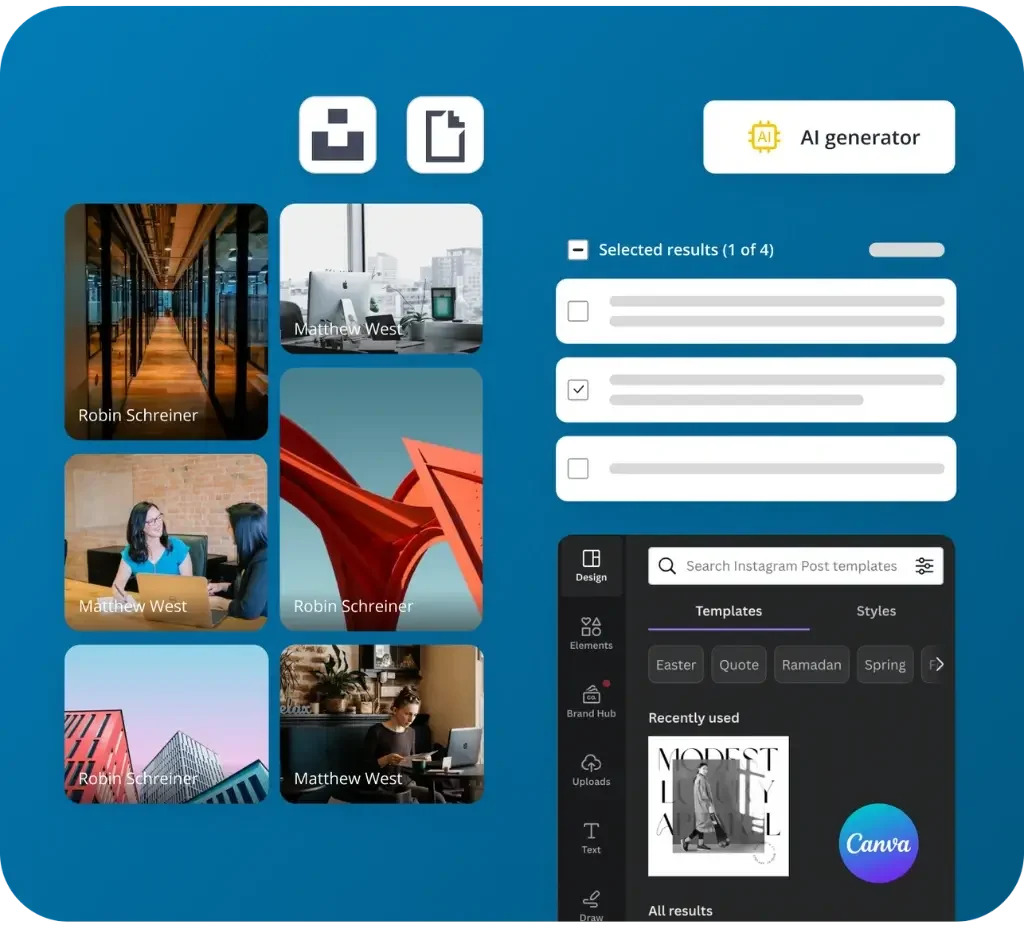
Generate content with AI
SocialBee’s AI helps you create high-quality captions and visuals in seconds, so you can publish faster without writing or designing everything from scratch.
Use our Canva integration
Too many open tabs? No worries, with SocialBee, you can browse and import your Canva designs and create all your content without juggling apps.
Add GIFs and stock images to your posts
No time to design? Dive into Unsplash for the perfect stock image or rely on GIPHY to bring your posts to life, all from SocialBee’s dashboard.
Customize your posts
Craft. Recreate. Customize. Give your posts a fresh look while adjusting them for each social media platform, whether automatically with AI or manually.
Generate hashtags and create collections
Captions and visuals ready? Allow SocialBee to suggest relevant hashtags and help you organize them into tidy collections for effortless future use.
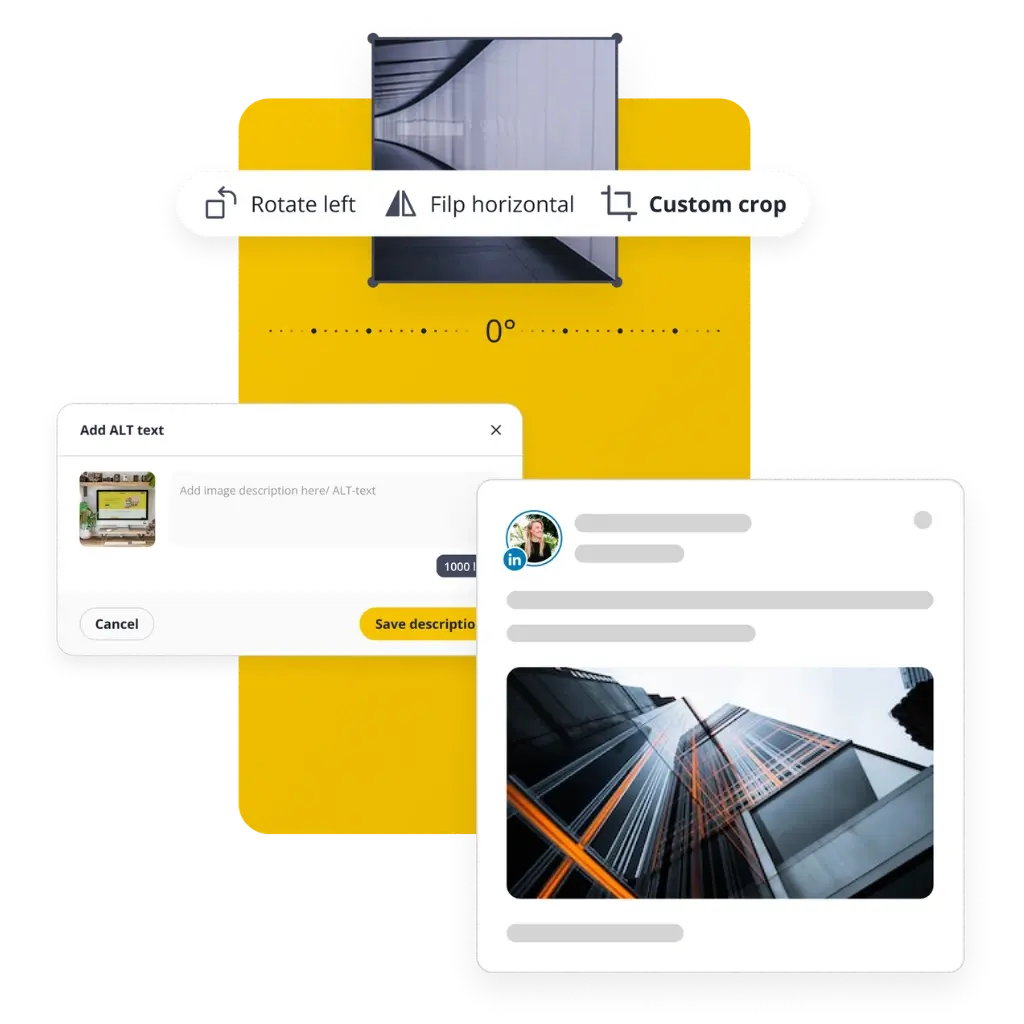
Crop, rotate, and flip your LinkedIn images
Need a quick image touch-up? You only need SocialBee to crop, rotate, and flip your visual until it’s just the right kind of perfect.
Import RSS feeds
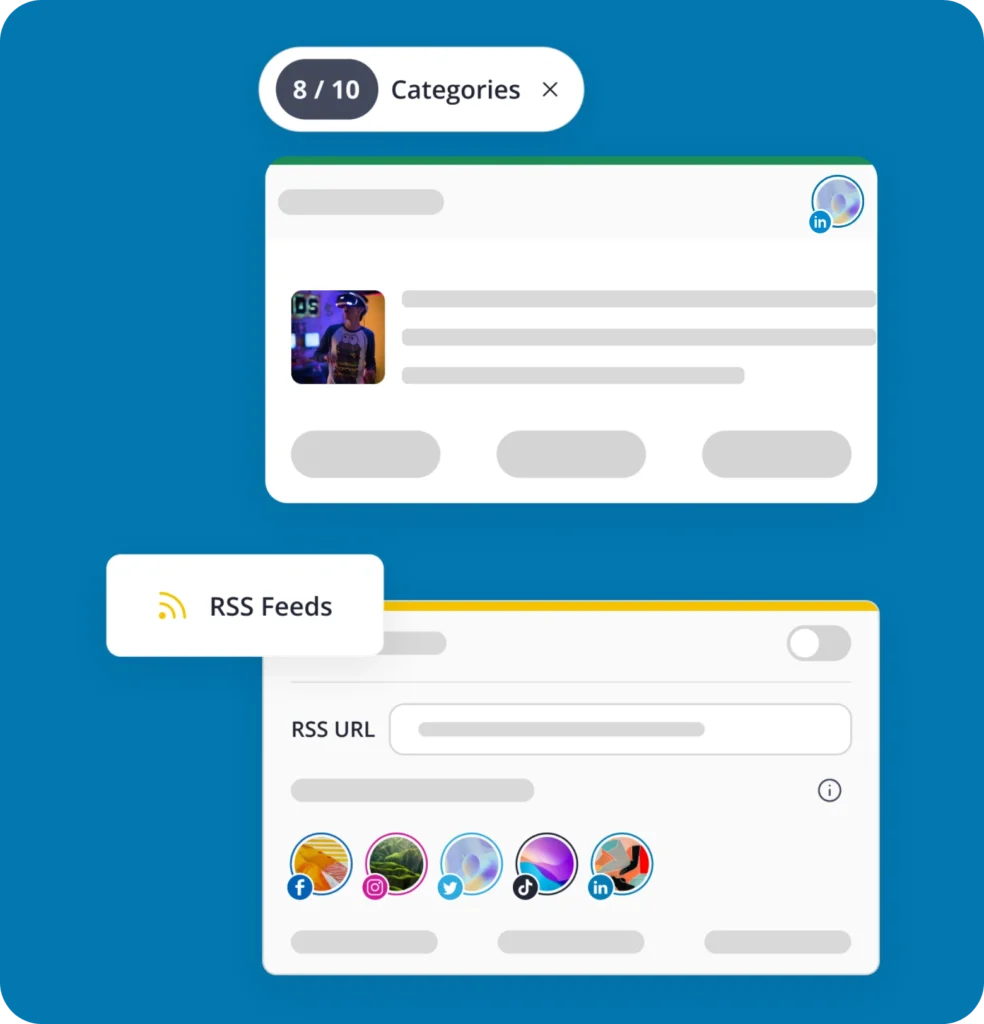
Import your RSS feed to SocialBee and we’ll auto-generate LinkedIn posts for your articles. Just sprinkle in your caption, and share away.
Diversify your posting with content categories
Before you schedule posts on LinkedIn, create content categories based on topics and maintain a solid mix of posts that will engage your audience.
Add link previews
Enhance the appeal of your LinkedIn posts by seamlessly adding image previews to your links, providing a visual context.
Personalize your video thumbnails
Maximize viewer attraction with the right thumbnail. Opt for a compelling frame or add a custom visual to subtly grab interest.
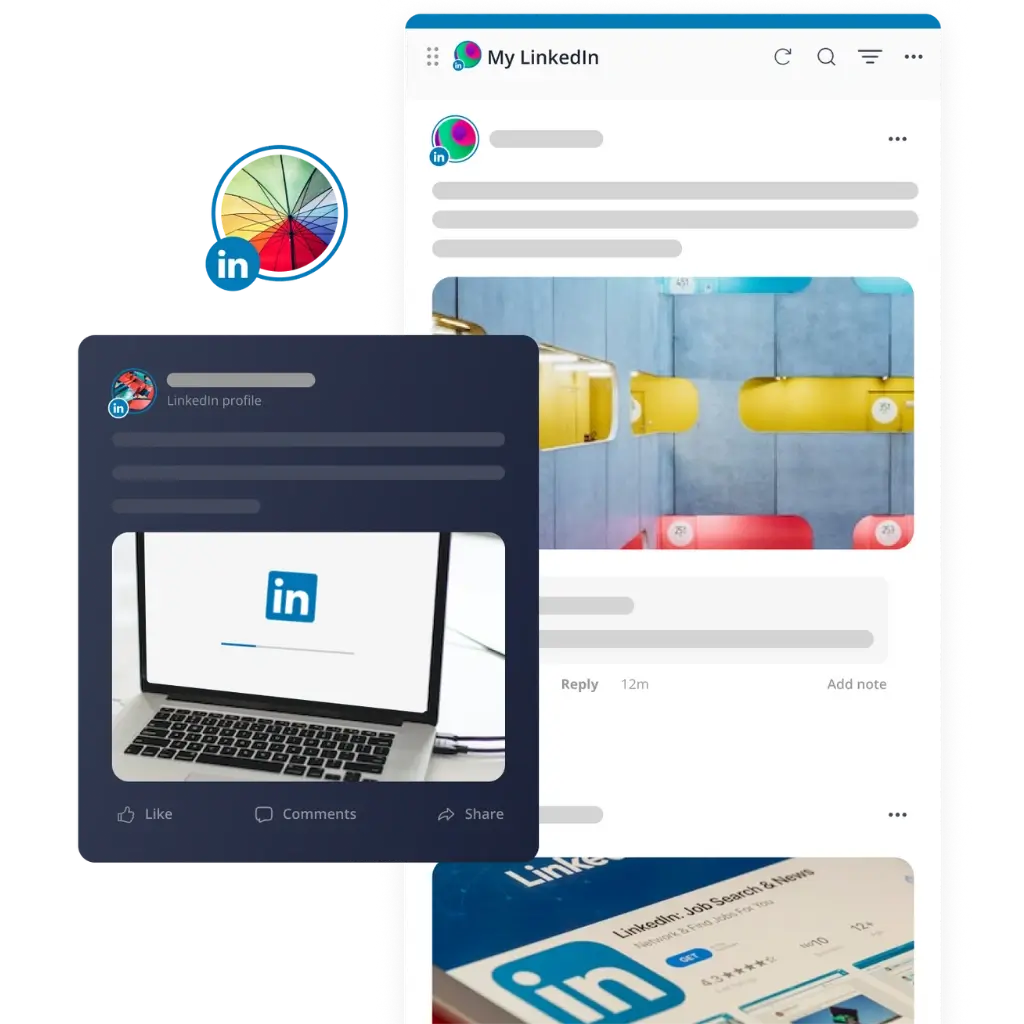
Manage your LinkedIn profile engagement
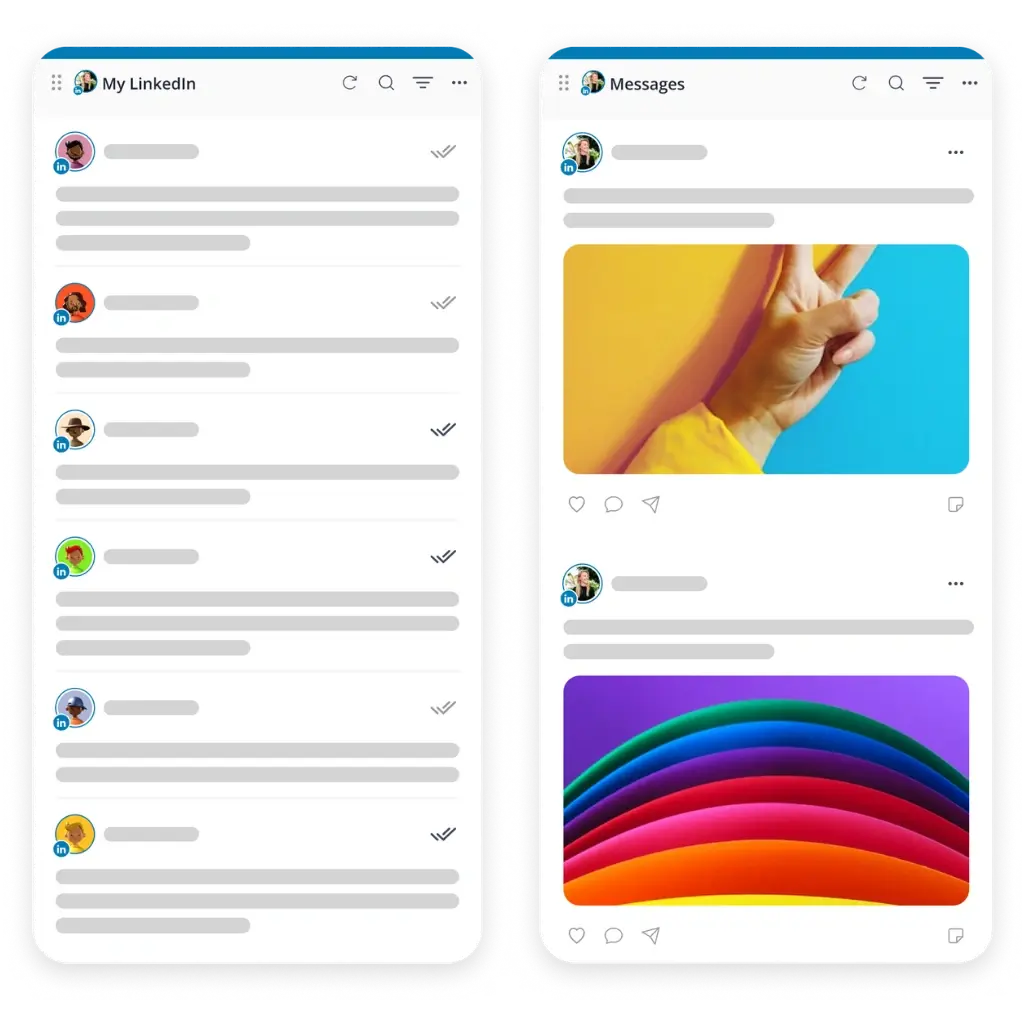
Cut through the noise and keep conversations flowing. Monitor mentions and comments in one spot, making community engagement a breeze.
Schedule your first comment
Post and comment in one go. Set the tone, spark a dialogue, and fuel the engagement on LinkedIn.
Publish & automate LinkedIn posts
Publish LinkedIn posts
Schedule LinkedIn posts at the best times
SocialBee offers best posting time suggestions based on your content categories and top-performing page posts.
Create a posting schedule for all your profiles
Schedule & expire time-sensitive content
Recycle evergreen posts on LinkedIn
Manage LinkedIn as a Team - Without the Back-and-Forth
A LinkedIn management tool built for agencies and marketing teams who need to collaborate without the endless email threads.
Workspaces & users
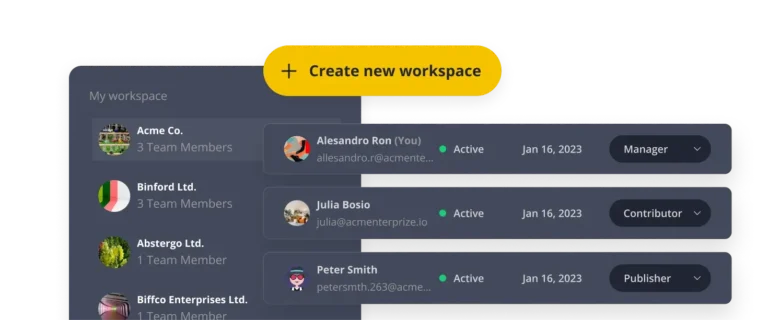
- Separate workspaces: Manage multiple client accounts, each in its own workspace, without mixing up content.
- Role-based access: Assign roles to team members so everyone knows what they can view, edit and approve.
Content approval workflow
- Draft & review posts: Save posts as drafts and get team feedback before anything goes live.
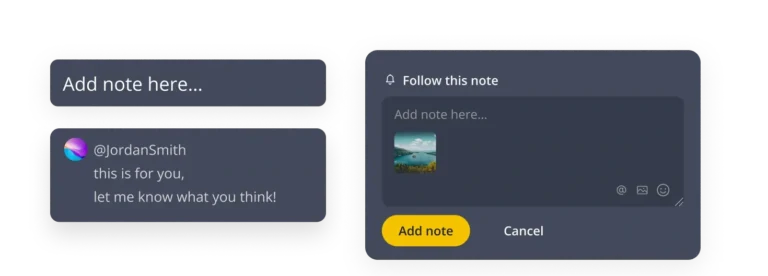
- Internal notes & tags: Leave notes and tag teammates directly on posts, which keeps feedback in one place.
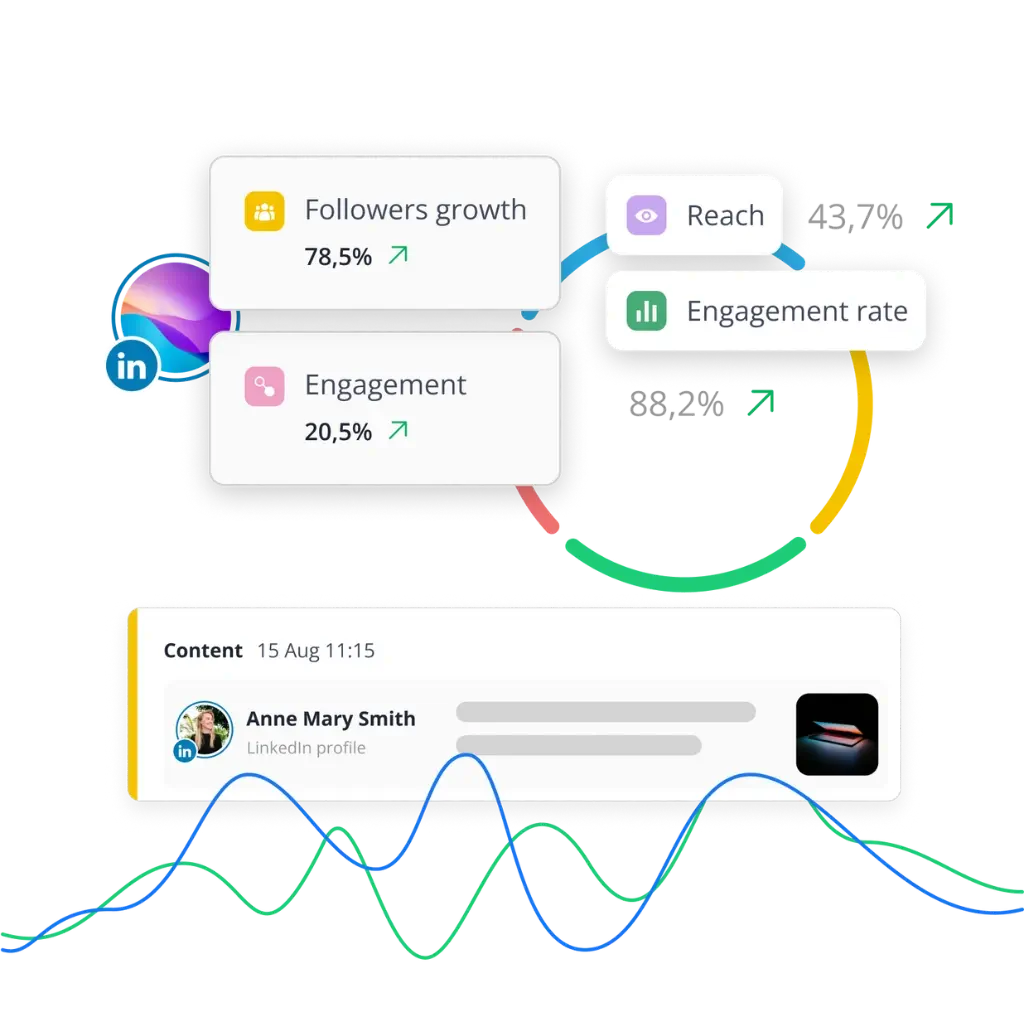
LinkedIn Analytics That Show You What's Actually Working
Go beyond the numbers with a LinkedIn analytics tool that shows what's driving results, where you're growing, and what to do next.
Reach & engagement
See how many people your content reaches to and how they respond to it, from likes and comments to shares.
Audience growth
Keep an eye on your follower count with our LinkedIn engagement tool, so you always know if your brand is gaining ground.
Post history
Look back at your past LinkedIn posts in order to spot what worked, learn from it, and plan smarter content ahead.
PDF export
Turn your data into shareable reports in seconds with our LinkedIn reporting tool, ready to send to clients or teammates.
Learn how to grow on LinkedIn
Discover the latest LinkedIn tips and strategies to gain new followers, boost engagement, and create content that stands out.
How to add projects to LinkedIn: Showcase your best work
Stop wasting money on LinkedIn Sales Navigator: learn to use it
12 LinkedIn cover photo ideas for entrepreneurs & brands
Here's what our customers have to say about us
Lisa Berry
Owner, Cheeky Little Prints
"SocialBee saved me lots of time, increased efficiency, helped me keep a consistent posting schedule, and boosted my social media presence."
I can publish variations of the same post quickly and effortlessly across all my platforms. And I can reschedule my social media posts in no time, which is a huge advantage.
I found the setup straightforward and the platform easy to navigate, but they still offered training on how to use the tool.
Bjorn Beheydt
Chief Technical Officer, BVBA Luna
"SocialBee will make your social profiles rock again."
It offers a great combination of curation tools, importing possibilities, evergreen posting, audience expansion tools, and reporting. SocialBee offers everything you need to work on your social. They know what they’re doing, they give you the tools to do it, and they help you to use them and get the most out of them.
It seems as if SocialBee had a close look at all of these tools, and combined their strengths, and dropped the weaknesses.
Tyler Martin
Creative Director at Nelly's Security
"Social media content creation is fun again."
We’re not posting the same boring content over and over. People are interacting with us more on our platforms.
It frees up my time and creativity for more intensive tasks, and it’s made an impact on our business for sure. I set up a detailed schedule for the categories, and then I just bulk-dump my content into the platform without having any worries. This has saved me so much bandwidth for creating content. Now I can simply create and let SocialBee do the scheduling for me.

"SocialBee saved me lots of time, increased efficiency, helped me keep a consistent posting schedule, and boosted my social media presence."
I can publish variations of the same post quickly and effortlessly across all my platforms. And I can reschedule my posts in no time, which is a huge advantage.
I found the setup straightforward and the platform easy to navigate, but they still offered training on how to use the tool.
Lisa Berry
Owner, Cheeky Little Prints
"SocialBee will make your social profiles rock again."
It offers a great combination of curation tools, importing possibilities, evergreen posting, audience expansion tools, and reporting. SocialBee offers everything you need to work on your social. They know what they’re doing, they give you the tools to do it, and they help you to use them and get the most out of them.
It seems as if SocialBee had a close look at all of these tools, and combined their strengths, and dropped the weaknesses.
Bjorn Beheydt
Chief Technical Officer, BVBA Luna
"Creating content for social media is fun again."
We’re not posting the same boring content over and over. People are interacting with us more on our platforms.
It frees up my time and creativity for more intensive tasks, and it’s made an impact on our business for sure. I set up a detailed schedule for the categories, and then I just bulk-dump my content into the platform without having any worries. This has saved me so much bandwidth for creating content. Now I can simply create and let SocialBee do the scheduling for me.

Tyler Martin
Creative Director at Nelly's Security
Frequently asked questions
Do you have questions left unanswered?
A LinkedIn post scheduler is a tool that lets you plan your content in advance and have it published automatically at a set date and time. Instead of posting manually every day, you build your queue once and let it run. SocialBee is a LinkedIn scheduling tool that also helps you create, analyze and manage your content, all from one dashboard.
Yes. SocialBee is a LinkedIn automation tool built to work within LinkedIn’s guidelines, so your account stays safe while your posting runs on autopilot. You stay in control of what gets published and you can review, edit or approve every post before it goes live.
Yes. As a LinkedIn management tool, SocialBee lets you manage multiple company pages and personal profiles from a single account. Agencies and marketing teams can set up separate workspaces for each client, assign roles and keep everything organized without mixing up content.
SocialBee’s analytics cover reach, engagement, audience growth and post history, so you can see what’s actually working. You can also export your data as PDF reports to share with clients or teammates, which makes it easy to track progress and adjust your strategy over time.
Our LinkedIn AI tool helps you write captions and generate visuals in seconds. Just give it a topic or a few details and it creates ready-to-use content you can edit and schedule right away, saving you time on writing and design.
Yes. With SocialBee, you can schedule and publish posts to either your personal LinkedIn profile or your company page, making it a flexible LinkedIn post scheduler for individuals, brands and agencies alike.
We offer live chat, email at hello@socialbee.com, demo, calls and a detailed knowledge base, so help is always within reach whenever you need it.
SocialBee offers six pricing plans, starting at $29/month, designed for everyone from small businesses to larger agencies. Every plan includes a 14-day free trial on our Pro plan, so you can test our LinkedIn tools for marketing before committing to a subscription.
Start Posting on LinkedIn Consistently, Free for 14 Days
Join thousands of marketers using the best LinkedIn post scheduler to plan content, manage their presence, and stay consistent.
14-day free trial, no credit card required