Overlapping card-style graphic displaying the SocialBee and Loomly logos side by side on white rounded rectangles.

SocialBee, the Loomly alternative that costs less and does more

Create faster with unlimited AI, organize your posting strategy more easily, publish to more platforms, and scale without overpaying.

Before vs. after using SocialBee

Discover why our clients switched to SocialBee and never looked back.

Your life with other tools

Picture of "I've used tools like Later, Hootsuite, and Sprout Social. I found it difficult to keep up with all my tasks."
"I've used tools like Later, Hootsuite, and Sprout Social. I found it difficult to keep up with all my tasks."
Picture of "I switched from Buffer to SocialBee. I struggled with posting consistently on social media."
"I switched from Buffer to SocialBee. I struggled with posting consistently on social media."
Picture of "I tried multiple tools: Hootsuite, Recurpost, Buffer, IFTTT, Zapier - all of them with their limitations. "
"I tried multiple tools: Hootsuite, Recurpost, Buffer, IFTTT, Zapier - all of them with their limitations. "
Picture of "Before SocialBee, we used Hootsuite and faced issues like poor customer service and inconsistent service. "
"Before SocialBee, we used Hootsuite and faced issues like poor customer service and inconsistent service. "
Picture of "I had been working with SocialOomph before, and was working with MeetEdgar when I switched to SocialBee."
"I had been working with SocialOomph before, and was working with MeetEdgar when I switched to SocialBee."

Your life with SocialBee

Picture of "SocialBee has saved me so much time and stress. Their scheduling tool will let you rest all month long."
"SocialBee has saved me so much time and stress. Their scheduling tool will let you rest all month long."
Picture of "SocialBee helps you post consistently and put your social media posting on autopilot.  It's easy to use and explore."
"SocialBee helps you post consistently and put your social media posting on autopilot. It's easy to use and explore."
Picture of "SocialBee is versatile and easy to use. I can now do everything in one place and the limitations are gone!"
"SocialBee is versatile and easy to use. I can now do everything in one place and the limitations are gone!"
Picture of "SocialBee excels in providing clear function guides and timely customer support. The result? Peace of mind. "
"SocialBee excels in providing clear function guides and timely customer support. The result? Peace of mind. "
Picture of "I’ve been saving more time creating my social media presence, and the engagement of my posts has improved. "
"I’ve been saving more time creating my social media presence, and the engagement of my posts has improved. "

Why SocialBee is the best Loomly alternative

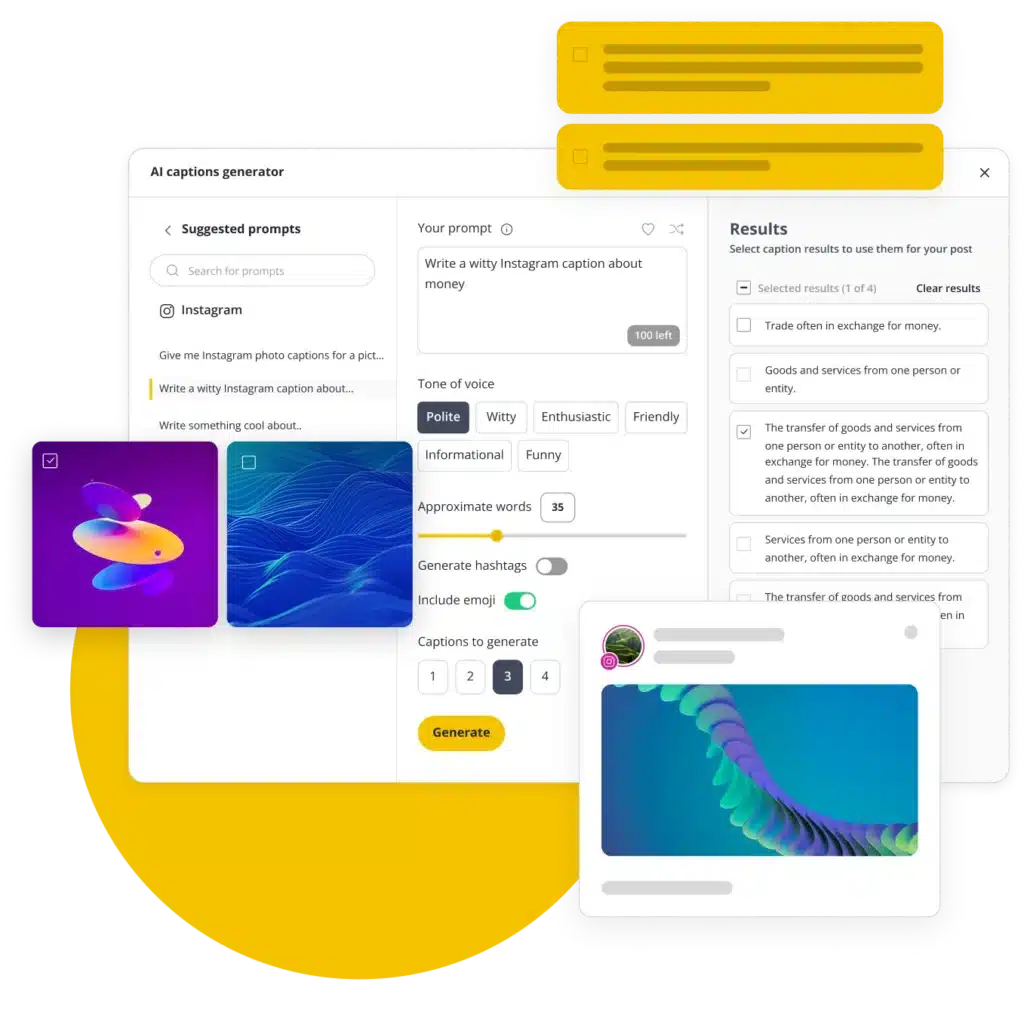
Unlimited AI instead of usage limits

Loomly limits AI usage on lower plans. SocialBee gives you unlimited AI credits for captions, images, and post variations.

AI that builds your strategy for you

SocialBee’s AI assistant can analyze your website and build a complete social media strategy with content ideas, posting schedules, platform suggestions, and ready-to-publish posts.

Manage more platforms in one place

Loomly doesn’t support publishing to X (Twitter) or Bluesky. SocialBee does, so you can manage more of your social presence from one place instead of using extra tools.

A better way to organize your content

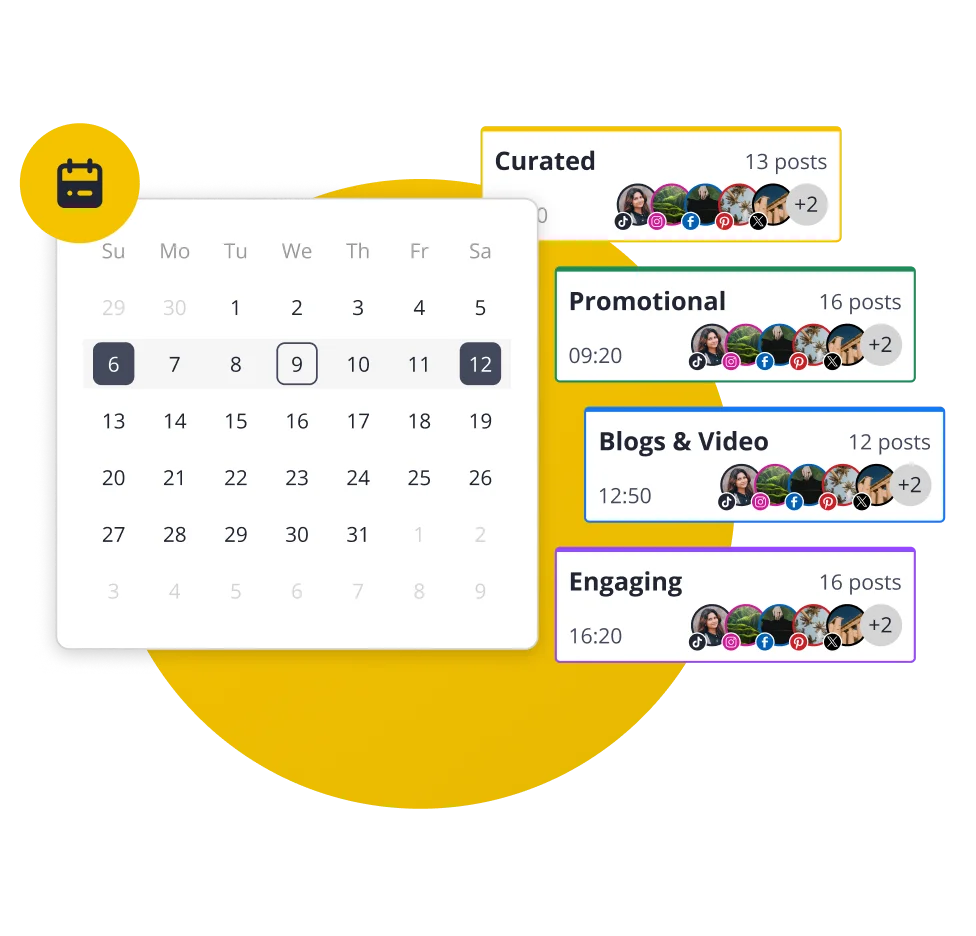
Unlike Loomly, SocialBee uses content categories to keep your posting strategy organized. You can separate posts by topic, schedule categories on specific days, and avoid posting too much of the same type of content back to back.

Plans that scale with your business

Loomly jumps from $65 to $332/month with little flexibility in between. SocialBee starts at $29/month and offers 6 plans, so you can upgrade based on your needs instead of paying for advanced features too early.

More personal support

SocialBee’s team is known for offering more hands-on help through chat and calls, making it easier to get quick answers.

SocialBee social media inbox

SocialBee: Top-rated platform

Check out how independent sources compare and review SocialBee and Loomly.

Winter 2026 G2 badge displaying ‘Momentum Leader’ for social media management.
Winter 2026 G2 badge recognizing ‘High Performer’ in the Mid-Market category for social media management.
Winter 2026 G2 badge labeled ‘Leader’ for Small Business in social media management.
Winter 2026 G2 badge showing ‘Regional Leader’ for Small Business in Europe in social media management.

SocialBee vs Loomly: Feature comparison

Compare both tools, explore their features, and choose the best fit for your social media strategy.

FEATURES
SocialBee
Loomly
Content creation
AI assistant
green check icon
green check icon
AI caption generation
green check icon
green check icon
AI image generation
green check icon
green check icon
Manual post customization
green check icon
green check icon
Automatic AI post customization
green check icon
x icon
Instagram location tagging
green check icon
green check icon
Account tagging
green check icon
green check icon
Custom thumbnails
green check icon
green check icon
Alt text
green check icon
green check icon
Hashtag generator
green check icon
green check icon
Hashtag collections
green check icon
green check icon
Image editor
green check icon
green check icon
Post variations
green check icon
x icon
Post drafts
green check icon
green check icon
Link shortening and tracking
green check icon
green check icon
CSV upload
green check icon
green check icon
RSS feeds
green check icon
green check icon
Social media scheduling and publishing
Post on
Facebook, Instagram, X (Twitter), LinkedIn, Pinterest, TikTok, YouTube, Bluesky, Threads and Google Business Profile
Facebook, Instagram, LinkedIn, Pinterest, TikTok, YouTube, Threads, Snapchat, Google Business Profile
Social media scheduling
green check icon
green check icon
Social media publishing
green check icon
green check icon
Content categories
green check icon
x icon
Best posting time suggestions
green check icon
green check icon
Re-queue posts after posting
green check icon
green check icon
Post expiration dates
green check icon
green check icon
Bulk scheduling
green check icon
green check icon
First comment scheduling
green check icon
green check icon
Visual content calendar
green check icon
green check icon
Instagram grid preview
green check icon
green check icon
Universal posting
green check icon
green check icon
Team collaboration tools
User roles & permissions
green check icon
green check icon
Approval workflows
green check icon
green check icon
Internal notes
green check icon
green check icon
Team member tagging
green check icon
green check icon
Workspaces for different brands
green check icon
x icon
Social media analytics
Export PDF reports
green check icon
green check icon
Add logos to reports
green check icon
x icon
Account performance analytics
green check icon
green check icon
Post performance analytics
green check icon
green check icon
Top performing posts/post types
green check icon
x icon
Category metrics
green check icon
x icon
Audience demographics
green check icon
x icon
Unified social inbox & community management
Mentions
green check icon
green check icon
Comments
green check icon
green check icon
DMs
green check icon
green check icon
Supported platforms
Facebook, Instagram, X (Twitter), LinkedIn, YouTube, Threads
Facebook, Instagram, TikTok and LinkedIn
Integrations
Canva
green check icon
green check icon
Unsplash
green check icon
green check icon
GIPHY
green check icon
green check icon
Multiple shortlink tools
green check icon
green check icon
QUUU content curation
green check icon
x icon
Zapier
green check icon
green check icon
Pabbly
green check icon
x icon
Make
green check icon
x icon
Customer support
Help documentation
green check icon
green check icon
Email support
green check icon
green check icon
Human chat support
green check icon
x icon
Support calls
green check icon
x icon
Additional tools
Mobile app
green check icon
green check icon
Migration / onboarding
green check icon
x icon
Plans & pricing
Starting price
$29/mo
$65/mo
Free trial
green check icon
green check icon

We'll help you migrate to SocialBee

If you’re moving from Loomly, we’ll help you bring your social media marketing setup with you. Your posting schedule, RSS feeds, and shortlink settings can be moved over, so you don’t have to rebuild everything.

Once it’s done, you’ll get a quick summary of what was migrated, and you’re good to go.

Julia

Frequently asked questions

Do you have questions left unanswered?

Contact us or schedule a call.

What is SocialBee?

SocialBee is an AI-powered social media management tool that helps you plan, create, and schedule content across all major social media platforms, including Facebook, Instagram, X (Twitter), LinkedIn, Pinterest, TikTok, YouTube, Threads, Bluesky, and Google Business Profile.

It also includes AI tools that help you figure out what to post, write captions, and create visuals when you need a hand. You stay in control, but you do not have to start from scratch every time.

If you work with a team, SocialBee makes it easy to review and approve posts before they go live. You can also see how your social media campaigns are performing through simple analytics and reply to comments, mentions, and messages from one place.

Which is better, Loomly or SocialBee?

Both SocialBee and Loomly help businesses manage social media, but SocialBee gives you more flexibility, more AI features, and more value for the price.

SocialBee starts at $29/month, while Loomly starts at $65/month and jumps up to $332/month on higher plans.

SocialBee also includes unlimited AI credits for captions, images, and post variations, while Loomly limits AI usage on lower plans.

Another big advantage is SocialBee’s AI assistant, which can analyze your website and create a complete social media strategy for you, including content ideas, posting schedules, platform recommendations, and ready-to-publish posts.

SocialBee also supports more platforms, including X (Twitter) and Bluesky, so you can manage more of your social presence without needing extra tools.

To keep your content organized, SocialBee lets you group posts into categories like promotions, blog posts, tips, or testimonials. You can then schedule each category on different days to keep your content balanced and avoid posting the same type of content too often.

And if you ever need help, SocialBee is known for more hands-on support through chat and calls, which many users find more personal and helpful.

How can I migrate from Loomly to SocialBee?

Fill in the form from this page. Our team will contact you within a few business days for a 15-minute call to start your migration and provide a custom pricing quote. We’ll transfer all your content, schedule, and settings for you.

How much does SocialBee cost, and what are the paid plans?

SocialBee offers six plans that vary in benefits. While some are designed for small businesses, some are addressed to larger agencies that need additional support.

Here are all the pricing plans available for SocialBee: 

  • Bootstrap: $29/month or 290/year
  • Accelerate: $49/month or 490/year
  • Pro: $99/month or 990/year
  • Pro50: $179/month or 1790/year
  • Pro100: $329/month or 3290/year
  • Pro150: $449/month or 4490/year

Note: SocialBee also offers a free trial for the Pro plan. Try SocialBee for free and test out the features without committing to a paid subscription.

What kind of support does SocialBee offer for users?

We offer comprehensive support for our users, including a chat accessible by clicking the icon in the bottom right corner of the screen, email support at hello@socialbee.com, demo and support calls, and a detailed knowledge base for our social media management software.

Love and trusted by social media teams of all sizes

Built for social media managers, teams, and agencies.

Pro

Authors, coaches, solopreneurs

If you’re doing it all yourself, SocialBee helps you stay consistent, reach more people, and manage your social media without it taking over your time.

briefcase icon

Small businesses

SocialBee is the top choice for small businesses due to its time-saving features, intuitive design, and affordable pricing plans.

User with tie icon

Freelancers and agencies

Manage multiple client accounts at once, collaborate with ease, and generate PDF performance reports in seconds.

Beaufort hotel
Dublin Bus
Charles university
D-Link gray logo
Compass logo
Lehigh university
Slow cooker club
elle logo
mark cuban companies
esquire logo
Jobs in football
cosmopolitan logo
harper's bazaar logo
Expatica
Washington university

Ready to switch to a better Loomly alternative?

Create content faster with unlimited AI, schedule posts with more flexibility, and get more features for a better price with SocialBee.

Fill in the form and get our calendar delivered to your inbox

We’re SocialBee LABS SRL, part of WebPros. We use the information you provide to share relevant content and product updates, as outlined in our Privacy Policy. You can opt out anytime.
Grab our 2026 social media calendar and unlock 500+ content ideas and ready-to-use Canva templates!