YouTube Video Scheduler for Creators and Teams

Schedule YouTube videos and Shorts with a YouTube video planner that saves time, boosts efficiency, and scales content.

No credit card required

Supported Post Types for SocialBee YouTube Scheduler

Videos

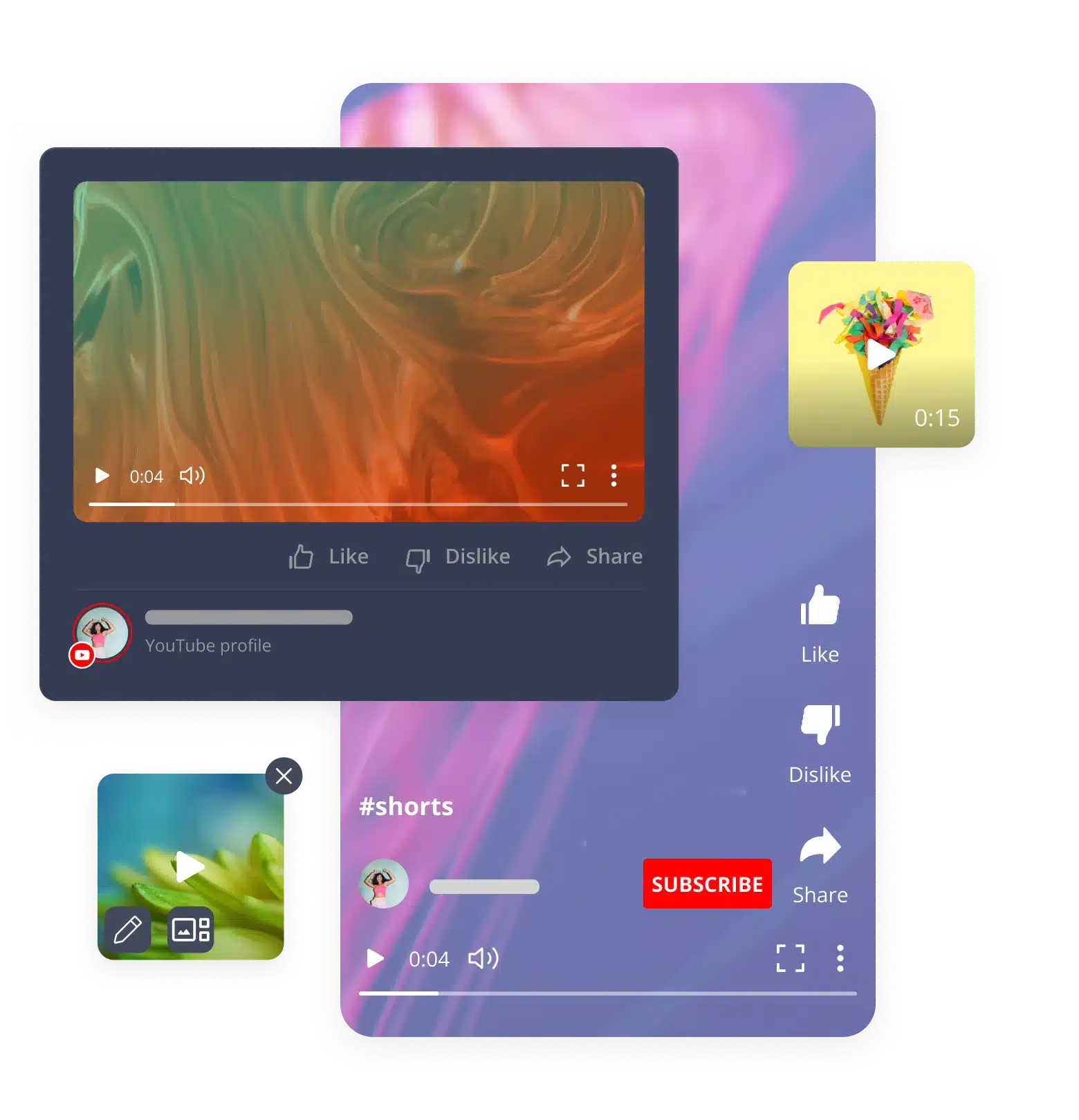
Plan and queue up your long-form videos. Any size, any format, up to 5GB.

Shorts

Schedule quick YouTube Shorts in seconds, sized at 1:1 or 9:16, up to 5GB.

Schedule YouTube Videos and Shorts Automatically From One Dashboard

Creating and scheduling YouTube videos is easier when you bring your team to SocialBee.

Bulk uploads

Stop uploading one video at a time. Load your entire content library in one go and let SocialBee queue it all up for you automatically. 

Scheduling queues

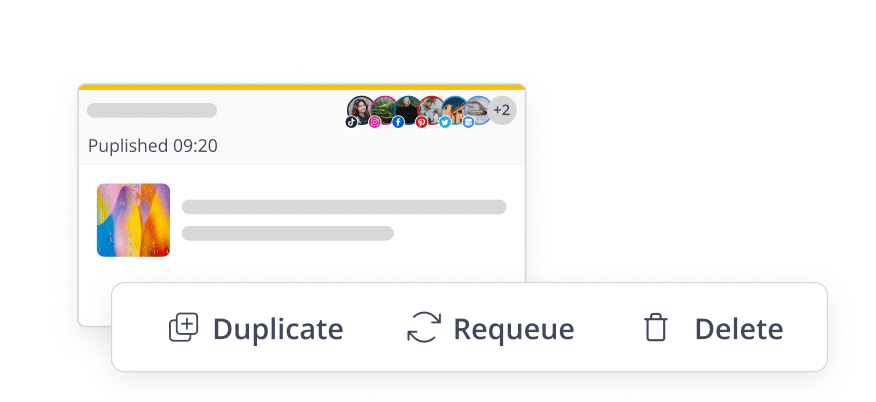
Set up posting queues once and every new video or short you add slots into the next open spot, keeping your channel active without daily manual work. 

Visual content calendar

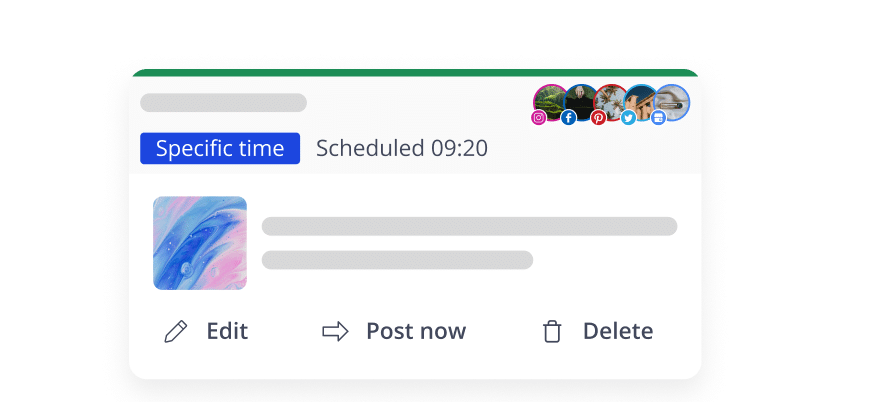
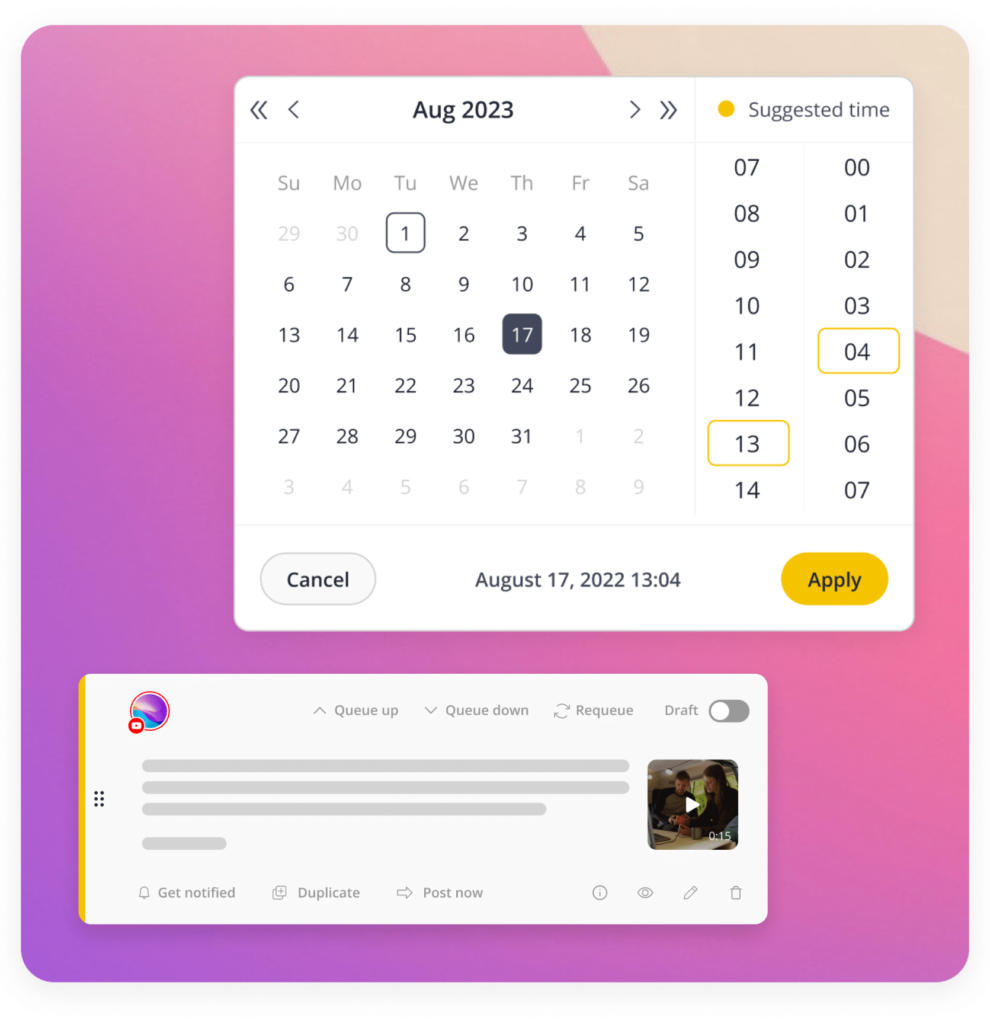
See your entire YouTube schedule at a glance. Drag, drop, and rearrange videos on a visual calendar to schedule YouTube videos exactly when you want them live. 

Best posting time recommendations

Get smart, data-backed posting ideas or lock in specific timings for launch and event videos so every upload arrives when your audience is viewing. 

Playlist management

You can schedule your videos into playlists, which keeps related content in order and makes it easy for viewers to watch all at once, without having to do extra sorting after upload. 

YouTube Shorts scheduling

Use a dedicated YouTube Shorts scheduler to bulk schedule YouTube Shorts alongside your long-form videos, so high-volume publishing never slows down your content strategy. 

Titles and descriptions

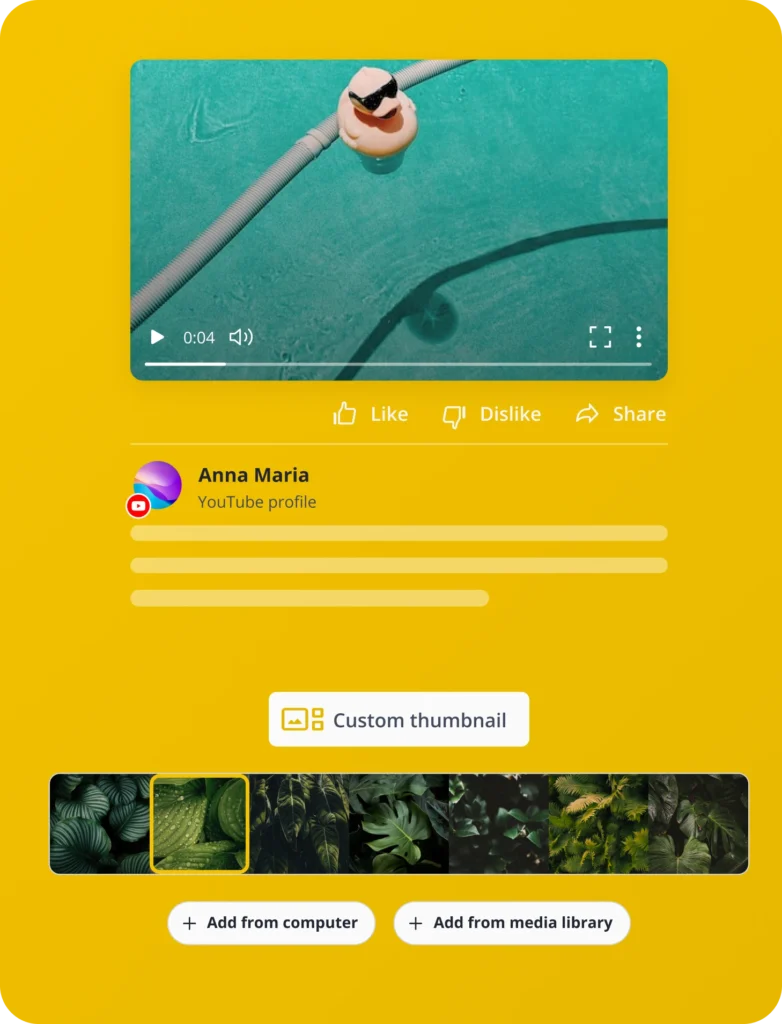
Polish your titles and descriptions before you upload, adding emojis, CTAs and links so every video is primed to perform from the start.

Comment scheduling

Spark engagement instantly by scheduling your first comment to publish the moment your video goes live, keeping the conversation going from the second one.

One Tool for YouTube Scheduling, Analytics & Team Collaboration

See why creators and teams choose SocialBee as their all-in-one YouTube scheduling tool.

All-in-one value

Get a feature-rich YouTube video scheduler at a fair price and post across YouTube, Instagram, TikTok, LinkedIn and more, all in one place.

Always improving

SocialBee ships new features and fixes every month and you get a say in what’s next through our public roadmap. Vote for the features that matter to your workflow.

Support that has your back

Get up to speed fast with step-by-step tutorials and onboarding help, backed by a responsive support team ready to answer whenever you need them.

YouTube Analytics & Performance Insights That Actually Drive Strategy

Go beyond basic numbers and turn your YouTube data into a real growth strategy, right from your YouTube post scheduler.

Channel growth trends

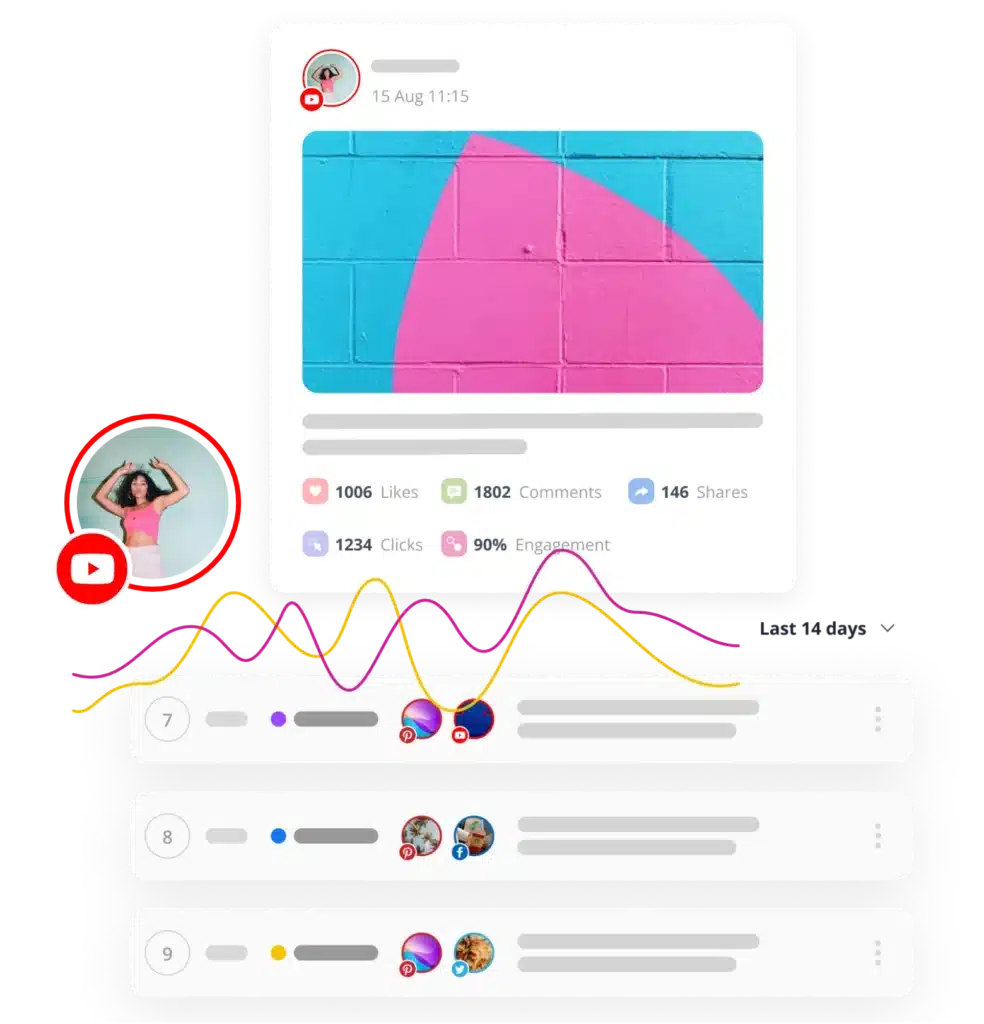
Track subscriber growth, watch time and profile views over any time frame to see exactly how your channel is trending.

Top-performing content

Spot your best videos by impressions, CTR, likes, comments, and shares, then double down on what actually works.

Audience & competitor benchmarking

Review audience retention and post history to see what’s landing, and benchmark your channel against competitors in your space.

Client-ready reports

Export polished, client-ready PDF reports in seconds and share your channel’s performance with your team or clients.

Here's what our customers have to say about us

Jobs in football
cosmopolitan logo
harper's bazaar logo
Expatica
Washington university
Lehigh university
Slow cooker club
elle logo
mark cuban companies
esquire logo
Beaufort hotel
Dublin Bus
Charles university
D-Link gray logo
Compass logo
Lisa Berry

Lisa Berry

Owner, Cheeky Little Prints

"SocialBee saved me lots of time, increased efficiency, helped me keep a consistent posting schedule, and boosted my social media presence."

I can publish variations of the same post quickly and effortlessly across all my platforms. And I can reschedule my posts in no time, which is a huge advantage.

I found the setup straightforward and the platform easy to navigate, but they still offered training on how to use the tool. 

Bjorn Beheydt

Bjorn Beheydt

Chief Technical Officer, BVBA Luna

"SocialBee will make your social profiles rock again."

It offers a great combination of curation tools, importing possibilities, evergreen posting, audience expansion tools, and reporting. SocialBee offers everything you need to work on your social. They know what they’re doing, they give you the tools to do it, and they help you to use them and get the most out of them.

It seems as if SocialBee had a close look at all of these tools, and combined their strengths, and dropped the weaknesses. 

Tyler Martin

Tyler Martin

Creative Director at Nelly's Security

"Creating content for social media is fun again."

We’re not posting the same boring content over and over. People are interacting with us more on our platforms. 

It frees up my time and creativity for more intensive tasks, and it’s made an impact on our business for sure. I set up a detailed schedule for the categories, and then I just bulk-dump my content into the platform without having any worries. This has saved me so much bandwidth for creating content. Now I can simply create and let SocialBee do the scheduling for me.

"SocialBee saved me lots of time, increased efficiency, helped me keep a consistent posting schedule, and boosted my social media presence."

I can publish variations of the same post quickly and effortlessly across all my platforms. And I can reschedule my posts in no time, which is a huge advantage.

I found the setup straightforward and the platform easy to navigate, but they still offered training on how to use the tool. 

Lisa Berry

Owner, Cheeky Little Prints

"SocialBee will make your social profiles rock again."

It offers a great combination of curation tools, importing possibilities, evergreen posting, audience expansion tools, and reporting. SocialBee offers everything you need to work on your social. They know what they’re doing, they give you the tools to do it, and they help you to use them and get the most out of them.

It seems as if SocialBee had a close look at all of these tools, and combined their strengths, and dropped the weaknesses. 

Bjorn Beheydt

Chief Technical Officer, BVBA Luna

"Creating content for social media is fun again."

We’re not posting the same boring content over and over. People are interacting with us more on our platforms. 

It frees up my time and creativity for more intensive tasks, and it’s made an impact on our business for sure. I set up a detailed schedule for the categories, and then I just bulk-dump my content into the platform without having any worries. This has saved me so much bandwidth for creating content. Now I can simply create and let SocialBee do the scheduling for me.

Tyler Martin

Creative Director at Nelly's Security

YouTube Scheduling FAQs

Do you have questions left unanswered?

Contact us or schedule a call.

Does YouTube allow third-party scheduling?

Yes, through YouTube’s official API. SocialBee connects to your channel the approved way, so you’re never at risk of restrictions or policy trouble when you schedule videos and Shorts.

Can I schedule YouTube Shorts?

Yes. SocialBee works as a YouTube Shorts scheduler, so you can upload, queue and publish Shorts along with your regular videos. Set the timing once and your Shorts post automatically, no daily manual work needed.

Is there a free plan?

SocialBee offers a free trial with no credit card required, so you can test the YouTube video scheduler before committing. You’ll get hands-on access to scheduling, AI content tools and analytics to see if it fits your workflow.

How does AI content planning work?

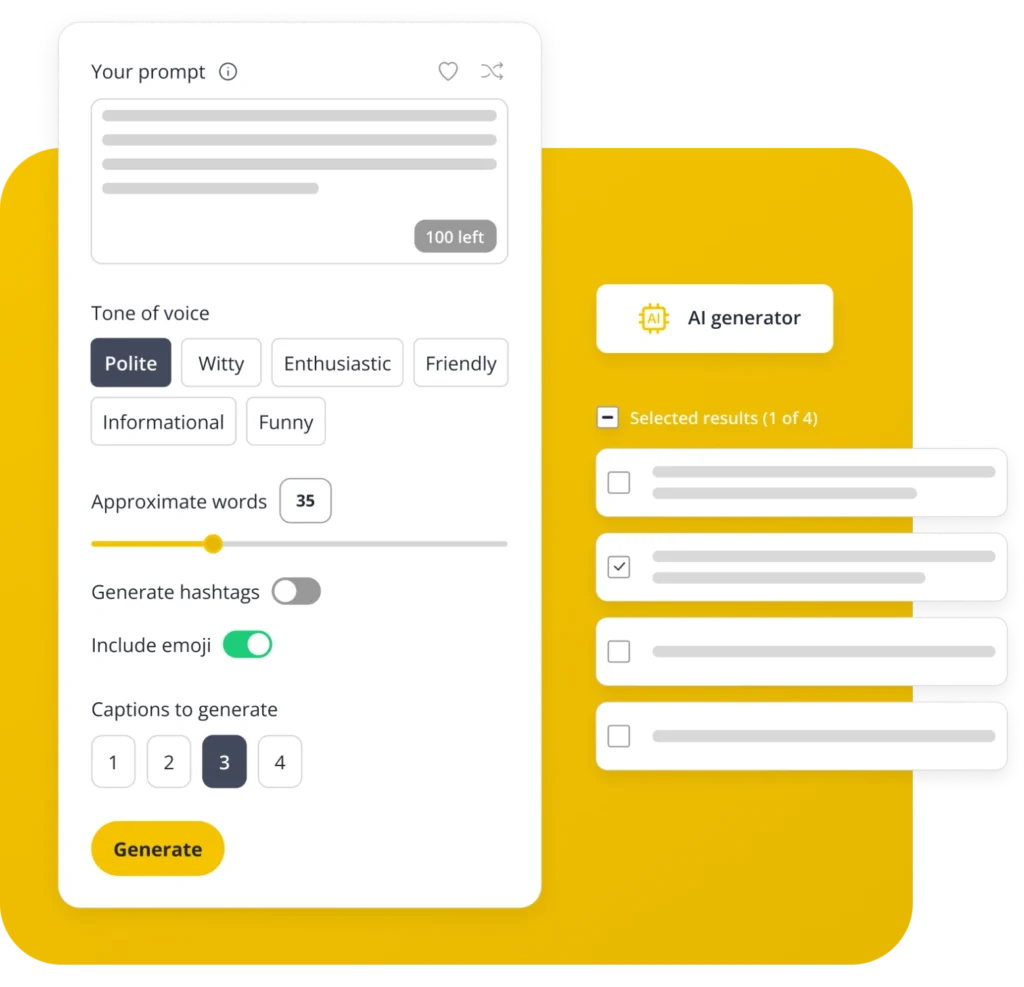
SocialBee’s AI generates post descriptions, captions and even hashtags in seconds. Just enter a prompt, pick a tone and let the AI handle the writing, so you can spend less time drafting and more time creating videos.

Can I manage multiple channels?

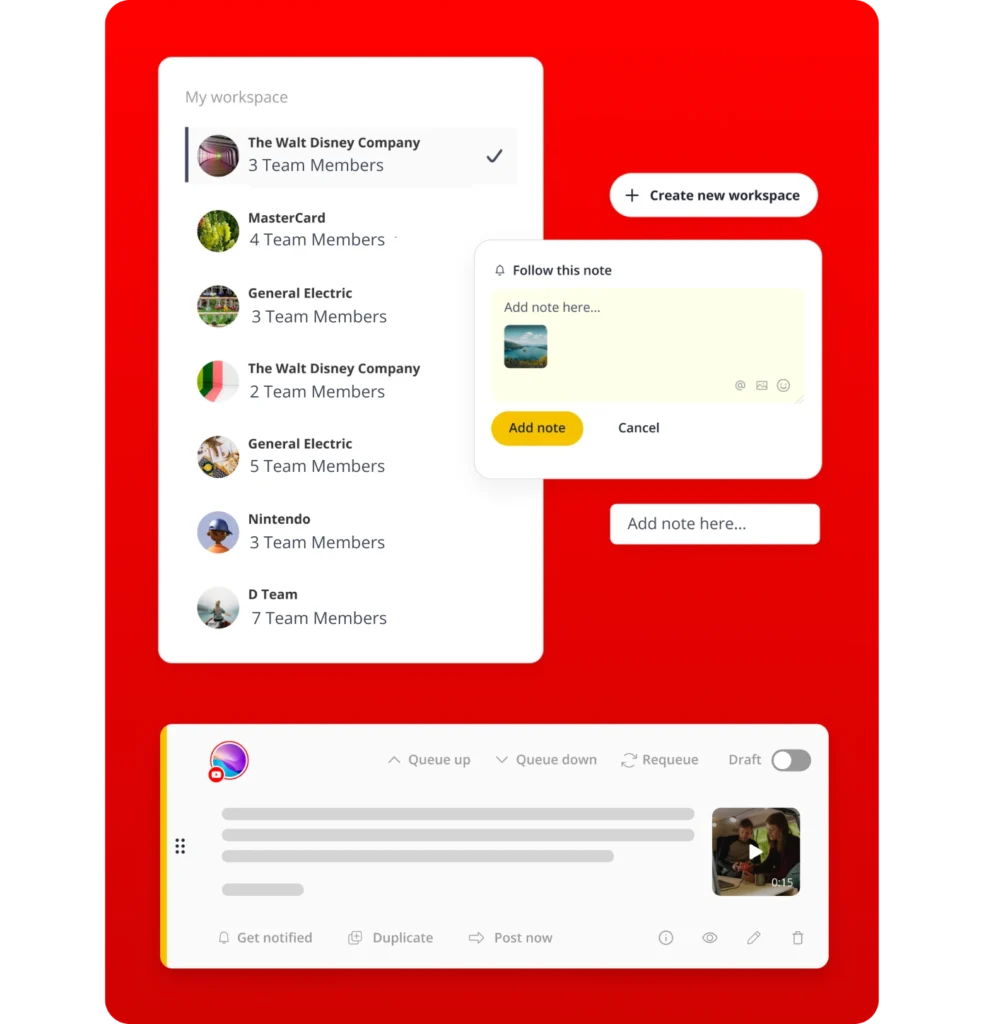
Yes, each channel can have its own workspace, with its own content, schedule and team access kept separate. Handy if you’re running things for more than one client or brand.

What's the best time to post on YouTube?

It depends on your audience, but SocialBee removes the guesswork by analyzing your past performance and suggesting optimal posting times. You can also lock in exact times for videos tied to launches, campaigns, or events.

How is this different from YouTube Studio?

YouTube Studio manages one channel at a time with limited planning tools. SocialBee lets you schedule YouTube Shorts and videos across multiple channels, collaborate with your team, use AI content tools and manage other platforms, all from one dashboard.

Can my team collaborate on scheduling?

Yes. Add teammates, give them roles and set things up so videos get a check before they go out. Leave notes on drafts so nothing gets lost between you and your team.

Do I need any technical skills to use SocialBee?

No. SocialBee is built for creators and teams, not developers. The interface is straightforward and step-by-step tutorials and onboarding resources help you get set up and scheduling within minutes of signing up.

Improve Your YouTube Content Planning Strategy

Try the full YouTube scheduling tool risk-free, with every feature unlocked and human support ready when you need it.

14-day free trial, no credit card required

Fill in the form and get our calendar delivered to your inbox

We’re SocialBee LABS SRL, part of WebPros. We use the information you provide to share relevant content and product updates, as outlined in our Privacy Policy. You can opt out anytime.
Grab our 2026 social media calendar and unlock 500+ content ideas and ready-to-use Canva templates!