

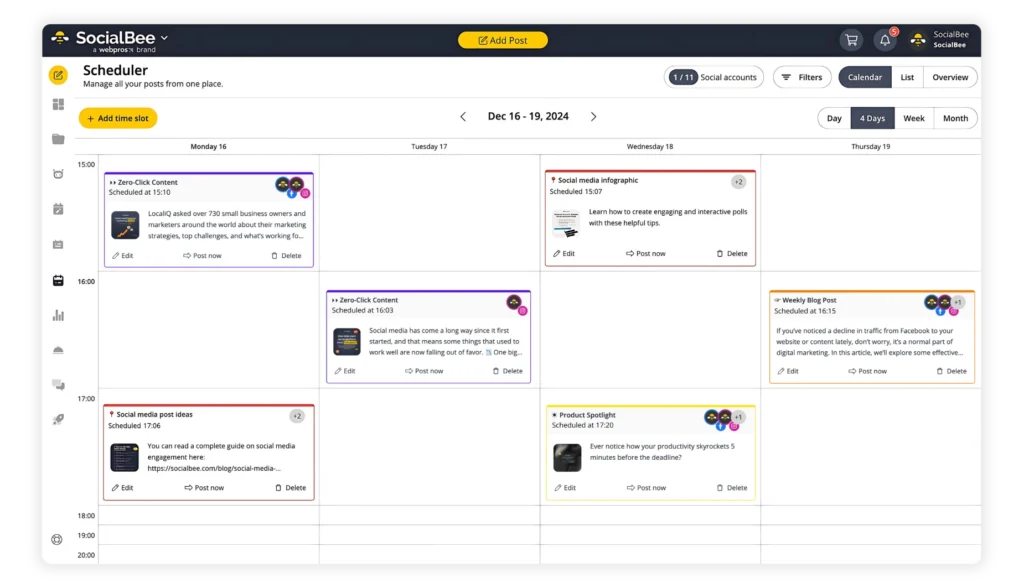
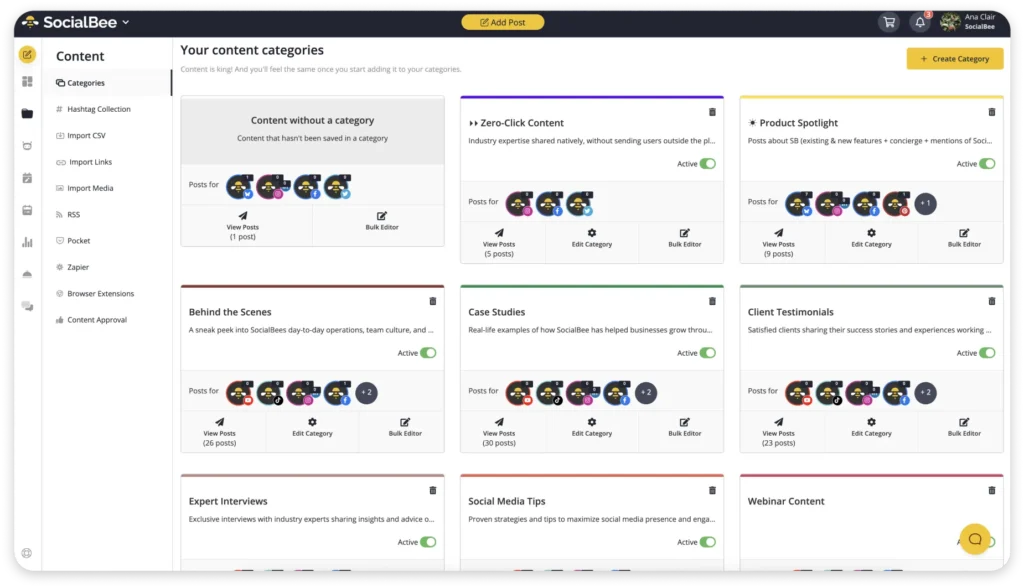
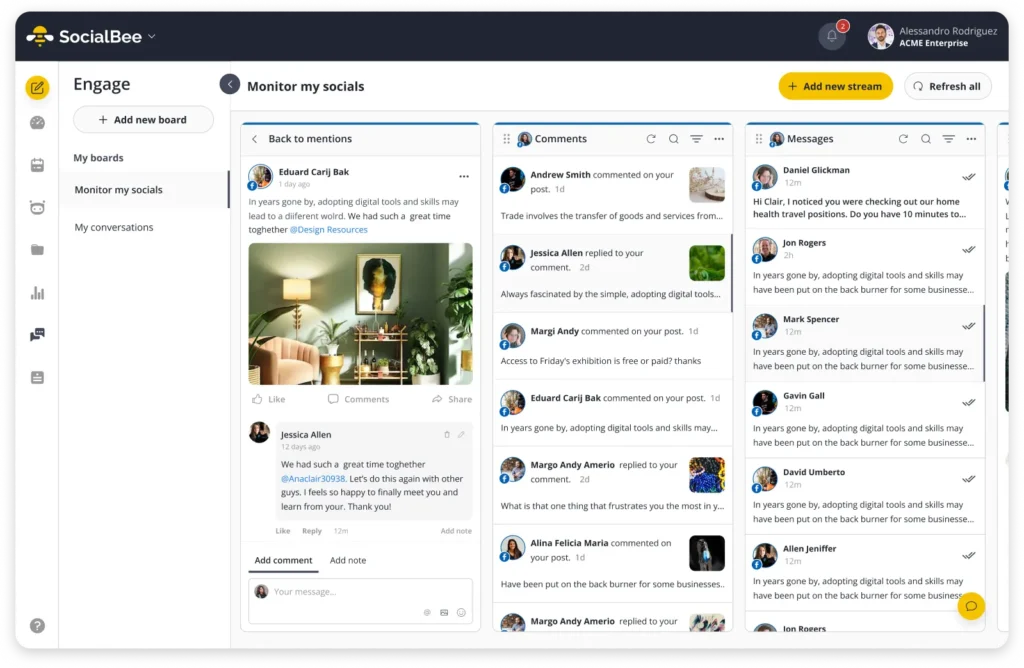
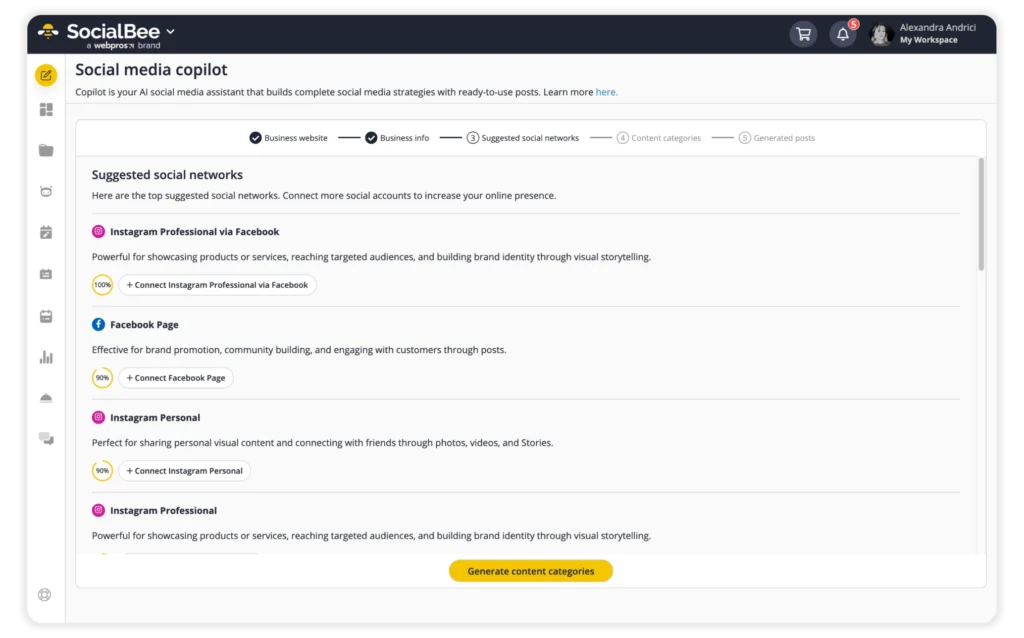
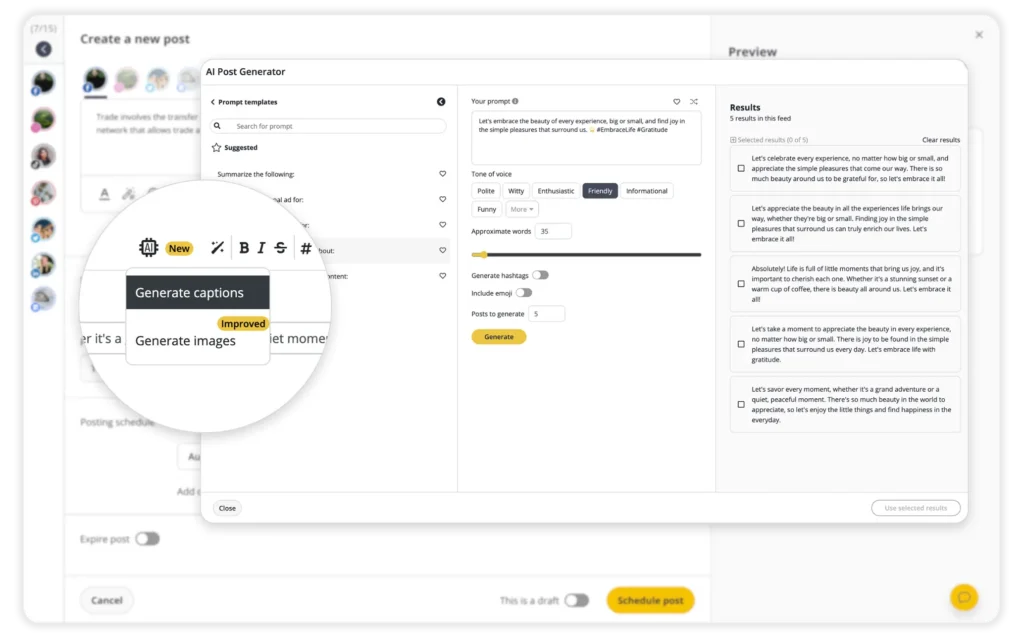
For my Instagram specifically, SocialBee includes a lot of the smaller features that make the experience feel much closer to posting natively inside Instagram. Alongside the usual scheduling features, I can manage first comments, hashtags, account mentions, location tags, video thumbnails, and image edits without leaving the platform.
SocialBee also tends to keep up with Instagram changes fairly quickly, adding Reel collaborators in April 2025 and expanding collaboration posts again in April 2026 to support up to 5 collaborators per post.
The integrations help reinforce that “all-in-one” feeling. Being able to pull visuals straight from Canva, Unsplash, and GIPHY saves time when putting posts together, while Quuu is helpful for finding content ideas. Zapier, Make, and Pabbly help automate repetitive tasks in the background, and built-in Bitly and Rebrandly support means I do not have to jump into another tool just to shorten links.
The tradeoff is that all these features can make SocialBee feel a little overwhelming at first. There is more to set up compared to simpler Instagram schedulers. I also notice occasional slow loading times here and there, though nothing serious enough to get in the way.
At this price point, it offers strong value. It is more affordable than many full social media suites, but still includes most of the features you need.
SocialBee pricing
SocialBee offers a 14-day free trial (no credit card required), but no permanent free plan. Paid plans start at $29/month.
2. SocialPilot – Best for client approvals
SocialPilot is a social media tool that started in 2014, created by Jimit Bagadiya and Tejas Mehta. The company slowly expanded to users around the world, eventually being acquired by group.one in 2025.
SocialPilot pros
- Easy to understand for both teams and clients
- Clean approval process that doesn’t slow down your Instagram content strategy
- Bulk scheduling is genuinely useful for campaign planning
- Strong value for money at team level
- Covers all core Instagram needs like first comments, tagging, and scheduling
SocialPilot cons
- Lower-tier plans feel too limited
- Reporting is good, but not very flexible
- Calendar can get messy with multiple brands
- Interface is functional, not particularly refined
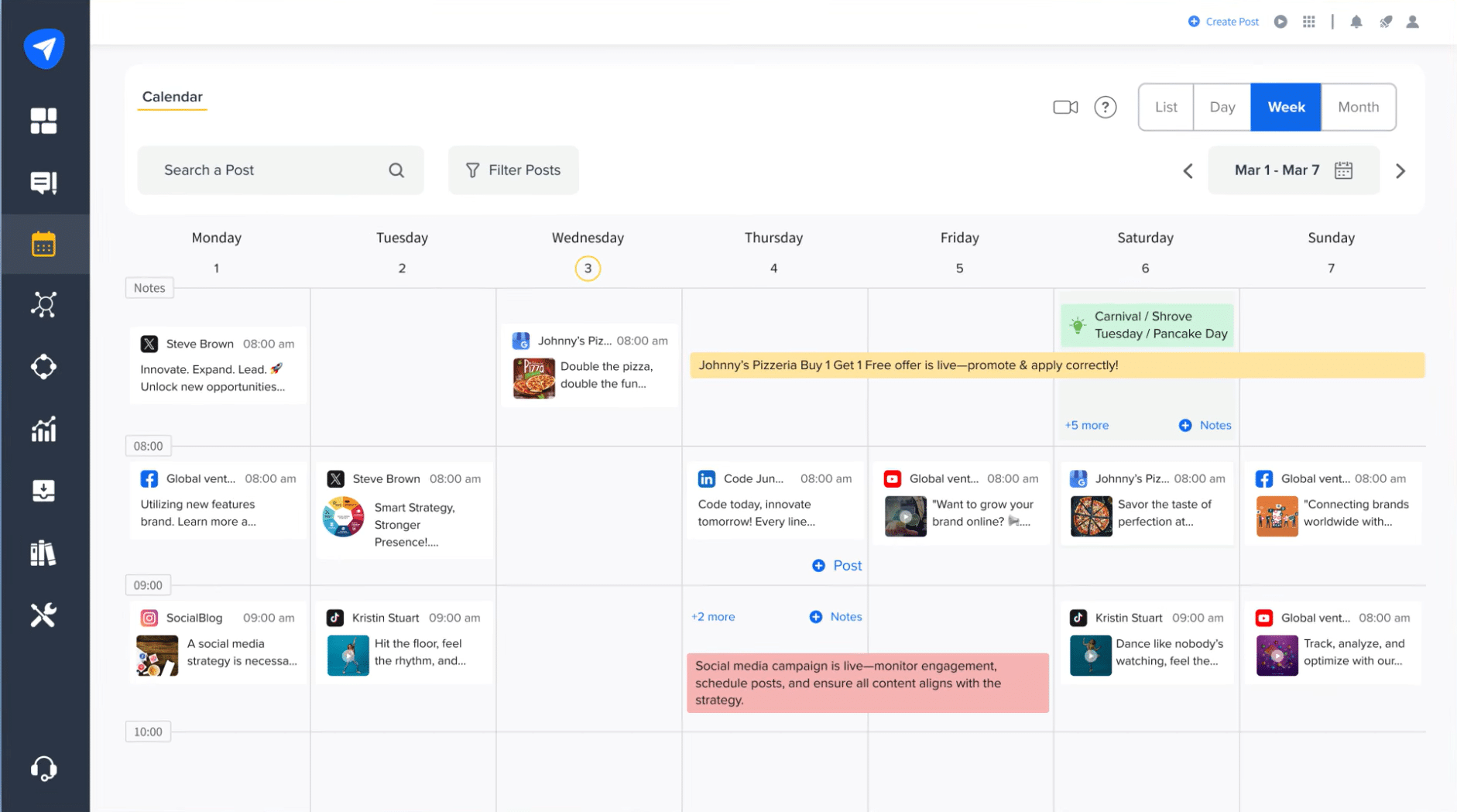
While testing SocialPilot, what stood out wasn’t a specific feature. It was how easy it was to move from “idea” to “approved post.” I could write a caption, tweak it for Instagram, drop it into the calendar, and send it for approval without switching tabs or explaining anything to a client.
That matters more than it sounds.
If you’ve ever tried to get a client to approve content inside a complex dashboard, you know the usual outcome. They ask for screenshots or move the conversation back to email. With SocialPilot, I didn’t run into that as much.
The bulk scheduling feature is another thing I ended up using more than expected. Uploading a batch of posts and adjusting them inside the calendar saved time, especially when planning Instagram content a few weeks ahead. It’s not flashy, but it’s practical.
Another part worth mentioning is the social media inbox. SocialPilot includes a unified social inbox where you can manage comments, messages, and mentions in one place. For client work, this saves time since you don’t have to switch between tools. You can also organize conversations with tags, group accounts by client, and use simple automation or AI to speed up replies. It’s not overly advanced, but it covers the basics well.
They’ve also been improving it recently. In November 2025, SocialPilot added a mobile version of the Social Inbox, so you can view conversations, reply to messages and comments, and manage engagement on the go, with filters, notifications, and quick mobile actions built in.
For Instagram specifically, everything you need is there. You can schedule posts, add first comments, tag locations, mention accounts, and preview how things will look before publishing.
One downside for me was the pricing structure. Essentials feels too stripped down if you’re doing anything beyond solo posting. You have to move up to Standard pretty quickly just to get collaboration and analytics. And if you want proper client approvals and reporting, you’re realistically looking at Premium.
The reporting also feels a bit rigid. I could track post performance and basic metrics, but customizing reports the way I wanted wasn’t always possible. It works, but it’s not where the tool shines.
The interface is another mixed point. It’s easy to use, which I like, but it also feels a bit plain. When managing multiple brands, the calendar can get crowded, and I sometimes had to double-check where posts were going.
Overall, SocialPilot is a strong choice if your main goal is to plan, review, and publish Instagram content with clients involved, without overcomplicating the process. It’s probably not ideal if you want deep analytics or a highly customizable reporting setup.
SocialPilot pricing
SocialPilot offers a 14-day free trial, but no free plan. Pricing starts at $30/month for the Essentials plan.
3. Iconosquare – Best for performance analytics
Iconosquare began in 2011 as Statigram, a free Instagram analytics tool, then rebranded in 2015 and evolved into a paid, full social media management platform. It expanded globally and added features like scheduling and reporting, and in 2022, its parent company, Tripnity, was acquired by Wedia Group, integrating it into a broader digital marketing ecosystem.
Iconosquare pros
- Excellent Instagram analytics
- Strong reporting and dashboard customization
- Best time to post recommendations
- Instagram grid preview and first comment scheduling
- Useful competitor, hashtag, and mentions tracking on higher plans
Iconosquare cons
- More expensive than basic schedulers
- Launch plan limits you to 100 posts per month
- Some collaboration and listening features require Scale or higher
- Not the best fit if you only need simple scheduling
With Iconosquare, you can schedule Instagram Stories, Reels, posts, carousels, and first comments, then preview posts on your grid before publishing.
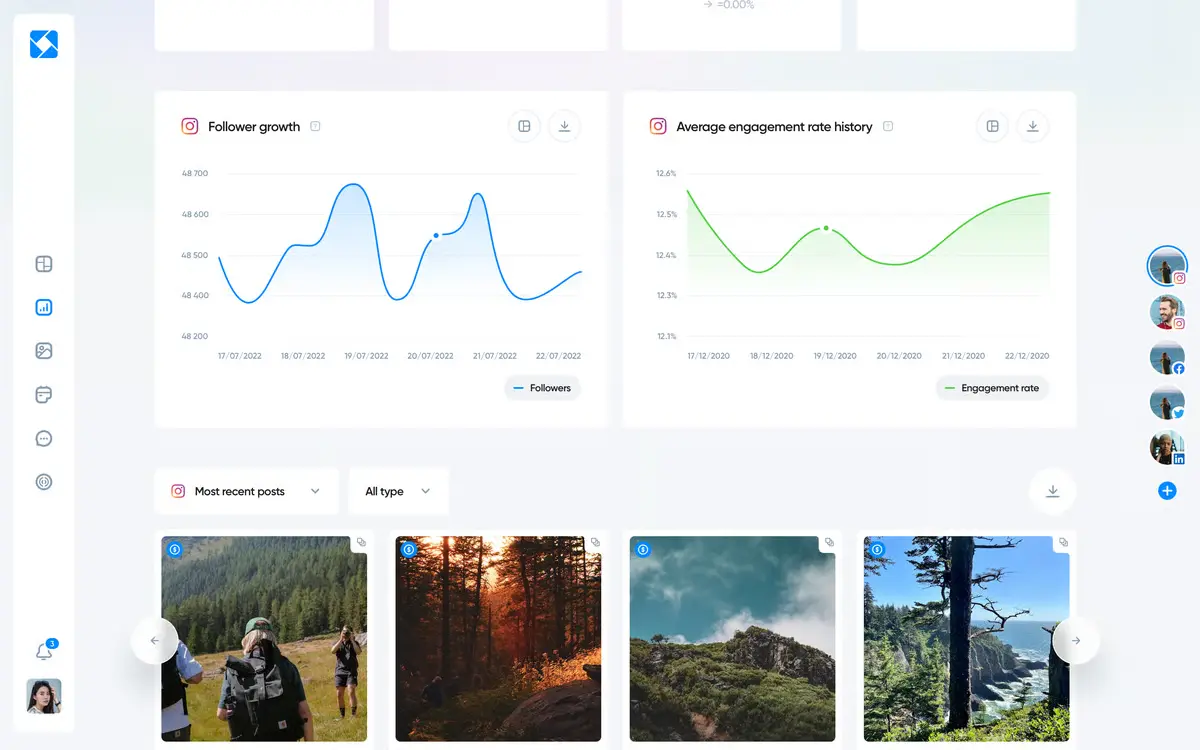
But the reason Iconosquare earns its spot is the analytics. You can track engagement, reach, impressions, follower growth, Reels performance, Stories analytics, promoted posts, mentions, hashtags, and competitors.
Iconosquare has also expanded its campaign analytics capabilities with Group Campaigns, a feature introduced in 2026 that lets teams track and analyze campaigns across multiple social profiles from a single unified dashboard.
The reporting features are also stronger than most tools in this category. You can build custom dashboards, schedule reports, export data, and create white-label reports on higher plans. For agencies or in-house social teams, that saves a lot of time at the end of the month.
It also includes tools for teams and clients to review posts before they go live, shared calendars for planning content together, and a built-in inbox for replying to comments, mentions, and Instagram DMs. On higher plans, you also get competitor tracking, hashtag tracking, and listening tools to monitor how other brands and campaigns are performing.
It is not the cheapest option, though. The Launch plan starts at €39/month, but it limits you to 100 posts per month and 1 user. The Scale plan is where the tool becomes much more complete, with unlimited posts, 3 users, approvals, inbox management, competitor tracking, hashtag tracking, and 2 years of data retention.
I also wouldn’t choose Iconosquare just for basic Instagram scheduling. It can do that, but you’d be paying for a lot of analytics power you may not use. This is better for people who report on social performance regularly and want data to shape their content decisions.
Iconosquare pricing
Iconosquare offers both a 14-day free trial and a limited free plan after the trial ends. Paid plans start at $46/month for 5 social media accounts (Launch plan).
4. Later – Best for visual planning
Later launched in Vancouver in 2014 as “Latergramme,” one of the first Instagram scheduling tools. It rebranded to “Later” in 2016 as it expanded into broader social media management across platforms like TikTok and Pinterest. In 2022, influencer marketing company Mavrck acquired Later, and the two companies later merged under the Later name to offer both social media scheduling and influencer marketing tools.
Later pros
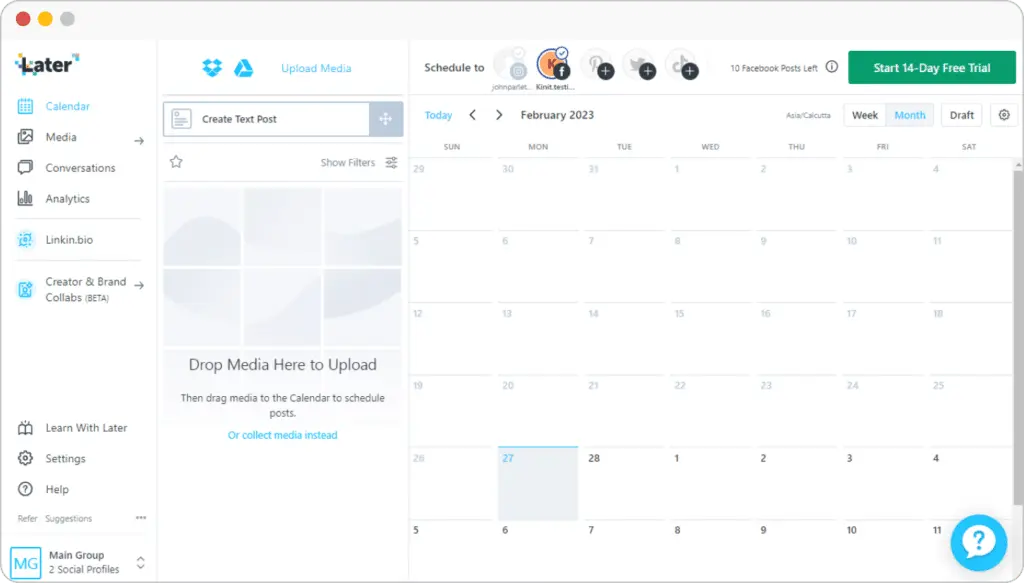
- Clean, visual drag-and-drop content calendar
- Very easy to learn and use to automatically post
- Strong Instagram-focused features (grid preview, best time to post)
- Built-in Link in Bio tool with analytics
- Good balance between scheduling, content organization, and light analytics
- Media library for easy access to all of the photos and videos you’ve uploaded
Later cons
- Analytics are not as deep as more data-focused tools
- Some features, like product tagging or collaboration, require higher plans
- Limited support for certain platforms, such as no X/Twitter
- Occasional limitations with video editing, music, or formatting
- Mobile app is less powerful than desktop
Later is one of those tools that feels straightforward from the first login. You upload your content, drag it onto a calendar, adjust captions, and you are done. There is very little friction, which is a big part of its appeal.
The core strength of Later is its visual planner. If Instagram aesthetics matter to you, this is where it stands out. You can preview your grid, move posts around, and make sure everything looks consistent before anything goes live.
Scheduling is flexible and reliable. You can auto-publish across multiple platforms, tweak captions per channel, and plan weeks or even months of content in one session.
Another standout feature is Link in Bio (Linkin.bio). Instead of a single link, you can create a mini landing page that mirrors your Instagram feed and drives traffic to products, blog posts, or campaigns. For creators and ecommerce brands, this adds real value beyond scheduling.
Later also continues investing heavily in AI. In late 2025, the company introduced Later EdgeAI, a predictive intelligence system built on Later’s proprietary creator, campaign, and social commerce data. The platform is designed to improve creator matching, campaign forecasting, and performance predictions, especially for brands running influencer marketing campaigns at scale.
Where Later starts to show limitations is in analytics. You get performance tracking, best posting times, and basic insights across platforms, but it is not as deep or customizable as other tools. If your work depends on detailed reporting or advanced data breakdowns, you may find it a bit limited.
Another downside is that features like custom analytics, social listening, and competitive benchmarking are only available on higher-tier plans like Scale. Starter and Growth are more focused on scheduling and light optimization.
Overall, I’d go with Later if the visual side of Instagram matters most to you. It makes planning and organizing content feel simple and quick. It is not the most advanced tool here for analytics or team management, but for keeping an Instagram feed consistent and visually organized, it does the job really well.
Later pricing
Later offers a 14-day free trial. Paid plans start at $25/month for the Starter plan.
5. Metricool – Best for simple social scheduling with powerful reporting
Metricool started as a side project in 2014, when Laura Montells and Juan Pablo Tejela built a simple blog analytics tool, and then turned it into a real company in 2015. From there, Metricool grew into an all-in-one social media platform, expanded internationally after a 2022 investment from Axon Partners Group, and became part of team.blue in 2024, helping it scale further.
Metricool pros
- Useful free plan
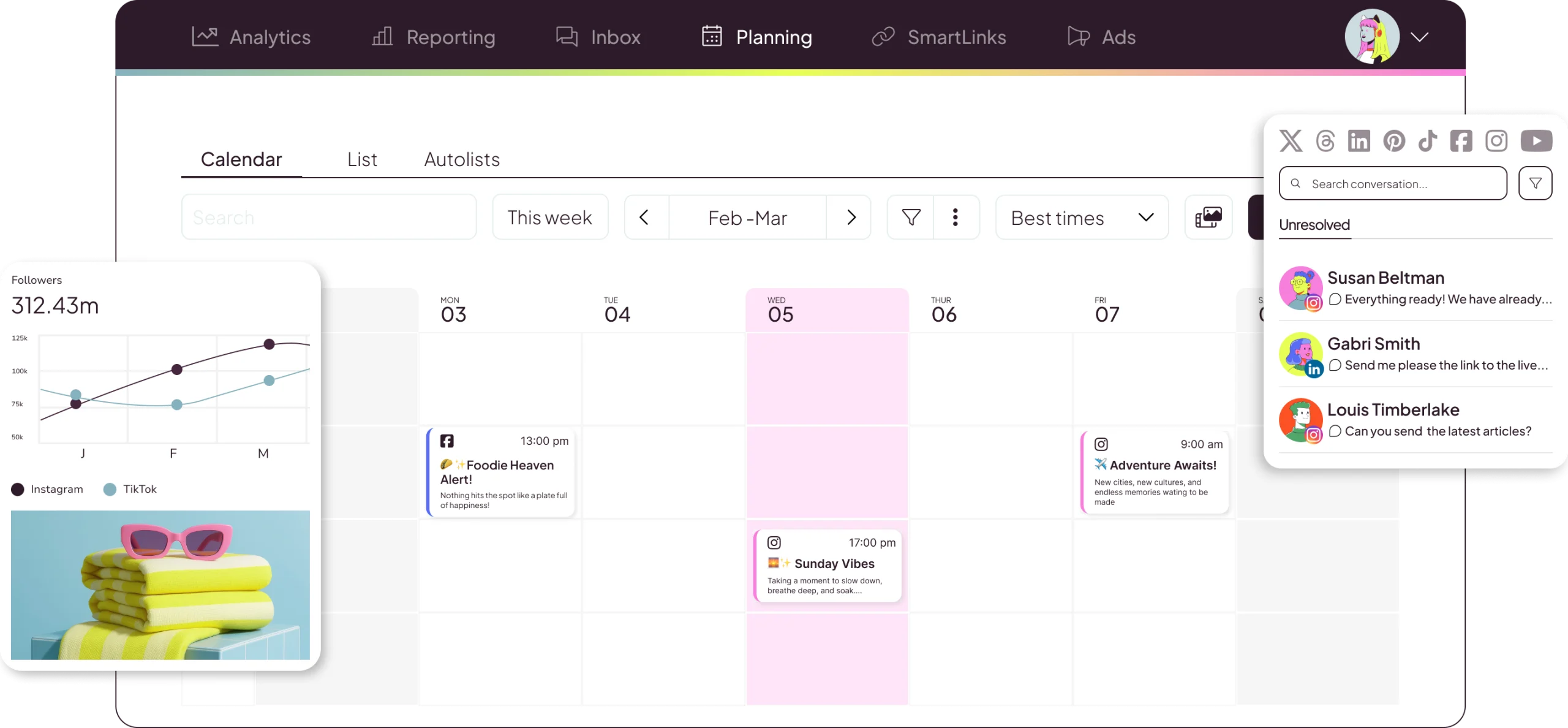
- Clear visual planner
- Strong Instagram analytics and reports
- Competitor tracking included, even on the free plan
- Can connect social, website, and ad data in one place
Metricool cons
- Free plan does not include LinkedIn or X
- Only 20 scheduled posts per month on the free plan
- Team features require the Advanced plan
- X costs extra as an add-on
- Dashboards can feel dense once you connect several channels
Metricool is one of the few social media tools that actually feels built for people who care about performance, not just scheduling posts.
The scheduling side is easy to use. I could plan Instagram posts, Reels, Stories, carousel posts, and even recurring content from a clean visual calendar without much effort. The best-time suggestions are genuinely useful, especially if you’re trying to improve reach without constantly guessing when to post.
But the real reason I’d use Metricool is the analytics.
A lot of scheduling tools stop at surface-level metrics. Metricool goes much deeper. You get Instagram analytics, Reels and Stories insights, competitor tracking, hashtag analysis, website analytics, ad tracking, audience data, and customizable reports in one dashboard.
What makes those analytics useful is the context around them. Metricool doesn’t just show engagement numbers. It helps you understand when your audience is online, which content formats are working, how competitors are performing, and whether your social content is generating traffic or conversions. Metricool also partnered with Adobe Express in 2025, making it easier to create content and immediately track how those posts perform across social media platforms.
I also think the platform is stronger for agencies than it first appears. Higher-tier plans include approvals, role management, client collaboration, customizable reports, Looker Studio integration, API access, and white-label options. If you manage multiple brands or clients, those features save a surprising amount of time.
The biggest downside is that Metricool can feel dense once everything is connected. The dashboards contain a lot of information, and some features are split across plans or paid add-ons.
Overall, Metricool works best for marketers, agencies, and businesses that care as much about analytics and reporting as publishing content.
Metricool pricing
Metricool includes a free plan with limited features and also offers paid plans starting at $25/month.
Which Instagram scheduling tool should you choose?
Picking the best Instagram scheduler for your business and personal accounts can sound simple. Just find something that lets you schedule posts and move on, right?
But the decision isn’t really about features; it’s about how you work.
If your biggest problem in your digital marketing strategy is staying organized, you need something that makes planning clear and visual. If approvals keep delaying your content, you need a tool that keeps everything in one place and easy to review. If you’re posting regularly but not seeing results, you need better insights, not more posts.
Most tools in this category can handle the basics. Scheduling, captions, previews. That part is solved.
What actually matters is what happens around that. Planning, reviewing, improving, repeating.
Once you look at it that way, the choice becomes much clearer.
Pick the Instagram scheduling apps that solve the part of the process you struggle with most.
This article was originally published in May 2022 by Alexandra and most recently updated in May 2026. |